
Introduction
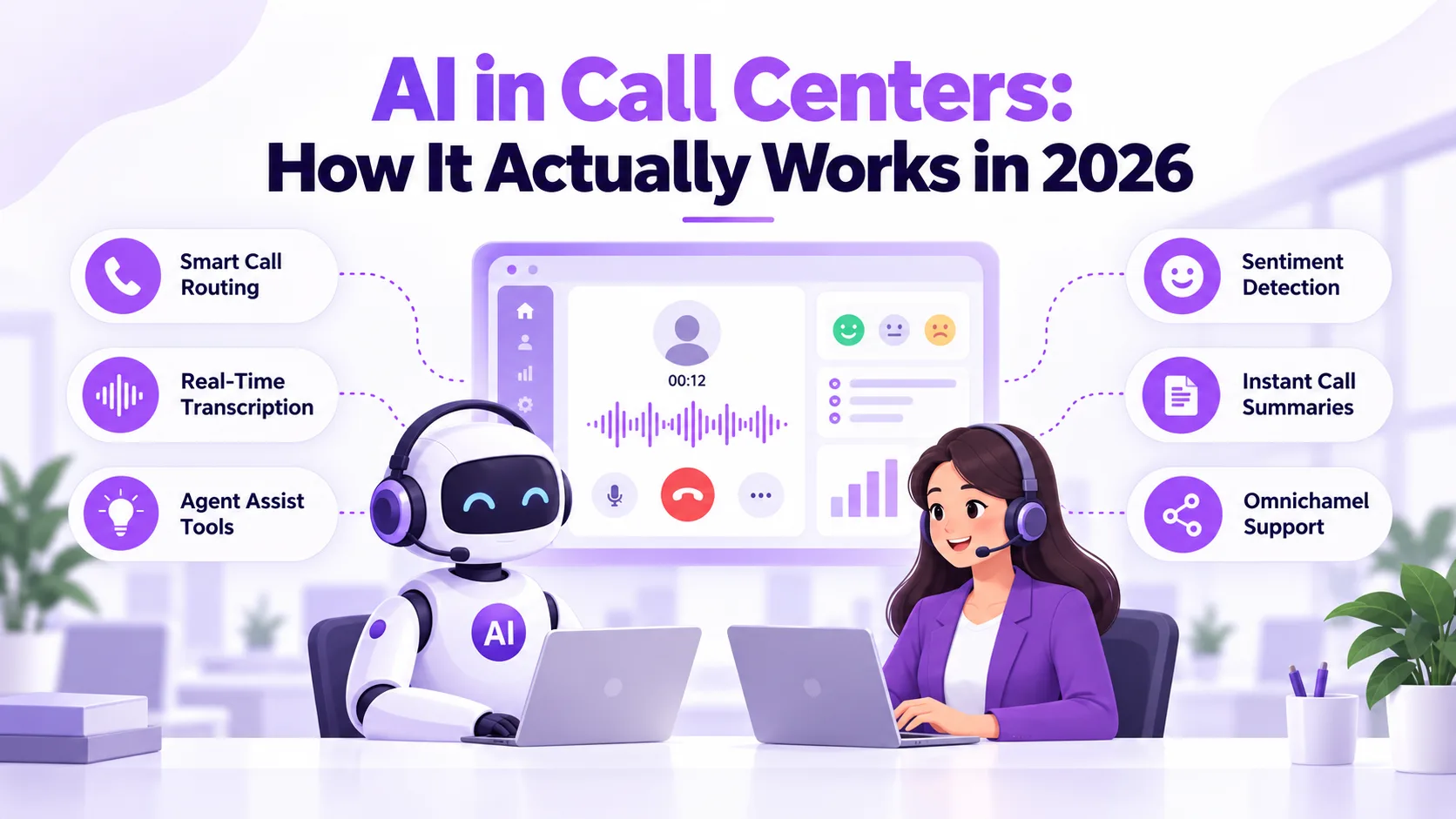
Call centers used to run on scripts, hold music, and a queue that only grew during busy hours. AI in call centers changes that equation by handling routine questions, routing callers by intent, and giving agents live support during the call itself. The technology has moved well past chatbots that frustrate customers — modern systems understand natural speech and take real action. This guide walks through what it actually does, the results teams report, and how to roll it out without the common missteps — the same playbook Ringflow's own contact center customers follow.
None of this requires ripping out your existing setup. Most teams layer AI on top of the phone system and CRM they already use, starting with one task and expanding once it proves out. What follows covers the use cases worth trying first, the numbers behind the hype, how this compares to older automation, and the security questions worth asking before you sign with any provider. That consistency, more than any single feature, is what convinces most teams to expand past their first use case.
What Is AI in Call Centers?
AI in call centers refers to speech recognition, natural language understanding, and automation working together to handle or support live phone calls. A system can greet a caller, figure out what they need through normal conversation, and either resolve the request directly or pass it to the right person with full context. It is not one tool but a layer that sits across the whole call — before, during, and after the conversation ends.
The practical effect is a call center that runs on two tracks at once. Simple, repetitive requests get resolved instantly without tying up a live agent, while anything emotional, unusual, or high-stakes reaches a person who already has the context they need. That split is what makes the technology useful rather than annoying — customers reach a resolution faster, and agents spend their time on calls that actually need a human. Getting that split right is the difference between a tool customers barely notice and one that visibly slows them down.
Where AI in Call Centers Delivers Value
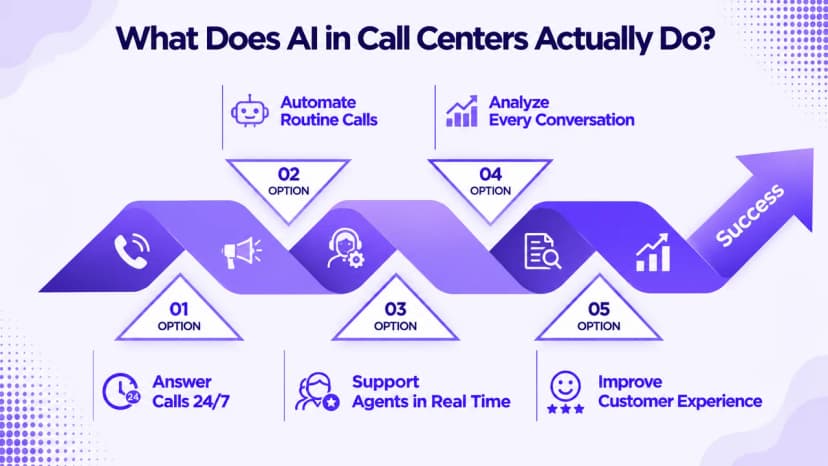
The clearest wins show up in call types that repeat hundreds of times a week. A well-configured AI phone agent can answer the same handful of questions all day without ever sounding tired or scripted, freeing staff for calls that need judgment. Before picking a use case, look at your call logs for the requests that eat the most time relative to how simple they actually are.
Coverage gaps are just as valuable a target as high call volume. After-hours calls, lunch-break coverage, and overflow during a marketing push all tend to go unanswered with a small team, and each one is a lead or a frustrated customer walking away. The use cases below span both angles — cutting repetitive work and closing coverage gaps — so pick whichever matches your biggest pain point first.
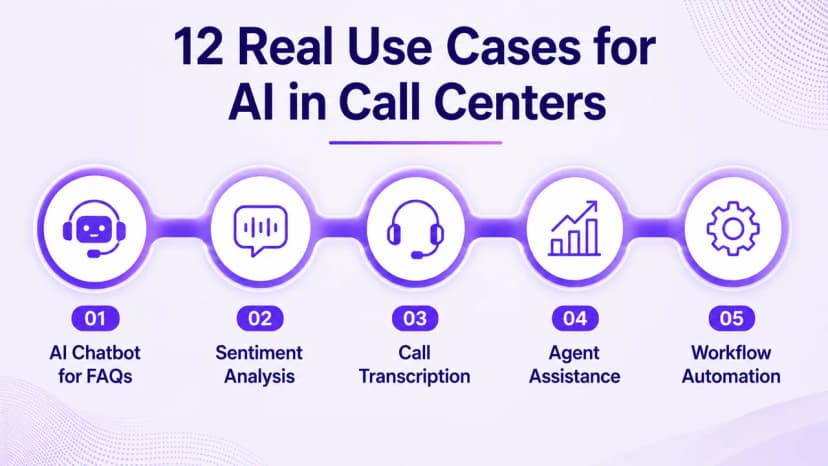
- Answering FAQs about hours, pricing, and order status without hold time
- Routing callers to the right department by what they say, not a menu
- Booking and rescheduling appointments automatically, even after business hours
- Picking up overflow calls during spikes so none reach voicemail
- Giving agents live answer prompts pulled from your knowledge base mid-call
- Logging a call summary straight to the CRM the moment the call ends
Real Results You Can Expect
Numbers matter more than a vendor's pitch deck, so it helps to know what realistic results actually look like. Teams running AI assist alongside live agents typically see handle time drop and first-response speed improve within the first few months, not years. Customer satisfaction tends to follow once the wait gets shorter and answers get more consistent across every shift, including nights and weekends when staffing is thinnest — the pattern Ringflow customers report most often.
These gains compound in ways a single metric misses. Shorter handle time means each agent covers more calls without feeling rushed, which shrinks the queue further on its own. Faster onboarding for new hires matters too, since AI prompts reduce how much a rep needs to memorize before they can handle a live call confidently. Reading the results as a system, rather than one isolated number, gives a truer picture of the return.
- Lower average handle time once AI assist joins live calls
- Faster first response on both phone and chat channels
- Higher customer satisfaction scores within the first quarter
- Shorter ramp time for new agents during busy hiring seasons
- More consistent answers across every shift, including nights and weekends
AI in Call Centers vs. Traditional Systems
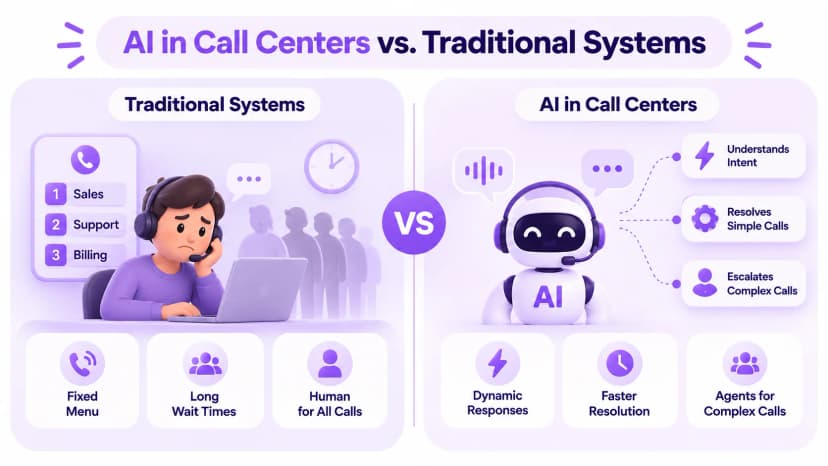
A traditional call center runs on a phone tree and a queue: press 1 for sales, 2 for support, then wait for the next available agent. It works, but it forces every caller into a fixed set of options and treats a simple question the same as a complex one. Wait times climb during busy periods because every call, no matter how routine, ties up a human agent from start to finish.
AI in call centers replaces that rigid structure with a system that understands intent and adjusts on the fly. Simple requests resolve without ever reaching a queue, while complex ones still land with a live agent, just with the groundwork already done. The two approaches are not mutually exclusive — most modern call centers keep a traditional queue as the fallback and use AI as the first line for everything routine.
How to Roll Out AI in Your Call Center
The rollouts that actually work start narrow. Pick one or two use cases with a clear, measurable goal instead of trying to automate the whole floor on day one. Connect the system to your CRM and knowledge base so it has real data to work with, and write clear rules for when a call should hand off to a person rather than stay in an automated flow. Momentum builds fastest from an early, visible win.
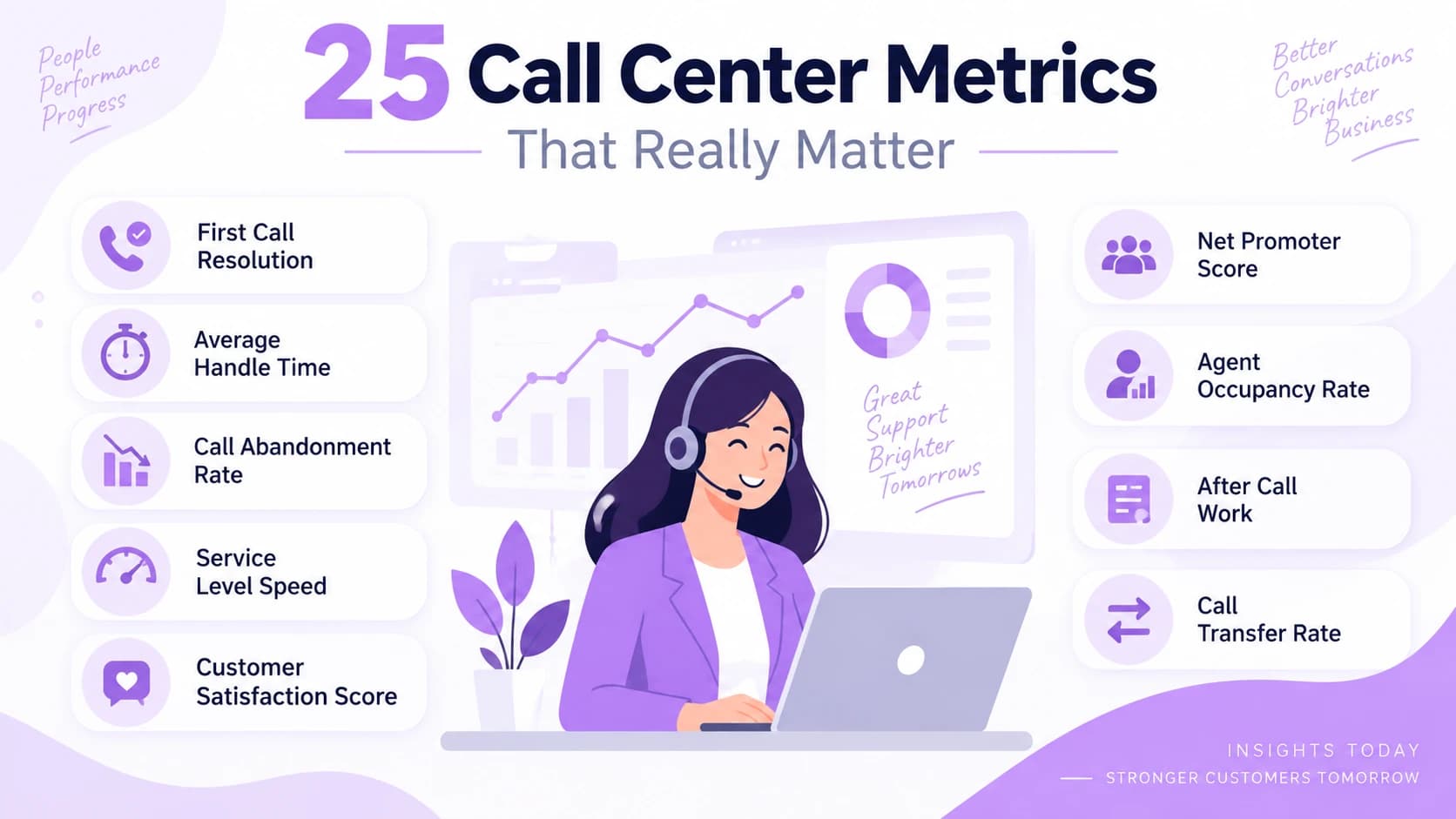
Once the pilot is live, track it against the same call center metrics you already use for agents, so the comparison stays apples to apples. Review real call recordings weekly during the first month, since that is where you catch the phrasing and edge cases the initial setup missed. Expand to a second use case only once the first one is clearly hitting its target, and resist the urge to automate everything at once just because the first win landed fast.
- 1Choose one high-volume use case with a specific, measurable goal
- 2Connect your CRM and knowledge base before the pilot begins
- 3Write clear handoff rules for anything emotional or unclear
- 4Run a two-week pilot and review real call recordings often
- 5Expand to a new use case only after the pilot hits target
Security, Compliance, and Data Privacy
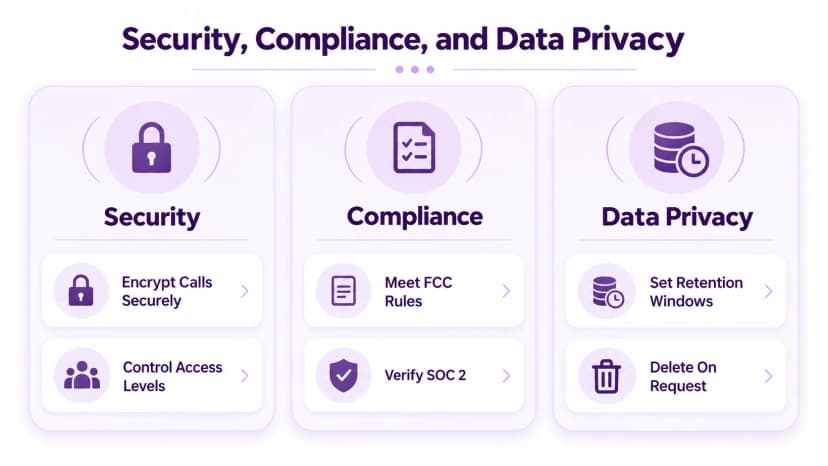
Every call handled by AI still involves personal information, so security has to be part of the decision from the start, not an afterthought once the system is live. Look for a provider that encrypts calls in transit and at rest, limits who inside your own team can access recordings, and gives you a clear answer on how long data is kept before it is deleted.
US voice providers are also required to authenticate calls under the FCC caller-authentication rules, so confirm any vendor you evaluate actually complies rather than taking the claim at face value. Ask about SOC 2 status, data retention windows, and whether recordings can be deleted on request. The extra hour spent comparing vendors on these details up front is far cheaper than fixing a compliance gap after launch.
Conclusion
AI in call centers is no longer an experiment reserved for large enterprises with big budgets. The use cases above show exactly where it saves time, the results section shows what realistic gains look like, and the rollout steps give you a way to start without betting the whole floor on day one. The technology works best as a layer on top of your team, not a replacement for the judgment a real conversation still needs. Ringflow packages that layer into one platform built for exactly this kind of rollout.
The fastest way to know if it fits your call center is to test it against your own real calls rather than reading another comparison. Start with the single use case that costs your team the most time today, measure what changes over two weeks, and expand from there. A focused pilot answers the question a feature list never can: whether this actually makes your floor run better. Treat the first two weeks as a test, not a commitment, and the decision becomes much easier to make.
Ready when you are
Ready to see AI in call centers handle your own calls end to end?
Test Ringflow against real traffic and watch it route, coach, and summarize in real time.
Frequently Asked Questions
It is technology that answers, routes, and supports phone calls using speech recognition and automation, working alongside live agents rather than replacing them entirely.
A phone menu forces callers to press buttons and pick from fixed options. AI in call centers lets callers speak naturally and understands what they actually need.
Most teams see handle time drop and first-response speed improve within the first quarter, with customer satisfaction following once wait times shrink.
No. Most AI tools layer on top of your existing phone system and CRM, so you can start with one use case without a full platform switch.
Yes, with a provider that offers encryption, clear data retention rules, and compliance with call-authentication standards like STIR/SHAKEN.