
Introduction
Call center software is the system that connects customers to the right agent, shows that agent who is calling and records what happens next. Without it, a team handles calls from a shared line, a spreadsheet and a lot of memory. With it, every call has a route, an owner and a record.
The market is crowded, and most vendors describe themselves with the same words. This guide cuts through that. It explains what these platforms do, which features matter, how the main types differ and how to choose one you will still be happy with in a year.
What Is Call Center Software?
A call center platform manages inbound and outbound customer conversations for a team of agents. It answers calls, sorts them with menus and rules, places them in queues and hands them to the best available agent. It also gives supervisors a live view of what is happening and a record of what was said.
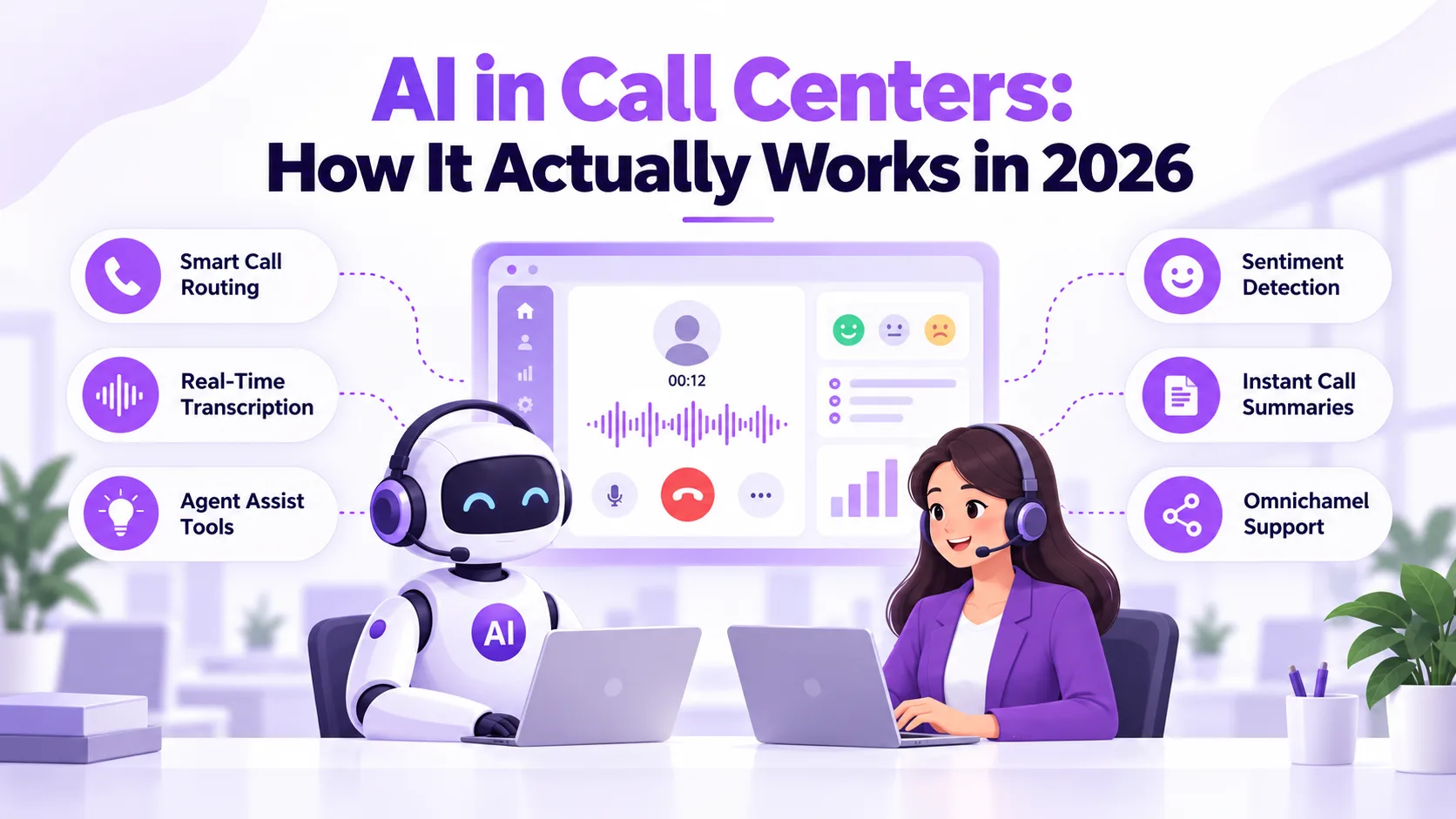
Modern platforms go beyond voice. They bring chat, email and text messages into one agent workspace, so a customer can switch channels without repeating themselves. A cloud contact center such as Ringflow AI Contact Center follows this approach: voice, chat, email and SMS appear in a single workspace, with routing, queue dashboards and agent assist built in.
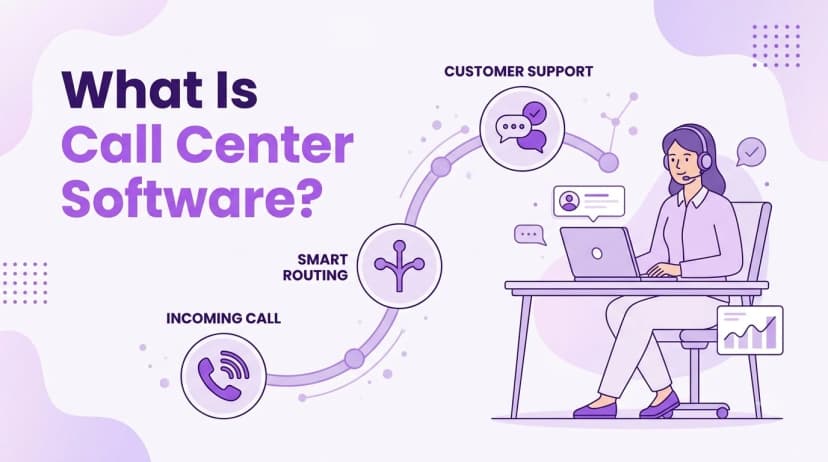
In practice, a single call follows a short path. The caller reaches your number, a menu or a quick question sorts the request, the platform picks an agent based on skills and availability, and the agent sees the customer record as the call connects. When the call ends, the notes, recording and outcome are saved so the next person who speaks to that customer starts with the full picture.
Teams usually adopt a platform like this to solve a few clear problems:
- Long waits: callers sit in a line with no way to reach the right person
- No visibility: supervisors cannot see queue spikes until customers complain
- Scattered history: agents lack context from earlier calls or messages
- Manual dialing: outbound teams lose hours to dialing, voicemail and notes
- Weak reporting: leaders cannot link call data to service quality
Core Call Center Software Features
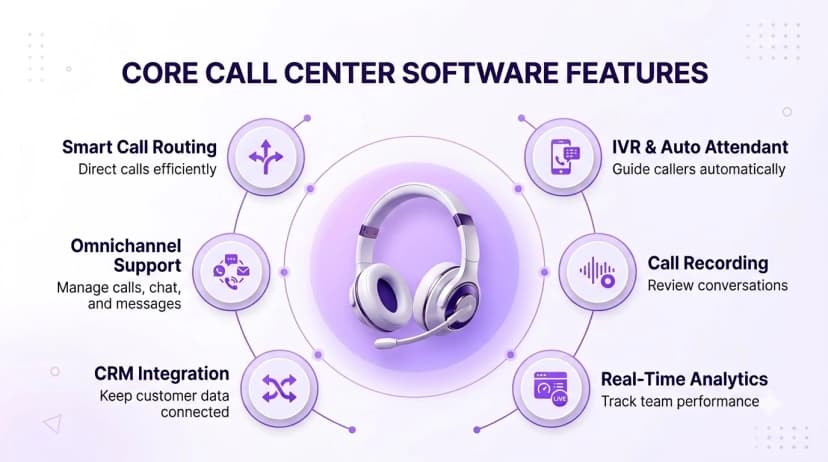
Long feature lists hide the handful of capabilities that decide whether a platform works for you. Start with these.
- Interactive voice response (IVR): a menu that greets callers and sorts them by need
- Skills-based routing: sends each call to the agent best able to handle it, using skills, language or account ownership
- Queues and callbacks: holds callers fairly and offers a callback instead of a long wait
- Omnichannel inbox: puts voice, chat, email and SMS in one place with a single customer history
- Outbound dialing: supports campaigns with dialer modes that vary by plan, plus controls to keep calling compliant
- Call recording and monitoring: lets supervisors review calls and coach agents
- Real-time dashboards: show queue length, wait times and agent status as they change
- Reporting and analytics: tracks the numbers you use to run the team, such as answer rate and handle time
- CRM integration: logs calls to the customer record and shows the record on screen when a call arrives
- AI assistance: transcribes calls, suggests answers to agents and writes post-call summaries
Do not judge a platform by the number of features. Judge it by whether the five you use every day are easy to set up and easy for agents to use.
It also helps to sort features by who uses them. Agents care most about routing, the omnichannel inbox and the customer record on screen. Supervisors care about dashboards, monitoring and recordings. Managers care about reporting and integrations. A platform that serves all three groups well will be adopted faster than one that only impresses in a demo.
Types of Call Center Software
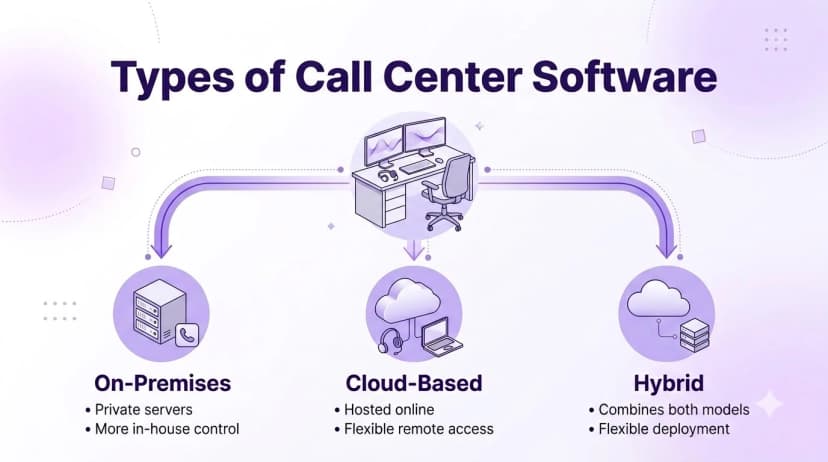
These platforms are usually grouped by where they run and what they are built to do. The table below shows the common options.
| Type | Where it runs | Best for | Main trade-off |
|---|---|---|---|
| On-premises | Servers in your own data center | Organizations with strict internal control rules | High upfront cost and slow upgrades |
| Cloud contact center | Provider cloud, agents sign in through a browser or app | Teams that want fast setup and remote agents | Depends on a stable internet connection |
| Inbound-focused | Cloud or on-premises | Support and service desks | Limited outbound campaign tools |
| Outbound-focused | Cloud or on-premises | Sales and collections teams | Less depth for service queues |
| Hybrid | Part on your servers, part in the provider cloud | Teams moving to the cloud in stages | Two environments to manage |
| Omnichannel platform | Cloud | Teams that handle voice, chat, email and SMS together | More to configure at the start |
Most growing teams choose a cloud platform because they can add agents without buying hardware and change routing without calling an installer. If you are comparing it with a general business phone system, remember that a phone system routes calls to people, while a contact center platform also manages queues, agent performance and customer history.
Hybrid setups are common for teams that already own equipment and want to move to the cloud in stages. They keep existing hardware running while new agents or new locations start on the cloud side. The trade-off is that you manage two environments for a while, so set a clear date for when the older system will be retired.
How to Choose the Right Platform
A good choice starts with your own operation, not a vendor feature page. Work through these steps.
- 1Define your call mix. Decide how much of your work is inbound, outbound or blended, and which other channels you must support.
- 2Count agents and peaks. Note your team size today and in a year, and the busiest hour of the day, since queues fail at peaks.
- 3Map your tools. List the CRM, help desk and other tools the platform must work with and confirm the integrations exist at the plan you will buy.
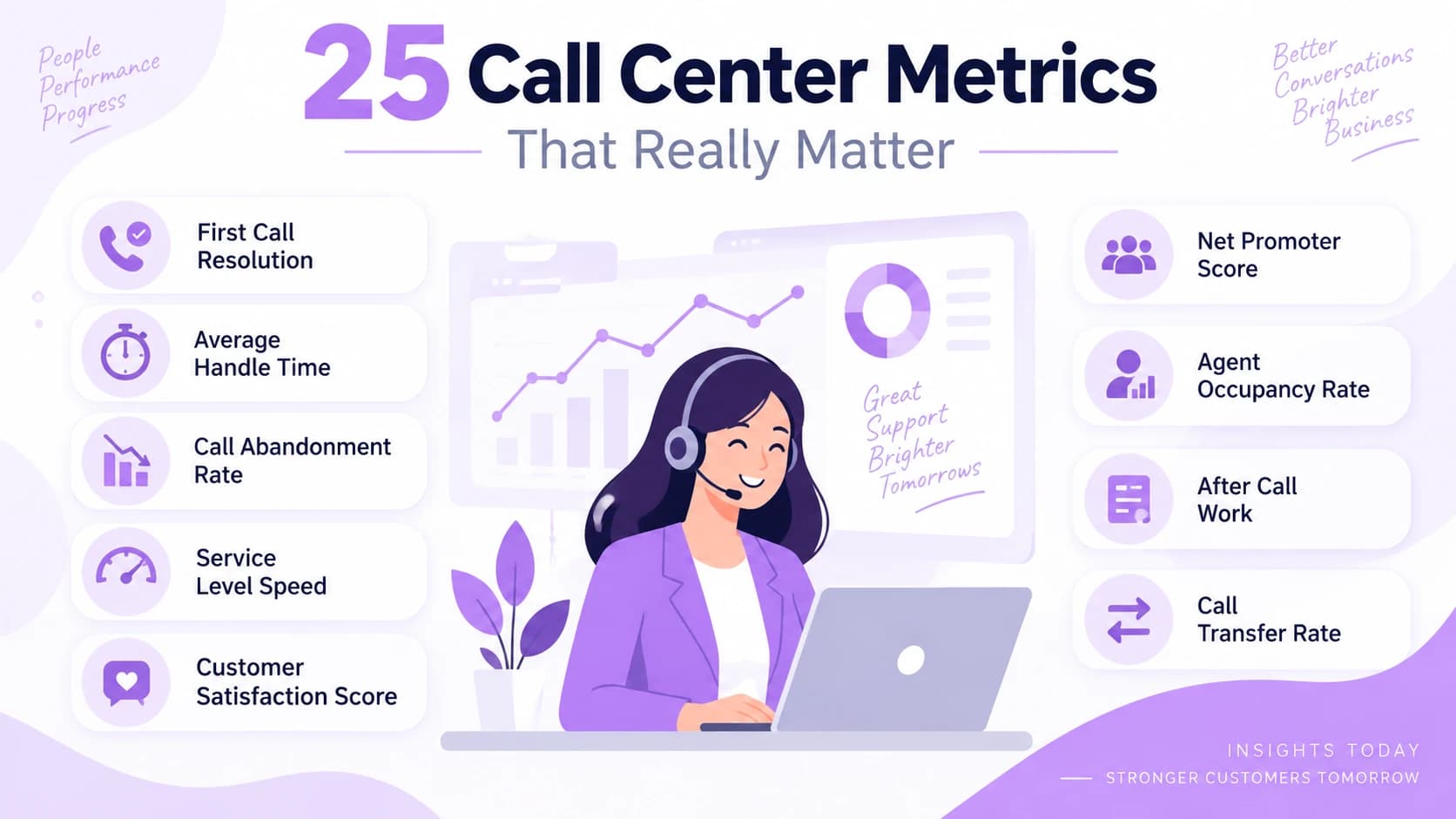
- 4Choose the numbers that matter. Decide which results you will track, such as wait time, abandonment and first-contact resolution. The list of call center metrics worth tracking is a good starting point.
- 5Ask about setup time. Ask how long it takes to go live and what migration involves if you have complex menus.
- 6Check plan limits. Confirm which features sit on which plan, such as call recording retention, dialer modes and analytics depth.
- 7Run a pilot. Put a small team on the platform for a couple of weeks with real calls before you commit.
Ringflow lists a 14-day free trial with no credit card required and free number porting, which gives a team time to test routing and reporting before deciding. Whatever vendor you evaluate, insist on a trial or a pilot with your own call flows.
A few mistakes show up again and again. Teams buy for the longest feature list instead of their real call mix, skip the pilot, forget to check what is included in each plan, or leave agents out of the decision. Involving two or three agents and one supervisor in the trial catches problems that a buyer reading a brochure will never see.
Security and Compliance
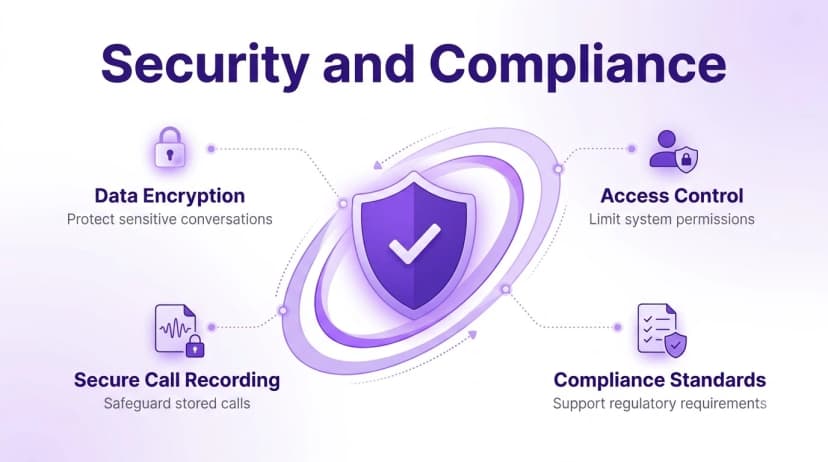
These platforms hold recordings, customer details and sometimes payment information, so they need the same care as any system that touches customer data. For outbound teams, the rules are stricter. The FTC explains how the Telemarketing Sales Rule restricts abandoned calls and sets requirements for sales calls, so check how a platform helps you stay inside those limits.
Ask every vendor these questions:
- Caller authentication: do outbound calls carry STIR/SHAKEN attestation
- Outbound controls: what built-in controls help you follow calling rules
- Data encryption: is customer data encrypted in transit and when stored
- Recording access: who can play back recordings and is access logged
- Recording consent: can prompts be set to match the states where you call
- Data handling: where is customer data stored and how long is it kept
- Reliability: what uptime commitment is in the contract and how are credits handled
Get these answers in writing. A vague yes in a sales call is not a commitment.
Internal habits matter as much as vendor features. Limit recording access to the people who need it, remove accounts when staff leave, and review who can export call data. A secure platform still depends on the people using it.
Conclusion
The right platform makes it easier for customers to reach the right person and easier for your team to do good work. Start with your call mix and your busiest hour, pick the type that fits, and judge features by whether agents will actually use them.
Run a pilot before you sign. A short test with real calls shows you routing, call quality and reporting in a way no demo can. A free trial of Ringflow is a low-risk way to see how it handles your own queues.
Ready when you are
Ready to see a contact center platform handle your own queues?
Set up routing, queues and dashboards, then take your first call the same day with a 14-day free trial.
Frequently Asked Questions
It is a platform that routes customer calls and messages to agents, manages queues and records conversations. It also gives supervisors live dashboards and reports so they can manage the team.
A business phone system connects staff and customers by phone. A contact center platform adds queues, skills-based routing, agent monitoring, customer history and reporting for teams that handle high call volumes.
Cloud is usually faster to set up and easier to scale, and agents can work from anywhere. On-premises gives more direct control but costs more upfront and takes longer to change. The right choice depends on your size, budget and compliance rules.
At minimum, look for IVR, skills-based routing, queues, call recording, real-time dashboards, CRM integration and reporting. Outbound teams should also check dialer modes and compliance controls.
Simple cloud setups can be ready in days, while teams with complex menus and migrations may need a few weeks. Ask each provider for a timeline based on your call flows and integrations.