
Introduction
Outbound teams live and die by connect rates. Sales development, renewals, collections, appointment setting and customer follow-up all depend on reaching people by phone, and every unanswered call, spam label or compliance mistake costs real money.
Outbound call center software is built for that work. This guide covers what it does, the features that matter, the rules it must help you follow, how vendors price it and how to choose one. If you need a general overview of inbound and outbound platforms first, start with the guide to call center software.
What Is Outbound Call Center Software?
Outbound call center software is a platform that helps a team place large numbers of calls efficiently and within the rules. It automates dialing, manages call lists, keeps caller ID trustworthy, records results in the CRM and gives managers live visibility into campaigns.
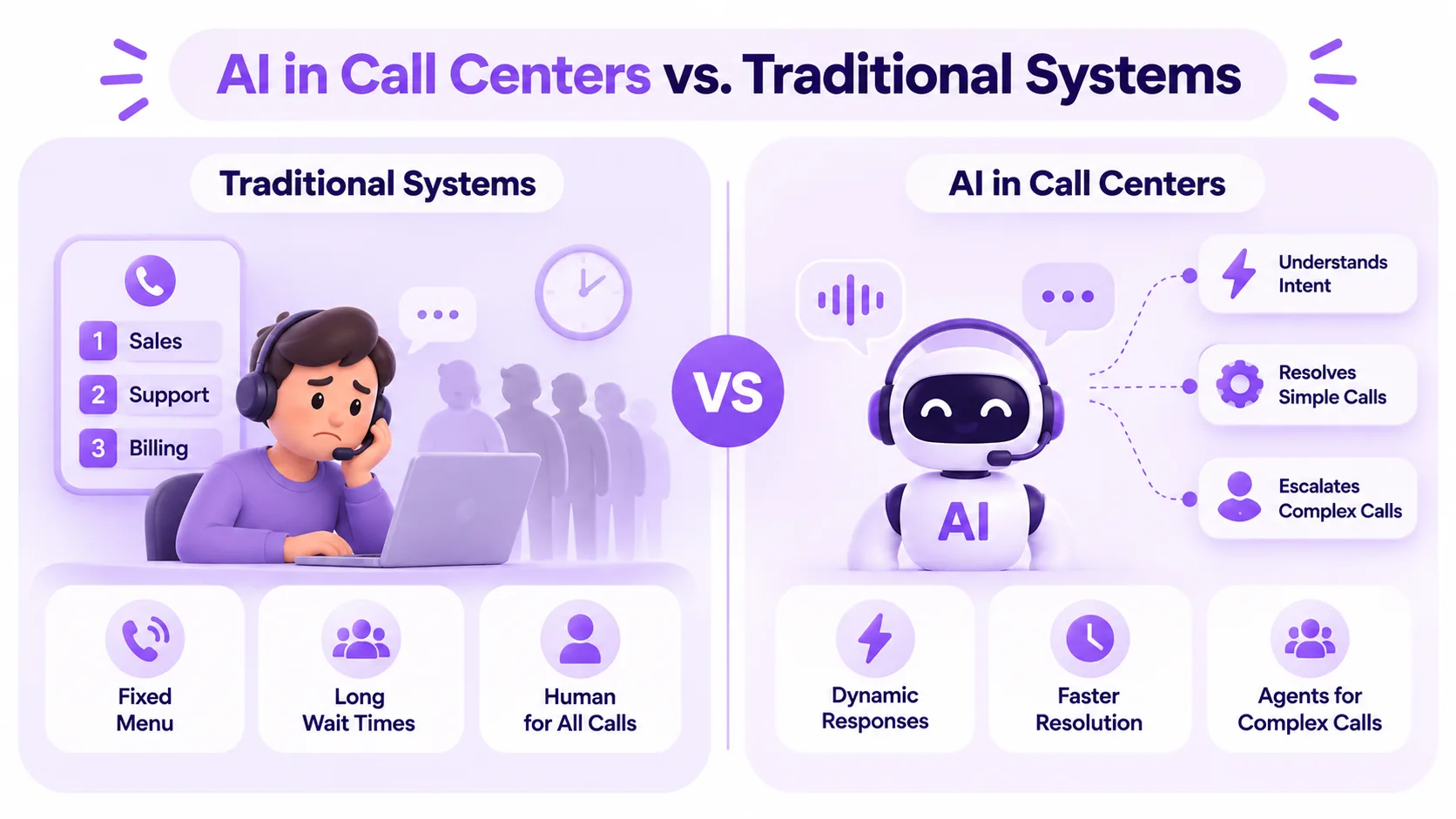
It differs from an inbound platform in where the effort goes. Inbound software is about answering, queuing and routing calls that customers start. Outbound software is about who to call, when, how fast, and how to stay compliant while doing it. Many teams need both, which is why most cloud contact center platforms now handle inbound and outbound in one place.
Must-Have Features
Several dialing modes
The dialer is the core of any outbound platform. Look for preview, power and predictive modes in one tool, with the option to switch per campaign. Preview suits complex accounts, power suits most sales calling, and predictive suits large teams on big lists. The guide to power vs predictive dialing explains the trade-offs.
List management and DNC scrubbing
Good software removes numbers on the National Do Not Call Registry and your own suppression lists before every campaign, respects calling-time windows by time zone, and stops calling a contact once they opt out.
Caller ID reputation
If your calls show up as spam, nothing else matters. Ask whether outbound calls carry STIR/SHAKEN attestation, whether you can register a caller ID name (CNAM), and whether the platform helps you spot numbers that are being flagged.
Voicemail drop
A large share of outbound calls reach voicemail. Voicemail drop leaves a pre-recorded message at the tone while the rep moves on to the next call, so nobody waits through greetings.
CRM integration
Calls, dispositions, notes and recordings should sync to the CRM automatically. Without that, reps spend the time the dialer saved copying data by hand, and managers report from incomplete records.
Recording, monitoring and coaching
Managers need to hear what is happening. Look for call recording with consent prompts set by state, live listen and whisper, and supervisor tools for coaching in the moment. Conversation intelligence and AI sales coaching go further by reviewing every call, not just a sample.
Campaign analytics
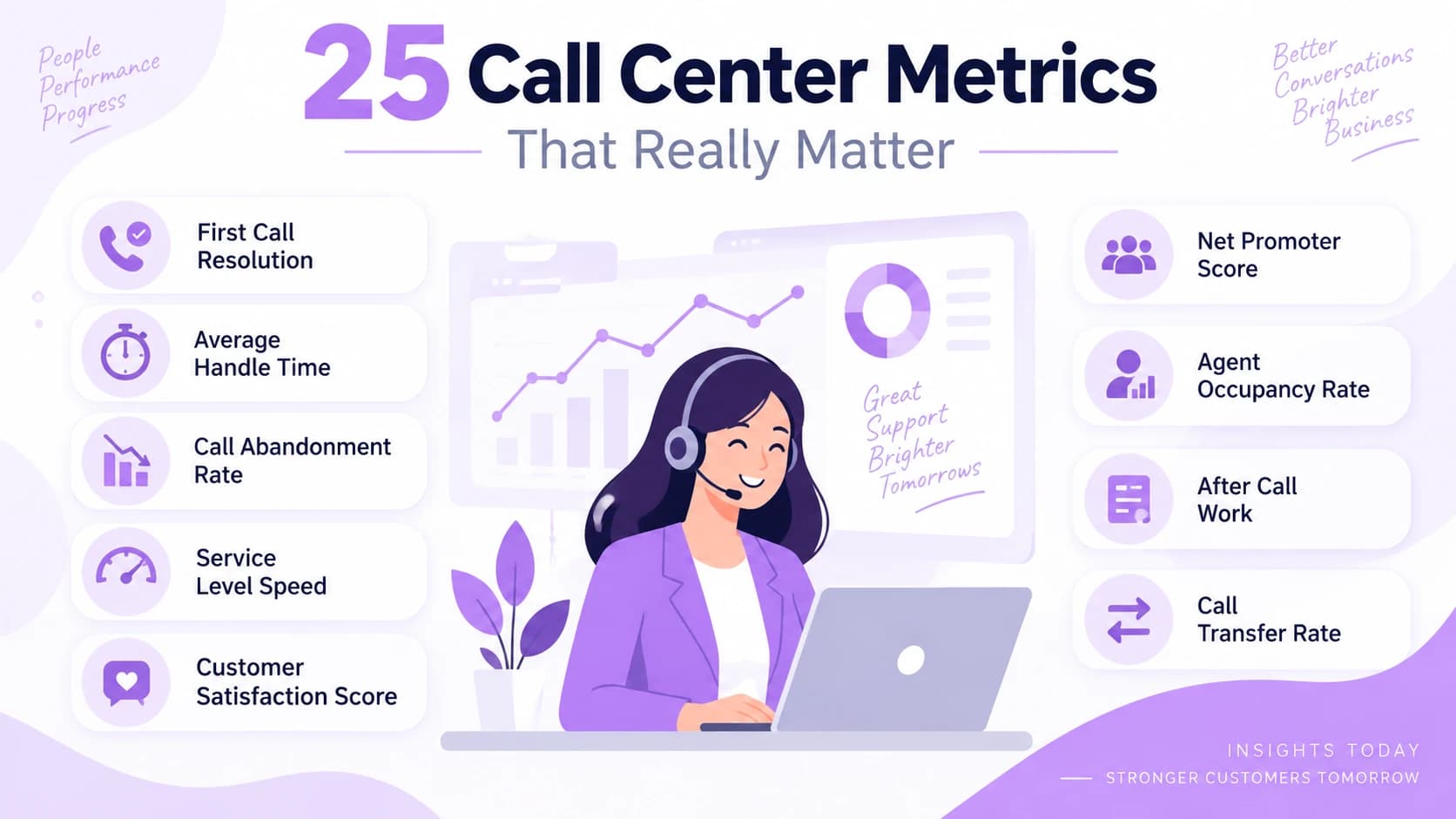
Reporting should show connect rate, conversations, outcomes and rep activity by list and by campaign, in real time. Use the guide to call center metrics to decide which numbers you will manage to.
Compliance Your Software Must Support
Outbound calling is regulated, and the software should make the rules easy to follow. In the US, the FTC's Telemarketing Sales Rule covers sales calls, including the National Do Not Call Registry and abandoned calls. Its safe harbor for abandoned calls includes:
- Abandoning no more than 3% of calls answered by a live person, measured per campaign or per 30-day period.
- Letting an unanswered call ring for at least 15 seconds or four rings.
- Playing a recorded message with the seller's name and phone number within two seconds when no representative is available.
The Telephone Consumer Protection Act adds consent rules for some automated and prerecorded calls, especially to mobile phones, and many states have their own calling-time and recording-consent laws. Rules change, so confirm your campaigns with legal counsel and choose software that enforces the limits you set.
How Outbound Call Center Software Is Priced
Most vendors use one of these models:
| Model | How it works | Watch out for |
|---|---|---|
| Per seat per month | A fixed fee for each agent licence | Dialer modes or analytics limited to higher tiers |
| Per seat plus usage | Licence fee plus a charge per minute | Minute rates for mobile, international or toll-free calls |
| Usage only | Pay for minutes or calls placed | Costs that are hard to predict at high volume |
| Add-ons | Extra fees for AI, recording storage or extra numbers | A low headline price that grows with add-ons |
Ask for a quote that matches your real call volume, number of reps and features. Compare what each tier includes, for example on Ringflow's pricing page, and check how vendors you are considering compare, such as Ringflow vs Five9 or Ringflow vs Dialpad.
How to Choose the Right Platform
- 1Define your campaigns. List call types, list sizes, average call length and how many reps dial at the same time.
- 2Pick the dialing modes you need. Most teams need at least preview and power; large teams on big lists may need predictive.
- 3Check caller ID tools. Ask how the vendor handles STIR/SHAKEN, CNAM and spam labelling.
- 4Confirm the CRM sync. Test that calls, outcomes and notes write back to your CRM without manual steps.
- 5Review compliance controls. DNC scrubbing, calling windows by time zone, abandoned-call limits and recording consent.
- 6Test reporting. Make sure managers can see connect rates and outcomes by campaign in real time.
- 7Run a pilot. Put one campaign on the platform with real reps for two weeks and compare conversations per hour with your current setup.
Ringflow's outbound dialer includes power, progressive, preview and predictive modes, DNC scrubbing before every campaign and voicemail drop, with a 14-day free trial for running that kind of pilot.
Conclusion
The best outbound call center software is the one that raises conversations per rep while keeping your caller ID trusted and your campaigns compliant. Judge every platform on dialing modes, caller ID tools, CRM sync, compliance controls and reporting, then prove it with a pilot on your own lists.
Ready when you are
Ready to run your next outbound campaign on one platform?
Dial with power, preview or predictive mode, scrub DNC lists automatically and sync every call to your CRM. Start with a 14-day free trial.
Frequently Asked Questions
It is a platform for teams that place large numbers of calls. It automates dialing, manages call lists, keeps caller ID trustworthy, records outcomes in the CRM and helps the team follow calling rules.
Inbound software answers, queues and routes calls that customers start. Outbound software focuses on dialing lists efficiently and compliantly. Many cloud contact center platforms handle both.
Power dialing suits most sales teams because a rep is always ready when someone answers. Predictive dialing can be faster for large teams on big lists, but it must stay within abandoned-call limits. Preview mode suits complex accounts.
Use numbers with STIR/SHAKEN attestation, register a caller ID name, avoid calling the same people too often, and monitor which numbers are being flagged so you can fix problems early.
Most vendors charge per seat per month, sometimes with per-minute usage and add-on fees for AI or recording storage. Ask for a quote based on your real number of reps, call volume and required features.