
Introduction
The contact center vs call center question trips up buyers because the two terms sound alike but solve different problems. This guide settles the contact center vs call center debate in plain English and shows exactly which one fits your team. You will learn what each does, how they compare channel by channel, real cost differences, and a simple way to choose. Read on for a clear decision, not just a definition you have seen ten times before.
A call center handles voice calls only, while a contact center handles voice plus chat, email, SMS, and social. The right choice depends on where your customers actually reach out, not on the fancier label. A contact center usually costs a little more but saves money once you support more than one channel. Most teams can start as a call center and grow into a contact center on the same platform.
Call Center vs Contact Center: The Short Answer
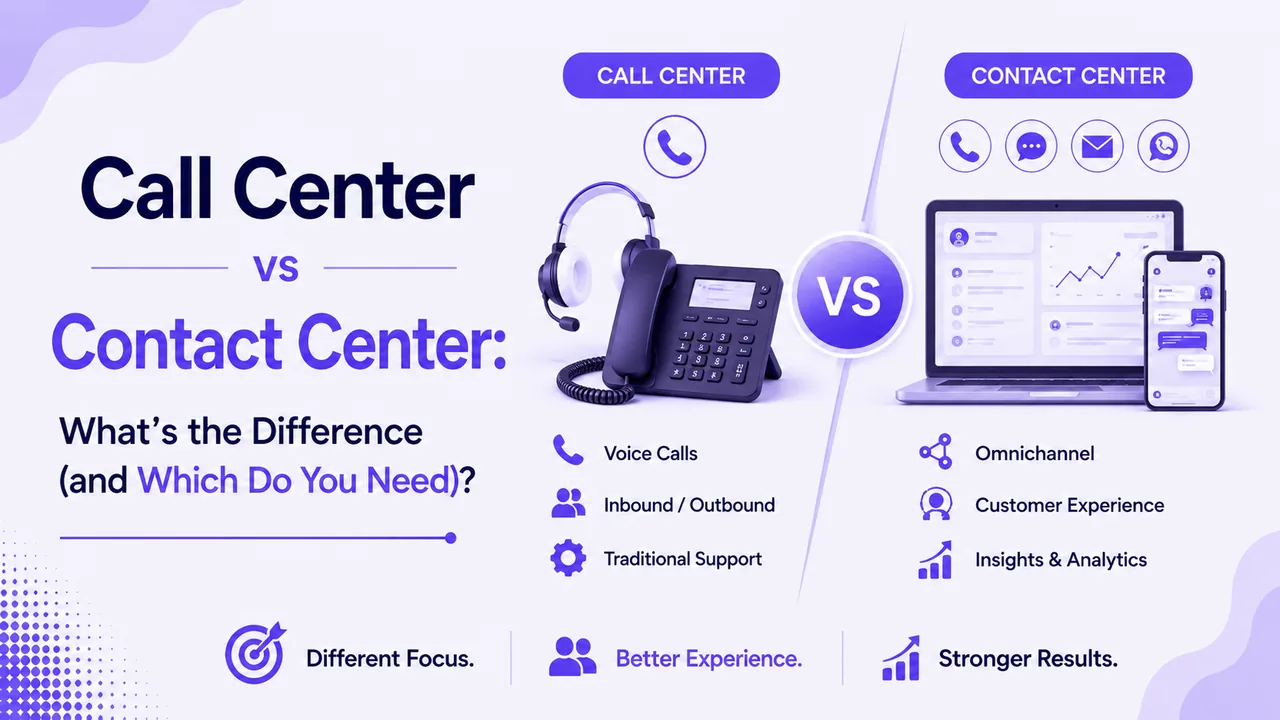
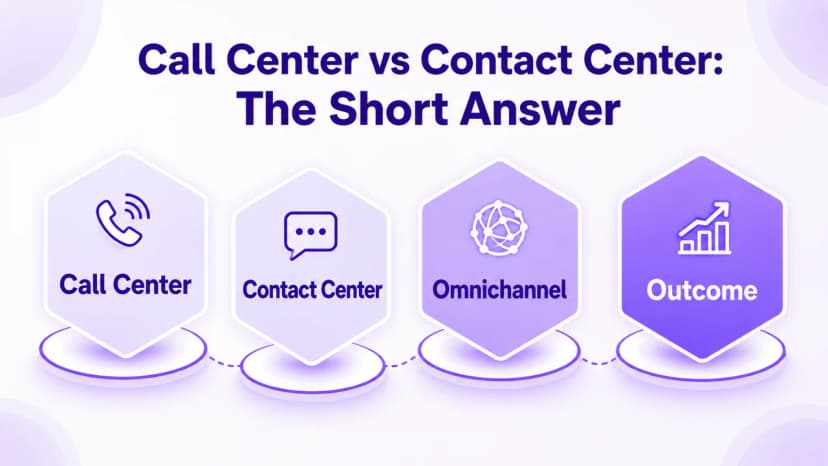
The core of the contact center vs call center debate is simple: a call center manages phone calls, and a contact center manages every channel. If your customers only phone you, a call center covers it. If they also text, chat, email, or message on social, a contact center is built for that.
Both route conversations to the right agent and track performance in real time. The difference is the number of doors customers can walk through to reach you. A call center has one door; a contact center has many, and every door leads to the same team.
Why the Terms Get Confused
Vendors use the labels loosely, which fuels the contact center vs call center mix-up. Some call centers now add a chat widget and rebrand as contact centers overnight. Focus on the channels a tool truly supports, not the name on the box. Once you judge by real channels, the difference between call center and contact center stops being marketing and becomes a plain feature question.
What Is a Call Center?
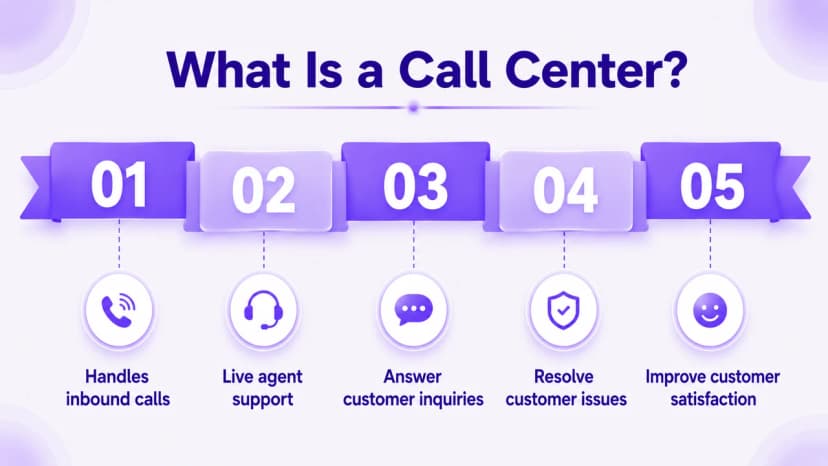
A call center is a team and software focused on inbound and outbound phone calls. It routes callers, queues them, and tracks metrics like handle time and wait time. For a business whose customers mostly pick up the phone, it does the job well.
Modern call centers run in the cloud, so agents work from anywhere with a headset and internet. Features include IVR menus, call recording, and supervisor tools like live monitoring. The whole design centers on one thing: voice done well.
Best Fit for a Call Center
A call center suits teams with high call volume and few other channels. Think appointment lines, phone-based support, or outbound sales floors. If email and chat are rare for you, the simpler tool keeps costs and training low.
What Is a Contact Center?
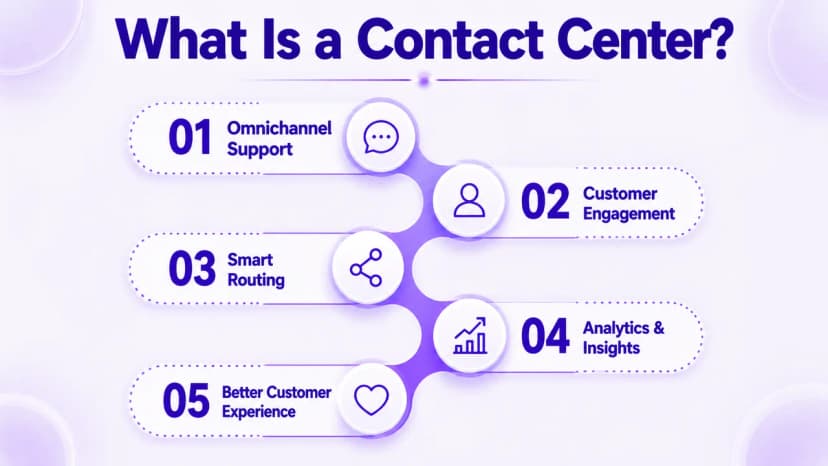
A contact center handles voice and every digital channel in one workspace. Agents answer calls, chats, emails, SMS, and social messages from a single screen. That unified view is the heart of the difference between call center and contact center tools.
Because every conversation lives in one place, an agent sees a customer's full history no matter how they reached out. A shopper who chats today and calls tomorrow does not have to repeat themselves. This continuity is what modern customers now expect.
Best Fit for a Contact Center
A contact center suits teams whose customers reach out in many ways. Retail, SaaS, and healthcare support all see traffic across chat, email, and social. If more than a quarter of your contacts arrive off the phone, the broader tool pays for itself.
Contact Center vs Call Center: A Channel-by-Channel Comparison
The clearest way to settle the contact center vs call center choice is to line them up side by side. Both handle voice calls equally well, so the split shows up everywhere else. A call center stops at the phone, while a contact center adds live chat, email queues, SMS and MMS, and social messaging. The other big gap is history: a call center tracks voice only, whereas a contact center keeps one unified record across every channel.
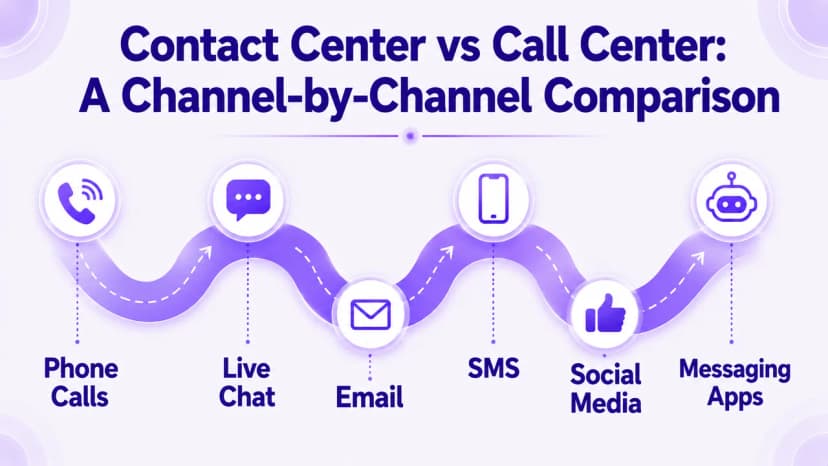
The pattern is easy to read. A call center is excellent at voice, while a contact center adds every other channel your customers use. Understanding the difference between call center and contact center this way turns a fuzzy label into a clear feature checklist.
Read that list from your own angle, not the vendor's. If every capability you care about is a voice feature, the contact center vs call center choice tilts toward a call center. If half of them describe channels you already use, the broader tool is the safer buy. That single reframe answers most of the contact center vs call center questions buyers agonize over.
The Overlooked Factor: How Customers Actually Reach You
Most comparisons stop at features, but the real decision hinges on your own contact data. This is the step competitors skip, and it is the one that saves you money. Pull last quarter's numbers before you pick a side.
Map Your Channel Mix First
Look at how many contacts came by phone versus chat, email, SMS, and social. If 90% are calls, a call center is the honest answer. If digital channels are climbing, plan for a contact center before the gap hurts service.
Plan for Where the Mix Is Heading
Channel habits shift fast, and younger customers lean digital first. Even a phone-heavy team often sees chat and messaging rise year over year. Choosing based on next year's mix, not last year's, keeps you from a costly re-platform. Adding AI in call centers can also absorb routine contacts across whichever channels you run.
Cost and Setup: What Each Really Takes
Price often decides the contact center vs call center question, so here is the honest picture. A call center plan usually costs less per seat because it does less. A contact center adds channels, so it sits a little higher on the price sheet.
The math flips once you support more than one channel. Running separate tools for phone, chat, and email costs more than one contact center that does all three. A single platform like Ringflow also cuts training time, since agents learn one screen instead of four. You also save on integration work, because one system means one set of reports, one login, and one place to fix a problem. Pairing it with a modern cloud phone system keeps setup fast and hardware-free.
Watch the Hidden Costs
Per the Wikipedia entry on contact centers, the model grew specifically to unify channels that were once separate systems. Splitting them again adds license fees, extra logins, and gaps where context gets lost. Count those hidden costs, not just the sticker price, when you compare options.
Which Do You Need? A 30-Second Decision
You can settle the contact center vs call center choice with just three quick questions. Answer them honestly and the right tool becomes obvious in seconds.
- 1Do your customers reach you on more than one channel today?
- 2Will digital channels grow for you over the next year?
- 3Do agents waste time switching between separate tools?
A yes to any of these three points toward a contact center. All nos mean a simple call center still fits your team. Ringflow lets you start with voice and switch on new channels later, so the choice never locks you in.
A Quick Real-World Example
Picture a growing clinic that once took only phone bookings. Last year, patients started texting to reschedule and messaging on social with quick questions. That shift is exactly where the contact center vs call center decision turns, since a voice-only tool would leave those messages unanswered. By moving to a contact center, the clinic answered every channel from one screen and cut missed messages to near zero. The difference between call center and contact center, in that case, was measured in patients who did not slip away.
Conclusion
Settling the contact center vs call center question comes down to one honest look at how your customers reach you. A call center wins when voice is nearly everything, while a contact center wins the moment digital channels matter. The difference between call center and contact center is not hype but a real gap in channels, cost, and customer experience. Map your channel mix, weigh the cost of separate tools, and the right answer stops being a guess.
The smart move is to pick a platform that grows with you rather than boxing you in. Modern tools let you begin as a call center and expand into a full contact center without ripping anything out. Ringflow gives you that flexible path, plus AI and analytics on every channel from day one. Start a free trial, connect one channel, and see how quickly a unified view changes your service.
Ready when you are
Still stuck on the contact center vs call center choice for your own team?
Test Ringflow, start with voice, and add chat, email, or SMS the moment you need them.
Frequently Asked Questions
A call center handles phone calls only, while a contact center adds chat, email, SMS, and social. The difference between call center and contact center is simply the number of channels supported.
It keeps every interaction in one unified record, no matter the channel used. Agents see the full history in a single screen, so customers never repeat themselves.
Switch when digital channels pass roughly a quarter of your total contacts. Growing chat, email, or social volume is the clearest signal it is time.
A contact center usually costs a bit more per seat since it does more. But it beats paying for separate phone, chat, and email tools that never share data.
Yes, with a provider that uses encryption, access controls, and SOC 2 compliance. Confirm data policies before connecting new channels to your workspace.
No, both route calls and messages across any time zone without extra staffing. Rules can send each contact to the right team by the customer's local hours.
Check your channel mix and where it is heading over the next year. Mostly phone points to a call center, while mixed channels point to a contact center.
Yes, most cloud platforms let you begin with voice and add channels on demand. That path avoids a costly re-platform as your customer habits shift.