Introduction
A cloud phone system runs your business calls over the internet instead of copper wires, and this guide explains exactly what that means and how it works. Understanding a cloud phone system matters because it decides how your team calls, texts, and connects from any device, anywhere. You will learn what it is, how calls actually travel, the core features to expect, and how secure the whole setup really is. Read on for a plain-English breakdown that turns a confusing tech topic into something you can act on today.
A cloud phone system routes calls over the internet through a provider's data centers, so there is no on-site hardware to buy or maintain. Setup takes minutes, not weeks, because everything runs in software you manage from a browser or app. A cloud based phone system scales instantly, letting you add or remove users without a technician visit. Built-in features like voicemail-to-text, call routing, and CRM sync come standard, not as costly add-ons.
What Is a Cloud Phone System?
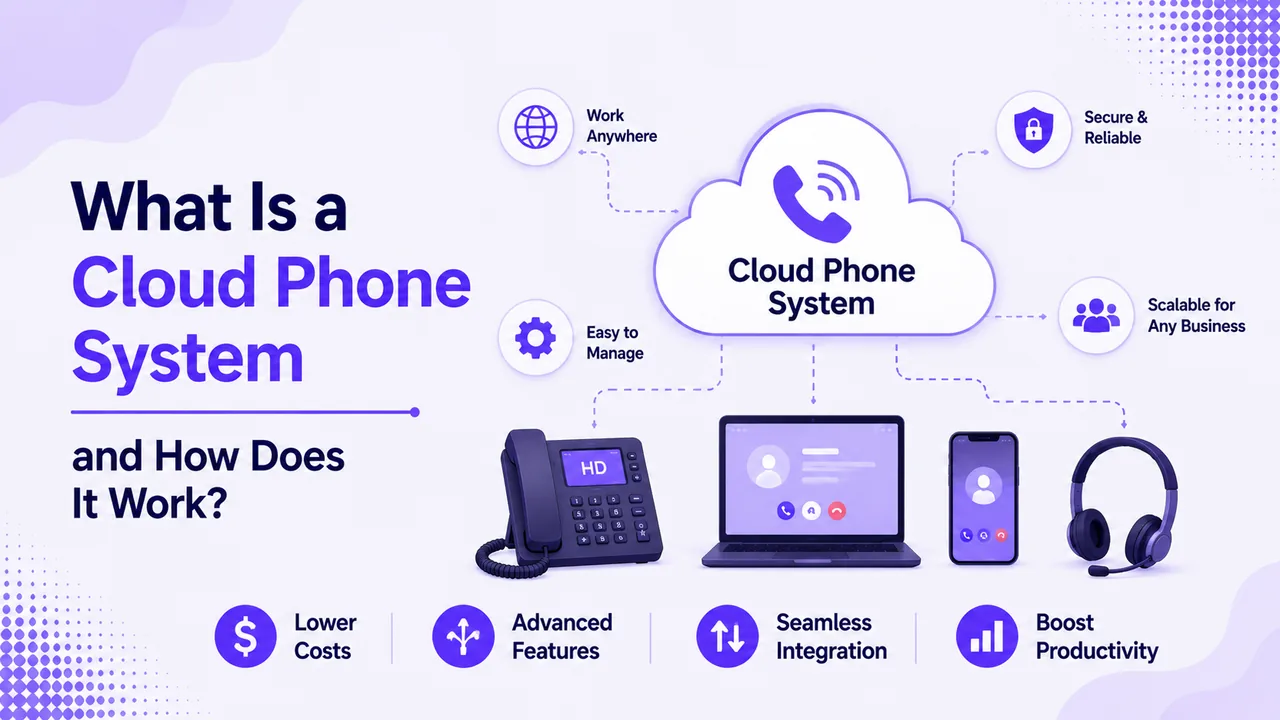
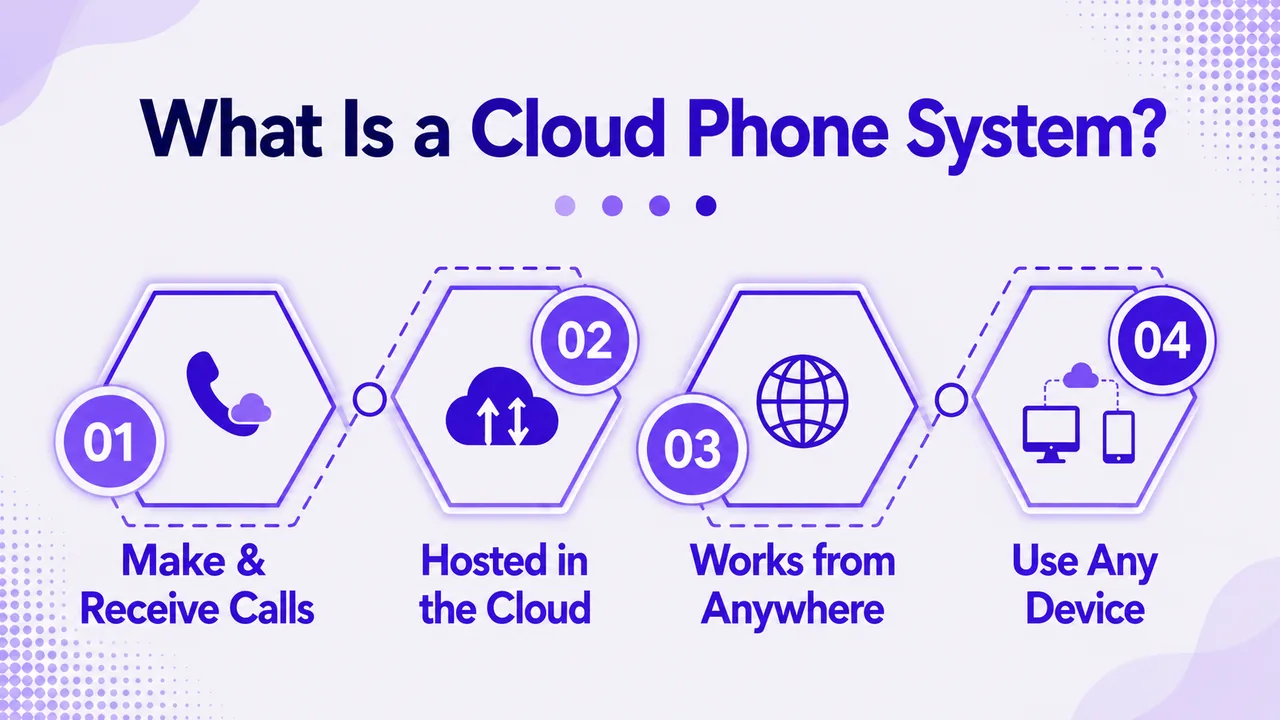
A cloud phone system is a business phone service hosted entirely online by a provider. Instead of a physical box in a closet, your calls run through secure data centers you reach over the internet. You make and take calls from a desk phone, laptop, or mobile app, all tied to the same business number.
This model replaces the old on-premise PBX with software you control from anywhere. Because the provider owns and maintains the equipment, you skip the upfront hardware cost and the ongoing repair bills. The result turns your phone service into a simple monthly subscription per user.
How It Differs From a Traditional PBX
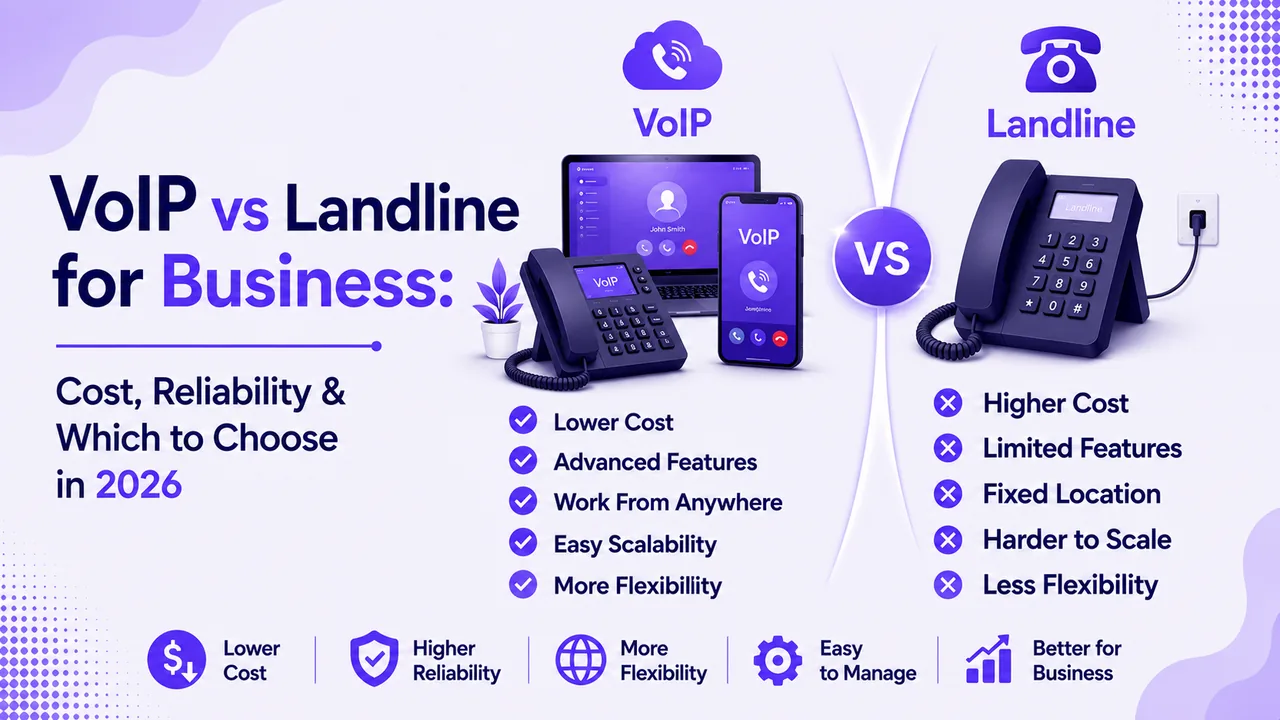
A traditional PBX lives in your building and needs wiring, hardware, and a specialist to manage it. The cloud model moves all of that to the provider, so you manage everything through a dashboard. A VoIP vs landline breakdown shows the same shift in more detail. The difference shows up fastest when you grow, since adding a line is a click rather than a service call.
How Does a Cloud Phone System Work?
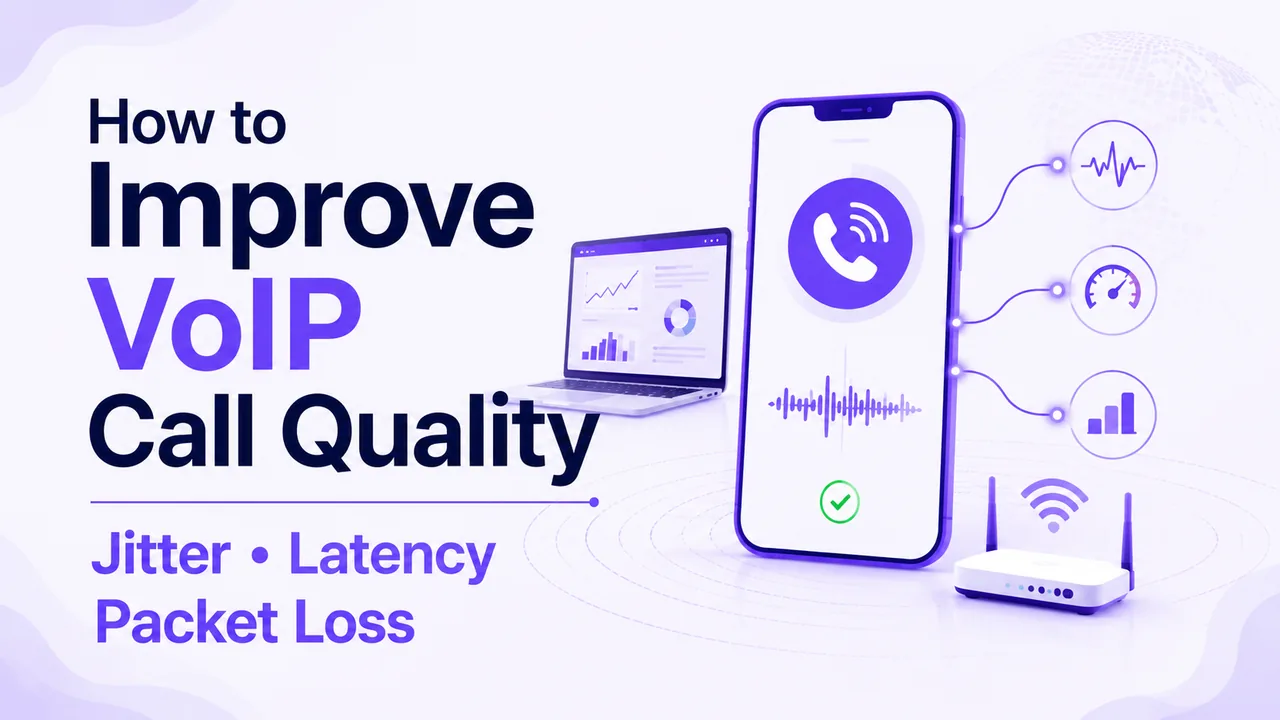
The magic happens through Voice over Internet Protocol, or VoIP. When you speak, your voice is converted into small data packets and sent over the internet to the person you are calling. Those packets are reassembled into clear audio on the other end, all in a fraction of a second.
Your provider's data centers handle the routing, security, and call quality in the background. The same path applies whether you call from a headset, a softphone, or your cell phone. Because the number lives online, it follows you across every device you sign in on.
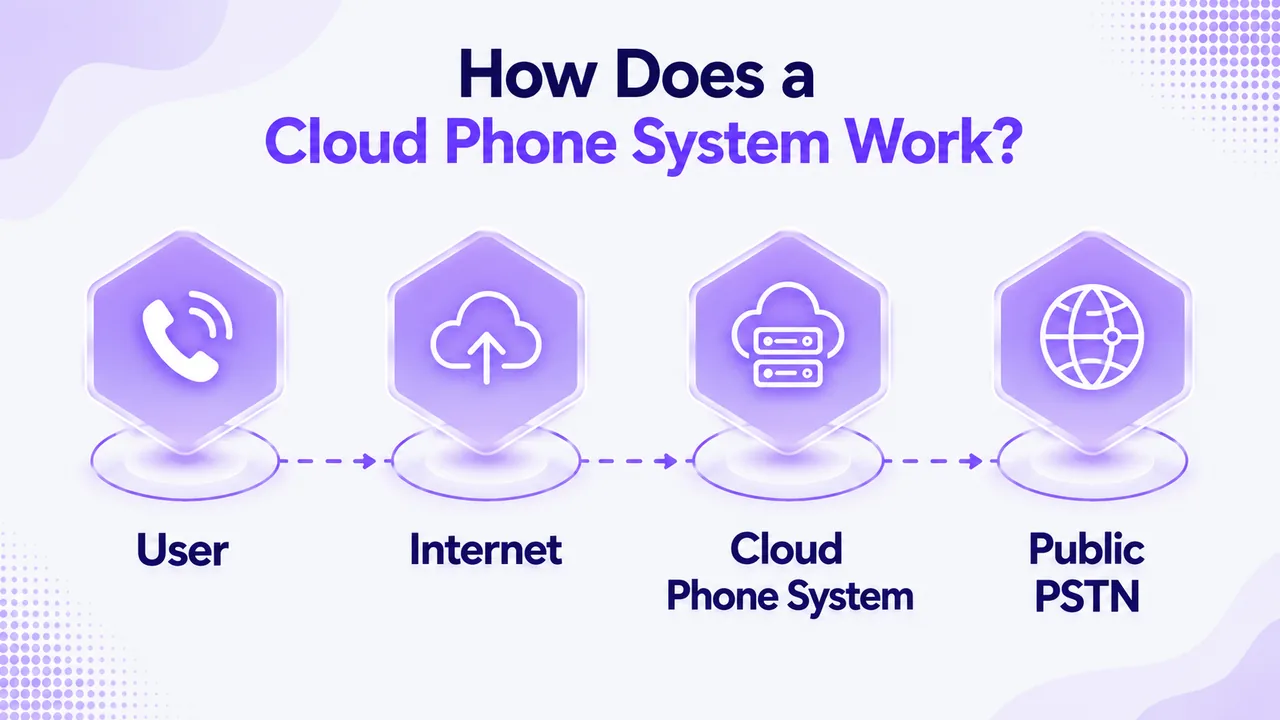
The Role of Cloud PBX
At the center of it all sits the cloud PBX, the software brain that directs every call. It decides where each call goes, applies your routing rules, and connects extensions across every office and remote worker. It also powers auto-attendants, call queues, and voicemail without any hardware on your side. This is the piece that used to fill a server rack and now runs entirely as a service.
What You Need to Get Started
Getting started is refreshingly simple compared to legacy systems. You need a stable internet connection, a device to call from, and an account with a provider like Ringflow. Most teams are live the same day, since there is no wiring, no PBX box, and no waiting on an installer.
Key Features to Expect
The real value of a cloud phone system shows up in the features bundled into every plan, the kind a full VoIP phone service includes by default. These tools used to cost extra or require separate systems, but now they come standard.
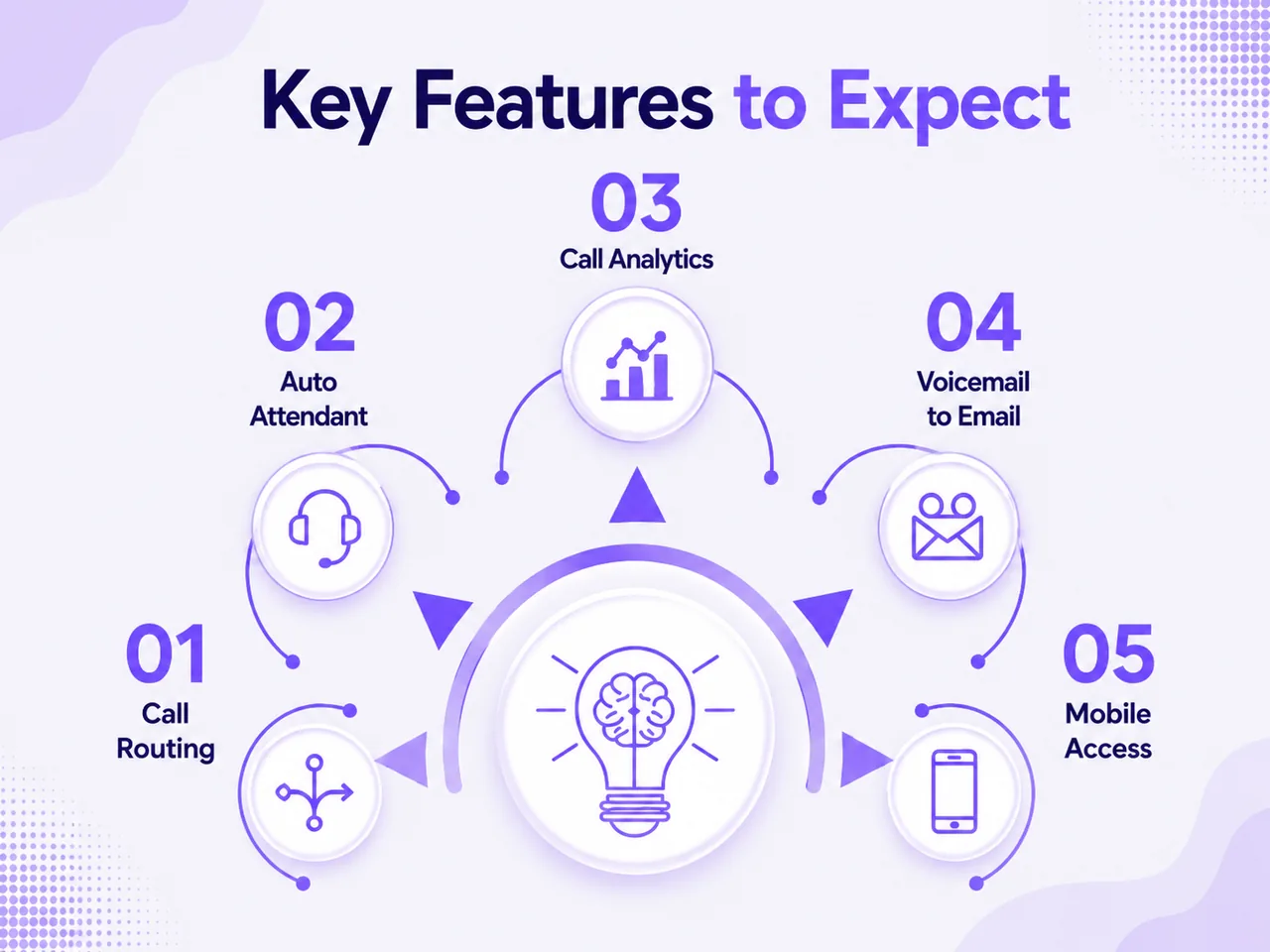
- Call routing and IVR: Send callers to the right person or menu automatically, day or night.
- Voicemail-to-text: Read your voicemails as text in your inbox instead of dialing in to listen.
- Business SMS and MMS: Text customers from your business number on the same platform.
- HD video meetings: Launch a video call with transcripts and summaries built in.
- CRM integration: Log every call to Salesforce, HubSpot, or Zoho automatically.
- Mobile and desktop apps: Take business calls from any device, anywhere you have internet.
AI Features That Set Modern Systems Apart
The newest platforms layer artificial intelligence on top of every call. AI can transcribe conversations live, suggest answers to agents, and summarize a call the moment it ends. Some, like Ringflow, even offer an AI receptionist that answers, qualifies, and books callers around the clock. These tools turn a phone line into a source of coaching and data, not just voice.
Benefits of Switching to the Cloud
Moving to a cloud phone system changes the economics and flexibility of your phone service. The gains show up in cost, mobility, and how fast you can adapt to change.
Lower and More Predictable Costs
You trade a large upfront hardware bill for a flat per-user monthly rate. There are no repair costs, no wiring fees, and no surprise maintenance charges. Because pricing is per seat, your bill scales cleanly with your headcount instead of jumping in big, unpredictable steps every time you add a few people.
Work From Anywhere
A cloud based phone system frees your team from the desk entirely. Reps can take calls from home, the road, or a client site using the same business number. This mobility keeps your team reachable and professional no matter where work happens each day.
Reliability and Uptime
Providers run calls through multiple data centers, so a single point of failure will not take you offline. If office internet drops, calls can fail over to a mobile app on cellular data. Look for a provider that publishes a clear uptime guarantee, since that number tells you how seriously it treats reliability.
Is a Cloud Phone System Secure?
Security is the question competitors often gloss over, yet it matters most for business calls. A well-built cloud phone system protects your conversations with encryption and strict access controls. This is the area worth studying closely before you choose any provider.
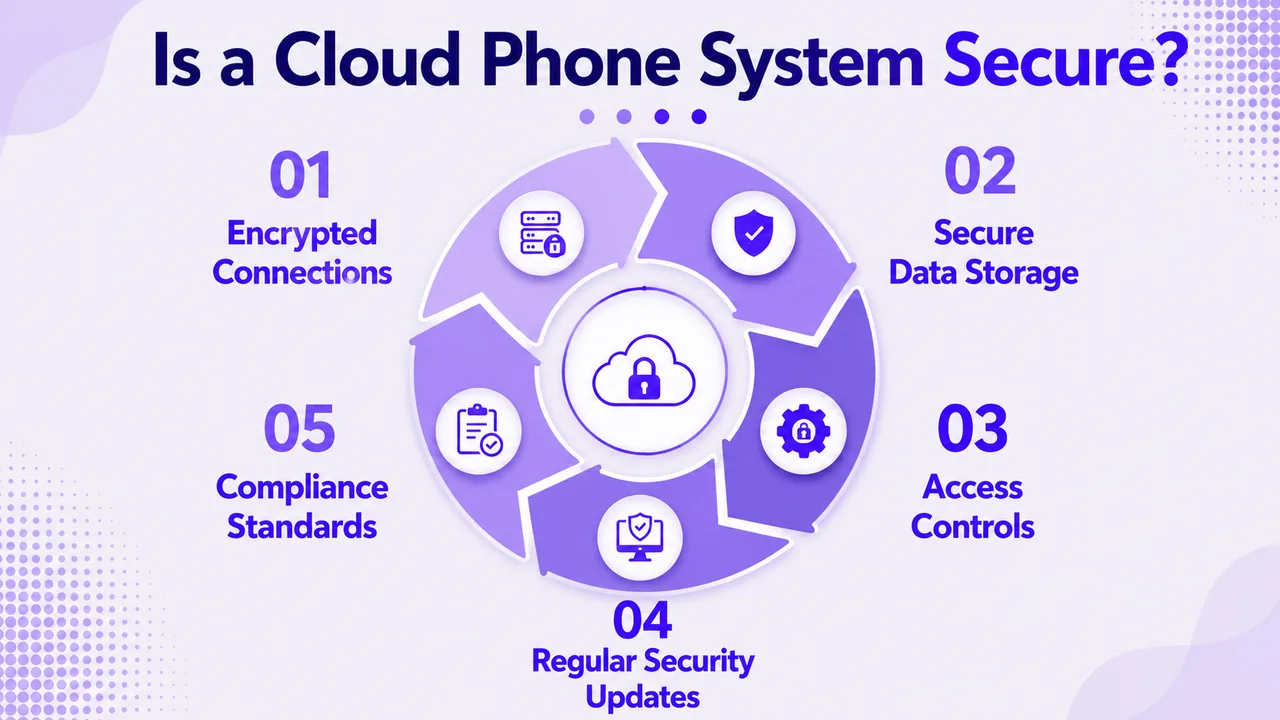
Encryption and Compliance
Reputable providers encrypt calls in transit and store recordings behind access controls. Look for STIR/SHAKEN caller ID authentication, which fights spoofing and robocalls at the network level. According to FCC guidelines, all US voice providers must use this standard, so confirm your provider complies.
Choosing a Trustworthy Provider
Not every provider is built to the same standard, so vet carefully before you buy. Check for SOC 2 compliance, two-factor authentication, and a documented data policy. A provider like Ringflow that lists its compliance posture openly makes this homework easy. Weighing these safeguards against your current setup helps confirm the switch is right.
How to Choose the Right Provider
The best fit depends on your team size, budget, and the features you actually use. A little planning up front prevents overpaying for capacity you never touch.
Start by listing your must-have features, then match them to a plan tier rather than the flashiest package. Confirm the base plan bundles calling, texting, and core tools without heavy add-ons, the way a complete business phone plan should. Test the platform with a free trial so you can judge call quality on your own network first. Do not forget to check that support is responsive, since a missed call about your phones is a bad first sign.
Watch for Hidden Limits
Read the fine print on each plan before you sign, since the headline rate rarely tells the whole story. Some providers cap call minutes, text volume, or the number of ring groups on lower tiers. Others charge extra for call recording storage or advanced routing once you outgrow the basics. Map your real usage against these limits so your bill stays flat as your team grows. A short trial across a busy week is the fastest way to spot a cap before it becomes a surprise charge.
Conclusion
A cloud phone system replaces bulky hardware with flexible software that runs your calls over the internet from any device. You have seen what it is, how each call is routed, the features that come standard, and why security deserves a close look. The move pays off in lower costs, easy scaling, and a team that stays reachable from anywhere. Armed with this breakdown, you can weigh a cloud based phone system against your current setup with real confidence.
The shift to the cloud is no longer a gamble but the default for growing teams that value flexibility. A modern cloud phone system gives you enterprise-grade calling, AI tools, and CRM sync without the enterprise price tag or the wiring. The smartest next step is to try one against your own call volume and see the difference firsthand. Start a free trial with Ringflow, port a number when you are ready, and scale your plan as your team grows.
Ready when you are
Ready to hear how clear a cloud phone system sounds on your own network?
Test Ringflow with your real call volume and watch the setup go live in minutes, not weeks.
Frequently Asked Questions
It is a business phone service hosted online that routes your calls over the internet. You use it from any device, with no on-site hardware to buy or maintain.
Calls and recordings live in the provider's secure data centers, reachable over the internet. Access is controlled by your admin settings and protected with encryption.
Switch when you need remote access, plan to add staff, or want to drop aging hardware. Teams tired of maintenance costs and slow line setup benefit the most.
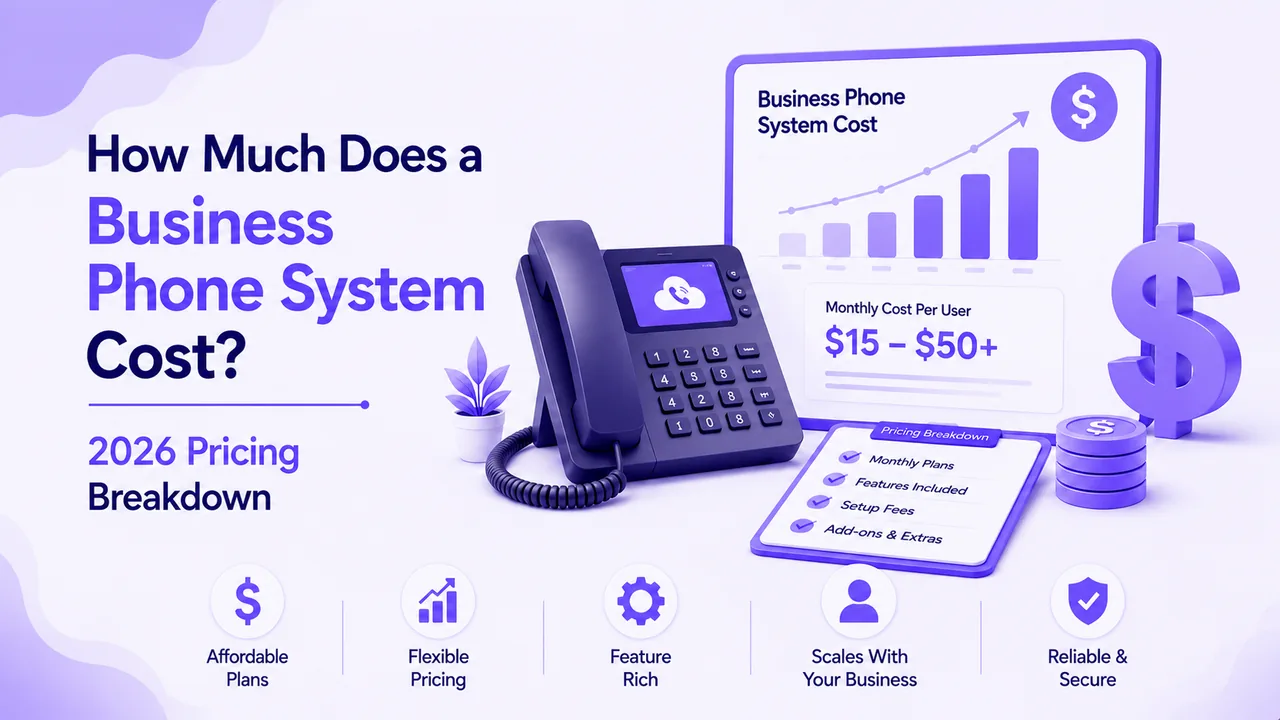
Most plans run $8 to $30 per user each month, billed as a simple subscription. There is no hardware to buy, so the monthly rate is usually your full cost.
Yes, when the provider offers encryption, STIR/SHAKEN, and SOC 2 compliance. Always confirm these protections and a clear uptime guarantee before signing up.
Yes, remote teams in any time zone share one system and one set of business numbers. Routing rules can send calls to the right team based on the caller's hours.
The PBX handles call routing, while the phone system is the full service around it. The PBX is the engine inside that broader platform.
No, a stable internet connection and any device with an app or browser is enough. Desk phones are optional, since laptops and cell phones work out of the box.