
Introduction
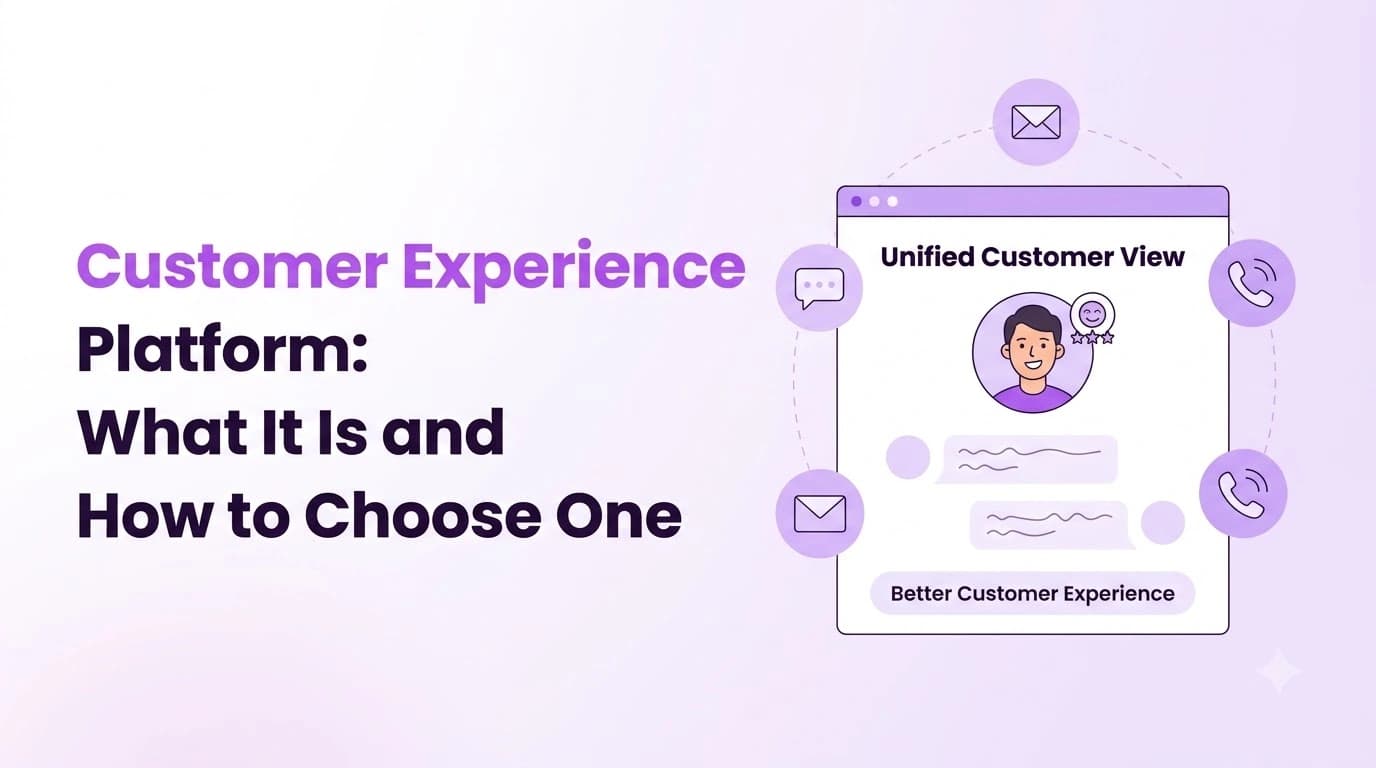
A customer experience platform is software that helps your business get a complete view of every customer interaction. You can bring every aspect of customer conversations, feedback and history into one place.
Vendors will often call any piece of software a customer experience platform, from a feedback tool to a full contact center. This guide explains what the term actually means, how it differs from your existing CRM and help desk, what to look for, how to measure success and how to find the right platform for your team.
What Is a Customer Experience Platform?
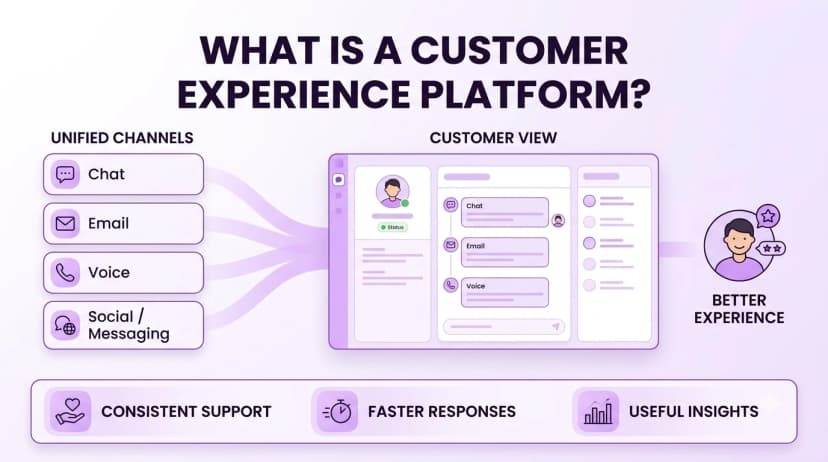
This is software that brings your contact channels (phone, chat, email, text) together with the tools you use to record and respond to your customers. It gives you one single view of each customer and helps you respond consistently.
Some will start by focusing on feedback and others will focus on the conversation side. Ringflow Omnichannel is an example of a platform that does the second. Voice, live chat, email and SMS all feed into one agent workspace and queue, and all of the customer history can be seen on one timeline. That is omnichannel customer service in practice, and it is an important part of the overall picture.
Most companies invest in a platform to solve issues like:
- Scattered history. Customers have to provide the same information on every channel.
- Blind spots. No one knows how your customers are feeling until they've left.
- Slow responses. Messages are in separate inboxes and there's no shared deadline to respond.
- Inconsistent service. Answers vary depending on which agent responds.
- Unused feedback. Survey results are received but nothing changes.
For example, a customer might message you, call the next day and then take a quick survey. Without a connected view, these are all separate events dealt with by different people. With one, your agent will know about the message, your supervisor will be able to see the change in mood between interactions and the survey answer will sit alongside the conversation.
CX Platform vs CRM and Help Desk
Many people confuse these three tools. Your CRM stores account and sales information. Your help desk logs support tickets. A CX platform focuses on giving you insight into your customers' experience across all of your interactions, and it usually integrates with your CRM and help desk.
| Tool | Main job | Strength | Gap on its own |
|---|---|---|---|
| CRM | Store customer and deal records | One record per account | Weak on live conversations and sentiment |
| Help desk | Track and resolve support tickets | Clear ownership of each request | Often limited to email and chat tickets |
| CX platform | Connect conversations, feedback and history | A full view of the customer journey | Needs clean data from the other systems |
In reality, it sits between the two. It integrates with your contact center CRM to give agents information about who is calling, sends what happened back to the CRM and passes any unresolved issues to your help desk. Speak to your vendor and ask exactly which of these integrations are included in your plan.
Core CX Platform Features
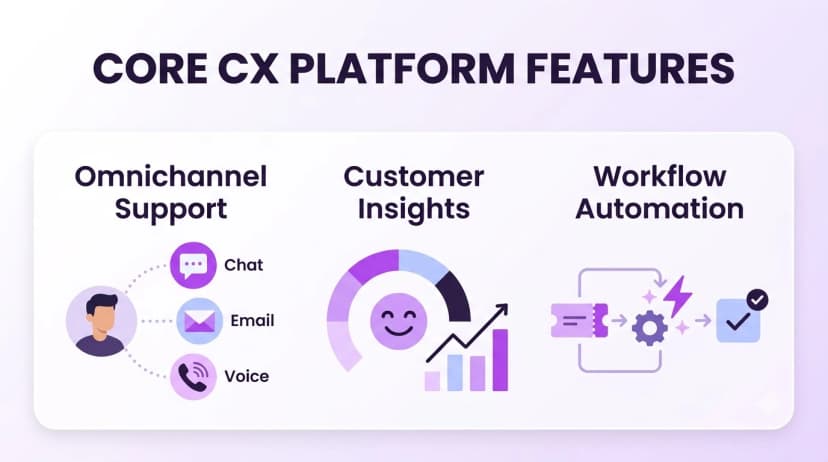
While there are lots of features, only a few will actually decide whether your service improves.
- Omnichannel inbox. One place for your agents to manage voice, chat, email and text, with all history available for omnichannel customer service.
- Smart routing. Sends each contact to the right agent based on skills, language and account information.
- Response timers. A deadline for responding on each channel, with alerts to agents and supervisors.
- Sentiment analysis. Labels conversations as positive, neutral or negative and can alert your supervisor.
- Feedback collection. Sends a follow-up survey after the conversation.
- Coaching tools. Highlights areas where your agents need support.
- Dashboards and reports. Shows trends for your teams, agents, channels and dates.
- Integrations. Links to your contact center CRM and help desk so data flows both ways.
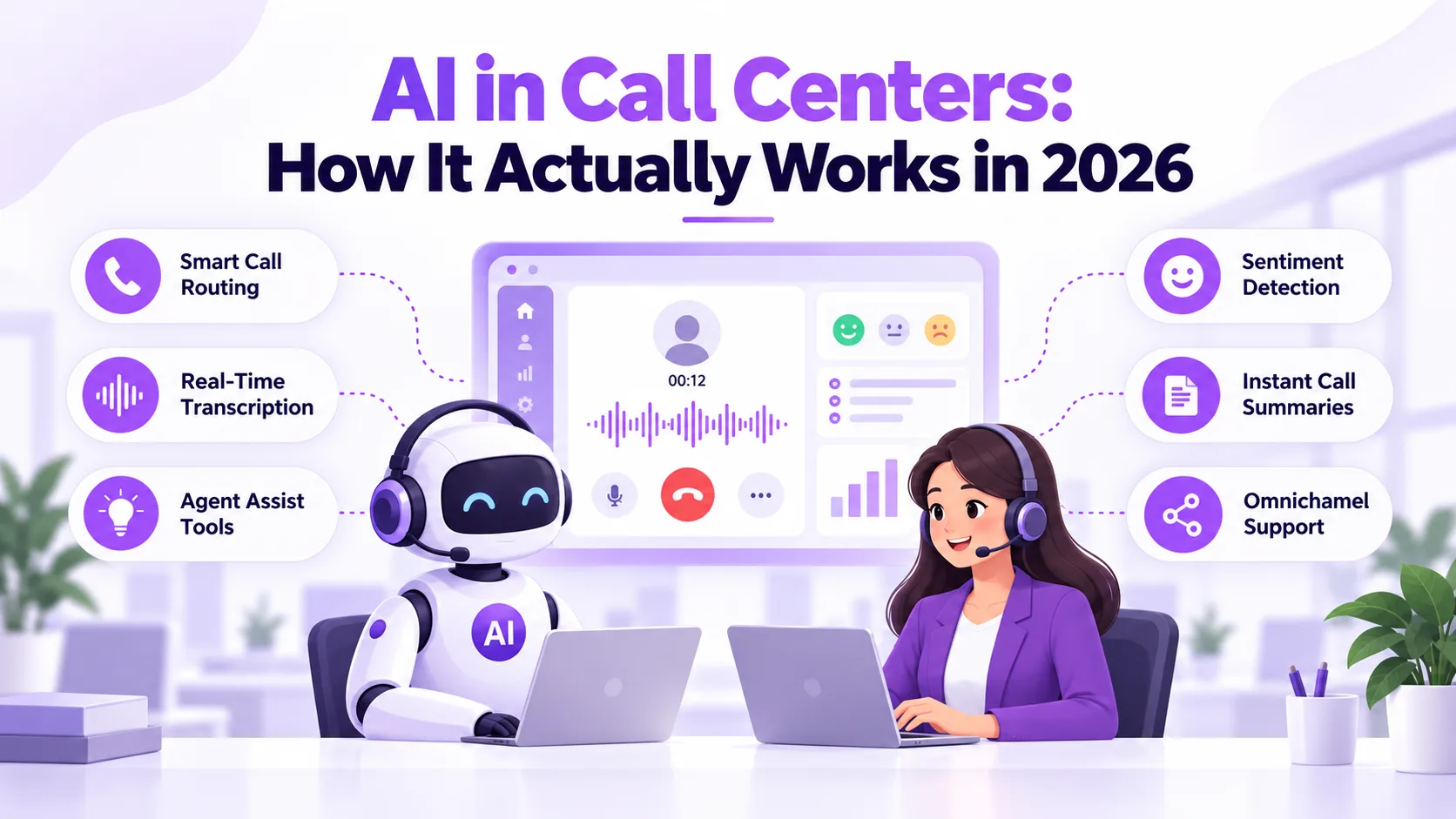
Take a closer look at sentiment analysis. Ringflow provides AI sentiment analysis on voice and chat that updates while the agent is talking to the customer. It can alert your supervisor and flag areas for coaching, and the scores are meant for coaching your agents, not for discipline. Whichever vendor you look at, ask how they handle consent and data storage.
Only pay for what you will use, and make sure the features are easy for your agents. Watch a real agent using each of your shortlisted platforms during a busy hour. If it takes more than a couple of clicks to reach the customer history, change channels or send a follow-up, they will struggle.
How to Measure Customer Experience
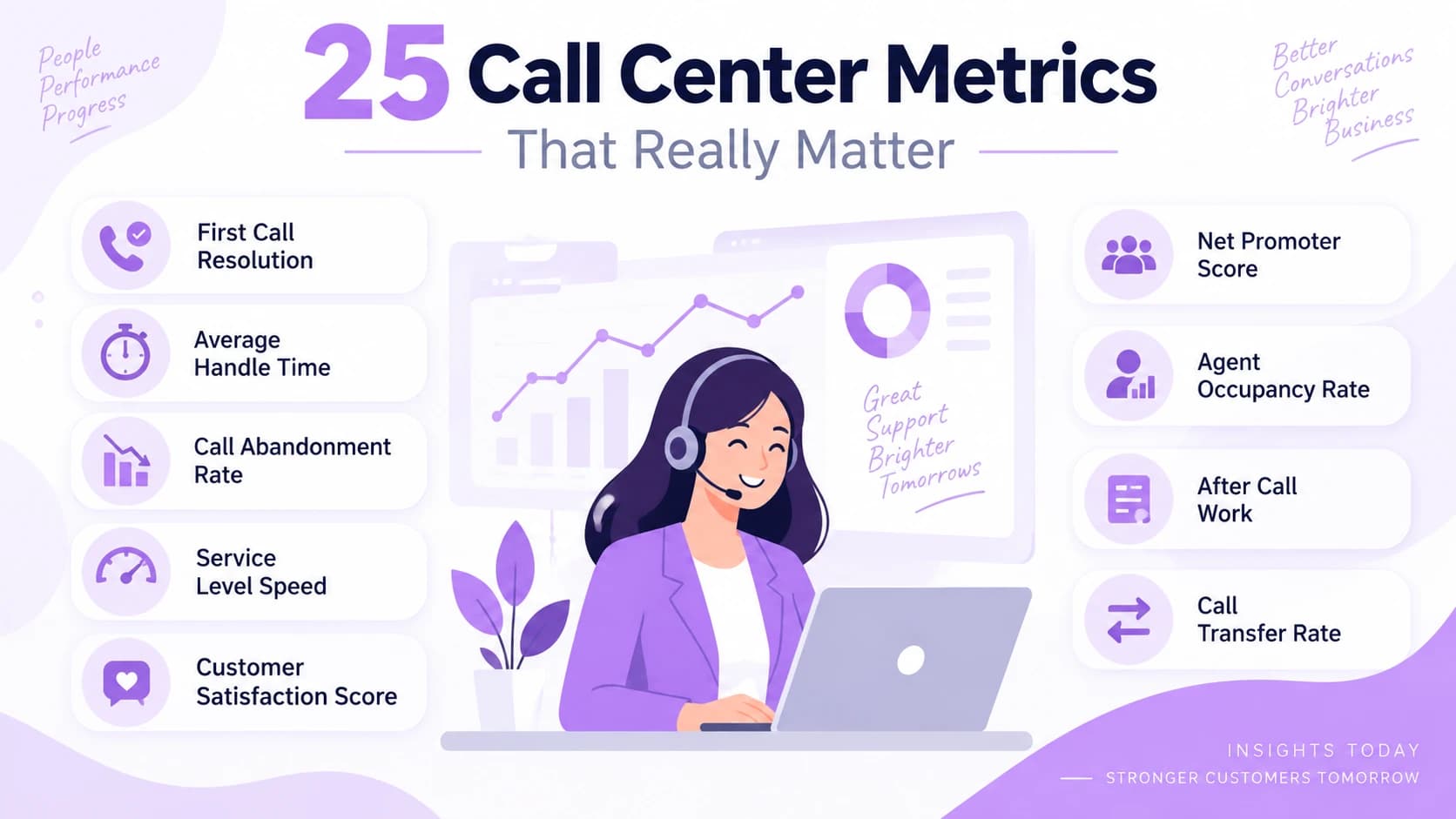
If you are paying for a platform, something should be improving. Start with a few key metrics that reflect how your customers see you: how quickly you respond, first contact resolution and how satisfied they are. The call center metrics guide covers the common metrics and how to set realistic targets.
- Response and wait time. How quickly your customers are answered on each channel.
- First contact resolution. How many issues are resolved on the first contact.
- Customer satisfaction. A quick score given immediately after the conversation.
- Sentiment trend. Are conversations becoming calmer or angrier?
- Repeat contacts. How often customers come back with the same issue.
- Escalations. How many conversations need to go to a supervisor.
Use these to set a baseline before you switch. After a month and again after a quarter, look at how they have improved. Tie each one to an action, either coaching or routing, or they will just sit on your dashboard.
How to Choose a Customer Experience Platform
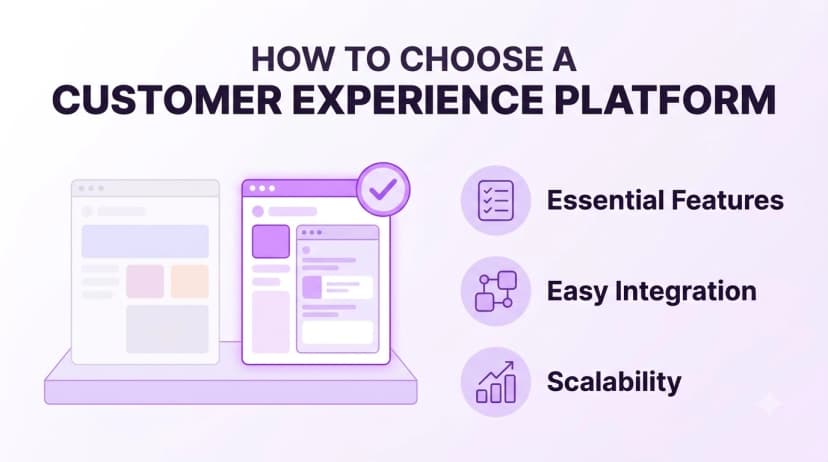
Start by thinking about what good customer service means to your customers. Digital.gov defines customer experience in government as the sum of the public's interactions with a service, a useful reminder that a platform has to cover every touchpoint. Once you have that in mind, follow these steps.
- 1List your touchpoints. Note down all of your channels and which ones cause the most complaints.
- 2Pick your top three outcomes. Faster response times, fewer repeat contacts or higher satisfaction.
- 3Map your tools. Make sure the platform integrates with your contact center CRM and help desk.
- 4Check feedback and sentiment. Ask which metrics are tracked, on which channels and how supervisors are alerted.
- 5Review plan limits. Are any features only available on higher tiers? Are there message or recording limits?
- 6Ask about setup. How will your numbers and data be moved? How long until go-live? Who will help?
- 7Run a pilot. Get one team to use the platform for a few weeks and compare against your baseline.
Ringflow offers a 14-day free trial with no credit card required, so you can test routing, response timers and sentiment alerts on your real conversations. Whichever vendor you choose, ask for a trial that uses your own channels and queues.
Teams often make the same mistakes. They go for the longest feature list instead of the right channels, they don't set a baseline so they can't prove any improvement, and they leave their agents out. Including two or three agents and one supervisor in the pilot will help you spot problems early.
Security and Privacy
A platform will store recordings, transcripts and personal information, so you will need to think about privacy. It will also include feedback and sentiment analysis, so you will need to consider:
- Consent. Are customers told when they are being recorded or analyzed?
- Access. Who can see the recordings, transcripts and scores?
- Retention. How long is the data kept and how is it removed?
- Data location. Where are the conversations and analysis stored?
- Employee use. Are individual scores used for coaching and not discipline?
- Reliability. What is the uptime guarantee and how are credits applied?
Make sure you get this in writing. A salesperson being confident on a call doesn't mean it will be delivered. Also make sure someone on your team owns the policy.
Conclusion
A good customer experience platform gives your team a clear view of each customer and helps you respond consistently. Think about what you want to improve, which channels are most important and whether your agents will actually use the features.
Try it out. A short pilot using real conversations will give you a much clearer idea of routing, response times and reports than a brochure. A free trial of Ringflow is a low-risk way to see how it works with your own queues.
Ready when you are
Ready to try a customer experience platform on your own queues?
Start a 14-day free trial and test omnichannel routing, response timers and sentiment alerts on your own queues.
Frequently Asked Questions
It is software that brings your customer conversations, feedback and history together. Many support omnichannel customer service by combining your phone, chat, email and text channels, and they add reporting and sentiment analysis.
A CRM stores account and sales information. A CX platform focuses on giving you insight into conversations and feedback, and it usually integrates with your contact center CRM so your agents know who they're talking to.
Often, yes. Many teams use a help desk to track tickets and connect it to the platform so unresolved issues can be passed across without retyping.
Start with response time, first contact resolution and customer satisfaction. Set a baseline so you can see if anything has improved.
Usually two weeks using real conversations, to see how the routing, response times and reports work. Use your own channels and queues.