
Introduction
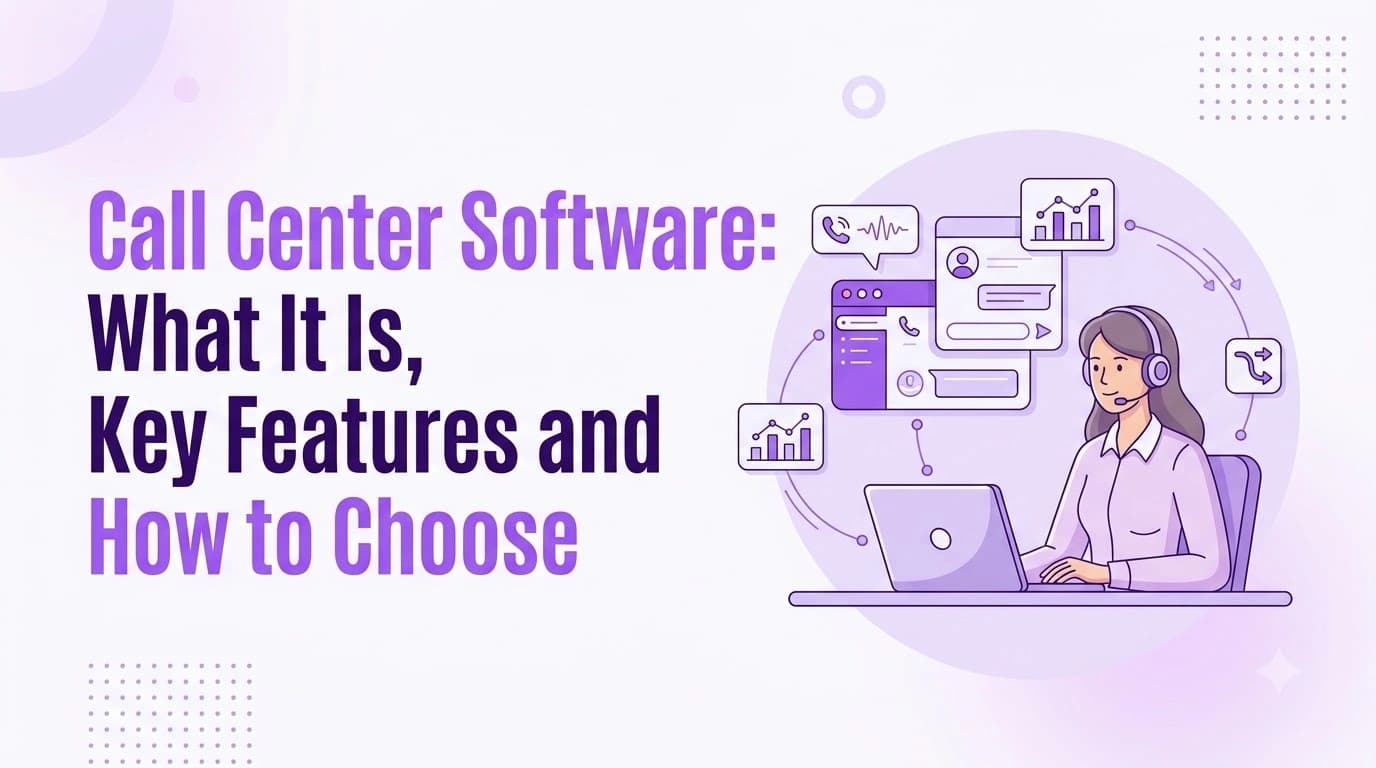
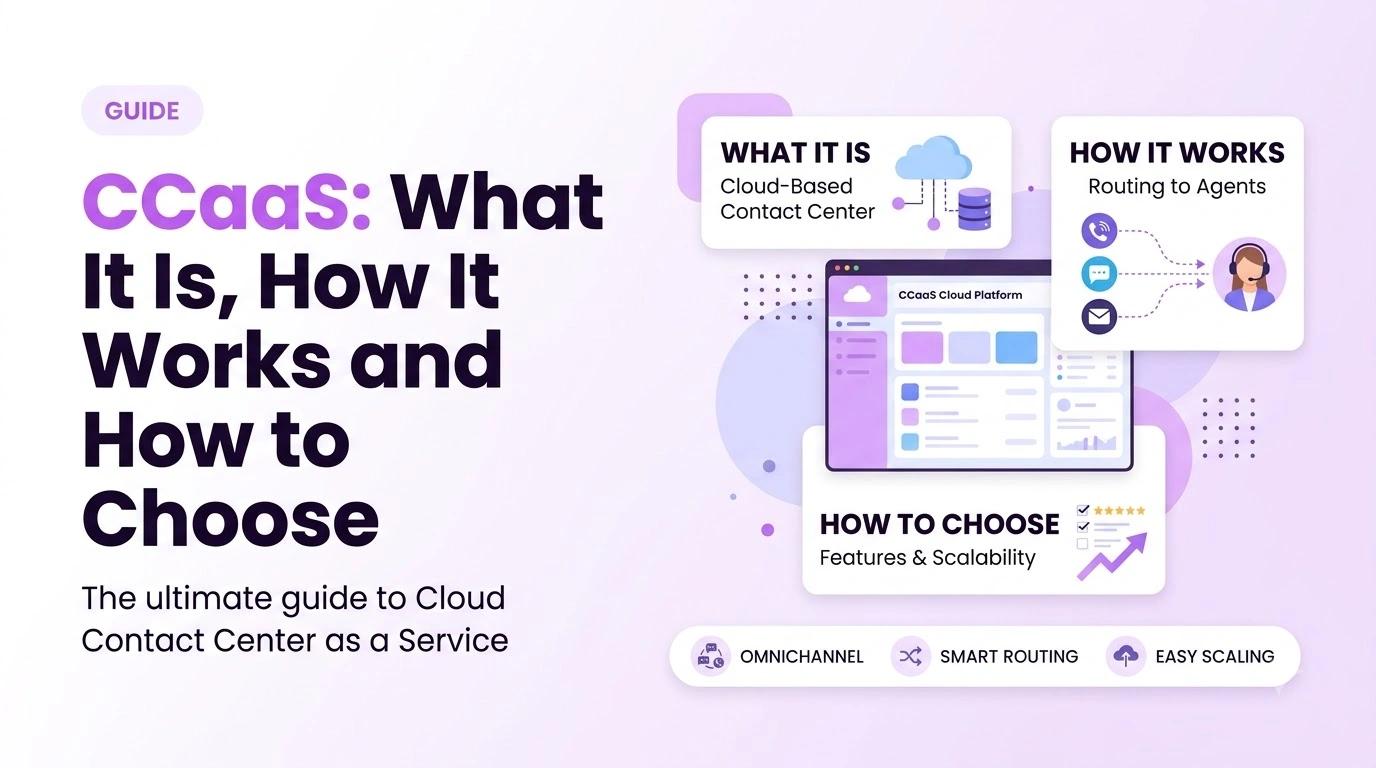
CCaaS stands for 'contact center as a service'. This is a cloud-based solution that allows your team to manage all of your customer communication. Whether it be via phone, chat, email or text, your contact center will be rented from your provider. This means that you don't have to purchase any new servers or phone lines and instead you will pay monthly depending on your plan and number of agents.
'Contact center as a service' can be a very vague term and is often stretched. This guide will give an overview of what a cloud contact center is, how it works, how it differs from your business phone system, what features to look out for and how to choose the right provider for your team.
What Is CCaaS?
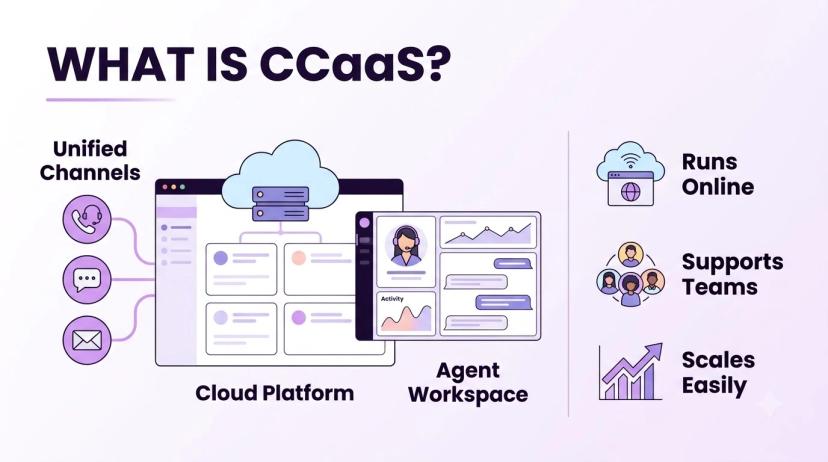
A cloud contact center is software that will route your customer communication and connect the customer to the right agent. It will also track what has happened during their communication. Your provider will host your contact center, ensuring it is updated and allowing your agents to access it via a browser or app. This means your agents can work from anywhere, either in the office, from home or both.
Traditional contact centers were hosted on hardware, with changes often taking weeks to make. Modern platforms like Ringflow Contact Center allow you to manage your voice, chat, email and SMS in one place with routing, queue dashboards and agent assistance. Changes can be made quickly by your managers on screen.
Teams will switch to a cloud contact center to solve issues like:
- Slow changes: adding new agents or changing your menus requires an installer.
- No integration: calls, email and chat are all separate.
- No real time view: supervisors only find out about queue surges from angry customers.
- Lack of context: agents will ask the customer to repeat themselves.
- Fixed capacity: hardware is sized for your busiest day.
CCaaS vs UCaaS: What Is the Difference?
These two terms are often confused. Unified communications will allow your employees to communicate with each other. Contact centers however will allow your team to communicate with your customers. It will aim to manage large volumes in a fair way. For more details, see the guide on what UCaaS actually means.
| Unified communications | Contact center | |
|---|---|---|
| Who uses it | Employees communicating with each other | Agents communicating with customers |
| Main purpose | Daily collaboration | Fairly managing large volumes of customer requests |
| Main features | Calling, messaging, meetings | Queueing, routing, agent interface, quality scoring |
| Success measured | Adoption, quality of calls | Waiting times, resolution, satisfaction |
Many businesses will require both. If you don't have many agents answering your phone, you might be happy with a traditional business phone system. However, if you start to get queueing, multiple channels and coaching/managing agents then the contact center will start to make sense.
How Cloud Contact Centers Work
This is how all cloud services work. According to NIST, cloud computing is 'on-demand network access to a shared pool of configurable computing resources'. This means your provider can increase your capacity in minutes.
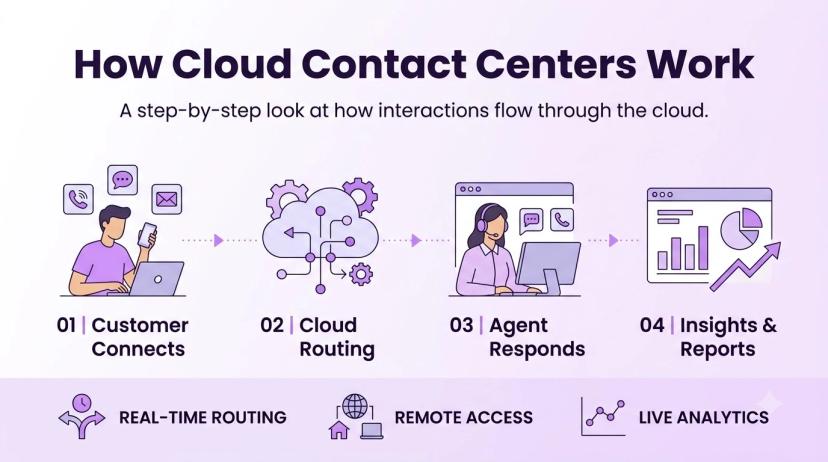
Your customer will have a quick process to get in touch. They will call, chat, email or text you. They will be routed to the correct agent based on a menu or questions. The agent will view the customer's file and will manage their communication. The platform will log notes, recordings and outcomes.
- 1Customer contacts through any supported channel. Identified where possible.
- 2Request sorted through a menu, bot or quick questions.
- 3Routed to the best available agent based on skills, availability and ownership.
- 4Agent manages their communication in one screen with history, notes and suggested answers.
- 5Outcome is logged for reports and coaching.
Core Contact Center Features
There are lots of different features but make sure your platform has:
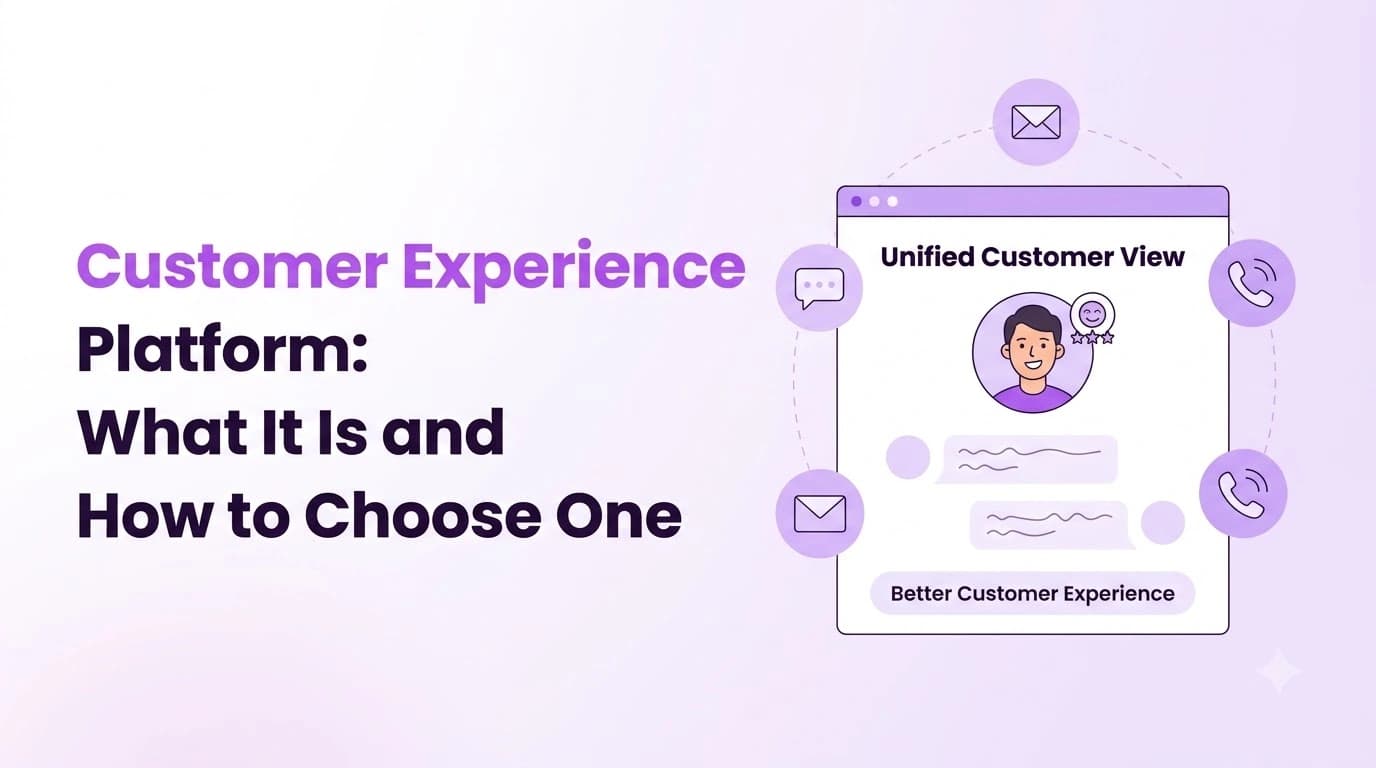
- Omnichannel contact center: all your communication in one place (voice, chat, email, SMS). One customer history.
- IVR & routing: multi-level menus. Skills based routing to ensure contacts are sent to the right agent.
- Queueing & dashboards: real time dashboards to view contacts waiting and agent statuses.
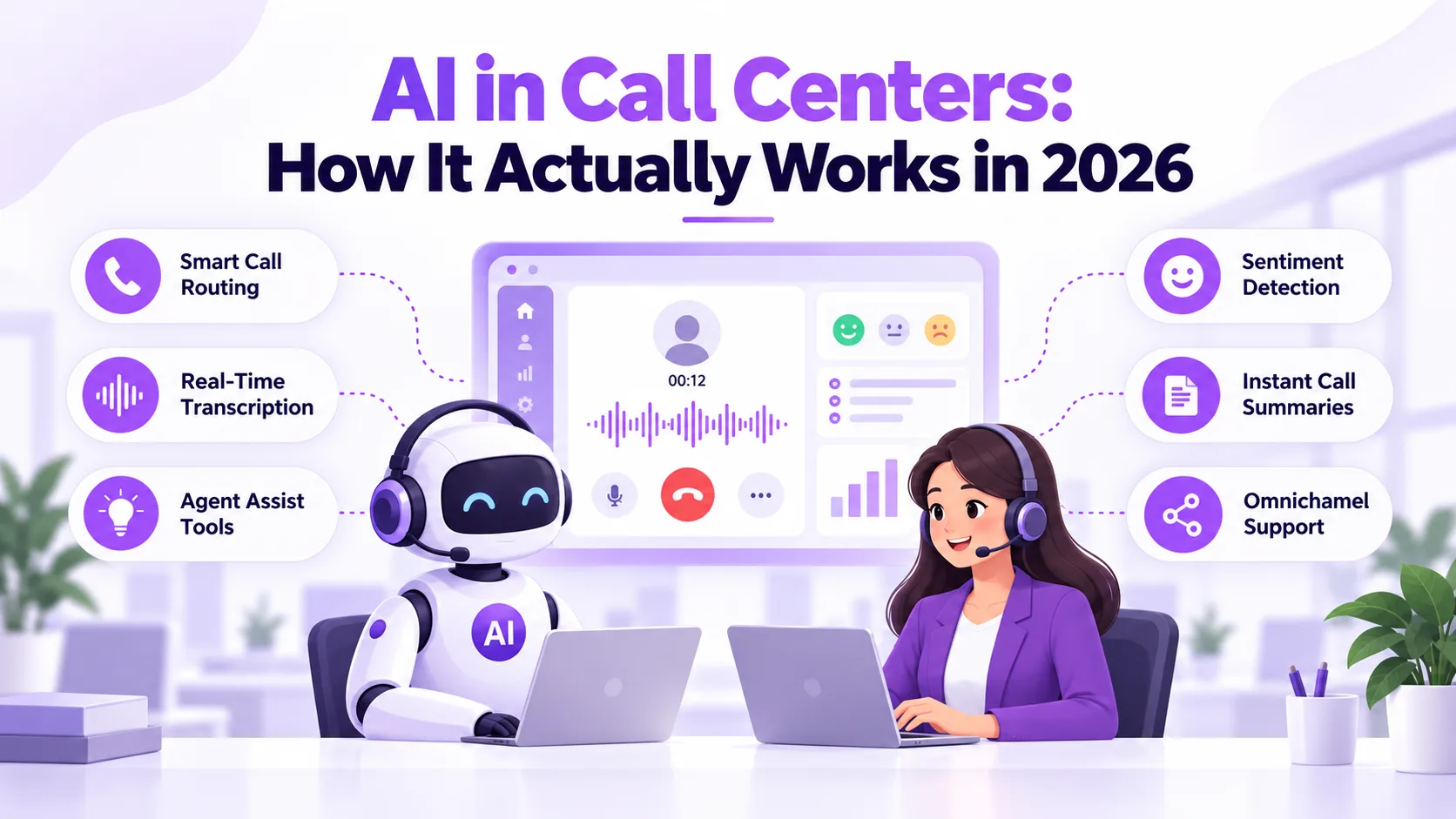
- Agent assistance: live transcription, suggested articles and post call summary.
- Quality & coaching: scoring, sentiment trends and alerts to know when your agents need help.
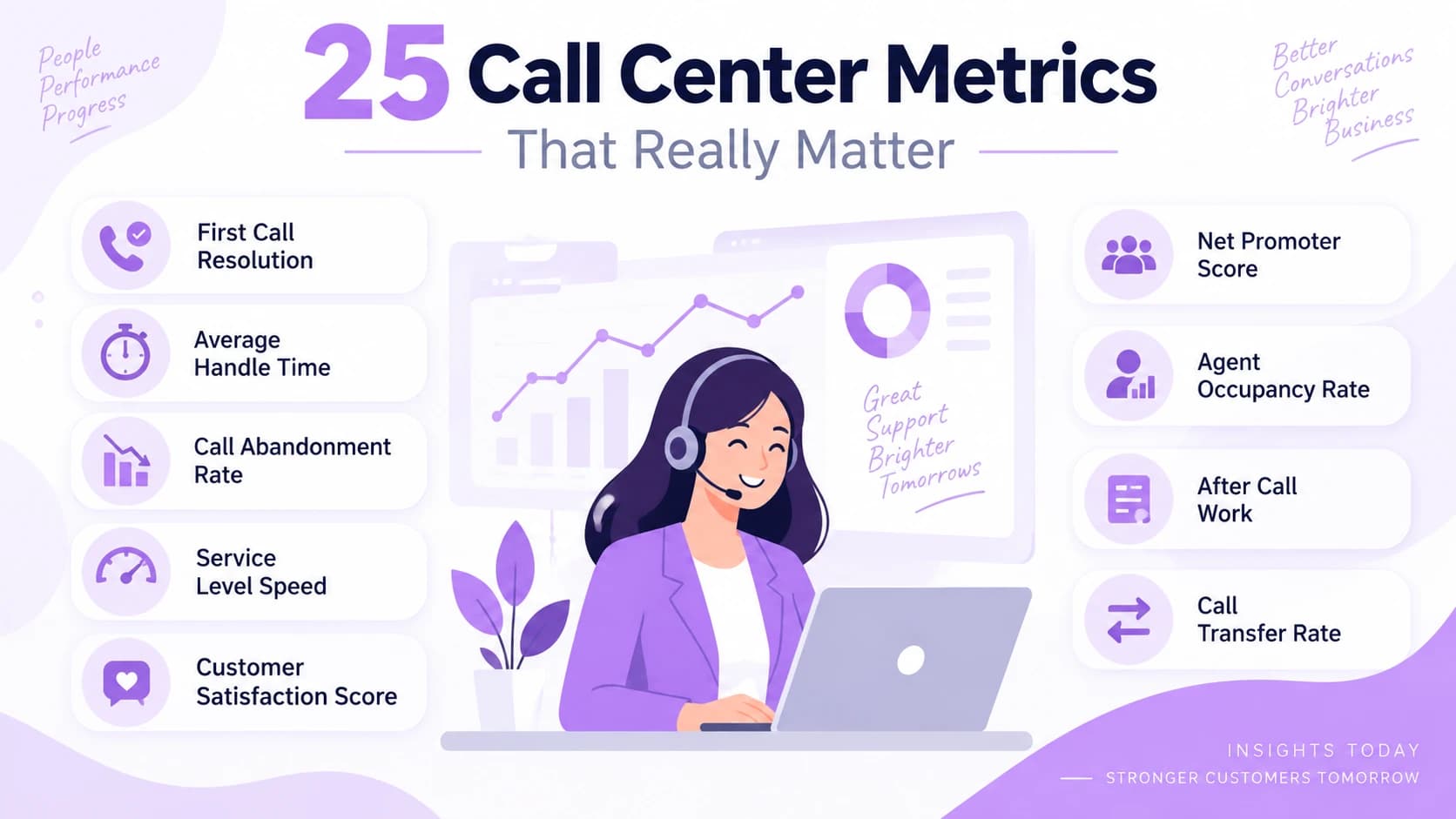
- Reporting: pre-built reports and custom dashboards for supervisors/managers.
- CRM integration: calls and communications logged into your customer's file.
- Automation: tasks and updates triggered at the end of a communication.
- Outbound: campaign dialer with compliance features.
Don't be fooled by the number of features your platform has. Ensure the few that your agents use every hour are easy to set up. A small pilot with real contacts will show you this faster than any demo.
Benefits and Trade-Offs
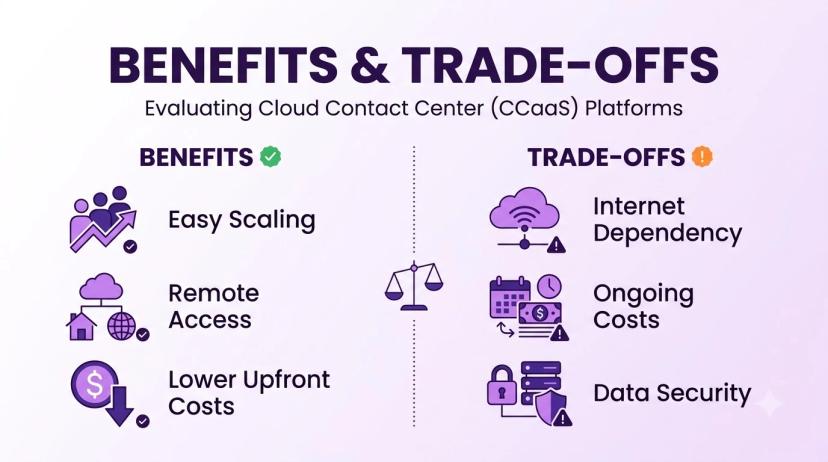
The main benefit of using a cloud solution is the speed and flexibility. New agents can be added on the same day. Menus can be changed quickly. If you want to add a new channel you don't have to purchase any new hardware. It also means you can budget more easily as you are paying per agent and per plan.
There are some considerations. You will require a reliable internet connection and your provider will need to have good uptime. It's worth asking how they handle outages and what credits they offer. Some features will be on higher plans. Complex menus can take longer to migrate. Go-live time depends on team size, number porting and menu complexity, so ask any provider for a timeline.
- Fast to set up: no hardware to purchase.
- Easy to scale: add/remove agents as needed.
- Work from anywhere: can be accessed via a browser/app.
- Better visibility: real time dashboards and consistent reports.
- Considerations: internet dependency, plan restrictions, migration time.
How to Choose a CCaaS Provider
Consider your business:
- 1Which channels do you have? Which channels do you currently use and will you use in the future (voice, chat, email, SMS).
- 2How many agents do you have? How big is your team? What is your busiest hour? Queueing can cause issues.
- 3Are there any tools you need? Ensure your plan includes integrations with your CRM/help desk.
- 4Plan restrictions. Which features are on which plan? (Recording, dialer modes etc).
- 5Migration. How are your numbers migrated? Is it free? How long does it take?
- 6Support. What times and channels do you get support? Who will oversee your onboarding.
- 7Pilot. Get a small team onto the platform.
Ringflow offers a 14-day free trial with no credit card required. Numbers can be migrated for free. The Starter plan starts at 1 seat. With a small pilot you can easily try it out. Whatever provider you choose make sure you ask for a trial with your own call flows.
Security and Compliance
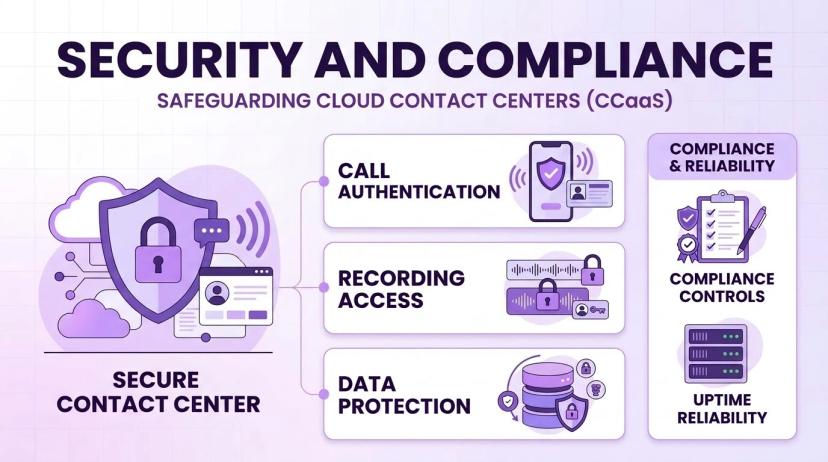
As your contact center will store recordings, customer details and sometimes payment details it should be treated the same as any system that contains customer data. Outbound teams will also have additional compliance requirements.
- Are your calls authenticated? Do you have STIR/SHAKEN attestation on your calls?
- Compliance. What features are included to help you stay compliant?
- Who can listen to recordings? Can they be listened to by anyone? Are they tracked?
- Compliance on recordings. Can prompts be tailored to the states you call?
- Data. Where is customer data stored? How long is it stored for?
- Uptime. What is the uptime guarantee? How are credits handled?
Ensure you get written confirmation. Don't be fooled by a confident 'yes' during a sales call. Security settings will only help if someone on your team owns them.
Conclusion
A CCaaS platform will give your customer facing team some flexibility. Start by considering your channels and busiest hour. Ensure the features you choose are ones your agents will actually use. Understand the differences between internal collaboration tools and customer-facing ones.
Try before you commit. A small pilot will show you how your communication is routed, the quality of calls and reports. A free trial is a great option with Ringflow to see how it manages your queues.
Ready when you are
Ready to see CCaaS handle your own queues?
Set up routing, queues and dashboards, then take your first conversation the same day with a 14-day free trial.
Frequently Asked Questions
It stands for contact center as a service. It is a cloud-based solution that manages customer calls, chats, emails and texts, and your provider hosts it for you.
No. Unified communications is for employees communicating with each other, while a contact center is for agents communicating with customers and managing large volumes fairly.
It is a contact center that keeps voice, chat, email and SMS in one place, with one customer history, so agents do not need to ask customers to repeat themselves.
You pay monthly, per agent and per plan. Some features, such as recording or dialer modes, sit on higher plans, so ask which plan includes what you need.
It depends on team size, number porting and menu complexity, so setup can take longer for bigger teams. Ask any provider for a timeline based on your own call flows.