
Introduction
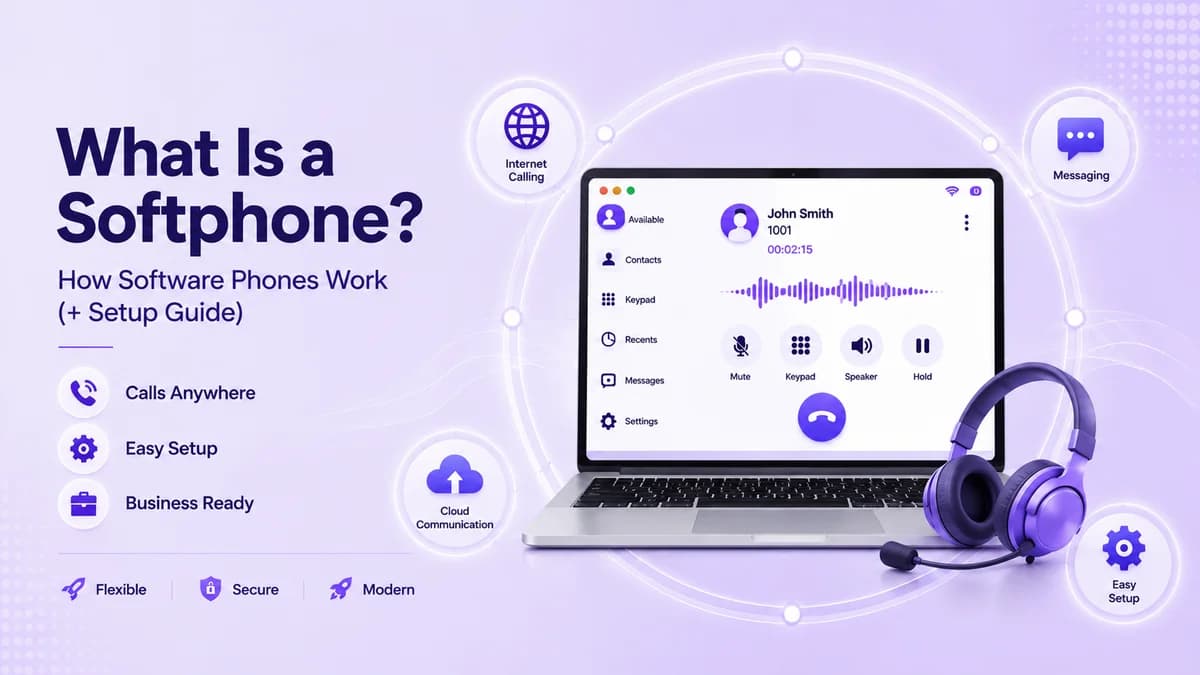
A softphone is an app that turns a laptop, tablet, or smartphone into a working business phone. You place and answer calls on a screen instead of a desk handset, using your internet connection and your company number. Because there is no hardware to buy or install, a softphone is often the fastest way to give a new hire, a remote worker, or a whole team a proper line.
This guide from Ringflow explains what a softphone is, how a call travels through one, and how it compares with a desk phone. You will also get a pre-install checklist, setup steps, the features worth paying for, and what changes when a whole team shares one. Read it before you pick an app, so you avoid the problems most teams only discover after rollout.
What Is a Softphone and How Does It Work?
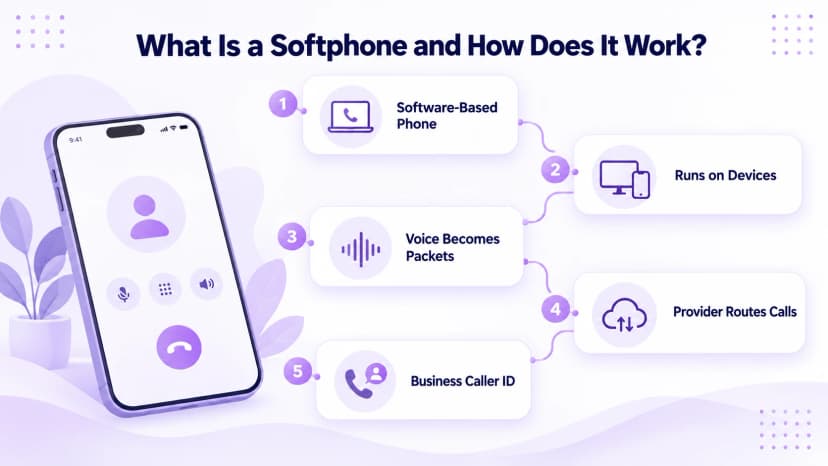
A softphone is software that does the job of a desk phone. It gives you a dialpad, a call list, voicemail, and contacts on a screen, and it connects to a calling service over the internet. The name blends software and phone. Any laptop, tablet, or smartphone with a microphone and a speaker can run one, so most people already own everything they need.
When you place a call, the app turns your voice into small digital packets and sends them to your provider over the internet. The provider then connects you to the other person, whether they use a mobile, a landline, or another app. Call quality depends mostly on your network rather than the software, so a steady connection matters more than a fancy interface.
- Dial: you tap a number or a contact, and the app sends a call request to your provider.
- Digitize: your voice is compressed into small packets as you speak, ready to travel over the internet.
- Route: the provider's servers connect the call to the right number, whether it is next door or overseas.
- Reply: the other person's voice comes back the same way, usually within a fraction of a second.
- Identify: the call shows your business number instead of your personal mobile, which keeps work and home apart.
- Sync: call history, voicemail, and contacts follow you between your laptop and your phone.
- Standards: most softphones use the SIP protocol, which lets one app work with many different calling providers.
Softphone vs Desk Phone and Mobile Calling
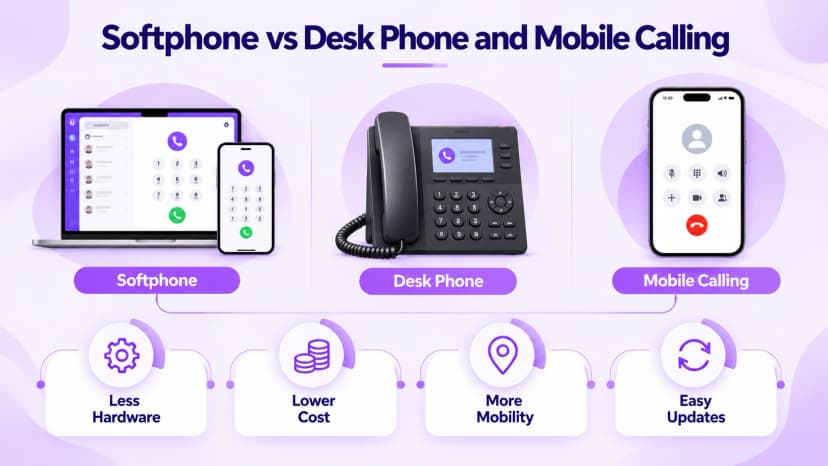
A desk phone plugs into a wall jack or network port and stays on one desk. It is simple and familiar, but every new hire needs a handset, a cable, and often a visit from a technician. Moving offices means moving hardware. A softphone removes those steps, because the phone is an app you install on a device the employee already has, which saves time on every hire.
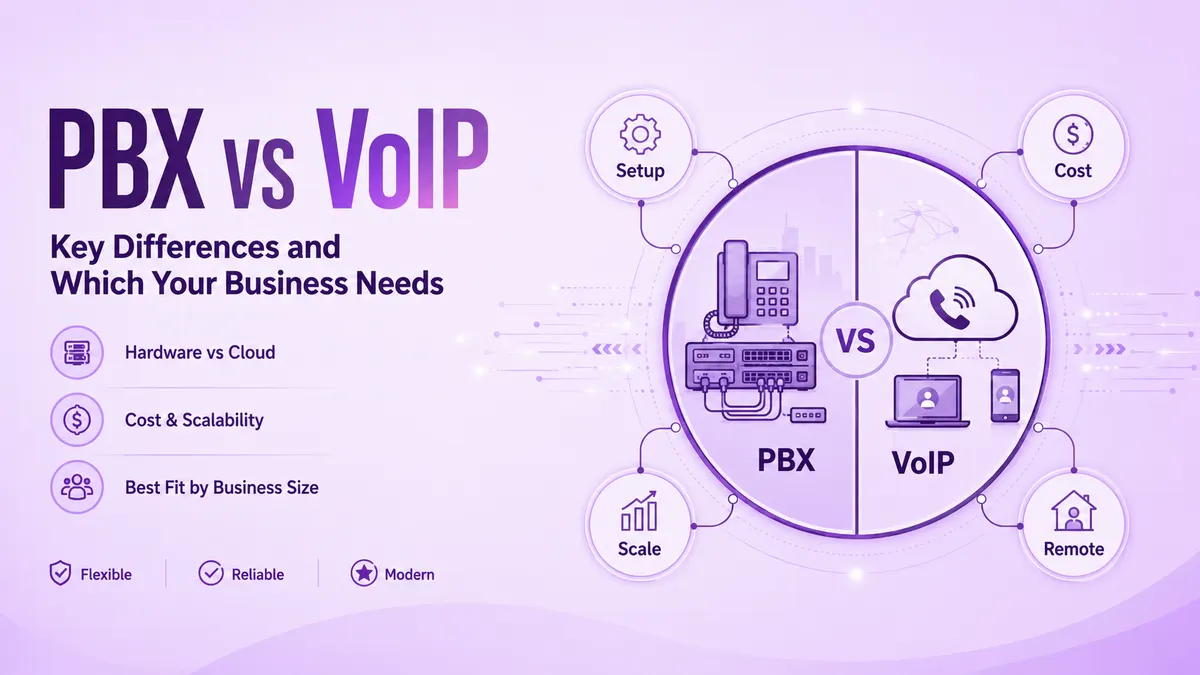
Mobile calling is a different choice again. Calling from a personal mobile number mixes work and private life and leaves no shared record for the business. A softphone keeps calls on the company line instead, with a shared record that authorized staff can review. If you are comparing older phone systems with cloud ones, our PBX vs VoIP guide explains how the two differ on cost, flexibility, and day-to-day management.
- Hardware: a softphone needs only a headset, while a desk phone needs a handset, cabling, and a power or network port.
- Cost: an app seat usually costs less over time than buying, shipping, and repairing physical phones.
- Mobility: a softphone works from home, a hotel, or a coworking space, while a desk phone stays put.
- Updates: new features reach every user at once, with no technician visit or firmware download.
- Security: most business softphones encrypt calls in transit and require a secure login, which a personal mobile rarely offers.
- Reliability: a desk phone can survive a laptop crash, while a softphone depends on the device and its internet.
How to Set Up a Softphone App Step by Step
Check three things before you install anything. You need a stable connection, with at least 100 kbps free for each active call. You need a headset or a microphone that filters background noise. And you need permission to install apps on your work device. Skipping this checklist is why a softphone often gets blamed for what is really a weak router or a noisy room. Each check takes only a minute.
Test your network first by running a speed test at your desk and again in a shared space, because a big gap predicts uneven calls. If audio still cuts out later, our VoIP call quality guide walks through the usual causes. Once the basics are fine, most people finish the steps below in under ten minutes, with nothing to ship or wire.
- Download: install the app for your device, whether that is Windows, Mac, iOS, or Android.
- Sign in: use the login your provider sent after signup, which also loads your number and settings.
- Allow access: say yes when the app asks to use your microphone, or calls will connect without sound.
- Test: place a real call to a colleague and confirm that audio works clearly in both directions.
- Customize: set your caller ID, voicemail greeting, and business hours before your first customer call.
- Secure: turn on two-step sign-in if your provider offers it, so a lost laptop cannot expose your business line.
Key Features to Look For in a Softphone
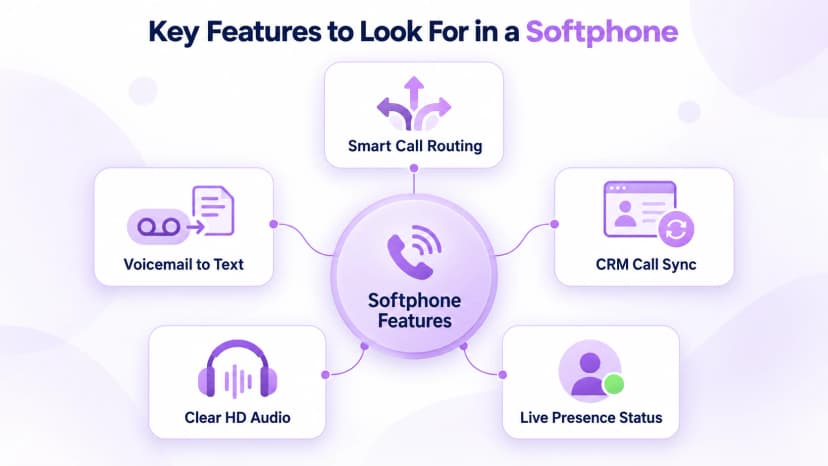
Not every softphone is built the same, and the gaps show up quickly once a team relies on one every day. A free app can place a call, but it may lack routing, shared numbers, or any record of what happened. Judge an option by how well it handles the busy moments, not by the length of its feature list or the price of its entry plan.
Ringflow includes every feature below in its own softphone and adds AI call summaries, which most standalone apps skip. That matters on busy days, when nobody has time to replay a recording to remember what was agreed. Whichever provider you choose, make sure the features you rely on are included in the plan price, not sold as extras. Extras can quietly double the monthly cost, so ask for a trial before you commit.
- Call routing: an auto attendant or ring group sends each incoming call to the person best placed to answer.
- Voicemail transcription: messages arrive as text, so nobody replays a recording just to copy a number.
- CRM integration: calls log themselves in tools like HubSpot or Zoho without any manual entry.
- HD audio: wideband sound with a low-bandwidth fallback keeps conversations clear on a weak connection.
- Presence status: you can see who is already on a call before you try to transfer one.
- Mobile and desktop apps: the same line and history follow each person across every device they use.
- Call recording: calls can be saved for training, quality checks, and disputes, subject to local consent laws.
Softphone for Business: What Changes for Teams
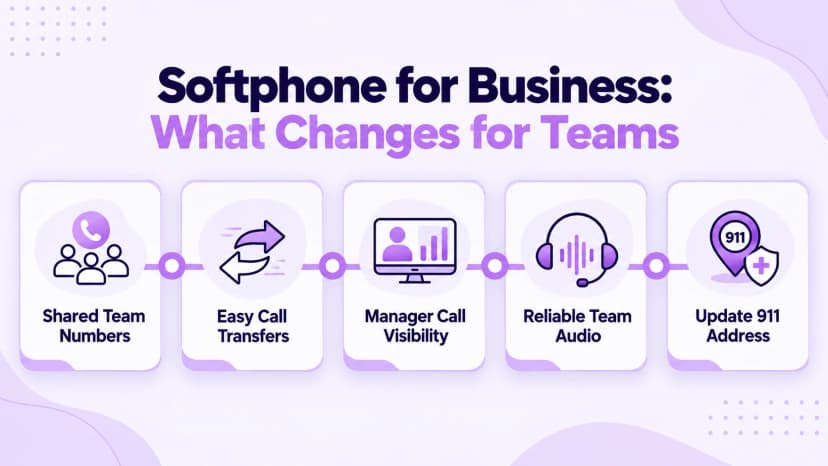
A personal softphone handles calls for one person on one device. A business softphone must serve a whole team at once, and that changes the requirements. Shared numbers, transfers between reps, and manager visibility become essential once several people share a line, and the audio has to stay clear whether five people call at once or fifty. Reporting matters too, because managers need to see call volumes and missed calls.
Emergency calling needs extra care, because a softphone can run from anywhere, including a hotel room. The FCC VoIP 911 guide says interconnected providers must collect your physical address before activation, that you should update it when you move, and that service may fail during a power or internet outage. Keep a backup phone for emergencies, and tell remote staff to update their address whenever they move.
- Healthcare: front desks need quick transfers to the right provider and reliable appointment reminders.
- Real estate: agents need fast call-backs to new leads before a competitor reaches them first.
- Legal: offices need a clean call log tied to each client file for billing and records.
- Choppy audio: this is usually a bandwidth or Wi-Fi problem, so switch to a wired connection.
- One-way audio: this often means a firewall is blocking the call, not that the software is broken.
- Echo: two devices left open on the same call cause it, so close the extra app or tab.
- Reporting: dashboards show call volume, wait times, and missed calls, so managers can staff the busy hours properly.
Conclusion
A softphone turns any device into a real business phone line. It needs only an app, a steady connection, and a decent headset, which is why so many teams are moving away from desk hardware. You now know how one works, how it compares with other options, and what to check before you roll it out. Most teams are surprised by how quickly the change pays off.
Start small by testing one softphone on a single real call this week. Check your bandwidth, confirm your emergency address, and invite one colleague to try it with you. Ringflow offers a free trial, so you can hear the call quality and test routing yourself before you commit your whole team to a new phone setup. Small trials beat big promises every time.
If you manage a team, plan the rollout in two stages. Start with a small pilot group, gather feedback on audio and routing for two weeks, and fix any network gaps you find. Then move everyone else across in batches, keeping desk phones as a fallback until the new setup has proven reliable. Name one person to own accounts and address updates.
Ready when you are
Ready to Stop Juggling Desk Phones and Dropped Calls?
See how Ringflow's business softphone adds routing, CRM sync, and AI call summaries in one app.
Frequently Asked Questions
A softphone is an app, while a VoIP phone is a physical handset.
Most business plans cost roughly $15 to $30 per user each month.
A headset and a device with the app installed.
Most do, which lets one app work with many providers.
Usually bandwidth or Wi-Fi; switch to a wired connection.