
Introduction
A virtual phone number looks like any other number, but it does not belong to a single phone, SIM card, or office. It lives in the cloud and rings wherever you tell it to, which is why small businesses, remote teams, and freelancers rely on one. As customers expect quick answers from a local or toll-free line, a number tied to one desk phone starts to feel like a limit.
This guide explains what a virtual phone number is, how calls reach you, and which types are worth considering. It also covers the benefits, the setup steps, and the reliability checks that many buyers skip until something breaks. Whether you are adding a second line or building a full phone system, the goal is the same: a number that works the way your team works every single day.
What Is a Virtual Phone Number?
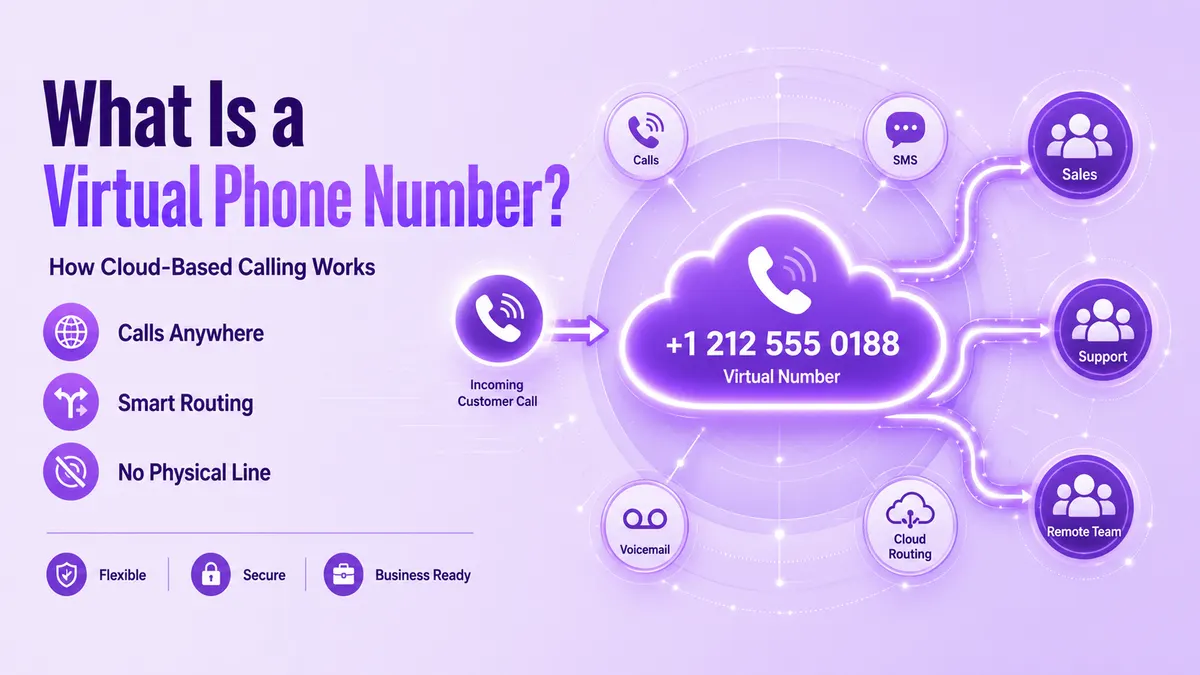
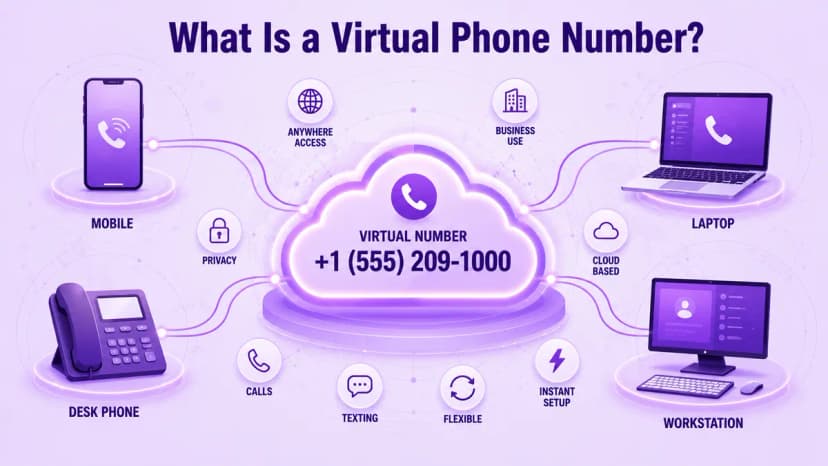
A virtual phone number is a number that connects callers to you over the internet instead of through a dedicated copper line or a single SIM. People dial it like any ordinary number, and they cannot tell the difference. Behind the scenes, your provider receives the call and forwards it to an app, a computer, or a desk phone that you have chosen.
Because the number is separate from any one device, you can keep it when you change phones, move offices, or hire people in other cities. Many providers also support text messages, voicemail, and call recording on the same line. That makes a virtual phone number a practical way to run a business identity without buying extra hardware, and it takes little technical skill to manage day to day.
- Not tied to a SIM card, a handset, or one physical office location
- Works over the internet, so any connected device can answer the call
- Can ring a mobile app, laptop, desk phone, or several devices at once
- Keeps your personal number private when you call or text customers
- Supports voicemail, call routing, and business hours from a web dashboard
- Often includes text messaging alongside voice on the same number
- Stays with you when you change devices, offices, or team members
- Available in local, toll-free, and international formats for different needs
How Virtual Numbers Route Your Calls
Every virtual phone number runs on VoIP, which turns your voice into data packets that travel over the internet. When a customer dials, their carrier hands the call to your provider, and the provider decides where it goes next. That decision takes a fraction of a second, and the caller hears ringing just as they would on a traditional line, with no sign that the call crossed the internet.
You control the destination through a dashboard. Rules can send calls to a mobile app during the day, a team queue at lunch, and voicemail after hours. Call quality still depends on your connection, so a reliable network matters as much as the provider you choose. Testing on the network your team actually uses avoids unpleasant surprises, especially for staff who work from home on shared or slower connections.
- The caller dials your number, and their carrier passes the call to your provider
- Your provider checks routing rules such as time of day, caller, or number dialed
- The call is converted to data and delivered over the internet to your devices
- Ring groups can alert several people at once, or one after another
- Unanswered calls can move to voicemail, another team, or a backup number
- Softphone apps let a laptop or mobile phone act as your office line
- Routing changes take effect in minutes, with no new wiring or technician visit
- A stable internet connection keeps audio clear and calls from dropping
Types of Virtual Phone Numbers
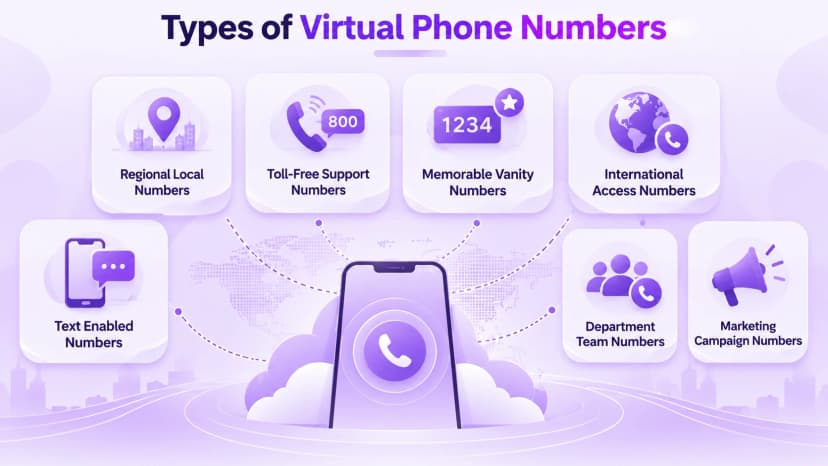
Virtual numbers come in a few main types, and each one sends a different signal to the caller. Local numbers carry a regional area code and build familiarity, while toll-free numbers start with prefixes such as 800 or 888 and cost the caller nothing. The choice is easier when you compare toll-free vs local numbers against your own customers, call volume, and monthly budget.
Vanity numbers spell a word or phrase, which makes them easy to remember in ads and on vehicles. International numbers let people abroad reach you at a local rate, and some providers offer text-enabled numbers as well. Many businesses mix several types, using a toll-free line for support and local numbers for each regional sales team, then adding a vanity number for a single campaign.
- Local numbers use a regional area code and build trust in a specific city
- Toll-free numbers use prefixes like 800 or 888 and cost callers nothing
- Vanity numbers spell a word or phrase that customers can remember easily
- International numbers give overseas customers a local way to reach you
- Text-enabled numbers send and receive messages as well as voice calls
- Departmental numbers route sales, support, and billing calls to separate teams
- Campaign numbers show which ad, channel, or page produced each call
Why Businesses Use a Virtual Phone Number
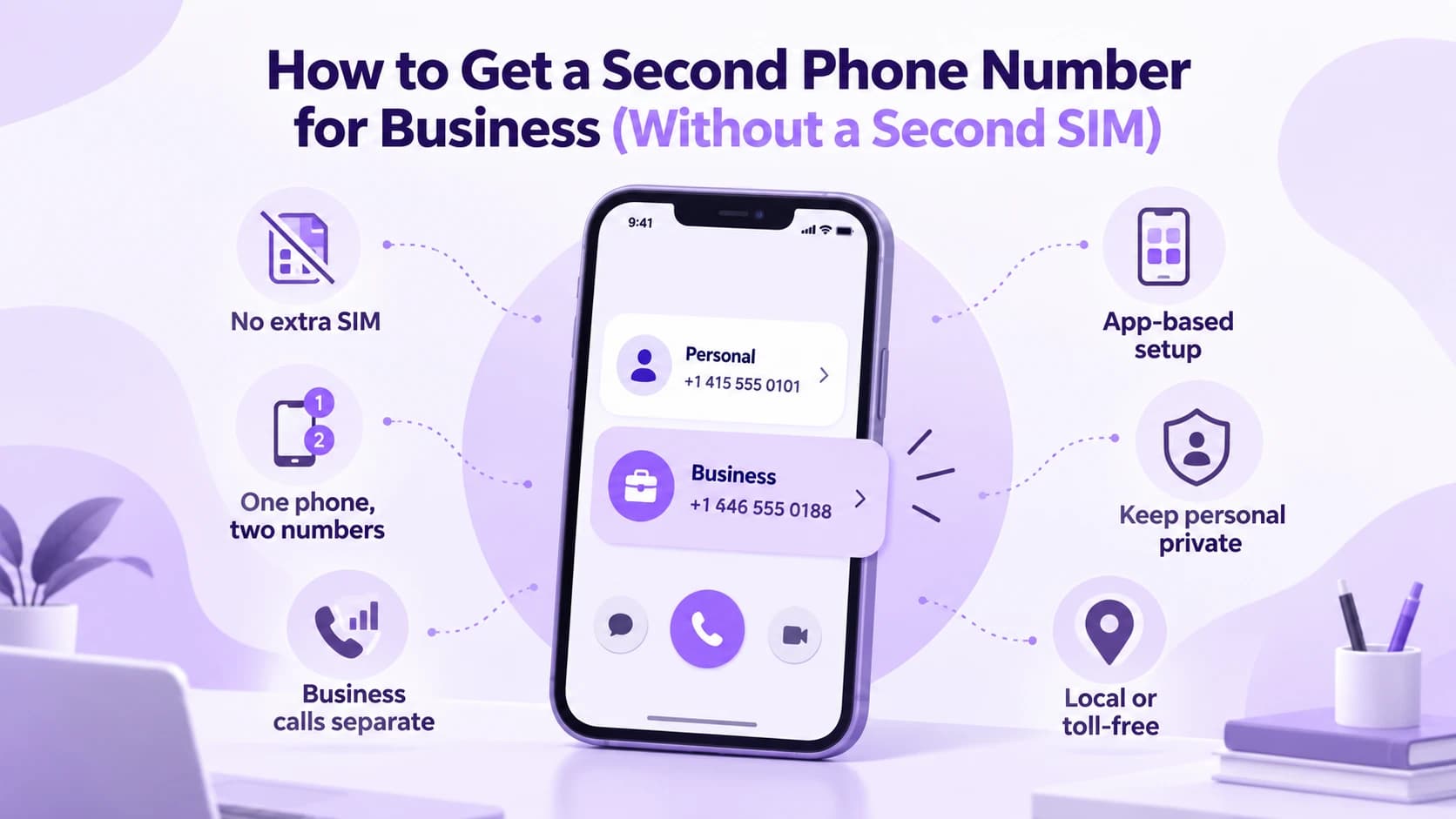
The most common reason is separation. A founder who shares a personal mobile number soon finds work calls arriving at dinner, so adding a second business phone number keeps the two apart without a second device. The same idea helps freelancers, consultants, and remote workers who want a professional line that stays private, can be silenced after hours, and can be handed to a colleague when they leave the business.
Businesses also gain reach. A company based in one city can add local numbers in others so customers see a familiar area code, and a remote team can answer from anywhere. Because every number can have its own call log, marketing teams see which campaigns drive calls and which do not, which makes budget decisions much easier and helps you stop paying for advertising that never rings.
- Separate work calls from personal calls without carrying a second phone
- Look local in new markets by adding numbers with familiar area codes
- Let remote and hybrid staff answer from any location on any device
- Track campaign results by giving each ad or channel its own number
- Scale up or down by adding or removing lines, with no new wiring
- Avoid the cost of desk phones, installation, and on-site phone equipment
- Protect staff privacy, since customers never see personal mobile numbers
- Keep a consistent business identity even when people or offices change
Setting Up a New Number
Getting started usually takes minutes. You search for an available number by area code or prefix, pick one, and confirm basic business details such as your name and address. Some numbers, especially toll-free lines used for texting, need verification before messages can be sent. Choose the number type first and the provider second, so you are not forced to accept whatever number happens to be available that day.
If you already have a business number, you can usually port it to the new provider instead of starting over. Keep the old service active until the transfer finishes, since timing depends on the carriers involved. Ringflow, for example, lets teams add numbers, set routing rules, and connect apps from one dashboard. Test inbound and outbound calls on real devices before you publish the number anywhere.
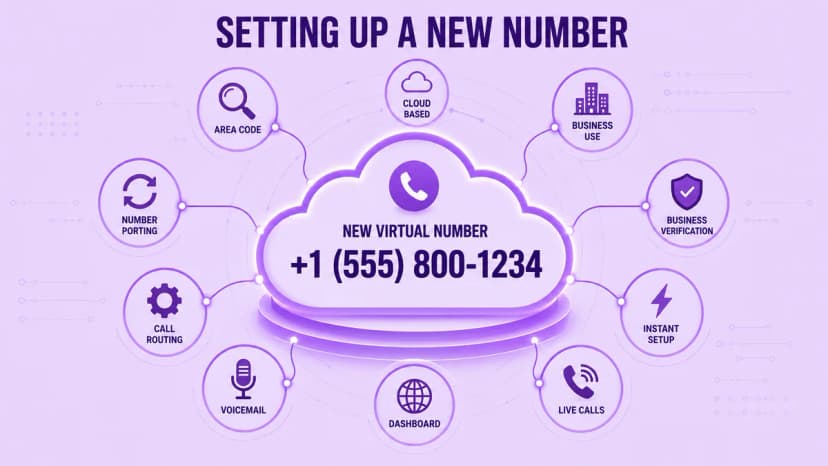
- Pick the number type that fits your customers before you compare providers
- Search by area code, prefix, or keyword to find a number you like
- Confirm business details early, since some numbers need verification
- Decide whether to port an existing number or start with a fresh one
- Keep your old service active until the port is confirmed as complete
- Set routing rules, voicemail greetings, and business hours in the dashboard
- Test inbound and outbound calls on real devices before you publish the number
Reliability and Compliance
A number is only useful if calls arrive clearly and safely. Ask providers about uptime guarantees in writing, how calls are encrypted, and what happens if your internet connection drops. The NIST VoIP security guide explains common risks such as eavesdropping and toll fraud, and it works as a starting checklist when you compare vendors, so bring those questions to every sales call and ask for written answers.
Compliance matters too. In the United States, providers of interconnected VoIP service must support 911 calling, so confirm how you register locations for remote staff. If you plan to send business texts from a local number, ask whether the provider handles 10DLC registration. Skipping these checks can lead to blocked messages or misrouted emergency calls, and both are easier to prevent before launch than to repair.
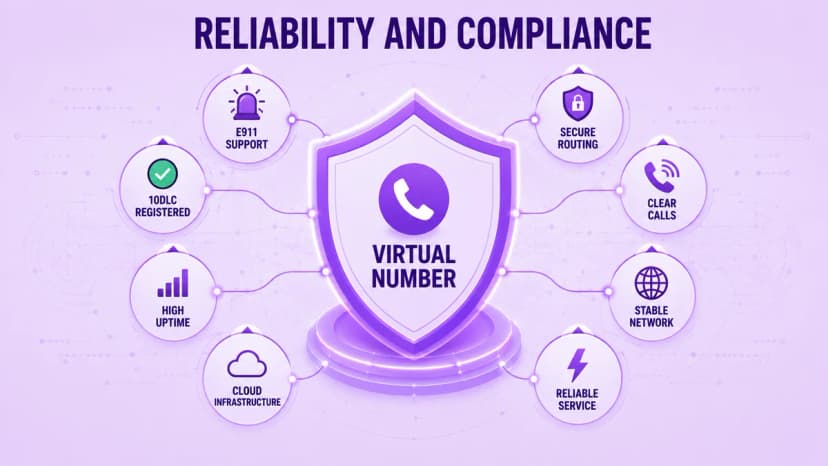
- Ask for a written uptime commitment instead of a claim on a pricing page
- Confirm that calls and voicemail are encrypted, and ask how access is controlled
- Check 911 support and how remote staff register their current address
- Ask whether 10DLC registration is handled for you when texting from local numbers
- Look for spam-call protection such as STIR/SHAKEN caller verification
- Turn on multi-factor sign-in and role-based permissions for every admin account
- Test call quality on your real office and home networks before you commit
- Review call logs regularly to spot unusual traffic or unexpected charges
Conclusion
A virtual phone number gives a business flexibility that a traditional line cannot match. It works over the internet, follows your team across devices and locations, and comes in types that fit different customers and goals. The real work is choosing the right type, setting it up carefully, and checking reliability and compliance before customers start calling. Those steps take an afternoon, not a quarter, and they pay off for years.
Start small. Pick one number that solves a clear problem, such as a private work line or a local presence in a new city, and measure how it performs. Ringflow can help you add numbers, route calls, and track results as your team grows, so your phone setup keeps pace with the business instead of holding it back. Add more lines only when the data supports them.
Not ready for a full number yet? Our roundup of the best free video calling apps covers the free consumer options worth trying first.
Ready when you are
Still Juggling Calls Across Numbers, Devices, and Locations?
Ringflow's cloud phone system routes every virtual phone number to the right person automatically, no manual forwarding needed.
Frequently Asked Questions
It is a phone number that works over the internet instead of a physical line or SIM. Calls to it can ring on an app, a computer, a desk phone, or several devices at once.
They are closely related. A virtual number is not tied to one device or line, and it usually runs on VoIP, so the two terms are often used together.
Many can. Business texting from local or toll-free numbers often requires registration or verification first, so ask your provider what it handles for you.
Usually yes. Most providers let you port an existing number, and the transfer can take from a day to a couple of weeks depending on the carriers involved.
Plans often run from a few dollars to about twenty dollars per month, with higher prices for toll-free numbers, extra calling minutes, or added features.
In the United States, interconnected VoIP providers must support 911, but you may need to register your address. Confirm the process before you rely on the number.
Yes. Many businesses use several numbers for departments, locations, or campaigns, and each one can route to its own team and appear in its own call log.