
Introduction
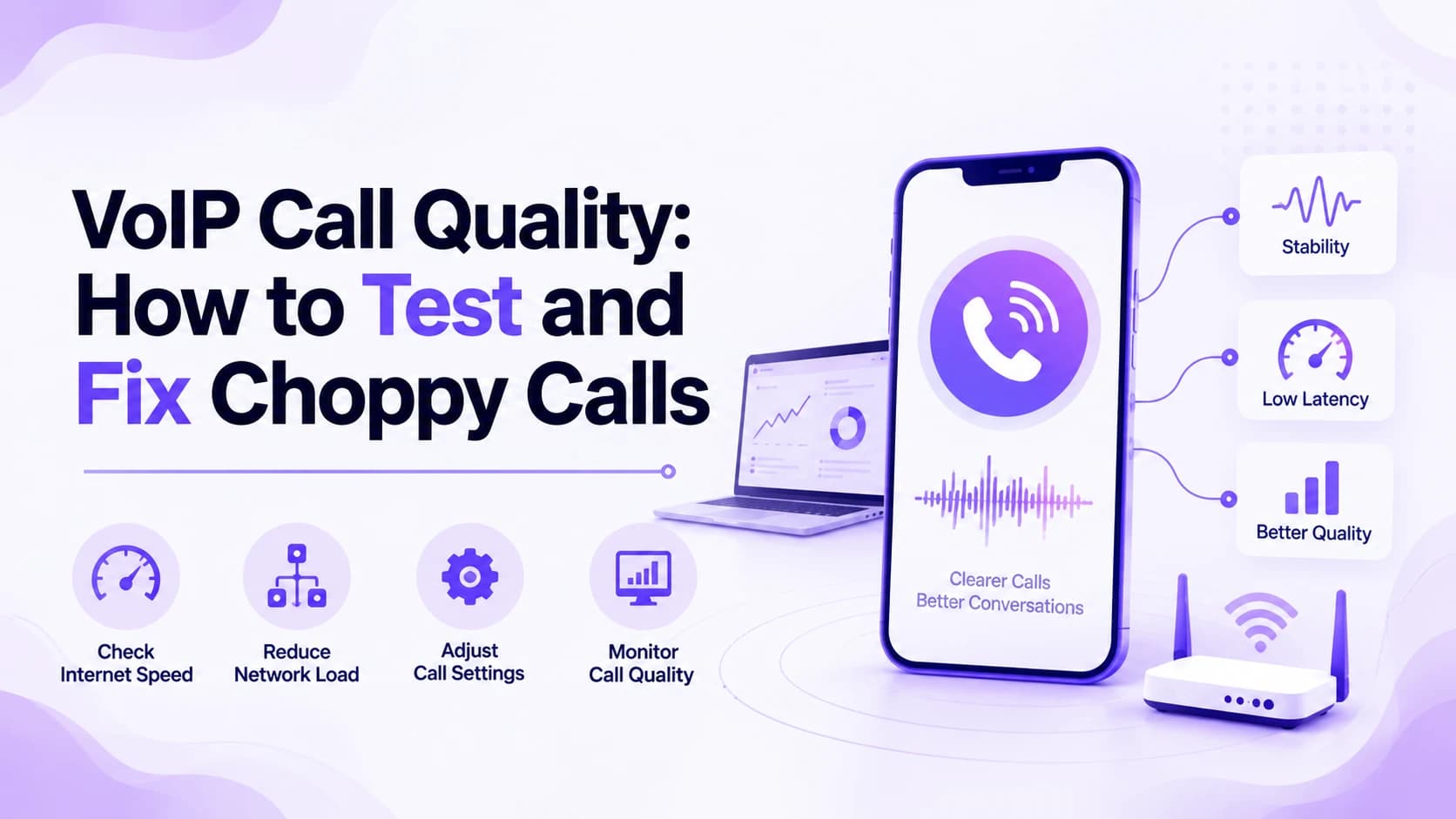
A choppy call costs more than a moment of annoyance. Customers hang up, colleagues stop trusting the phone for anything important, and a sales call that cuts out mid-sentence can cost a deal outright before it even closes. Poor VoIP call quality almost always traces back to a small number of causes, and each one has a specific, testable fix rather than a vague setting to toggle and hope for the best.
This guide explains what actually affects VoIP call quality, how to test your own connection in minutes, and the fixes that solve most problems for free. It also covers choosing a reliable provider, the security standards worth checking, and when the issue truly sits outside your own network entirely. By the end, you will know exactly where your calls are breaking down and what to do about it.
What Affects VoIP Call Quality?
VoIP turns your voice into small data packets and sends them across the internet, so call quality depends on how cleanly those packets travel. Three problems account for almost every bad call: jitter, which is packets arriving unevenly; latency, the delay between speaking and being heard; and packet loss, where some packets never arrive at all. Each one sounds different, which makes the cause easier to spot by ear.
Jitter makes voices sound robotic or garbled, since your device expects a steady stream and has to smooth out uneven timing. Latency shows up as awkward pauses where both people start talking at once. Packet loss drops words or clips syllables, and a call can cut out completely when it gets bad enough. Knowing which symptom you are hearing points you straight at the fix before you touch a single setting.
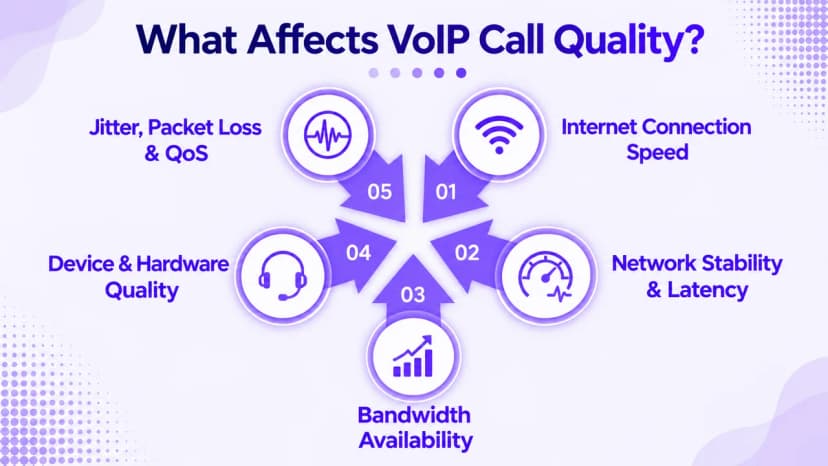
- Jitter under 30 milliseconds keeps voices sounding clear and natural
- Latency under 150 milliseconds avoids the awkward talk-over pause
- Packet loss under 1 percent is the target for reliable calls
- Wi-Fi interference is a common source of both jitter and packet loss
- An overloaded router struggles to prioritize voice over other traffic
- Old or cheap headsets and desk phones can distort otherwise clean audio
- Background bandwidth use, like backups, competes directly with live calls
- A shaky internet connection undermines even a well-configured phone system
How to Test Your VoIP Call Quality
Guessing at the cause wastes time, so test before you change anything. A free online VoIP speed test measures jitter, latency, and packet loss together in under a minute, and it gives you real numbers instead of a feeling that calls sound bad. Run it more than once, since a single quiet-moment test can hide the congestion that only shows up later in the day.
Test during your busiest calling hour, then again during a quiet stretch, so you can see how much your numbers move under load. Compare each result against the targets: 30 ms jitter, 150 ms latency, 1 percent packet loss. Whichever number misses the mark first is where you start fixing, and if two fail together, the network basics are usually the shared cause worth fixing first.
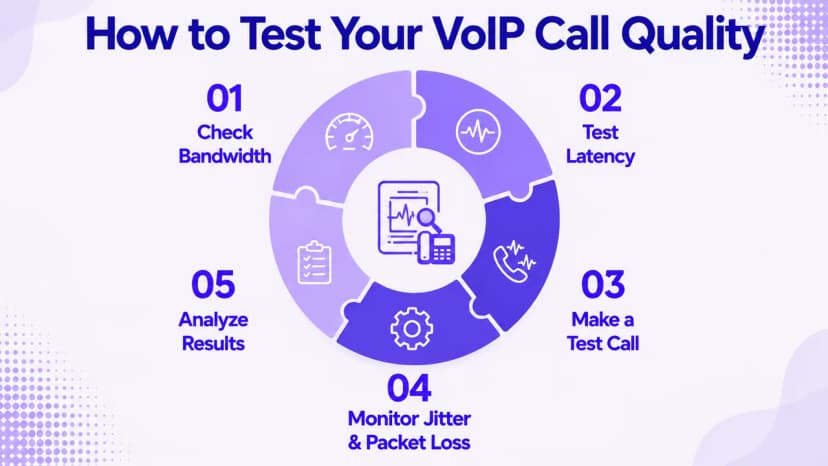
- Run a free VoIP speed test that reports jitter, latency, and packet loss
- Test at least three times across a normal workday, including your single busiest hour
- Write down each result so you can compare it against the targets
- Repeat the test on Wi-Fi and on a wired connection separately
- Make a real test call and note exactly where the audio breaks
- Retest after every fix to confirm it actually moved the numbers
- Keep a simple log so recurring problems are easy to spot over time
Fix Common VoIP Call Quality Problems
Quality of Service, or QoS, is the single biggest fix available for free. It tells your router to send voice packets ahead of downloads, backups, and streaming, so a large file transfer never wrecks a live call. Most business routers include a QoS or traffic-priority setting, and turning it on for voice or SIP traffic usually takes only a few minutes to configure correctly.
Hardware and habits matter just as much as settings. A wired Ethernet connection is far more stable than Wi-Fi for voice, so plug in desk phones and primary workstations wherever you can. Limit heavy background tasks like cloud backups during call hours, and pick an efficient codec, such as G.711 for clarity or G.729 for tighter bandwidth, to balance quality against your available connection speed.
- Turn on QoS and give voice or SIP traffic the highest priority, which Ringflow tags automatically
- Use a wired Ethernet connection for desk phones and busy workstations
- Place your router centrally, away from thick walls and other electronics
- Upgrade a router older than five years if it lacks QoS support
- Schedule backups and large downloads for after hours, away from call time
- Separate guest Wi-Fi and streaming devices from your business network
- Choose a codec that balances clarity against the bandwidth you actually have
- Confirm your upload speed can handle every simultaneous call your team makes
Choose a Reliable VoIP Provider
Most guides stop at your own network, but half of call quality lives on the provider's side. Your office setup can be flawless and calls will still sound rough if the provider routes them through congested or oversold capacity. The path a call takes across a provider's infrastructure shapes the audio your customer hears just as much as anything happening in your building.
A strong provider runs multiple data centers, monitors call paths in real time, and enforces quality standards on every route. Understanding what sits behind the connection helps here: a SIP trunking connection links your phone system to the public network, and the quality of that link depends entirely on the provider carrying it. Ask any provider how they monitor and prioritize voice traffic before you sign a contract.
- Ask how many data centers the provider operates and where they sit
- Check whether the provider monitors call quality on every route in real time
- Look for a written uptime commitment backed by a public status page
- Confirm the provider supports the codecs and bandwidth your team needs
- Ask what happens to call quality during the provider's own peak hours
- Read reviews for complaints about routing, not just about pricing
- Test the provider, including Ringflow, with your own real call volume before committing fully
Security Standards That Protect Call Quality
Security and call quality are more connected than they look. Spam and spoofed robocalls waste network capacity and erode trust in every number your business dials or receives, which is exactly the kind of noise a clean connection should not have to fight. Providers that ignore call authentication tend to carry more junk traffic across the same routes your real calls use.
Caller ID spoofing is the clearest example. The STIR/SHAKEN caller authentication standard verifies that a caller ID has not been faked, which cuts down on the fake robocall traffic that clogs shared networks and wastes real capacity. Encryption matters too, since TLS and SRTP protect call setup and voice data from interception without adding noticeable delay to the call itself, when a provider implements it properly.
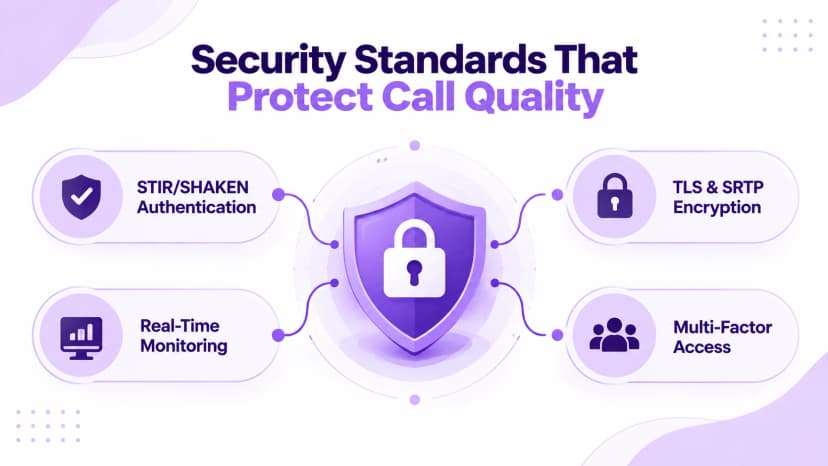
- Confirm the provider supports STIR/SHAKEN caller ID authentication
- Ask whether calls are encrypted with TLS for setup and SRTP for voice
- Check for real-time monitoring and spending caps against toll fraud
- Look for multi-factor sign-in and role-based access on admin accounts
- Ask how the provider handles a sudden spike in spoofed or spam traffic
- Request a clear answer, not a vague promise, to every security question
- Treat a provider that cannot explain these terms as a real red flag
When to Escalate to Your Provider
Some problems genuinely sit outside your control. If your test results show high jitter, latency, or packet loss on every network you try, including a different location entirely, the issue is upstream on the provider's side rather than in your office. Document each test with the date, time, and exact numbers before you call, since specific figures get a faster, more useful response than a general complaint about bad calls.
Providers of interconnected VoIP service are expected to meet baseline reliability and security standards, and the NIST VoIP security guide outlines the risks a provider should already be managing, from eavesdropping to service disruption. Bring that same framing to the conversation, and ask for a firm, written timeline rather than an open-ended promise to look into it eventually.
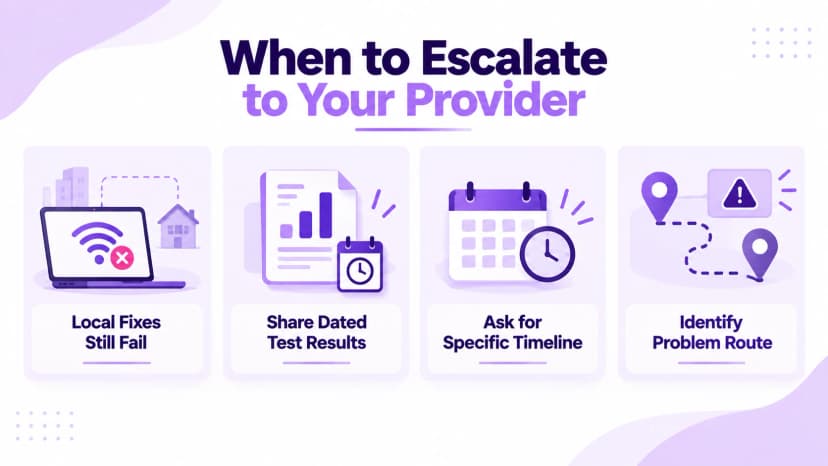
- Escalate once local fixes fail on more than one network or location
- Bring dated test results showing jitter, latency, and packet loss numbers
- Ask the provider for a specific timeline, not an open-ended promise
- Request an explanation of which part of the route is causing the problem
- Ask whether a temporary reroute or backup path can help immediately
- Keep a record of every escalation and its outcome for future reference
- Consider switching providers if the same problem repeats after escalation
Conclusion
Better VoIP call quality almost always comes down to method, not money. Jitter, latency, and packet loss each leave a distinct fingerprint, and a short test tells you exactly where to start before you touch a single setting. QoS, wired connections, sensible bandwidth habits, and a provider that actually monitors its own network solve the overwhelming majority of choppy, frustrating calls.
Start with a test today, work through the fixes in order, and retest after each change to confirm it moved the numbers. If the problem still traces back to your provider after that, it may be time to compare options built for reliability from the ground up. Ringflow runs on a carrier-grade network with real-time monitoring, so teams get clean call quality without piecing together fixes from several vendors on their own.
Ready when you are
Ready to hear how clear your calls sound on a carrier-grade network?
Test Ringflow against your own call volume and feel the difference clean routing and real-time QoS make.
Frequently Asked Questions
Good VoIP call quality means jitter under 30 milliseconds, latency under 150 milliseconds, and packet loss under 1 percent. Hit those three targets and calls sound clear and natural.
Run a free online VoIP speed test that measures jitter, latency, and packet loss together, ideally during your busiest calling hour as well as a quiet one.
Turning on QoS to prioritize voice traffic and switching key devices to a wired connection fixes most choppy calls within minutes, at no extra cost.
Yes. VoIP needs only about 100 kbps per call, so raw speed rarely matters as much as stable, prioritized bandwidth free of competing traffic.
Yes. A provider with weak routing, few data centers, or oversold capacity can cause poor call quality even on a flawless local network.