
Introduction
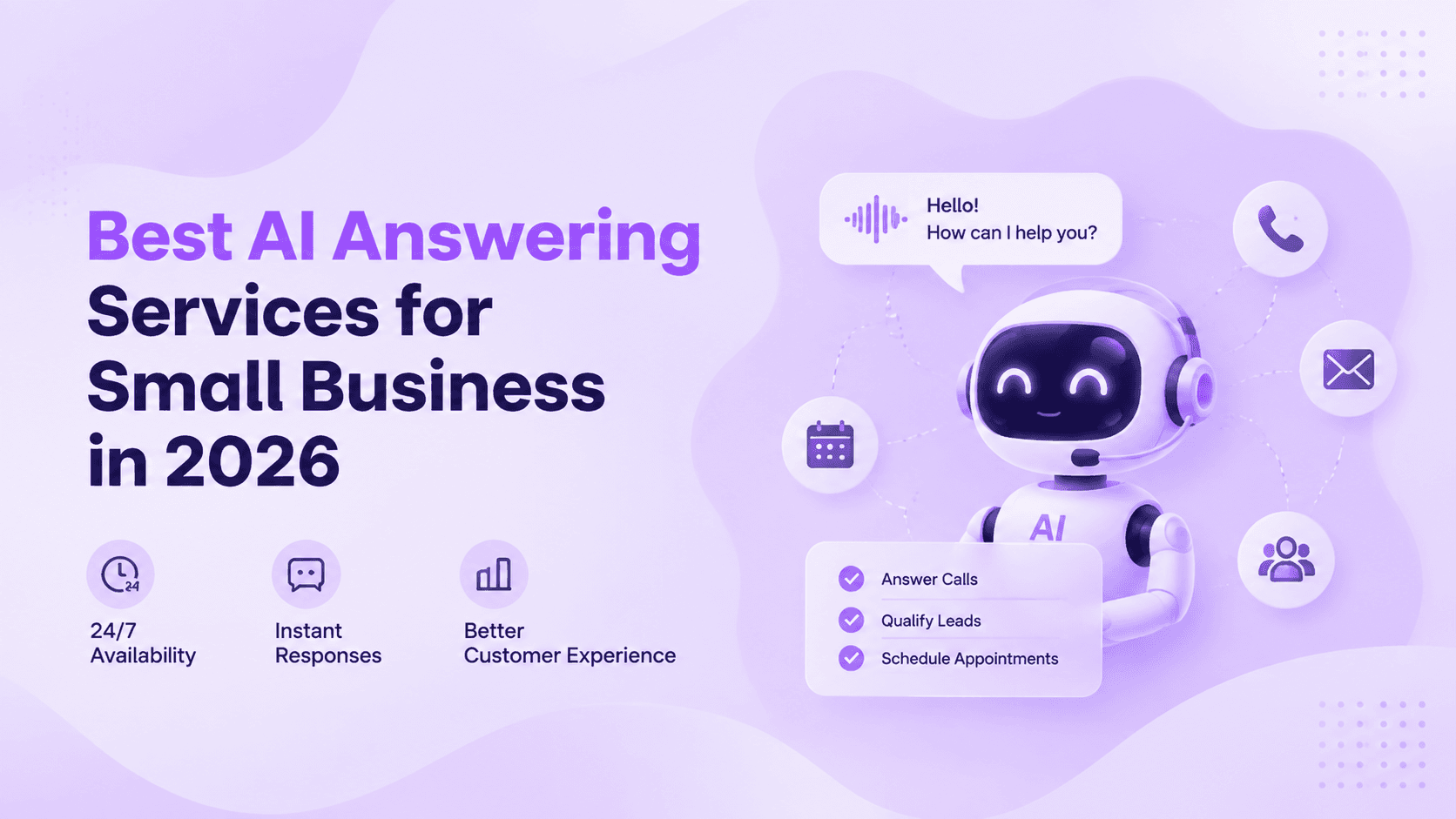
Most small businesses lose more leads to unanswered calls than to any gap in their marketing. A prospect who calls after hours and reaches voicemail rarely leaves a message — they move on to the next result in the search page instead. An AI answering service closes that gap by picking up every inbound call around the clock, handling routine questions, booking appointments, and routing the ones that need a person directly to your team — which is exactly the workflow Ringflow's AI answering service is built around.
This guide covers what an AI answering service actually does in practice, how the call-handling process works under the surface, what a realistic monthly budget looks like, and what separates providers worth buying from ones that sound better in a demo than they do on a live call. By the end, you will have a clear framework for deciding whether this technology fits your business and what to check when comparing your options.
What an AI Answering Service Actually Does
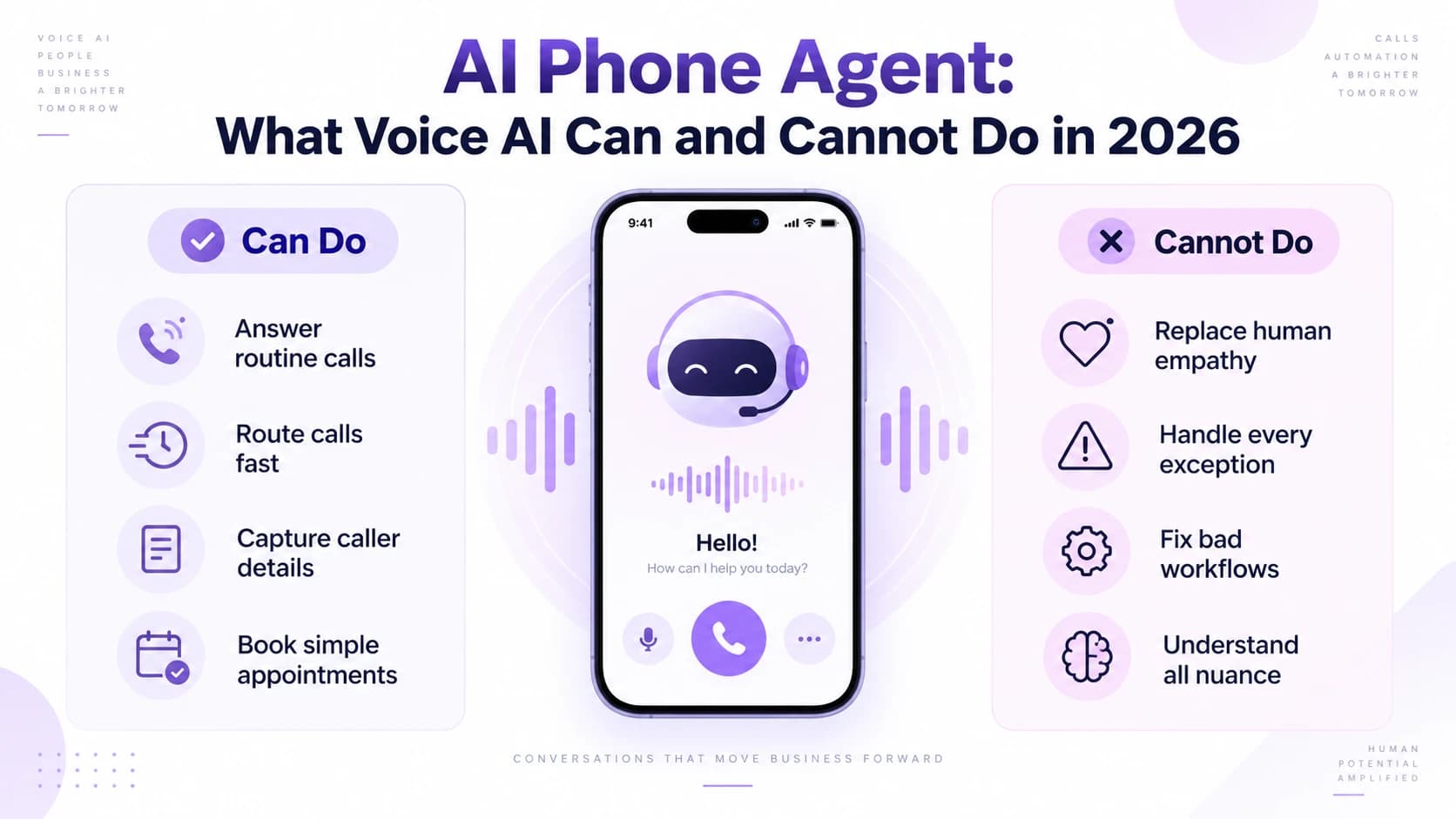
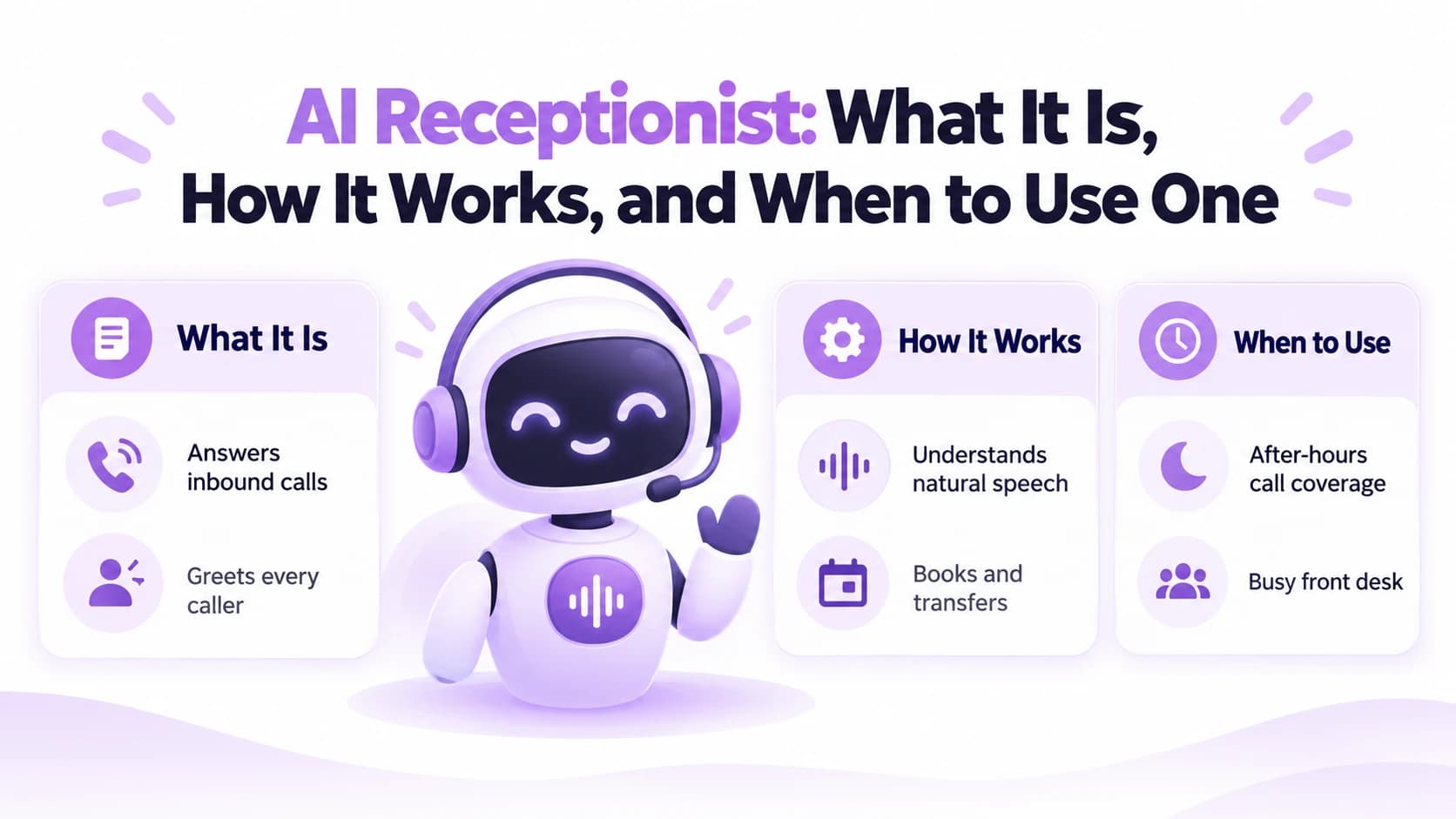
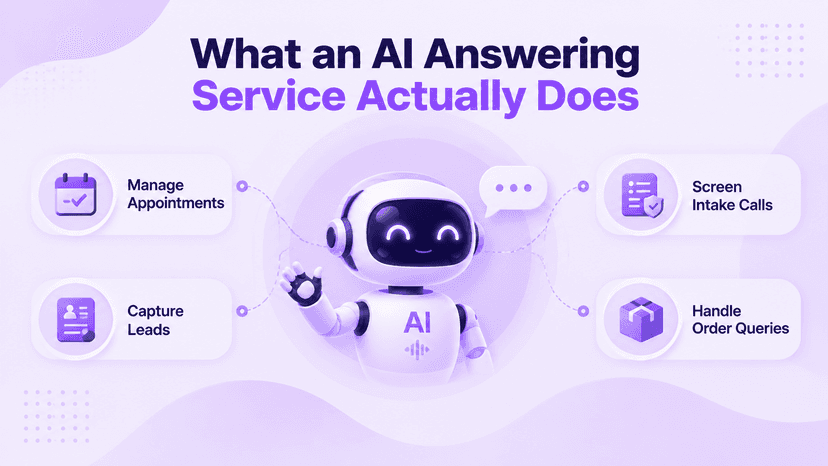
An AI answering service is software that answers inbound phone calls using a natural-sounding voice. It greets callers, identifies what they need through conversation, and takes action without a human on the line. Depending on how it is configured, that action might be confirming a booking, answering a frequently asked question, collecting a name and callback number, or transferring the call to the right team member — the same range of actions Ringflow handles out of the box.
What separates this from a voicemail box or a basic phone menu is that the caller holds a real conversation with it. A caller can say they want to move an appointment from Tuesday to Thursday afternoon and the system understands the intent, checks availability, and updates the booking without anyone touching a keyboard. That natural interaction is what makes the experience feel closer to talking with a receptionist than navigating a phone tree.
- A medical clinic uses it to confirm and reschedule appointments after 6pm without staff on duty
- A home services company uses it to capture leads on weekends when no one is available to answer
- A law firm uses it to screen intake calls and collect the details a paralegal needs before calling back
- An e-commerce brand uses it to handle order status and returns questions around the clock
How Calls Are Handled in Real Time
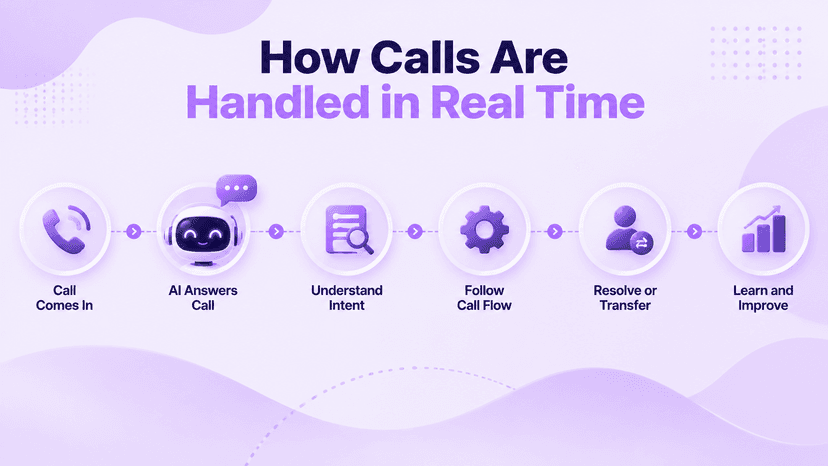
The moment a call comes in, the AI picks up with a customized greeting and starts listening. Natural language processing identifies the caller's intent — whether they are trying to book, reschedule, ask about pricing, get directions, or reach a specific person on your team. Based on that intent, the system follows a call flow your team has already configured and either resolves the request directly or routes to a live agent.
The quality gap between providers shows up most clearly in how the handoff to a human is managed. A well-built system passes the full call context to the agent before the transfer completes — the caller's name, what they asked, and what the AI already covered. Ringflow is built to hand off this way by default: the person picking up the transferred call does not have to ask the same questions twice, which is the difference between a smooth experience and one that frustrates the caller.
This kind of intelligent routing is what separates a basic automated greeting from a genuinely useful AI phone agent built for business use. The system also improves over time by learning from call patterns, handling edge cases and unusual phrasing that might have slowed it down on the first day. Teams that review call recordings during the first few weeks can speed up that learning by updating call flows to cover gaps the AI flagged.
What Businesses Typically Pay
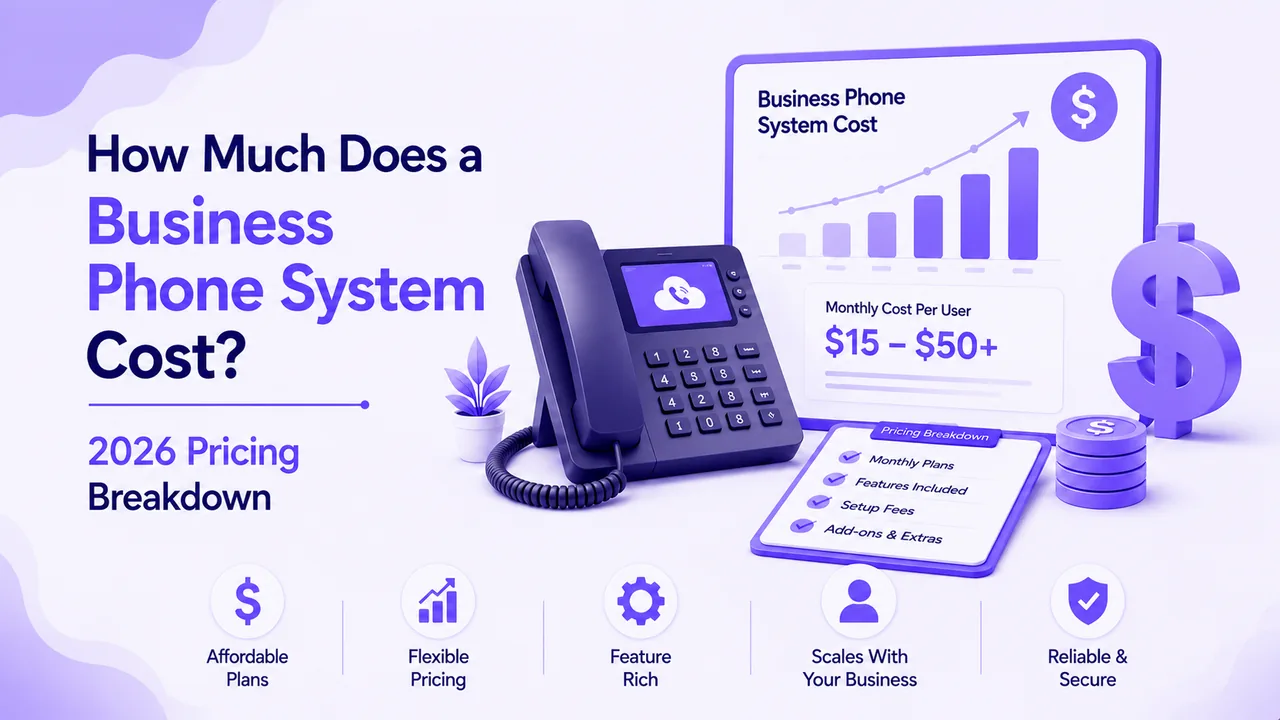
Pricing varies more than most buyers expect before they start comparing options. The most common model is a flat monthly subscription with a set number of included call minutes. Entry-level plans for small businesses typically start around $30 to $80 per month and cover a few hundred minutes. Mid-range plans with higher call limits, CRM integrations, and advanced routing options usually land between $100 and $300 per month.
Per-minute pricing is the other common structure and works better for businesses with unpredictable or inconsistent call volume. Instead of paying for unused minutes in a slow month, you pay only for what the system actually handles. Per-minute rates generally fall between $0.10 and $0.40 depending on the provider and the complexity of the call flows involved.
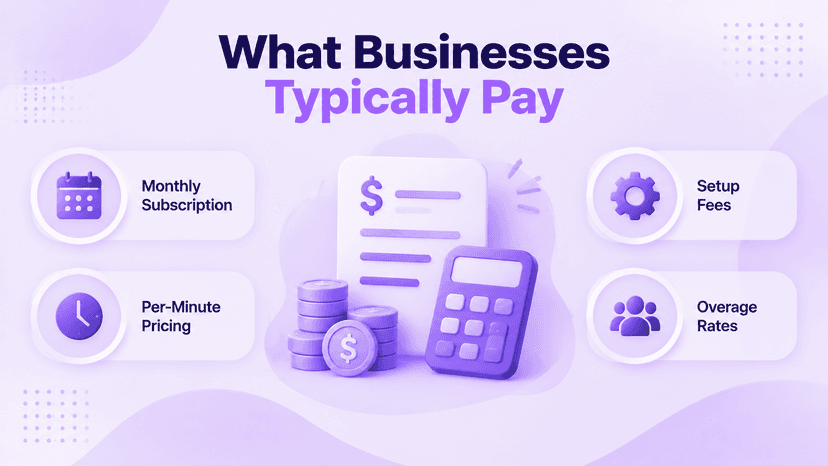
The hidden costs are where most buyers get caught off guard. According to McKinsey's customer research, businesses deploying AI in service operations see a 20 to 40 percent reduction in operational costs — but only when the tool is fully integrated into existing workflows, not used as an isolated add-on. Watch for these common extras before signing any plan:
- Setup and onboarding fees that are not included in the advertised monthly price
- Add-on charges for connecting to your CRM, calendar, or helpdesk tools
- Per-seat licensing when more than one team member needs dashboard access
- Overage rates when monthly call minutes exceed the plan limit
Why Missed Calls Cost More Than You Think
Most businesses underestimate how many leads they lose to unanswered calls every week. Research consistently shows that between 60 and 80 percent of callers who reach voicemail do not leave a message. For a business running paid search ads, a missed call during peak hours often means losing a lead that cost $30 to $150 to generate. When that happens five or ten times a week, the cumulative loss over a quarter becomes significant.
The problem compounds for businesses with lean staffing. A receptionist on lunch break, a team stretched thin during a busy afternoon, or a sole operator actively on a job — these are the moments calls go unanswered and prospects move on. An AI answering service fills exactly those gaps, picking up calls that would otherwise end in an unanswered ring or a voicemail that never gets returned.
- 60 to 80 percent of callers who reach voicemail do not leave a message and rarely call back
- Existing customers who cannot reach you — to reschedule, confirm, or ask a billing question — are more likely to consider switching providers
- Every missed paid-ad lead wastes the $30 to $150 it cost to generate that call in the first place
- Pull your missed call report for the last 30 days — calls outside staffed hours reveal exactly the gap AI coverage would close
AI Answering Service vs. Auto Attendant
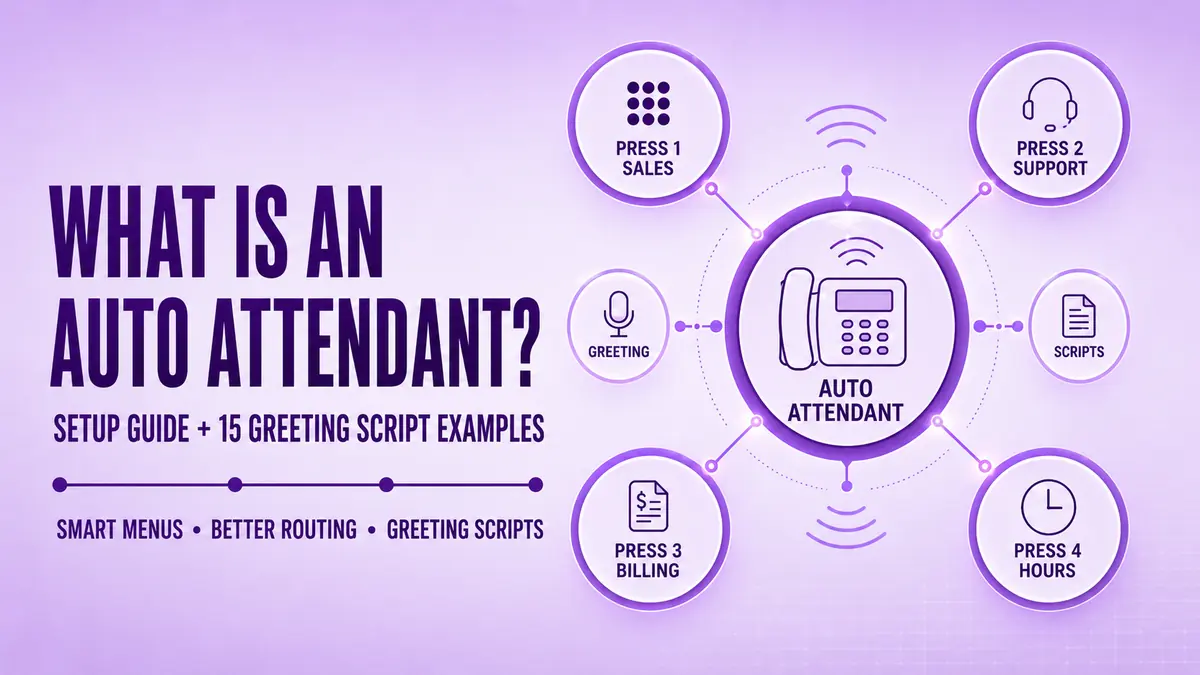
Many businesses already have some form of automated call handling in place — usually a basic phone menu that prompts callers to press 1 for sales, 2 for support, 3 for billing. That is an auto attendant, and while it handles routing, it cannot hold a conversation. It forces callers to fit their needs into a rigid set of options, and when a need does not match any menu item, the caller gets stuck or hangs up.
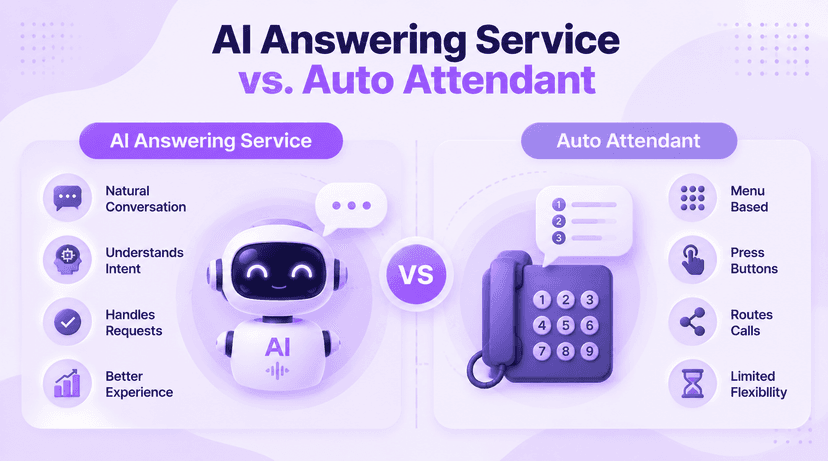
An AI answering service replaces that rigid structure with natural conversation. Instead of pressing buttons, the caller describes what they need in plain language, and the system understands and responds. That distinction matters most for frustrated callers or those with requests that do not fit a preset menu — a basic auto attendant sends them into a dead end while the AI handles the situation without friction.
Understanding what a traditional auto attendant covers makes it easier to see exactly where the AI layer adds value and where a standard phone menu is already sufficient. Both tools have a place in a business phone setup, but they are not interchangeable. For businesses that have never moved beyond a basic routing menu, the jump to a conversational AI service tends to produce the most immediate improvement in caller satisfaction.
What to Check Before Choosing a Provider
Not every AI answering service performs equally well once it is handling your live calls. A polished demo can hide slow response times, weak comprehension of industry-specific terms, or an integration layer that requires a developer to configure. Before committing to a plan, run any provider through a short checklist of practical checks that a demo alone will never reveal.
A one-week trial on your own live calls reveals more than any product demo. Route real calls through the system and listen to the recordings, noting how the AI handles interruptions, unusual requests, and transfers. Look for whether the handoff to a live agent passes the full call context or requires the caller to repeat themselves. That single trial week will tell you whether the provider is ready for your callers or still needs tuning.
- Native integrations — does it connect directly to your calendar and CRM, or does it need third-party middleware?
- Voice quality — test with background noise, accented speech, and interrupted sentences, not just a clean demo environment
- Agent handoff — what caller context is passed to the live agent before the transfer completes?
- Call flow editor — how easy is it to build and update routing rules yourself without contacting support?
- Data and privacy — are calls recorded, how long are recordings stored, and can you request deletion?
- Unknown answer handling — does the system escalate to a human gracefully or dead-end the caller?
Conclusion
An AI answering service is a practical fix for one of the most consistent problems in business communication: calls that go unanswered because the right person is unavailable at the right moment. The technology has matured to the point where a small business can deploy a capable service in under an hour, without any developer involvement, and see measurable results on the first day of live calls.
The decision comes down to fit rather than the length of a feature list. A service that connects cleanly to your existing calendar and CRM, handles your specific call types accurately, and passes context to a live agent when the situation requires it will outperform a technically impressive platform that creates more manual work than it saves. Start with a short trial on your own live calls, measure what changes in the first week, and adjust the call flows based on what you hear in the recordings. The results from a well-configured service tend to be visible and immediate.
Ready when you are
Ready to hear an AI answering service handle your own callers?
Test Ringflow against real calls and see it book, route, and answer in a natural voice.
Frequently Asked Questions
It is software that answers inbound phone calls, holds a real conversation with the caller, and takes action — booking, routing, or answering questions — without a human on the line. It works around the clock and picks up every call on the first ring.
A phone menu forces callers to press buttons and fit their request into a fixed set of options. An AI answering service lets the caller speak naturally, understands what they need, and responds accordingly — even when the request is unusual or does not match a preset category.
Most small business plans run between $30 and $300 per month, depending on call volume and features. Per-minute pricing is also common and suits businesses with unpredictable call patterns. Always check for setup fees and add-on charges before comparing headline prices.
With a quality provider, most callers will not be able to tell on routine calls. Voice technology has advanced enough that natural-sounding speech and responsive conversation are standard. The clearest signal of AI is still an unusually fast or stilted reply on edge-case questions.
A well-configured service escalates gracefully to a live agent or offers a callback rather than dead-ending the caller. How the handoff is handled — and how much context is passed to the agent — is one of the most important things to test before buying.