
Introduction
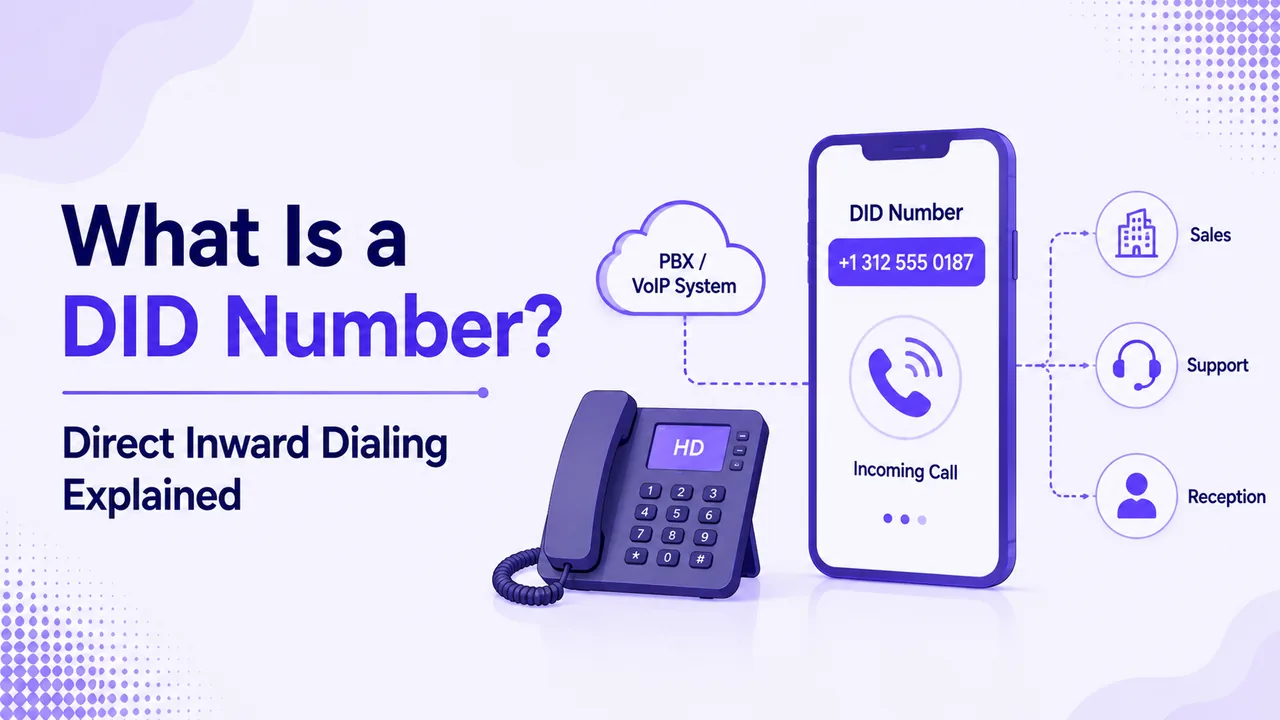
A DID number is a regular phone number that sends callers straight to one person, team, or phone system, with no receptionist in the middle. The name comes from direct inward dialing, a carrier service first built for office phone systems. Today most DIDs run over the internet, which makes them quick to set up, cheap to add, and easy to change as your team grows.
This plain-English guide from Ringflow explains what a DID number is, how a call travels once someone dials it, and how DIDs differ from extensions, toll-free lines, and virtual numbers. You will also see the main number types, the benefits for a growing team, what to check before you buy, and how to move an existing number to a new provider without dropping calls.
What Is a DID Number and How Does It Work?
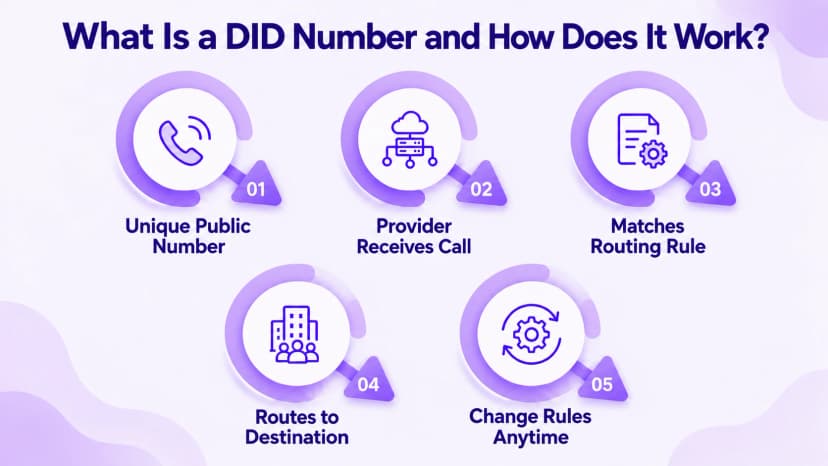
DID stands for direct inward dialing. A DID number is a public phone number that your carrier or provider forwards to a destination you choose, such as a desk phone, a mobile app, a ring group, or an automated menu. Callers dial it like any other number, and the routing happens out of sight, so nobody outside your company needs to know how your phone system is organized.
The idea began with office phone systems called PBXs: the carrier passed the last digits of a dialed number to the PBX, which rang the matching extension with no receptionist involved. Every modern DID number follows the same logic over the internet, usually through a SIP trunk. Our SIP trunking guide explains that connection in detail, so you can see how calls reach your phone system without any copper wiring.
- Dial: the caller dials your public DID number, which looks and works like any ordinary local or toll-free number, so callers need no special steps.
- Route: your provider receives the call and delivers it to your phone system over the internet.
- Match: the phone system reads which number was dialed and finds the rule you attached to that number.
- Ring: the rule sends the call to a person, a ring group, a queue, or an automated menu, depending on the time of day.
- Change: with Ringflow, you can repoint a number to a new person, team, or menu from one dashboard, and the number itself never changes.
- Capacity: voice channels, not the count of DIDs, decide how many calls can run at the same moment.
- Types: local, toll-free, and international DIDs all work the same way behind the scenes, so only the number you advertise changes.
DID Numbers vs Extensions, Toll-Free and Virtual Numbers
People use these terms interchangeably, which makes plans hard to compare. A DID number is a full public number that anyone can dial from outside. An extension is a short internal code that only works inside your phone system and means nothing to a caller on a mobile phone. When a vendor offers ten numbers, check whether they are DIDs or extensions.
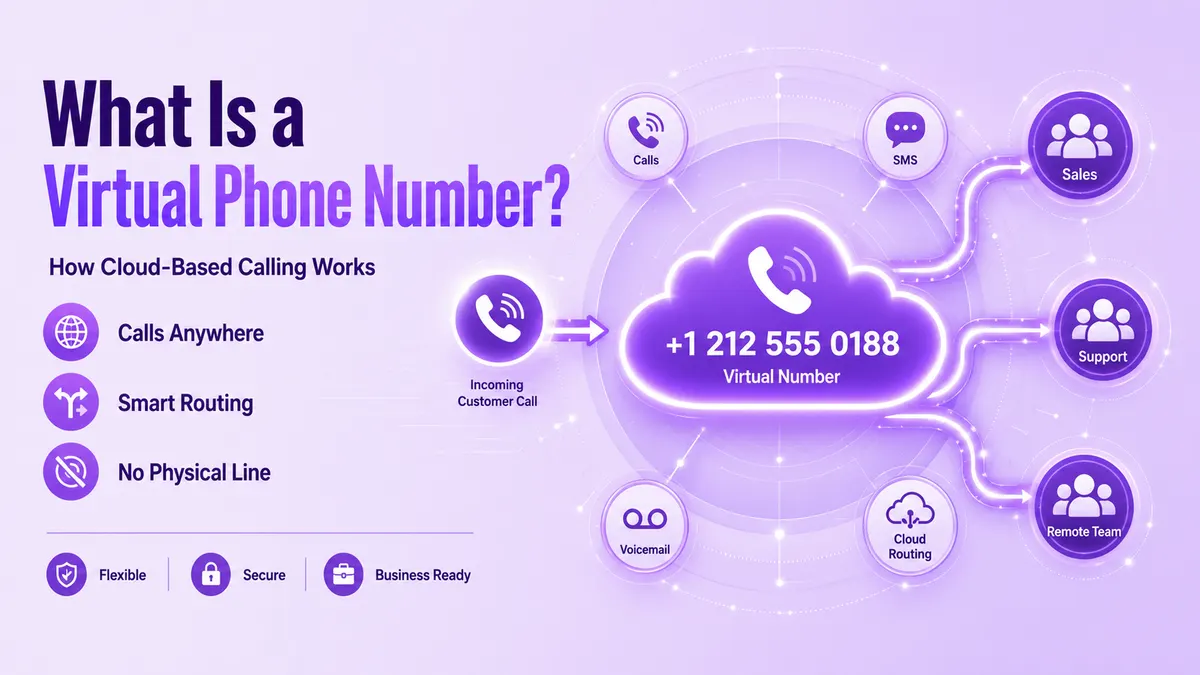
A DID number also overlaps with a virtual number. Most DIDs are virtual because no physical line or SIM sits behind them, yet the wider category of virtual phone numbers also includes numbers that only forward calls to a mobile. Think of DID as the routing method and virtual as the way the number is delivered. A single number can easily be both of those things at once.
- DID: a public number that anyone can dial, which your provider routes to a person, team, or menu you choose.
- Extension: a short internal code that only works between people on the same phone system, never from outside.
- Toll-free number: a number where the business pays for the call, which providers can deliver the same way as a DID.
- Virtual number: any number delivered through software instead of a dedicated physical line, including most modern DIDs.
- DDI: direct dial-in, the term used in the UK and parts of Europe for the same service as a DID.
Types of DID Numbers and When to Use Each
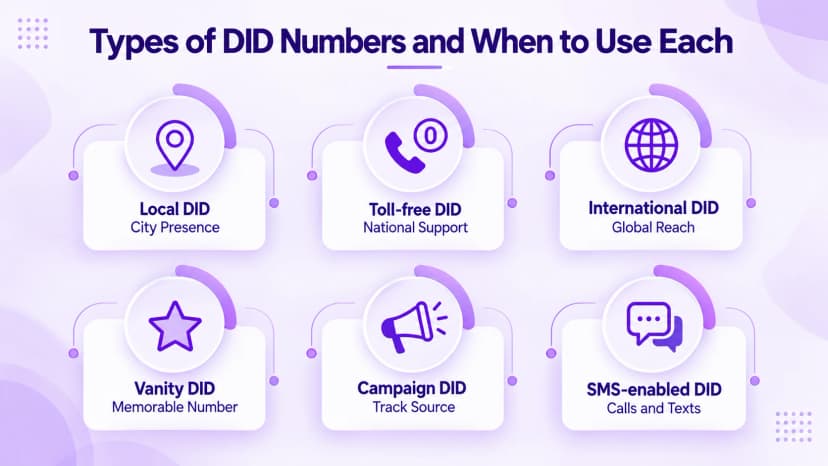
The right DID number depends on who is calling you. A local DID carries the area code of a particular city, so customers recognize a nearby business. A toll-free DID, with a prefix such as 800 or 888, lets people call without paying, which suits support lines and national advertising. Many companies mix both, using local numbers for regional sales and one toll-free number for service and billing questions.
International DIDs give you a number in another country so customers there reach you at local rates. Some countries ask for a local address or business registration before issuing a number, so allow extra time. Pick the type that matches how customers find and trust you. Vanity DIDs spell a word or follow a pattern that is easy to remember, which helps when the number appears on signs, vehicles, or radio ads.
- Local DID: best for city or regional presence and for sales teams that want familiar area codes on outbound calls.
- Toll-free DID: best for national support lines and ad campaigns where call cost matters to the customer.
- International DID: best for serving customers abroad without opening a local office or hiring local staff.
- Vanity DID: best for memorable numbers on signs, vehicles, and broadcast ads where people cannot copy a number down.
- Campaign DID: a dedicated number for each ad or channel, so every call shows which source produced it.
- SMS-enabled DID: handles texts as well as calls, though US business texting needs carrier registration first.
Business Benefits of Using DID Numbers
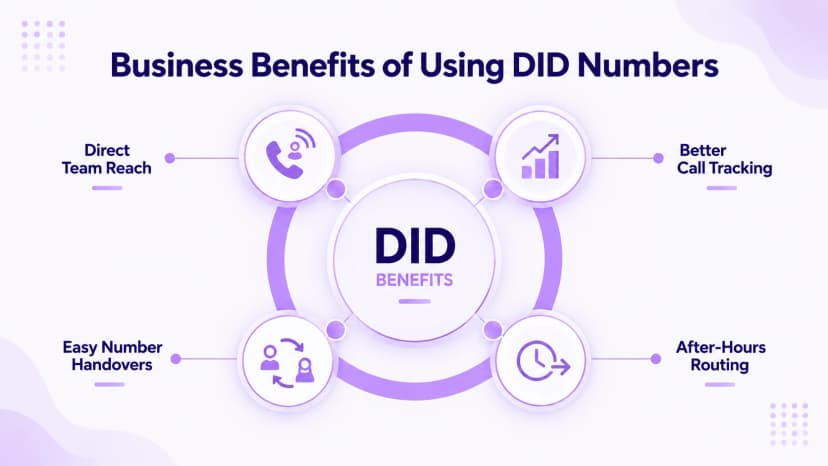
DIDs make a business faster to reach and easier to measure. Callers who dial a team's own number skip menus and transfers, so conversations start sooner and fewer calls end in hang-ups. Give each ad, flyer, or landing page its own number and your call log shows which source produced the call, which turns phone leads from a guess into data you can act on, even for a small team.
They also make a team more flexible. A number is not tied to a desk, so it can ring a laptop, a mobile app, or a colleague on another continent, and routing can change by time of day. Adding a DID number usually costs a small monthly fee rather than new wiring, so growing from five people to fifty does not force a phone system rebuild or a wait for a technician visit.
- Direct reach: each person or team can publish a number that skips menus and transfers entirely.
- Campaign tracking: a unique number per ad, flyer, or page shows which marketing source drives calls.
- Easy handovers: when someone leaves, point their number at a teammate and customers keep dialing the same line.
- After-hours rules: send calls to the right backup by time of day, such as an answering service or a mobile phone, without rewiring anything.
- Better coverage: ring groups and queues spread calls across several people, so fewer callers reach voicemail during busy periods.
- Simple admin: Ringflow lets a manager add, move, or retire a number from one dashboard without calling a technician.
- Professional image: even a small business looks organized when each person has a direct number on a business card.
How to Get a DID Number and Port an Existing One
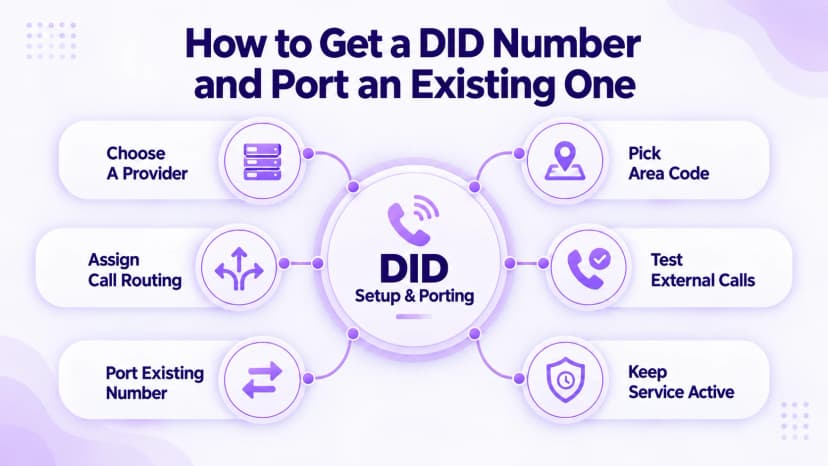
Getting a DID number takes four steps. Choose a provider that supports the number type and country you need, search for an area code, assign the number to a user, queue, or menu, then test it from an outside phone. A test call catches routing typos before a real customer does, and most cloud platforms let you finish all four steps yourself in minutes. You can add more numbers later as your team grows.
If you already advertise a number, port it instead of replacing it. The FCC porting guide says you can keep a number when changing providers in the same area, that simple ports must finish within one business day, and that you should not cancel the old service early. Companies may charge porting fees, so ask about them first. Larger business ports with many numbers can take longer, so build in extra time.
- Confirm the provider can deliver the exact area code or country you want before you promise it to customers.
- Check whether the monthly price includes minutes, texting, call recording, and any setup or number fees.
- Ask how many simultaneous calls the plan allows, not just how many numbers, so busy periods do not cause failures.
- Register an emergency address for each DID number so 911 calls reach the right local dispatcher without delay.
- Ask how the provider handles caller ID and spam labeling, since outbound calls from a new number can be flagged.
- Keep the old service running until the port completes and a test call to the new number succeeds.
Conclusion
A DID number is simply a public phone number with a smart destination behind it. It lets one phone system present many direct lines, keeps callers away from menus they do not need, and gives each team, person, or campaign its own identity without extra hardware or a separate physical line for every employee, which saves both money and time. That flexibility is why DIDs remain a core part of most business phone systems.
Before you buy, decide which numbers you need, how many calls must run at once, and whether you will port existing lines. Ringflow offers local and toll-free numbers with free porting and a free trial, so you can route a test call and see how a DID number behaves on a live system before you commit to anything. Start small, then add numbers as your team grows.
Ready when you are
Curious how a DID would route calls across your own team?
See how numbers map to people, menus, and ring groups live, with no hardware and no guesswork.
Frequently Asked Questions
Yes. A DID is a normal phone number that points to a chosen person, team, or system.
Pricing varies by country, number type, and provider.
Direct dial-in, the UK and European term for a DID.
Yes, if SMS-enabled, after carrier registration.
No. Voice channels decide call capacity.