
Introduction
A business phone system is the setup that answers, routes and records every call your company makes or receives. When it works, nobody notices it. When it does not, customers reach voicemail, a manager mobile number becomes the main line, and a missed call turns into a lost sale.
Most teams start thinking about a new setup when something breaks: a move to a second office, a hire working from home or a desk phone that no one can fix. This guide explains what these systems do, how the main types differ, which features are worth paying for and how to choose without overbuying.
What Is a Business Phone System?
It connects your company phone numbers to the people who answer them. It handles the basics, such as ringing the right desk, sending callers to voicemail and transferring a call between colleagues. It also handles what a personal mobile plan cannot: a main number that rings several people, menus that sort callers and extensions that reach each teammate directly.
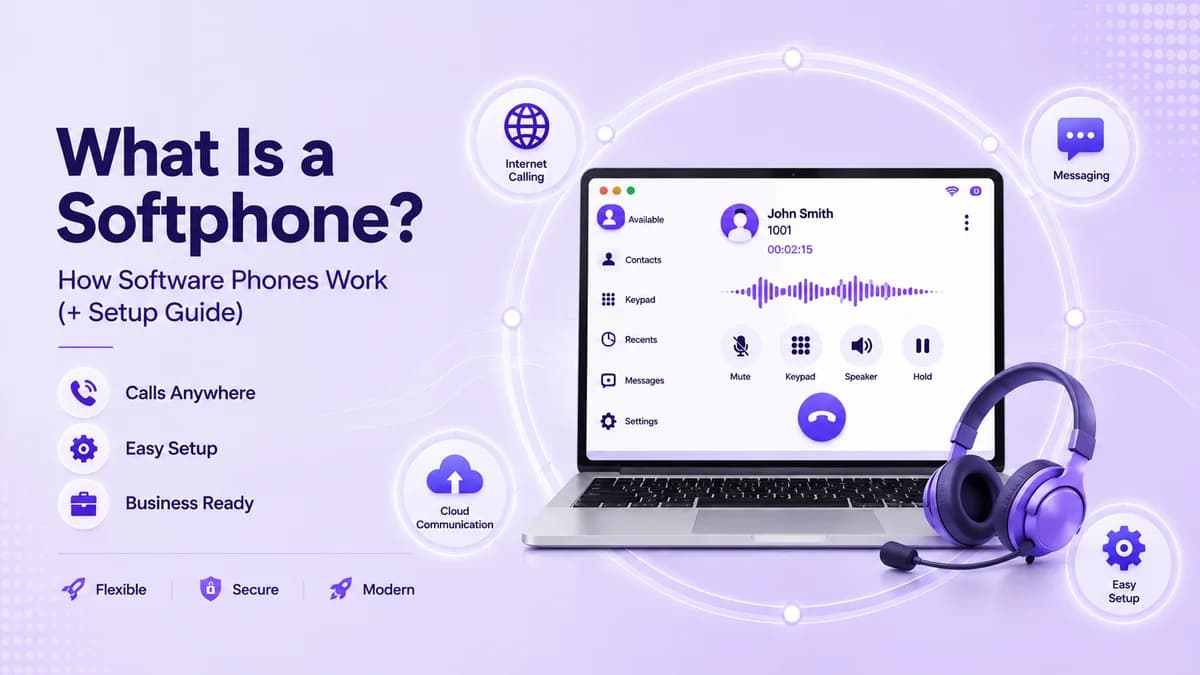
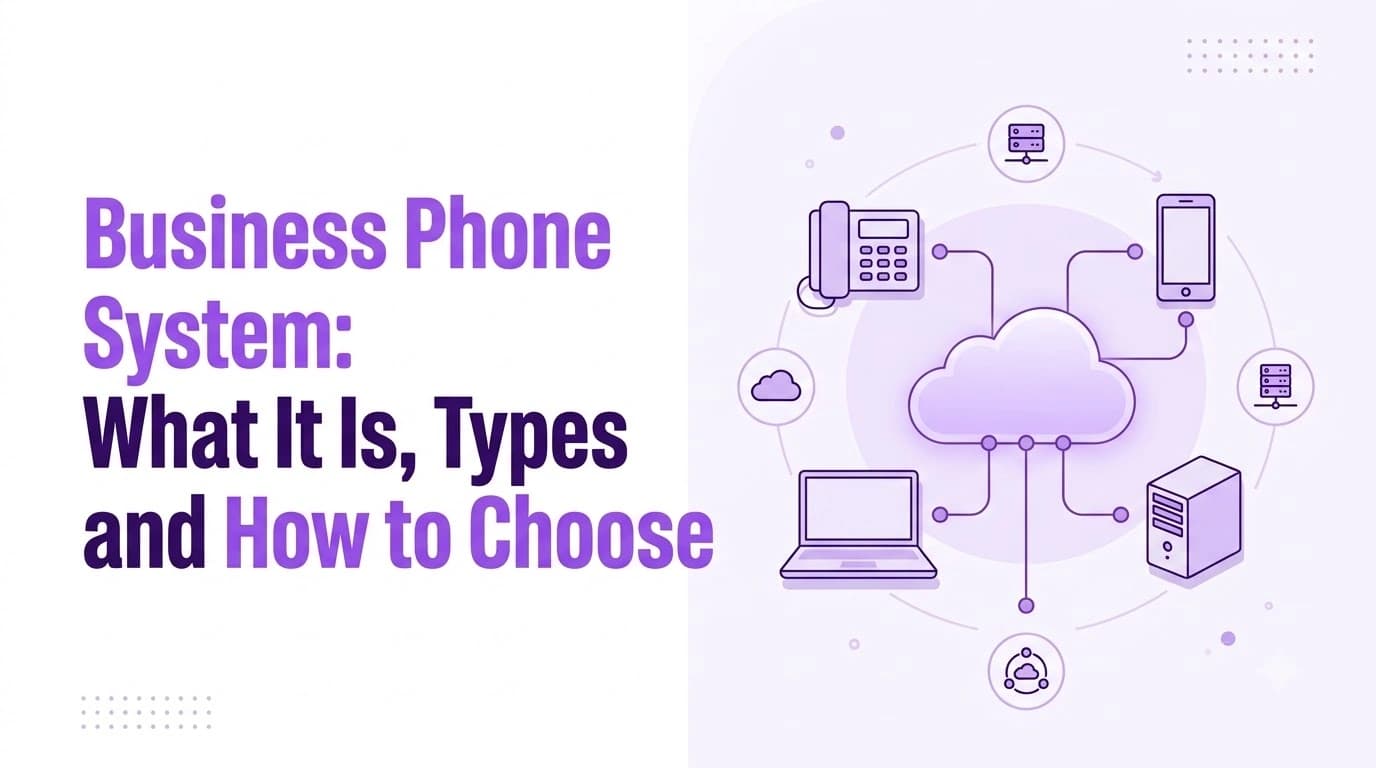
Older setups did this with hardware in a closet and a wire to every desk. Modern ones run in the cloud, so calls travel over the internet and the provider keeps the equipment running. Staff sign in on a desk phone, a laptop or a mobile app, and one business number works on all of them. A cloud service such as Ringflow Business Phone follows this model: you port or pick a number, build call menus in an editor, assign extensions and log in on any supported device.
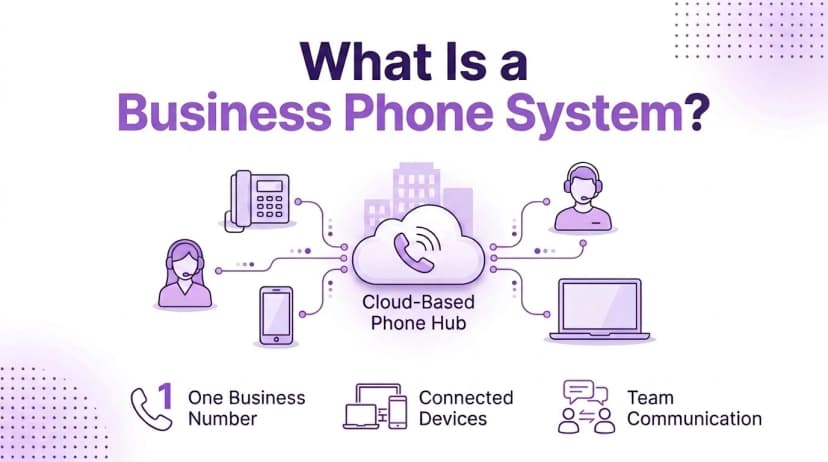
A typical setup covers a handful of everyday jobs:
- One business number: customers dial one number no matter who answers
- Connected devices: desk phones, laptops and mobile apps all ring together
- Team communication: extensions, transfers and intercom keep colleagues connected
- Call handling: menus, queues and voicemail make sure no call is dropped
- Records: call logs and recordings show what happened on each call
Types of Business Phone Systems
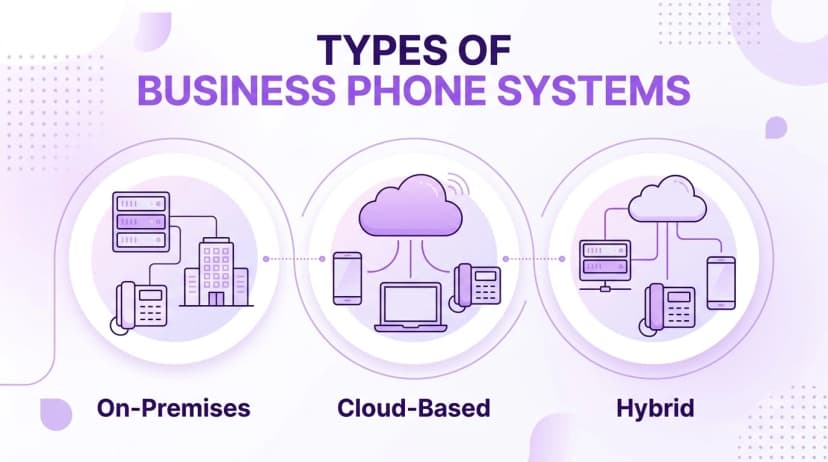
These setups fall into three groups. The right group depends on your size, your budget and how much of your team works away from a single office.
| Type | Where it runs | Best for | Main trade-off |
|---|---|---|---|
| On-Premises | Hardware in your building | Sites that need full local control | High upfront cost and slower upgrades |
| Cloud-Based | Provider cloud, with apps and desk phones | Growing, hybrid or multi-location teams | Call quality depends on your internet connection |
| Hybrid | Part on your servers, part in the cloud | Teams moving to the cloud in stages | Two environments to manage for a while |
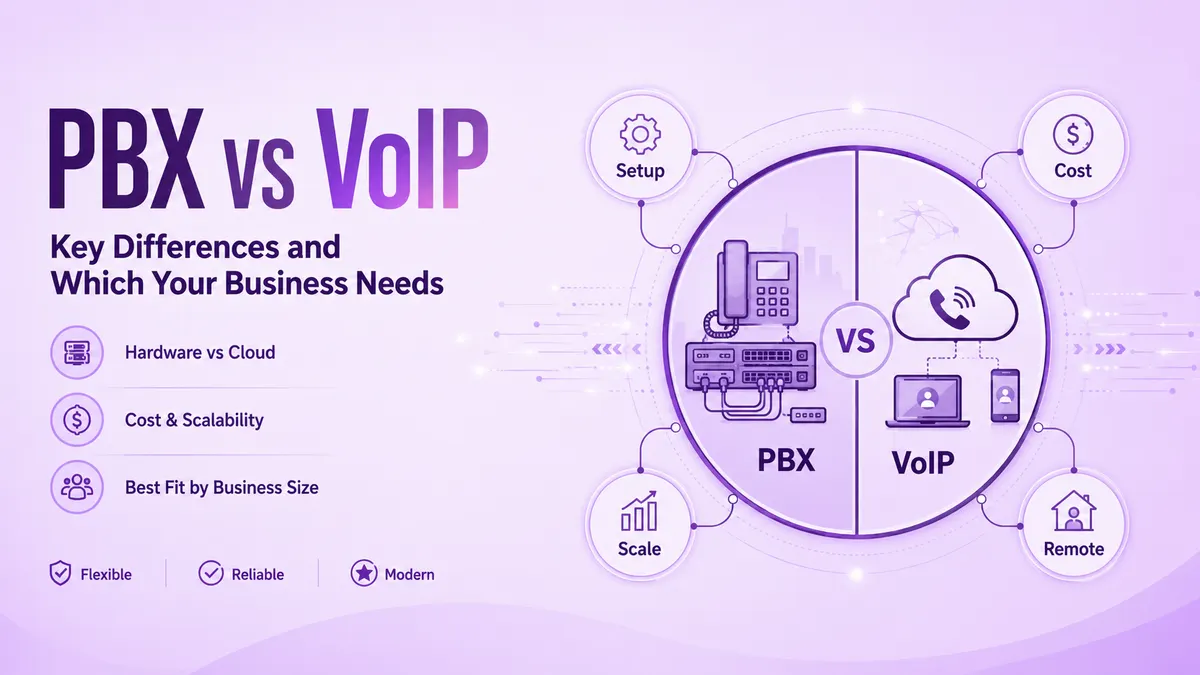
An on-premises setup gives you the most direct control and keeps working during an internet outage, but you own the maintenance and every change goes through an installer. A cloud setup treats the phone as an app, so a new hire can be live by installing it and signing in. A hybrid setup keeps existing hardware running while new users or locations start in the cloud. If you are weighing the first and second options, the breakdown in PBX vs VoIP walks through costs, mobility and reliability side by side.
Business Phone System Features That Earn Their Place
Feature lists are long, and most teams use only a few. Start with the features that change how customers experience your calls, then add the rest as the team grows.
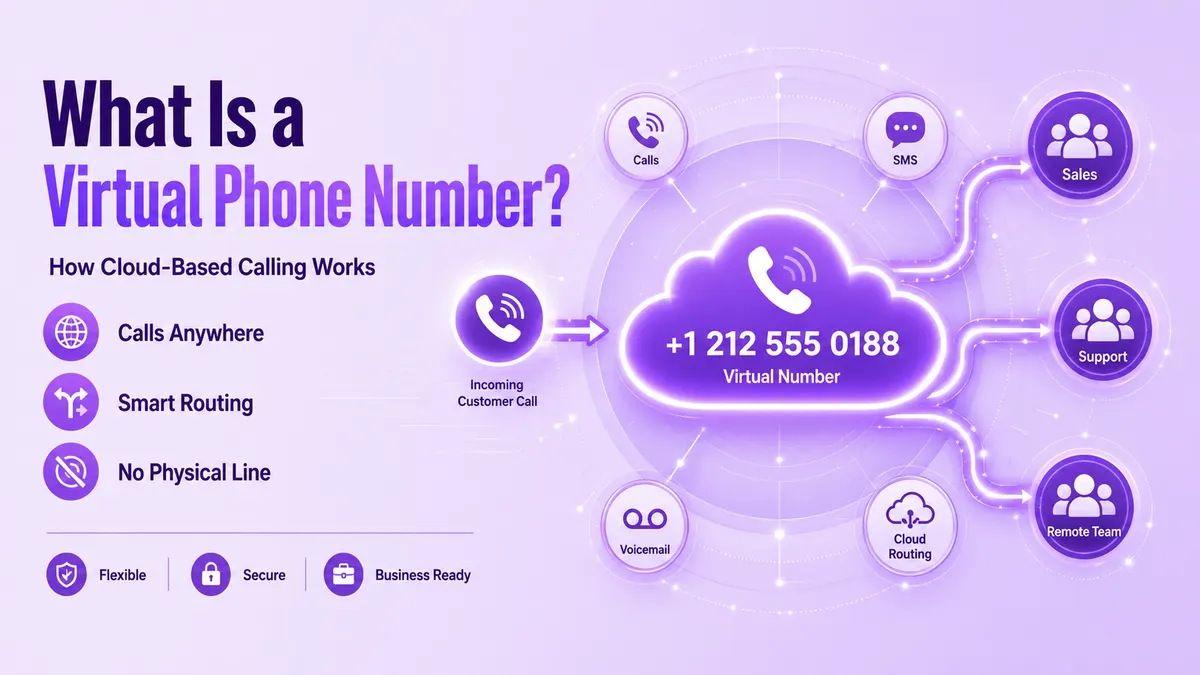
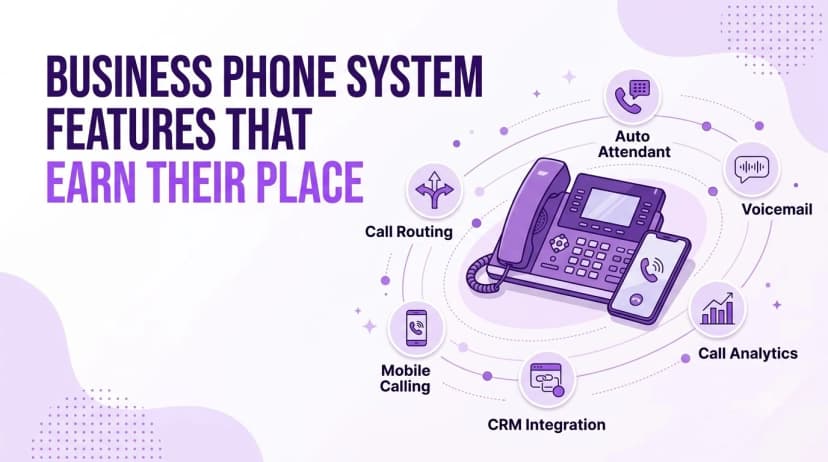
- Call routing: sends each call to a person, a group or a queue based on rules you set, so no call depends on one desk
- Auto attendant: greets callers with a menu so they can pick sales, support or billing without a person answering first
- Voicemail: captures messages when no one picks up, often with a transcript sent to email
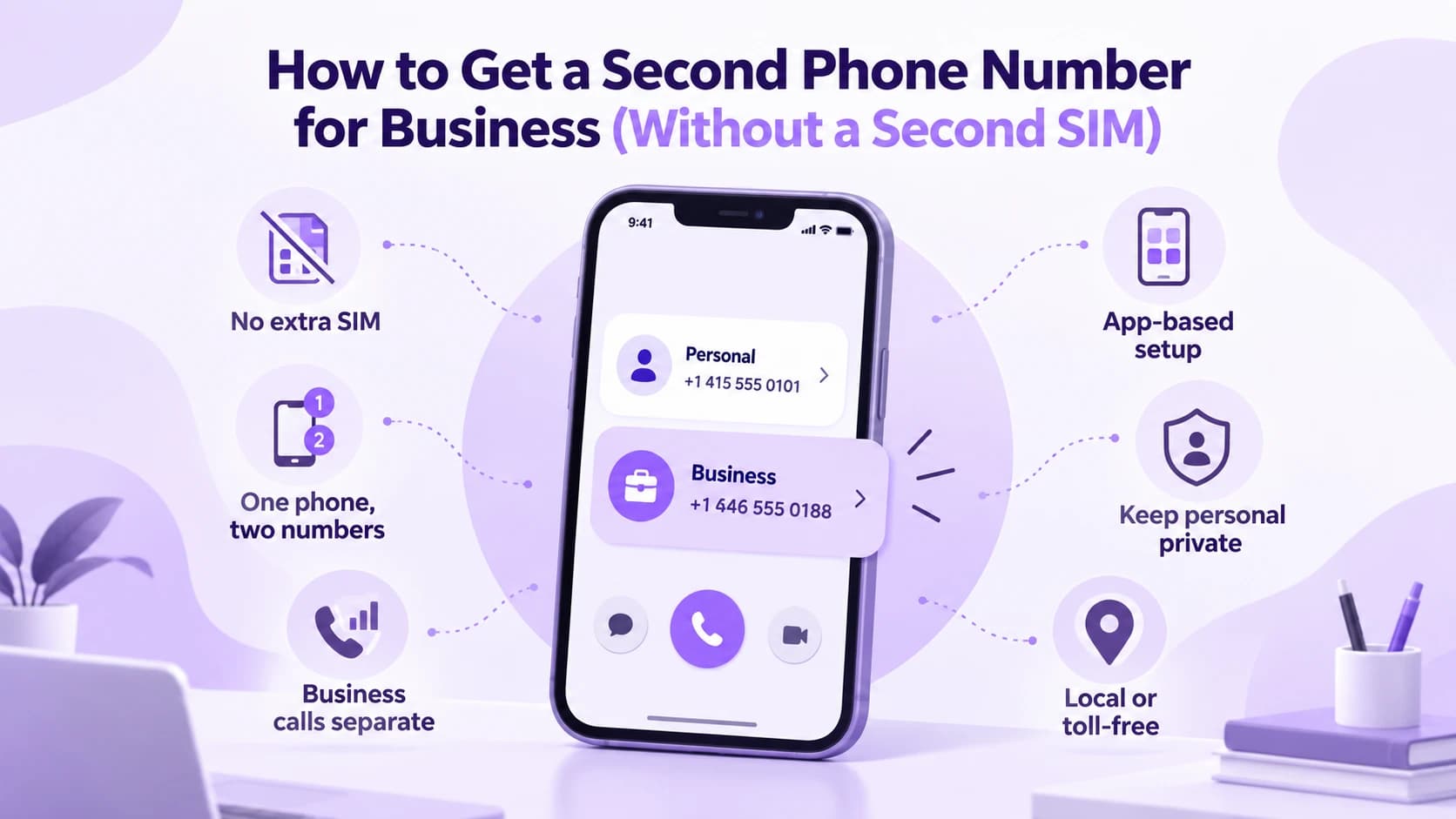
- Mobile calling: lets staff use the business number from a phone app, with one login across devices
- CRM integration: logs calls to the customer record, though the plan you buy decides which integrations are included
- Call analytics: shows call volume, missed calls and busy hours so you can staff to match
A few extras are worth a look for specific teams. Call recording with search helps sales and support review conversations. Call flip moves a live call from a desk phone to a mobile without dropping it. An AI receptionist can answer after-hours calls and capture lead details. Not every plan includes every feature, so check which tier carries the ones you need before you compare prices.
How to Choose a Business Phone System
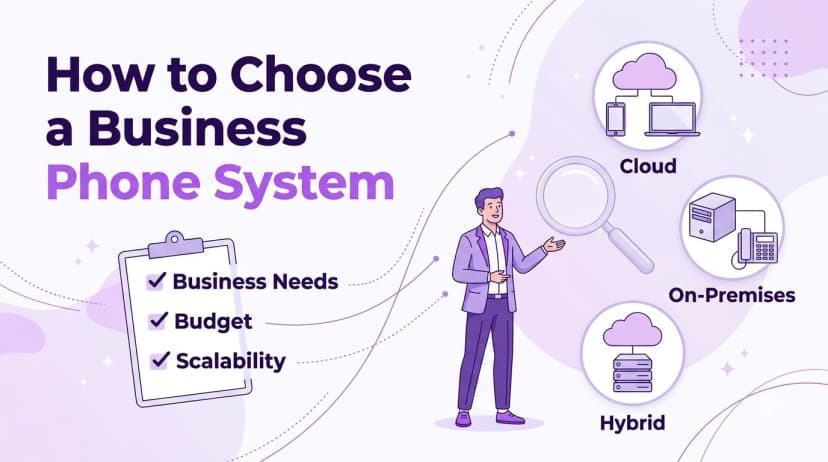
The best choice is the one your team will use without a training course. Work through these steps in order.
- 1Define business needs. Count your users and locations today and in a year, and note where people work. If half the team is mobile, an app-first cloud setup fits better than desk phones tied to one building.
- 2Match features to jobs. Write down what the system must do, such as route by department, record calls or link to your CRM, and ignore the rest.
- 3Check your internet. Cloud calling depends on a steady connection, so test your bandwidth during your busiest hour before you switch.
- 4Set a budget. Look at seat minimums, add-on fees for minutes or numbers and what happens if you leave, not only the headline monthly price.
- 5Plan for scalability. Confirm you can add users and locations without new hardware or a new contract.
- 6Keep your number. Confirm your current number can be ported at no extra charge and ask how long it takes.
- 7Run a trial. Put a small group on the system for a couple of weeks and measure missed calls and call quality.
Ringflow offers a 14-day free trial with no credit card required, which gives a small team time to test routing, apps and call quality before committing. Whichever provider you evaluate, ask for a trial or pilot rather than relying on a demo.
Security, Compliance and Reliability
A phone setup carries customer details, payment information and private conversations, so it deserves the same care as any other company system. Internet-based calling brings its own risks, including toll fraud, eavesdropping and spoofed caller ID. The NIST guidance on VoIP security is an older document, but it still gives a useful threat-based checklist for the risks and the controls that reduce them.
Before you sign, ask each provider about:
- Call authentication: whether outbound calls carry STIR/SHAKEN attestation so they are less likely to be labeled as spam
- Recording consent: whether you can configure consent prompts to match the rules in the states where you operate
- Access control: who can listen to recordings, and whether playback is logged
- Payment data: whether sensitive card details can be redacted from recordings
- Failover: what happens to calls if your internet or the provider network has a problem
- Support: how you reach a person and what hours they cover
Reliability is as much about your own network as the provider. Use a wired connection for desk phones where you can, and keep a mobile forwarding rule ready for emergencies.
Conclusion
A phone setup should make your company easier to reach and easier to run. Start from how your team works, pick the type that fits, and choose features for the calls you take every day, not the longest list on a pricing page.
Test before you commit. A short trial with real calls will tell you more about call quality, setup effort and support than any brochure. When you are ready to compare options, a free trial of Ringflow is a low-risk place to start.
Ready when you are
Ready to see a phone setup that works the way your team does?
Set up numbers, menus and extensions in one place and take your first call on the same day.
Frequently Asked Questions
It is the setup that manages your company calls: it connects your business numbers to your team, routes callers to the right person and handles voicemail, menus and recording. Modern systems run over the internet and work on desk phones, computers and mobile apps.
A regular line connects one phone to one number. A company setup lets many people share numbers, use extensions, transfer calls, hold queues and record conversations, so it works for a team and not a single person.
Not with a cloud setup. You can use a computer or mobile app, or add IP desk phones if your team prefers them. Only traditional on-premises systems require a server and dedicated wiring.
In most cases yes. Providers can usually port your current number to the new setup. Ask whether porting is free and how long it takes, and keep the old service running until the new one is live.
Count your users and locations, note where people work and list the features you need for daily calls. Then test two or three options with a trial and compare missed calls, call quality and ease of use.