Introduction
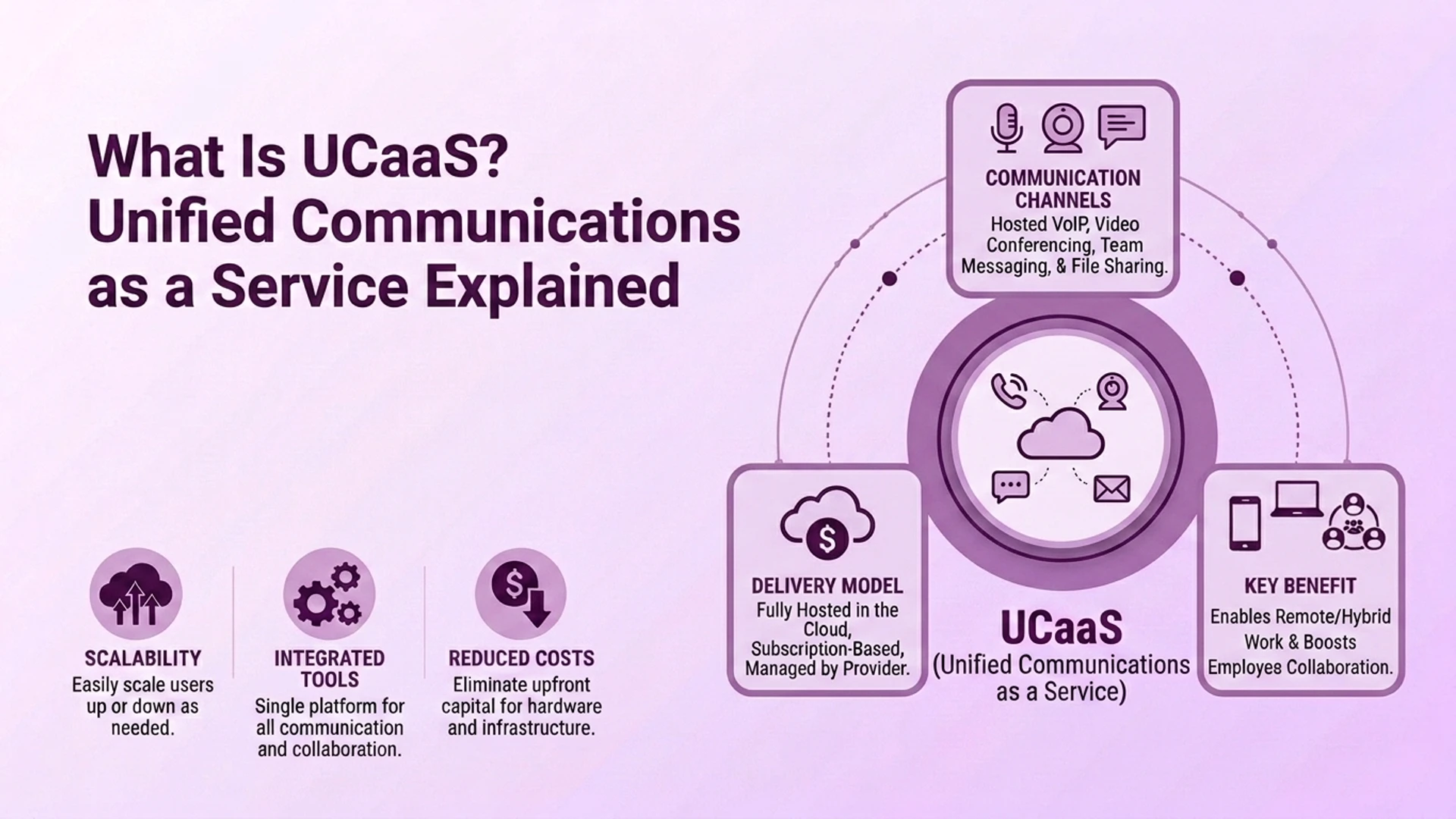
On paper, a 20-user on-premise phone system and a 20-user cloud subscription look almost the same. Both offer calling, voicemail, and video meetings. But the outcomes differ fast the day a server room floods or an IT hire quits without notice. Cloud UCaaS means a vendor hosts your phone and collaboration tools in its own data centers.
You pay a subscription and connect over the internet. On-premise means the business buys, hosts, and maintains that gear itself. Its own IT staff keeps it running. This guide compares what each model costs, who handles upkeep, how each holds up in a disaster, whether on-premise is really more secure, and which type of business fits each option.
What's the Actual Difference Between Cloud UCaaS and On-Premise?
The core difference is ownership and location. Who owns the equipment, and where does it sit? On-premise systems run on hardware inside your own building or data center. You buy it outright, and your IT staff manages it. Cloud UCaaS runs on a provider's infrastructure, accessed over the internet. The vendor handles the equipment, software updates, and uptime.
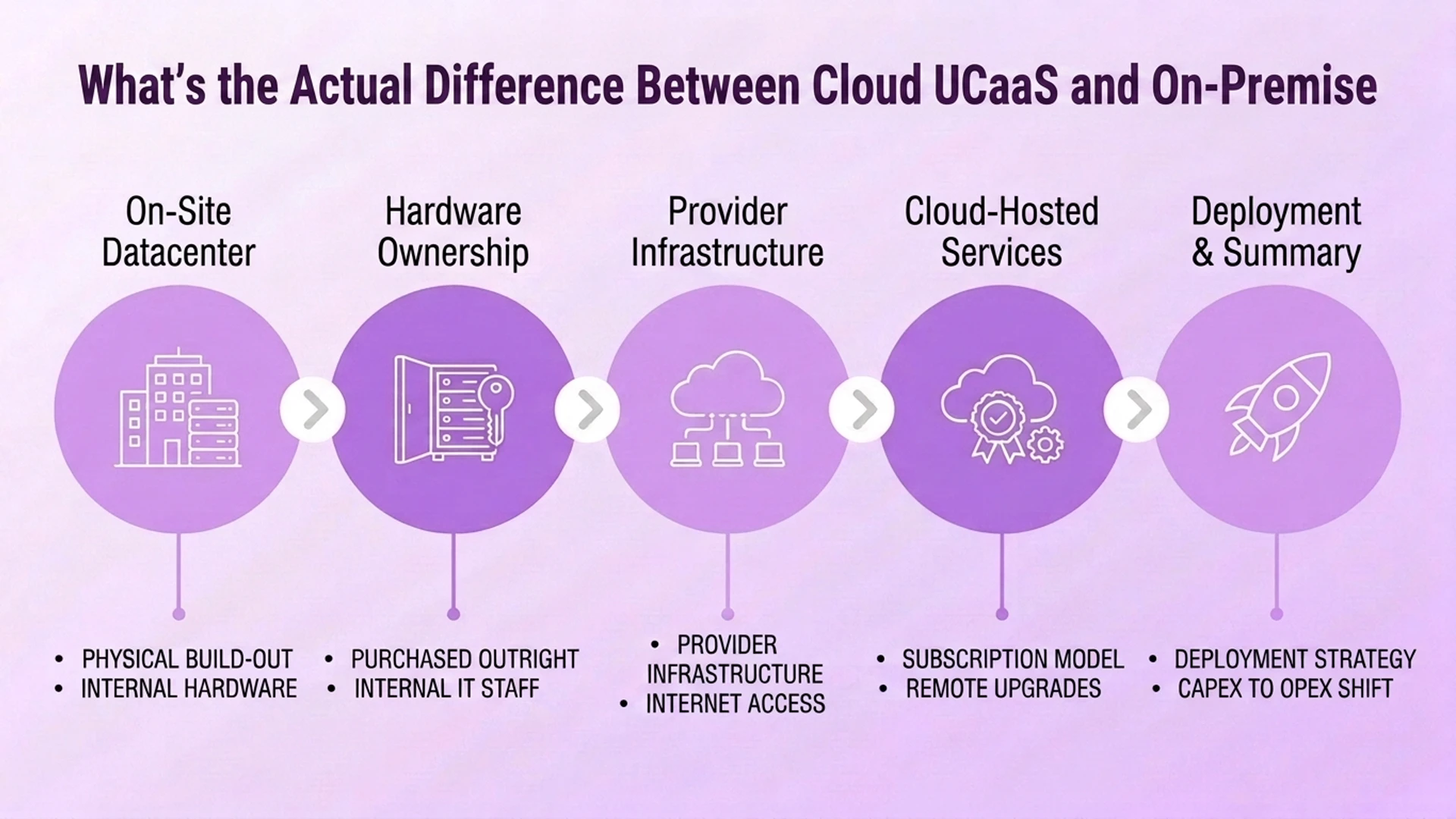
That one difference shapes almost every other tradeoff in this guide. It sets the cost structure, who handles maintenance, how disasters play out, and how security duties get split.
How Do the Costs Really Compare?
The two models spend money in very different shapes. On-premise is a capital expense. A typical 20-user setup runs roughly $14,500 upfront. That covers hardware (around $6,500), setup (around $1,000), handsets (around $3,000), and software licenses (around $4,000). Ongoing maintenance contracts add another $500 to $2,000 a month for SMB-sized systems. PSTN trunk lines cost extra on top.
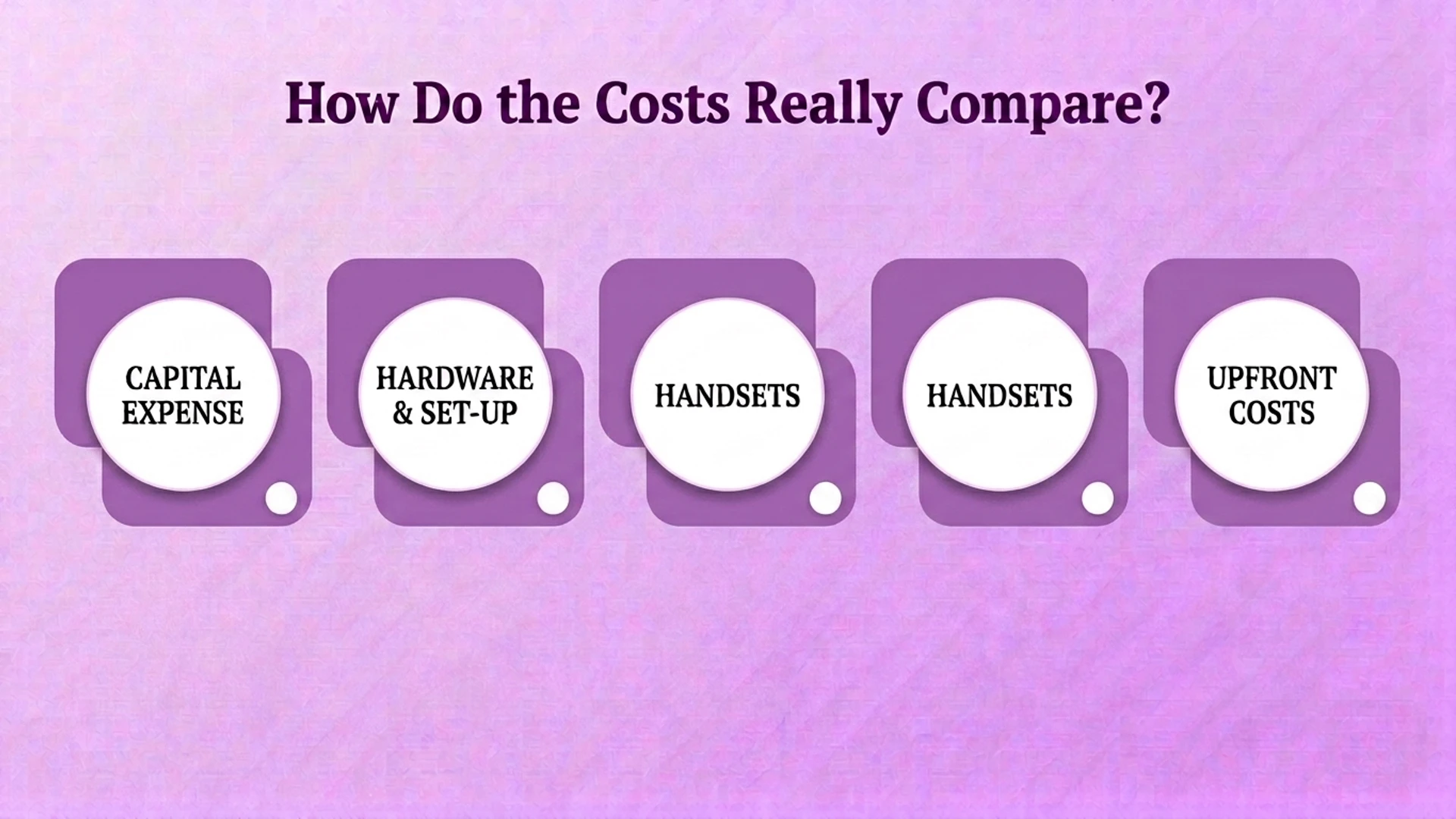
Cloud UCaaS is an operating expense instead. It typically runs $20 to $50 per user per month. That price includes features, updates, and support, with no hardware to buy. There is a real secondary saving too. IT teams report avoiding roughly $5,000 in year-one admin and support costs just by not managing the equipment themselves. Over time, cloud UCaaS tends to win on total cost for growing or spread-out organizations. On-premise can still make financial sense for a business with a stable headcount and gear it already paid for.
Who Carries the Maintenance and IT Burden in Each Model?
On-premise puts the maintenance burden squarely on the business. Updates, troubleshooting, security patches, and hardware failures all need in-house or contracted IT skills. Without those skills on hand, risk climbs fast. A missed patch or a failed part becomes your problem to solve. And it often happens during business hours, when it hurts most.
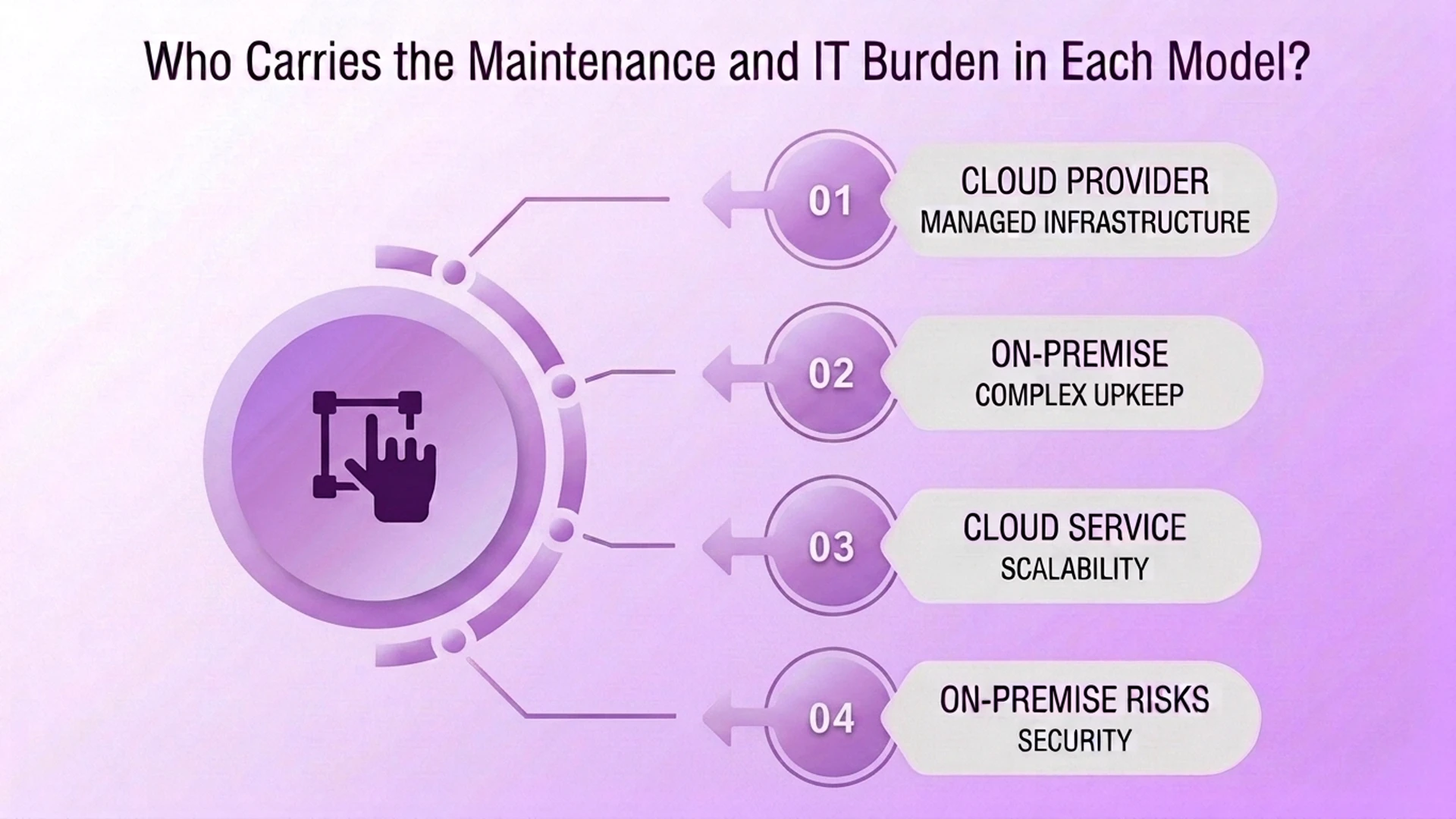
Cloud UCaaS shifts nearly all of that work to the provider. Software updates roll out centrally, with no user action needed. The vendor is on the hook for keeping the system available. This is the top reason IT teams prefer cloud. On-premise systems are not unreliable by design. Their reliability just depends entirely on how well-staffed the internal team maintaining them is.
Which Option Handles Disaster Recovery Better?
This is one of the starker differences between the two models. On-premise equipment sits in a physical building. That makes it vulnerable to the same disasters that hit the business around it. Fire, flooding, and long power outages can damage or destroy the phone system at the worst possible time — while everything else is going wrong too.
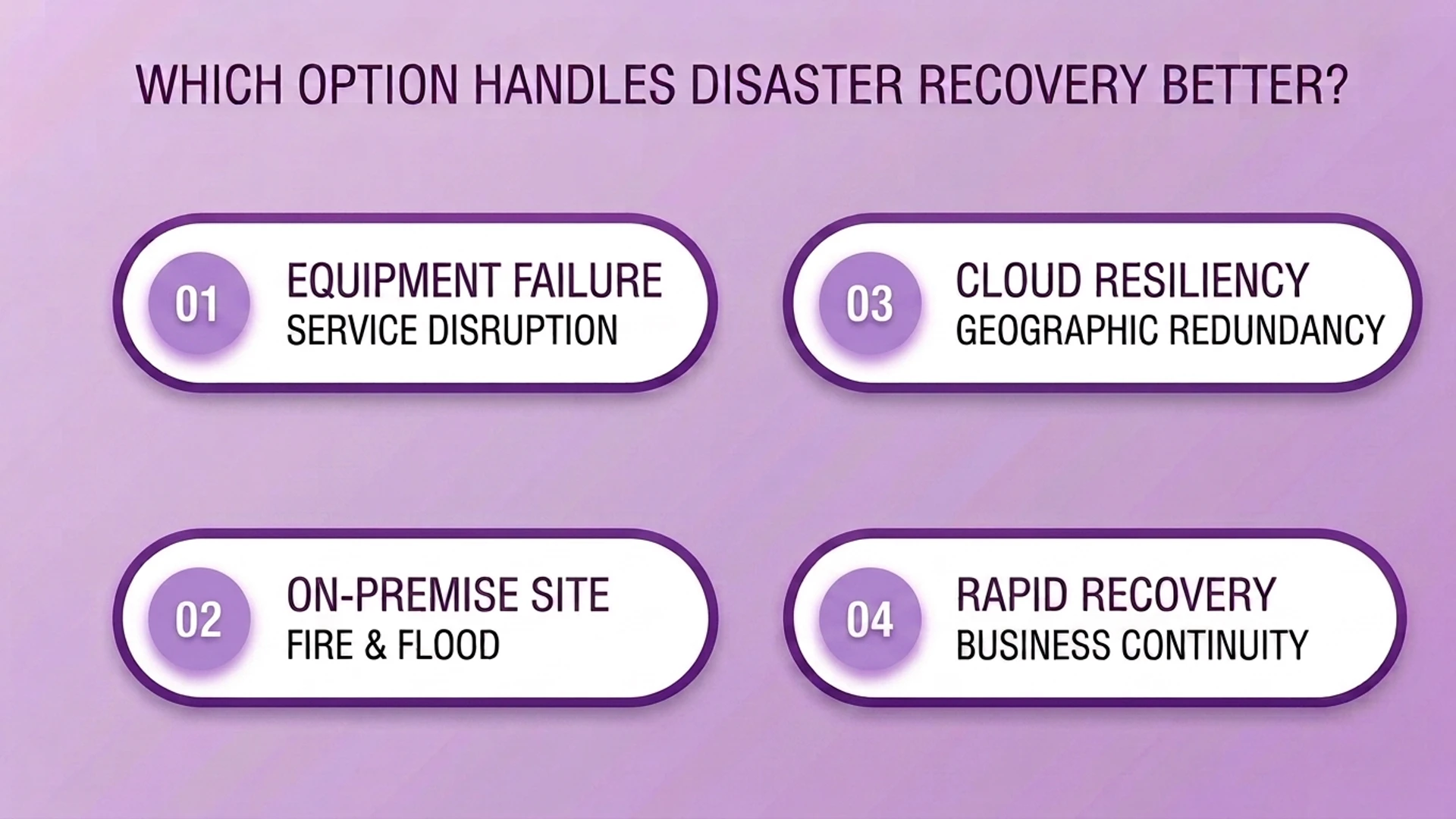
Cloud UCaaS is built around offsite data centers, redundant infrastructure, and automatic backups. Calls and messaging can often keep working even if an office is completely inaccessible. On-premise systems also break more often from routine power or internet failures, not just major disasters. There is no offsite backup to fall back on when something local goes wrong.
Is On-Premise Actually More Secure Than Cloud?
The honest answer: it depends on who is doing the securing. On-premise gives a business full, direct control over its own security setup. Firewalls, access policies, and data residency are all decided in-house. But that control comes with full responsibility. Your own IT team must set up and constantly update all of it correctly.
Cloud UCaaS providers bring enterprise-scale security by default. That means encryption, firewalls, DDoS protection, and dedicated security monitoring. Most businesses, especially smaller ones, could not build that on their own. For most organizations, a well-staffed cloud vendor's security team beats what an internal team can maintain alone. The exception: organizations with strict compliance or data-residency rules. If you must prove exactly where data lives and who can touch it, on-premise (or a tightly controlled hybrid setup) still has a real case.
Which Type of Business Fits Each Model?
On-premise fits a narrower profile than it used to. The best case: a stable headcount, gear the business already paid for, and strict compliance or data-residency rules that call for direct control. Setting it up well still needs an experienced IT technician. It is also a weak fit when staff often work remote or on the road. On-premise systems are built around being physically in the office.
Cloud UCaaS fits the broader, faster-growing case. That means organizations scaling headcount up or down, running multiple locations, or supporting remote and hybrid staff. Lower costs, easy scaling, and less maintenance make cloud the default pick for most businesses today. On-premise is now the exception, reserved for cases with a specific reason to choose it. Reliability at Enterprise Scale shows this shift most clearly. Large, spread-out organizations have the most to lose from an on-premise outage. They also gain the most when a vendor absorbs that risk instead.
How Does Ringflow Fit Into the Cloud vs On-Premise Decision?
For the contact center and sales side of your communications stack, Ringflow settles this decision by design. Ringflow is a Cloud Contact Center and AI Sales Platform, built cloud-native with no on-premise option. So Call Routing, reporting, and AI features all run on the reliability and disaster-recovery model described above. Nothing depends on your own on-site hardware or IT team.
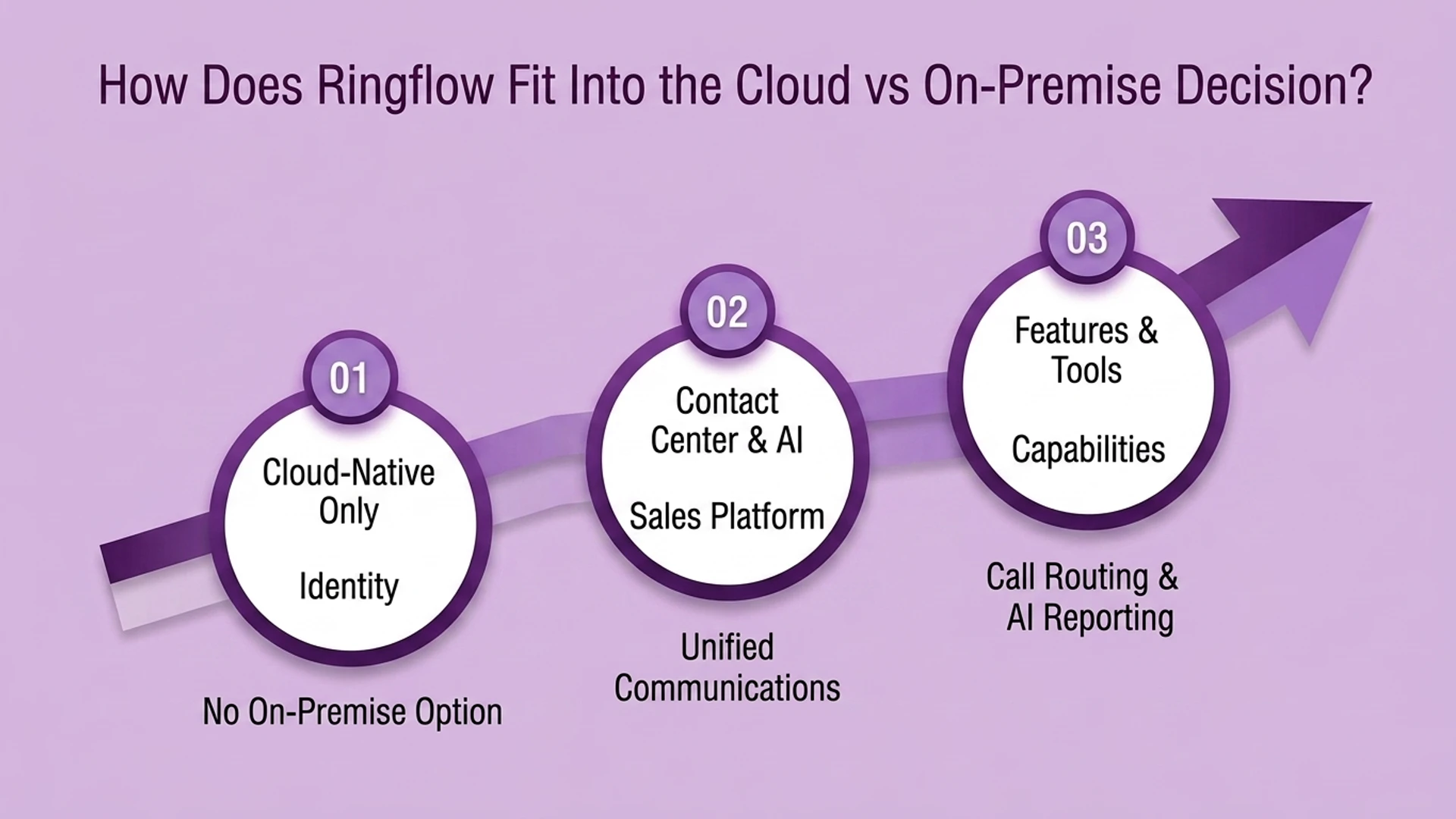
That is a narrower claim than solving cloud-vs-on-premise for your entire communications setup. This guide's comparison applies most to general UCaaS buying decisions. Ringflow covers the customer-facing, sales-and-support part of that broader stack.
Marconet Research makes a related point worth remembering. On-premise systems also fail from routine power or internet problems, not just major disasters. There is no offsite backup to fall back on locally.
Conclusion
The cloud-vs-on-premise decision has narrowed in recent years. Cloud UCaaS now wins on cost, maintenance, and disaster recovery for most growing or spread-out businesses. On-premise's remaining case rests on specific compliance rules or gear a business already paid for. It is not a general reliability or security advantage.
Ready when you are
Handling the Customer-Facing Side of Your Communications Stack?
See how Ringflow's Cloud Contact Center and AI Sales Platform runs entirely cloud-native, with no on-premise hardware or IT burden.
Frequently Asked Questions
On-premise means a business buys and hosts its own phone system hardware and software. Its own IT team runs it. Cloud UCaaS means a vendor hosts everything in its own data centers. The business pays a subscription and connects over the internet instead of owning the equipment.
For most growing or distributed businesses, yes, over time. A 20-user on-premise setup can run roughly $14,500 upfront in hardware, phones, and licenses, before any ongoing maintenance. Cloud UCaaS typically runs $20 to $50 per user per month with no hardware to buy. On-premise can still be cheaper long-term for a stable headcount with infrastructure already in place.
With on-premise, your own IT staff handles updates, troubleshooting, and security patching. That takes real in-house expertise to do safely. With cloud UCaaS, the provider handles maintenance and updates centrally. That is a major reason IT teams report big admin savings after switching.
Cloud UCaaS generally holds up better. It runs on offsite data centers with backups, so employees can keep working remotely if an office is inaccessible. On-premise equipment sitting in a building during a fire, flood, or long power outage can be damaged or lost completely.
It depends on whether your IT team can match a dedicated provider's security resources. Most smaller organizations cannot. On-premise gives full direct control over security settings. Cloud UCaaS typically comes with enterprise-grade encryption, firewalls, and DDoS protection built in by the vendor.
The strongest remaining case: strict data-residency or compliance rules, a stable headcount, and infrastructure already paid for. Businesses that are growing, distributed, or need remote communication are usually better served by cloud UCaaS.
No. Ringflow is built as a Cloud Contact Center and AI Sales Platform from the ground up, so the cloud-vs-on-premise decision covered in this guide is already resolved by design for that part of a business's communications stack.