
Introduction
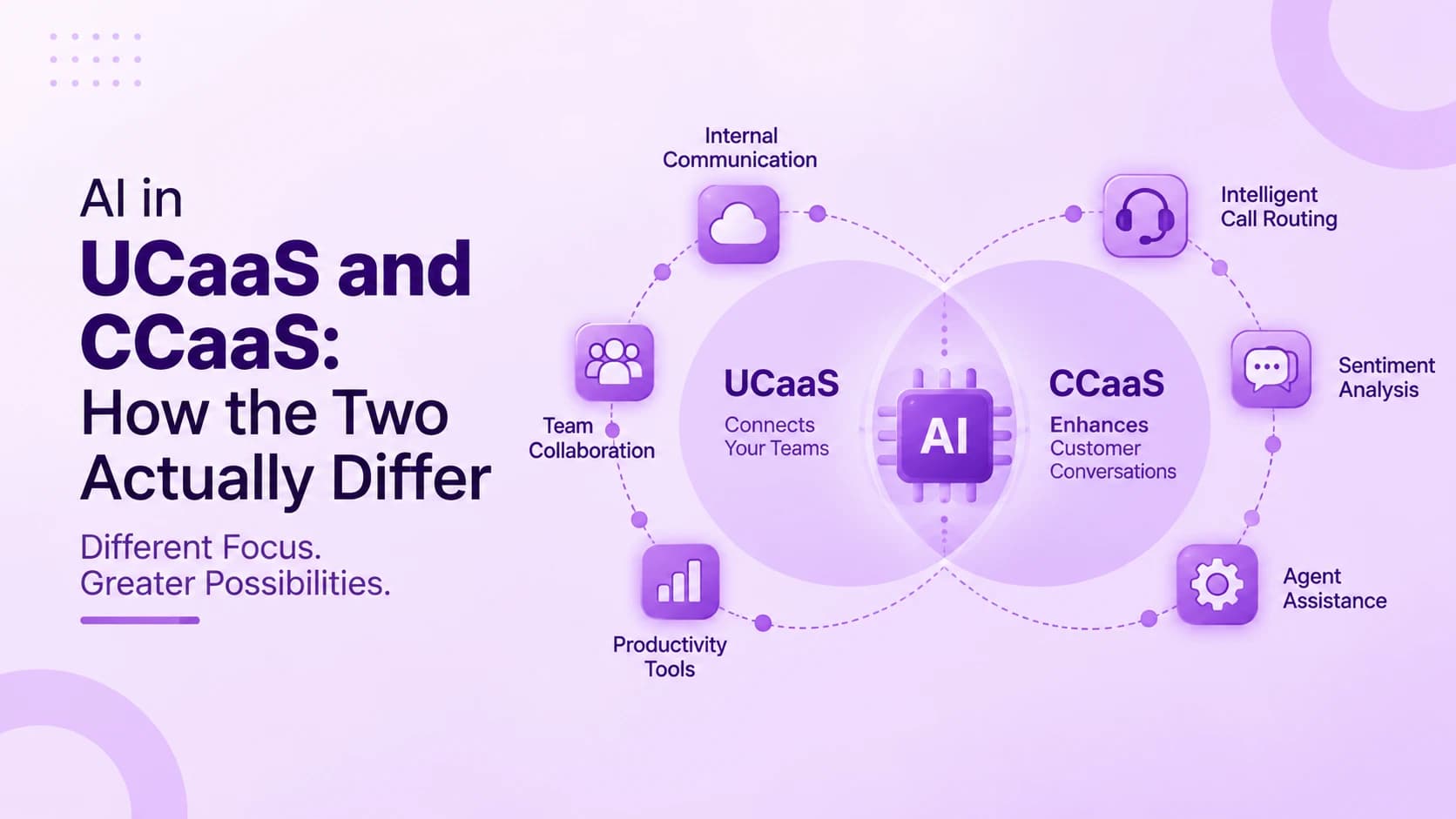
The same underlying AI model can transcribe a call and read the tone behind it. But depending on which side of a business it sits on, that same capability ends up doing two very different jobs. AI in UCaaS and CCaaS covers real-time transcription, sentiment analysis, predictive routing, and automated summaries — all built directly into unified communications and contact center platforms. UCaaS mostly uses AI to cut administrative work between employees, while CCaaS uses it to guide, and increasingly automate, customer-facing interactions.
This guide covers what actually separates AI's role in each category — the specific features becoming standard in both, the gap between AI that ships native to a platform versus one bolted on through a third party, and whether the extra cost is worth paying. It also covers the real risks worth knowing before treating any AI output as ground truth, especially in a regulated or high-stakes conversation. None of this requires picking a side before understanding what each one is actually optimizing for — the split Ringflow builds around.
What Is AI in UCaaS and CCaaS?
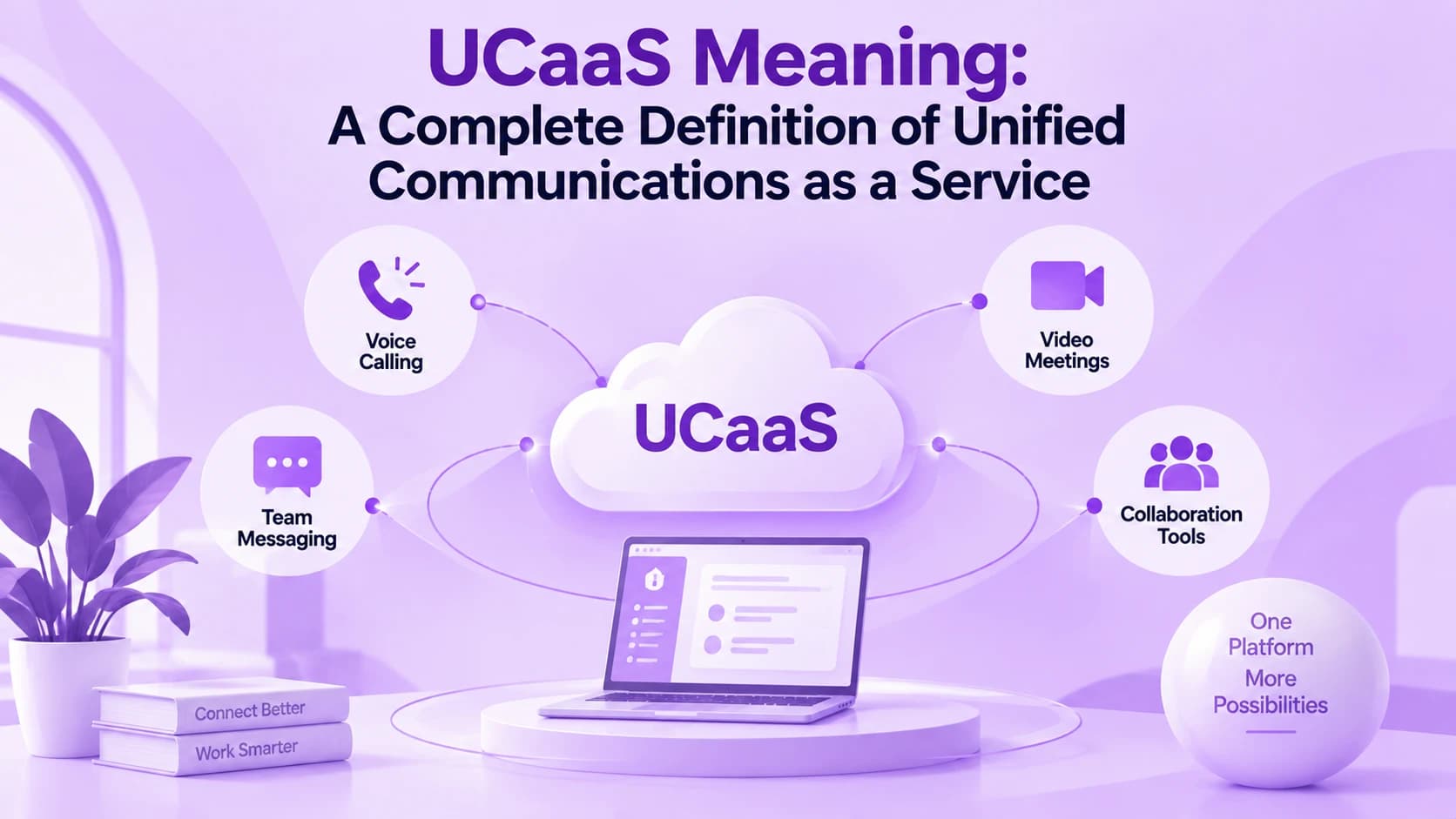
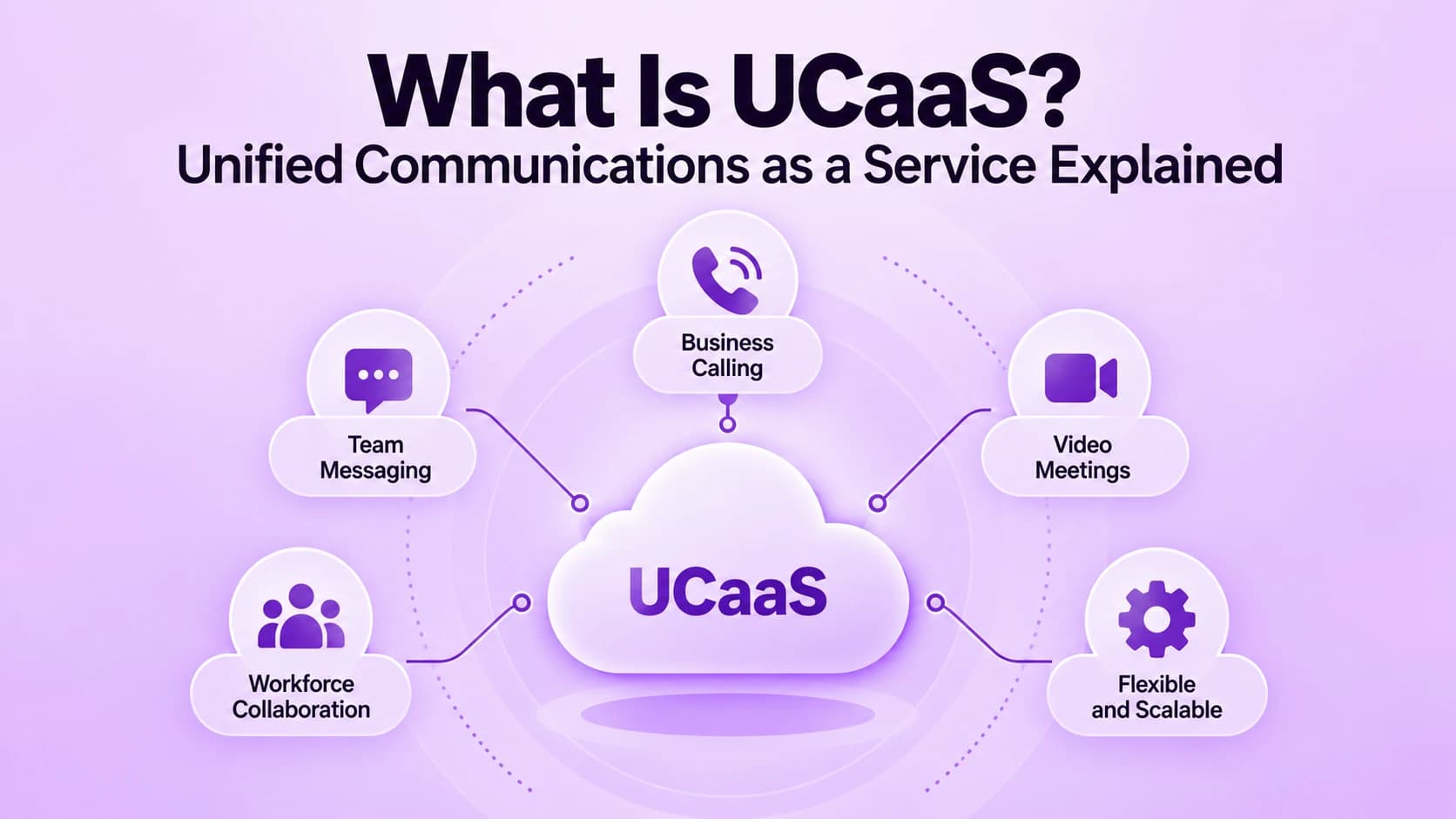
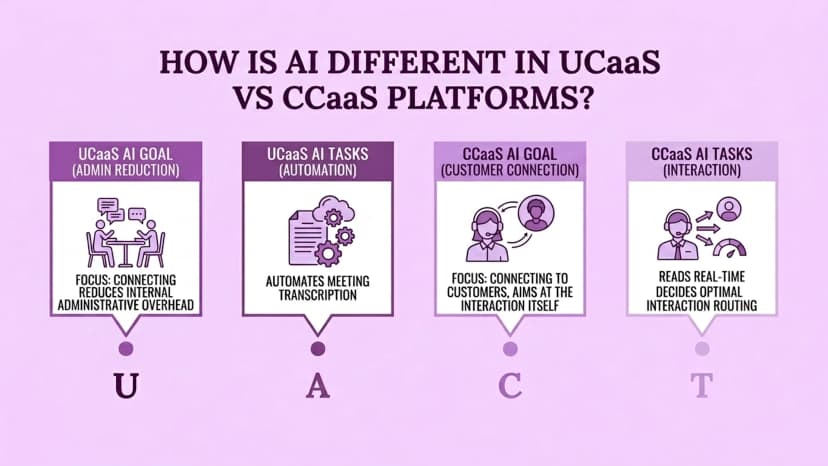
The split follows the same line that separates the two categories generally. UCaaS connects employees to each other, so its AI is aimed at reducing internal administrative overhead — transcribing a meeting so nobody has to take notes, or summarizing a thread so nobody has to scroll back through it. Anyone unfamiliar with what UCaaS means in the first place should start there before comparing how AI in UCaaS and CCaaS starts to diverge.
CCaaS connects employees to customers instead, so its AI is aimed at the interaction itself — reading sentiment in real time, deciding how to route a call, and increasingly handling parts of the conversation without a human at all. Both categories lean on overlapping techniques: transcription, natural language processing, and sentiment scoring. The difference is what each one gets judged on once it ships — internal time saved on one side, and customer outcomes on the other. Ringflow is built for that second outcome.
AI Features Becoming Standard in UCaaS
A consistent set of AI features is becoming close to table stakes across UCaaS platforms, and the list keeps growing every year. Real-time transcription converts a call or meeting into text as it happens rather than after the fact, while automated summaries generate highlights and action items without anyone assigned to take notes. Roughly two-thirds of UCaaS solutions are expected to ship with AI features along these lines within the next product cycle, why AI in UCaaS and CCaaS matters early.
The market already treats these tools as a paid differentiator rather than a free add-on. A meaningful share of enterprise buyers say they are willing to pay a premium specifically for AI-enabled capabilities, which is pushing vendors to ship faster than they otherwise would. The features below are the ones showing up across nearly every serious UCaaS platform right now.
- Real-time transcription that converts speech to text as the call happens
- Automated meeting summaries with action items, no note-taker required
- Live translation that lets global teams collaborate across languages
- Predictive call routing based on patterns rather than fixed rules
- Smart scheduling that finds meeting times across time zones automatically
AI Features Becoming Standard in CCaaS
On the customer-facing side, AI does more consequential work earlier in the interaction. When a customer reaches out, AI can analyze intent, sentiment, and history within the first few seconds, then decide whether to route the request to automation, a live agent, or an escalation path — often before a human gets involved at all. That shift is one of the clearest signs of how much AI in call centers has changed in just a few years — exactly where AI in UCaaS and CCaaS diverge the most.
For interactions that do reach a live agent, real-time agent assist has become a standard capability. Sentiment analysis, live transcription, automatic summarization, and background noise removal all surface to the agent while the conversation is still happening. A live sentiment read can do more than flag frustration — it can point an agent toward a genuine cross-sell moment in the middle of the call, rather than in a report afterward. Ringflow builds this kind of assist natively.
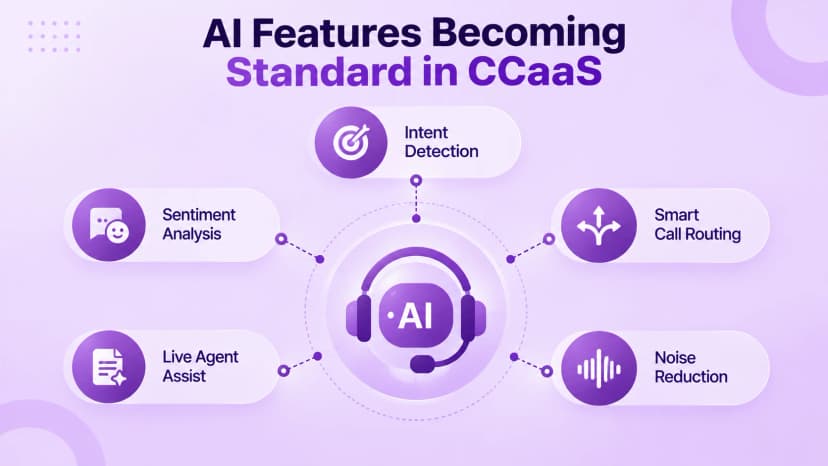
- Real-time intent and sentiment analysis within seconds of a call starting
- Automated routing to the right agent, bot, or escalation path
- Live agent assist with transcription and in-call answer suggestions
- Automatic post-call summaries logged straight to the CRM
- Background noise removal that keeps calls clear on both ends
Native AI vs. Third-Party Add-Ons
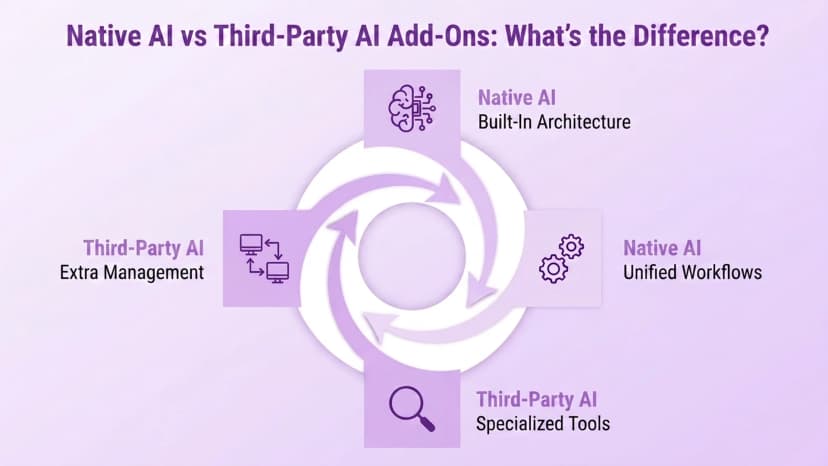
Native AI is built directly into a platform's voice and messaging infrastructure. Sentiment analysis, workflow automation, meeting summaries, and live coaching all show up without a separate integration or vendor relationship to manage. Third-party AI tools plug into a platform from outside instead, and usually offer deeper specialization in one specific function — at the cost of extra integration work, a second vendor relationship, and another point of potential failure.
Neither option is categorically better than the other. Native AI is simpler to deploy and tends to have tighter access to real-time call and message data, since it was built alongside the platform rather than bolted onto it later. The honest tradeoff is that native AI ties a business to that vendor's roadmap and pace of innovation, and it is usually less specialized than a dedicated, AI-only tool built around a single function. Most growing teams end up choosing native first and adding a specialist tool only once a specific gap becomes obvious.
Is the AI Premium Worth Paying For?
Over a third of enterprise buyers already say they will pay more for AI-enabled features, so the premium itself is not really the question — whether the specific feature earns it is. Automated meeting notes that save real hours of manual write-up every week justify the extra cost. So does a sentiment flag that catches a frustrated customer before they churn. Both replace work that was genuinely happening before, just done slower and by hand — true for AI in UCaaS and CCaaS too.
An AI label attached to a feature that only marginally improves on the manual process is a weaker case for paying more — a slightly faster transcript nobody actually reads, for instance. CX Today's research puts the global call center AI market on a path from roughly $2.98 billion in 2026 to $13.52 billion by 2034, with most of that growth shifting toward fully autonomous voice agents rather than simple assist tools.
Risks and Limitations to Know
Transcription and sentiment analysis are not perfect. Both can misread a conversation, especially one with heavy accents, crosstalk, or industry-specific language the model was never trained on. Treating an AI-generated summary or sentiment score as ground truth is a real and avoidable mistake, particularly without a human reviewing anything meaningful — a churn-risk flag or a compliance-sensitive call are two examples where getting it wrong actually costs something.
Vendor lock-in is a second, quieter risk. Native AI is convenient, but it ties a business to one provider's development pace and feature priorities for as long as the contract runs. In regulated industries the constraint can be more basic than convenience — healthcare data is often sensitive enough that many networks reject multi-tenant public cloud AI tools entirely, opting instead for single-tenant or hybrid deployments that keep data sovereignty intact.
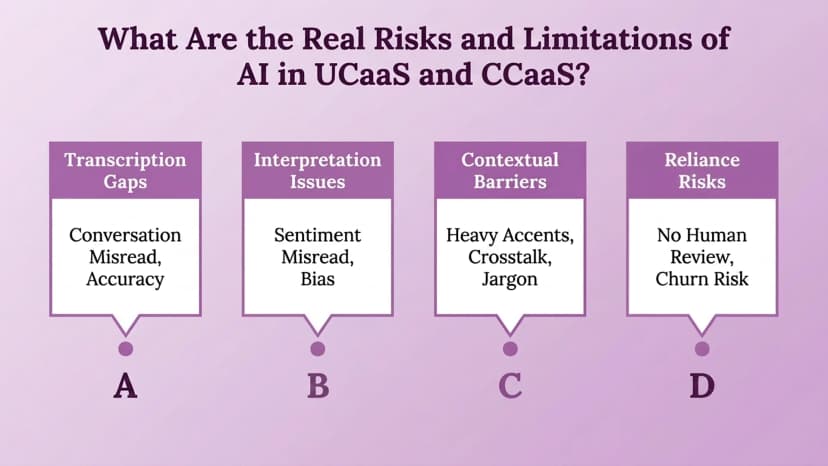
- Transcription errors on heavy accents, crosstalk, or industry jargon
- Sentiment scores treated as fact instead of a starting point
- Vendor lock-in tied to one provider's AI roadmap and pace
- Compliance gaps when regulated data lands in multi-tenant AI tools
Conclusion
AI is not one feature that either platform has or does not — it is the same set of underlying capabilities pointed at two different problems. On the UCaaS side, it removes administrative friction between employees. On the CCaaS side, it reads, guides, or increasingly handles the customer interaction itself. Knowing which problem a business is actually trying to solve matters more than whichever vendor's AI feature list happens to be longest, and it should drive the shortlist before any demo call — the core lesson in AI in UCaaS and CCaaS.
Ringflow sits on the CCaaS side of this comparison, applying AI to live call performance, rep coaching, and outcome-focused automation rather than internal meeting transcription. Before comparing vendors on feature lists, it helps to know which problem is actually being solved — employee collaboration or customer interaction — since the right AI investment looks completely different depending on the answer.
Ready when you are
Looking for AI Built for Customer-Facing Calling?
See how Ringflow's Cloud Contact Center and AI Sales Platform applies AI to live call performance, rep coaching, and outcome-focused automation.
Frequently Asked Questions
UCaaS uses AI to cut administrative work between employees — transcription, summaries, translation. CCaaS uses AI on the customer-facing side to read sentiment, guide routing, and support or automate live interactions. Same techniques, different jobs.
Real-time transcription, automated meeting summaries, live translation, and predictive call routing are close to standard now. Most UCaaS platforms are expected to ship with these within the next product cycle.
It gives a live agent real-time sentiment, transcription, and summaries while a call is happening, sometimes flagging a cross-sell moment or at-risk customer in the moment instead of afterward.
Native AI is simpler to deploy and has tighter access to real-time data. Third-party tools are often more specialized but add integration work and another vendor to manage.
It depends on whether the feature removes real work. Automated notes that save hours or a sentiment flag that saves a customer justify the cost; a marginally faster transcript usually does not.