

Introduction
Unified communications gets pitched almost entirely on price — replace a pile of vendor contracts with one bill and call it a day. That part is real, but it's also the smallest piece of what actually changes once phone, video, and messaging run on a single platform instead of three disconnected ones.
The harder question most pitches skip is what happens after the switch — whether a team actually coordinates faster, whether onboarding gets easier, and whether the savings survive contact with a real migration. This guide walks through those answers directly: the cost math, how to turn recovered time into a defensible ROI figure, the coordination gains teams notice day to day, what changes for a distributed team sharing one system, and where the advantages honestly stop short of the marketing. It also draws on how Ringflow approaches this — a single platform covering voice, video, messaging, and AI-assisted call handling instead of stitching together separate tools.
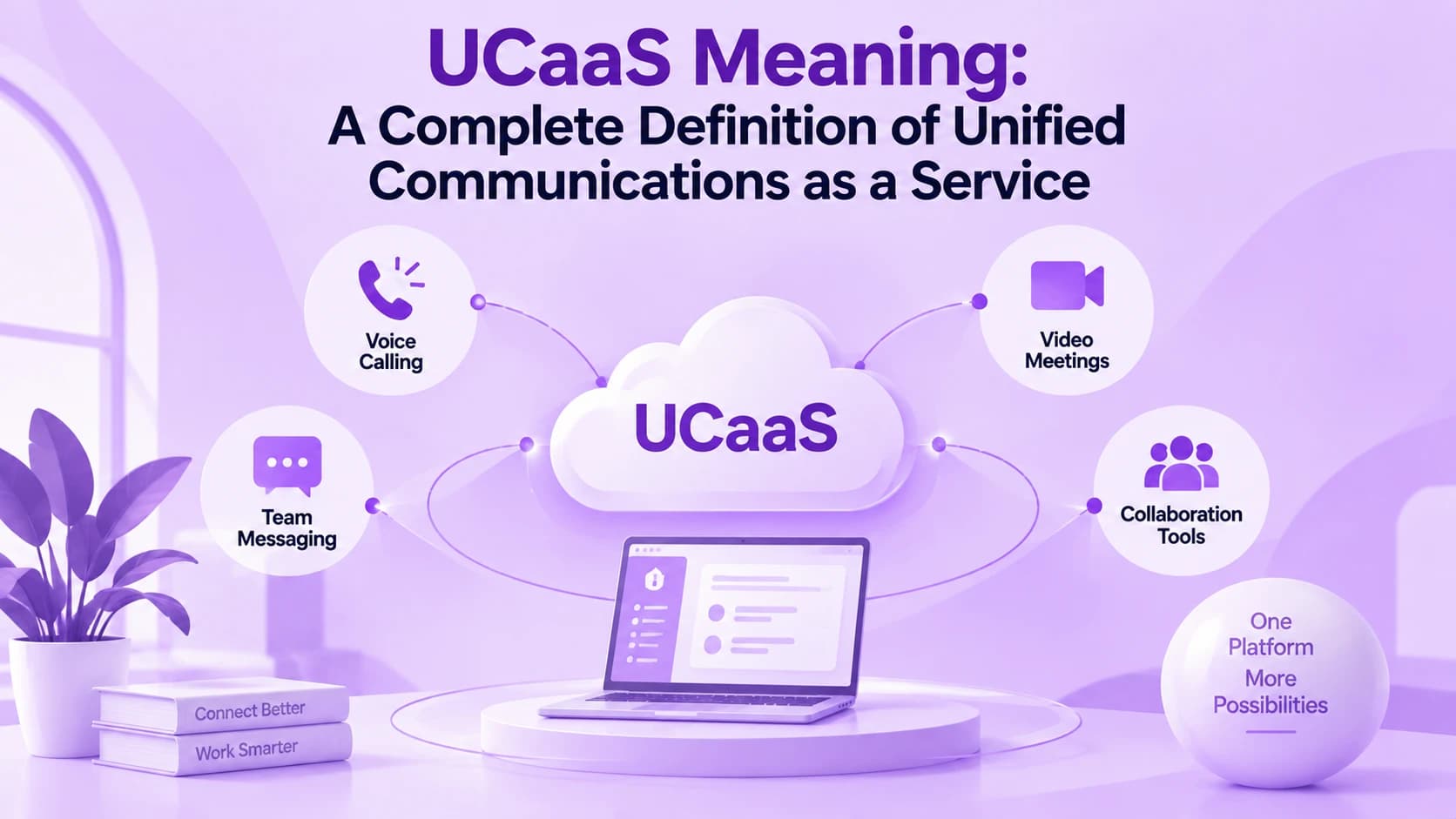
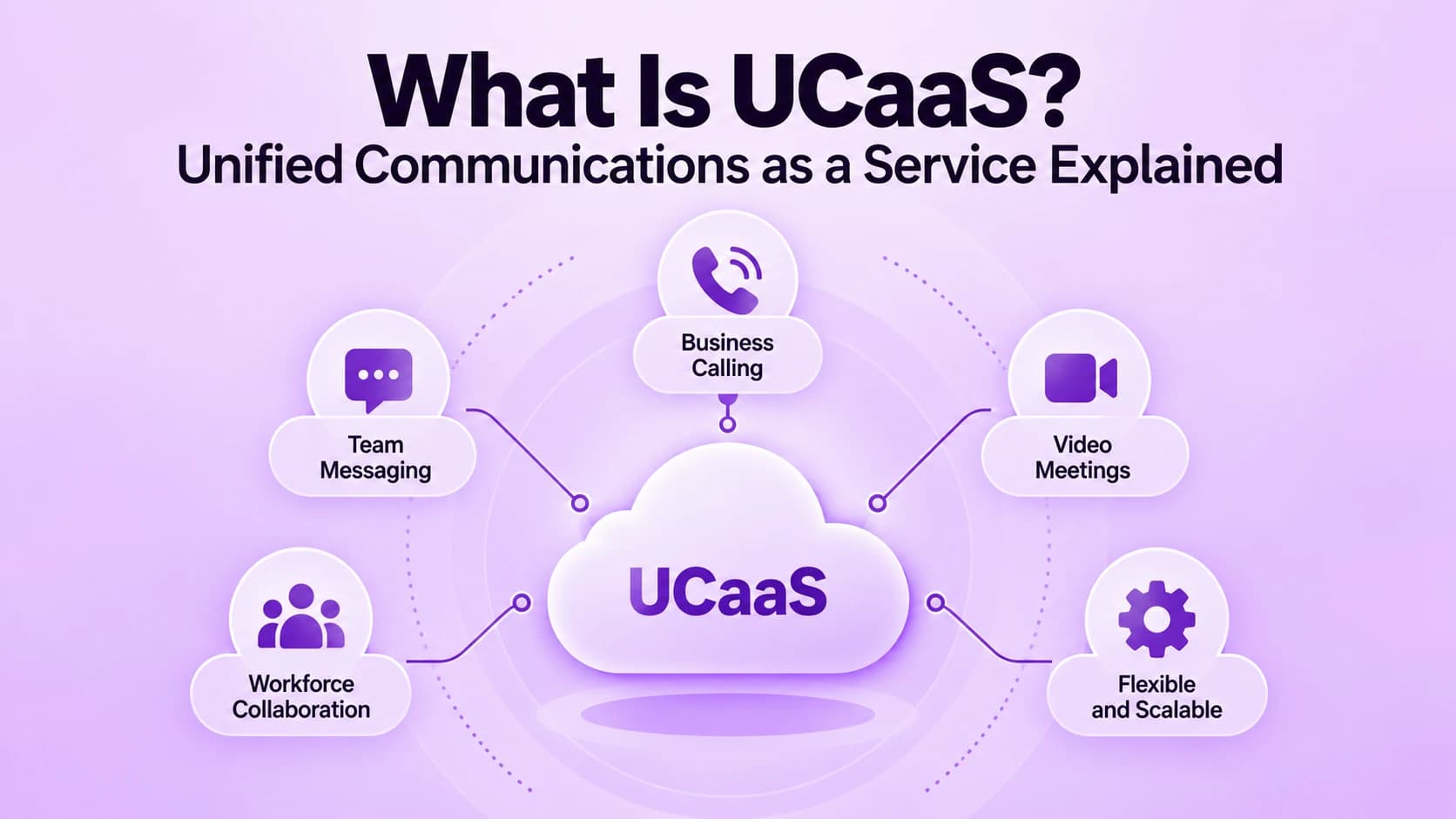
Why "Unified" Actually Matters for a Business
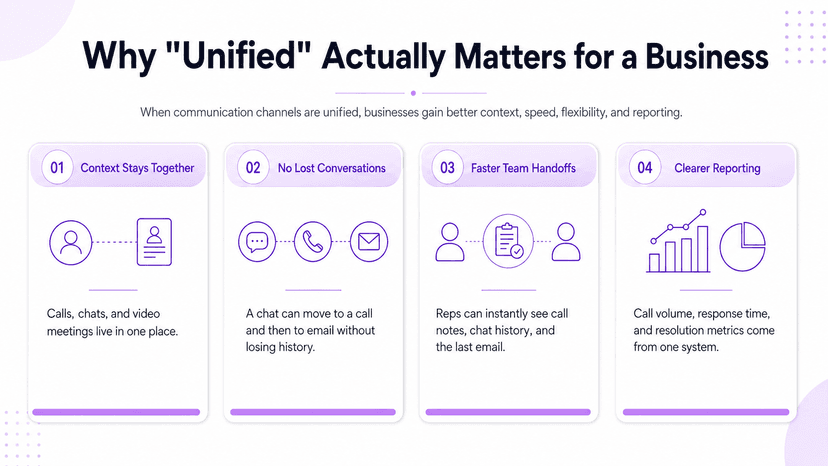
A phone system, a video tool, and a messaging app that don't talk to each other create more than a minor inconvenience — they create three separate places where a conversation's context can quietly get lost. A customer interaction that starts in chat, moves to a call, and needs a follow-up email shouldn't require someone to manually stitch the history back together afterward.
Unifying those channels means a call log, a team chat thread, and a recorded video meeting all live in the same place, tied to the same contact record. That single detail is where most of the downstream advantages — cost, speed, and flexibility — actually trace back to.
- Picking up a dropped thread without friction — a support rep covering for a colleague on leave sees the full history: call notes, chat log, and last email, instead of starting from a blank slate and asking the customer to repeat themselves
- No forced channel choice for the customer — some still prefer a phone call, others would rather text or use chat, and unifying the backend just means whichever channel gets used, the record of it lands in the same place afterward
- Simpler reporting for the business — call volume, response times, and resolution rates pull from one system instead of reconciling three separate exports with different contact IDs, timestamp formats, and definitions of what counts as resolved
The Cost Case for Consolidating Communication Tools
The savings are real and reasonably consistent across independent studies: businesses that move to one unified platform typically cut total communication costs by roughly a quarter to two-fifths. For a hundred-person company, that range works out to somewhere between $20,000 and $60,000 a year, depending on how outdated and scattered the previous setup was.
The size of that number depends heavily on what a business is actually replacing. Our breakdown of phone system pricing covers what drives that spread — hardware age, contract terms, and how many separate vendors were billing independently before the switch.
- Already running a modern, well-maintained setup — savings land at the low end of that range rather than the high end, since there's less waste to trim out
- One invoice instead of three — no separate billing cycles to reconcile, no three renewal dates to track, and no three separate outage tickets to file when something breaks
- Smaller hardware bill on top of that — desk phones and on-premise PBX gear get replaced by software running on devices employees already own, though it's usually a smaller slice of the total than the recurring subscription savings
Turning Recovered Time Into Measurable ROI
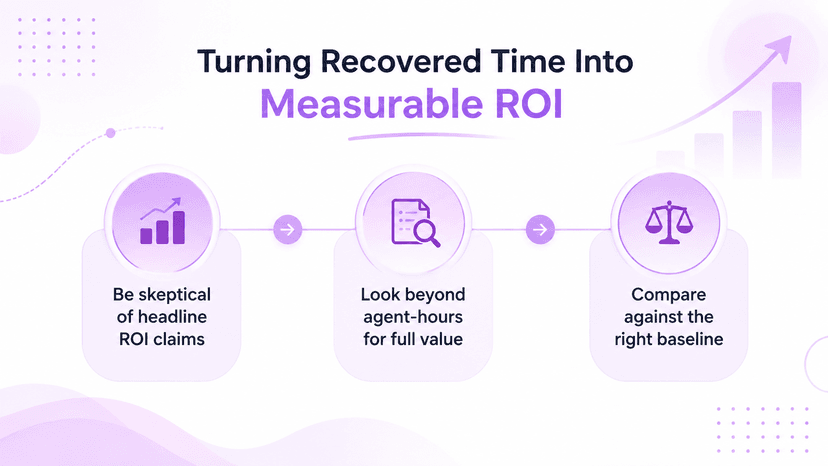
Vendor case studies love a headline ROI figure, and a few of them are genuinely striking — one frequently cited analysis put a mid-size rollout's three-year return north of 2,000%. Numbers that dramatic are the exception, not a baseline anyone should plan a budget around.
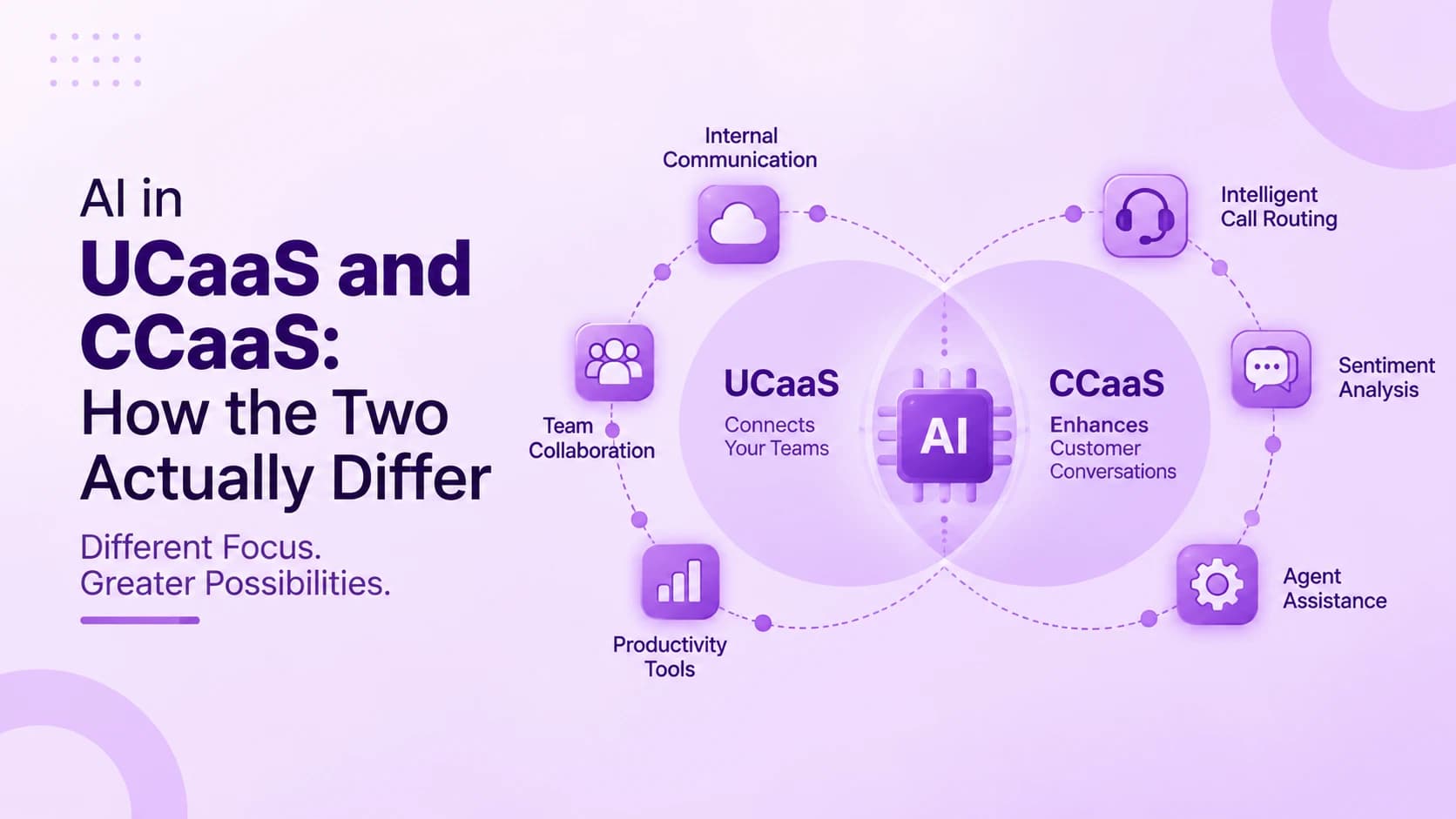
A steadier way to measure the return is recovered time rather than a single percentage. Ringflow's AI-assisted call summaries and automated logging can save an agent two to five minutes per call; multiply that across a twenty-person team handling fifty calls a day, and the daily total lands well over a hundred agent-hours — work that used to happen by hand and now simply doesn't.
- Treat headline vendor ROI numbers skeptically — independent research on unified communications productivity is a useful check, since it isn't coming from someone with something to sell
- Look past agent-hours when building the case — faster response times often show up downstream in customer retention and deal velocity too, harder to quantify but frequently what leadership actually cares about most
- Mind the baseline before comparing — measuring ROI against an already-efficient system will always look less dramatic than measuring it against one that was falling apart; neither comparison is wrong, they just answer different questions
Faster Coordination, Fewer Dropped Handoffs
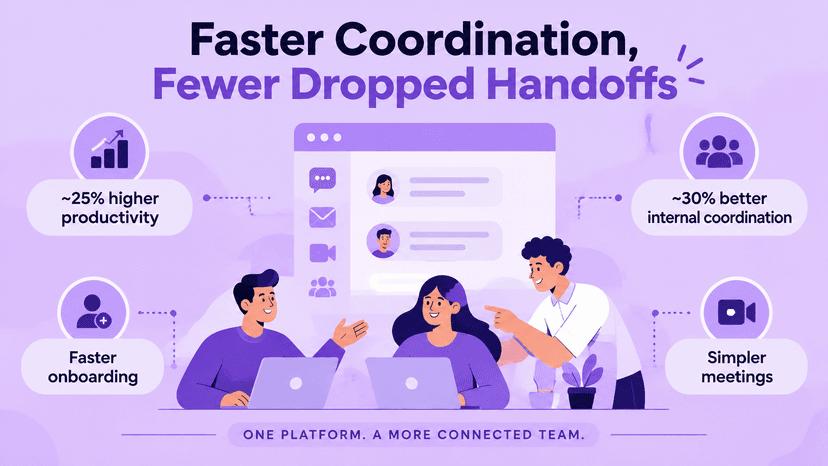
Independent analyst research puts the overall productivity gain from unified communications at roughly a fifth to a quarter, with internal coordination specifically improving by closer to a third. Teams that regularly work across departments or locations tend to land at the higher end of that range.
Most of that gain isn't traceable to any single feature — it comes from removing the small friction of switching between four separate apps to finish one task. A status update that used to mean checking email, then chat, then a separate video tool now happens inside one thread instead.
- Faster onboarding, even though it rarely gets billed as a productivity win — one login, one directory, and one notification system gets a new hire to full speed faster than piecing together access to three separate tools
- Compounds fastest with turnover or growth — a team hiring one person a year barely notices the difference, while a team hiring twenty a quarter notices it immediately, since the setup cost gets paid repeatedly
- Simpler meetings on top of that — scheduling, dialing in, and sharing a screen all happen inside the same login a team already uses for everything else, instead of a separate app rediscovered only when someone sends an invite for it
Keeping Distributed Teams on One System
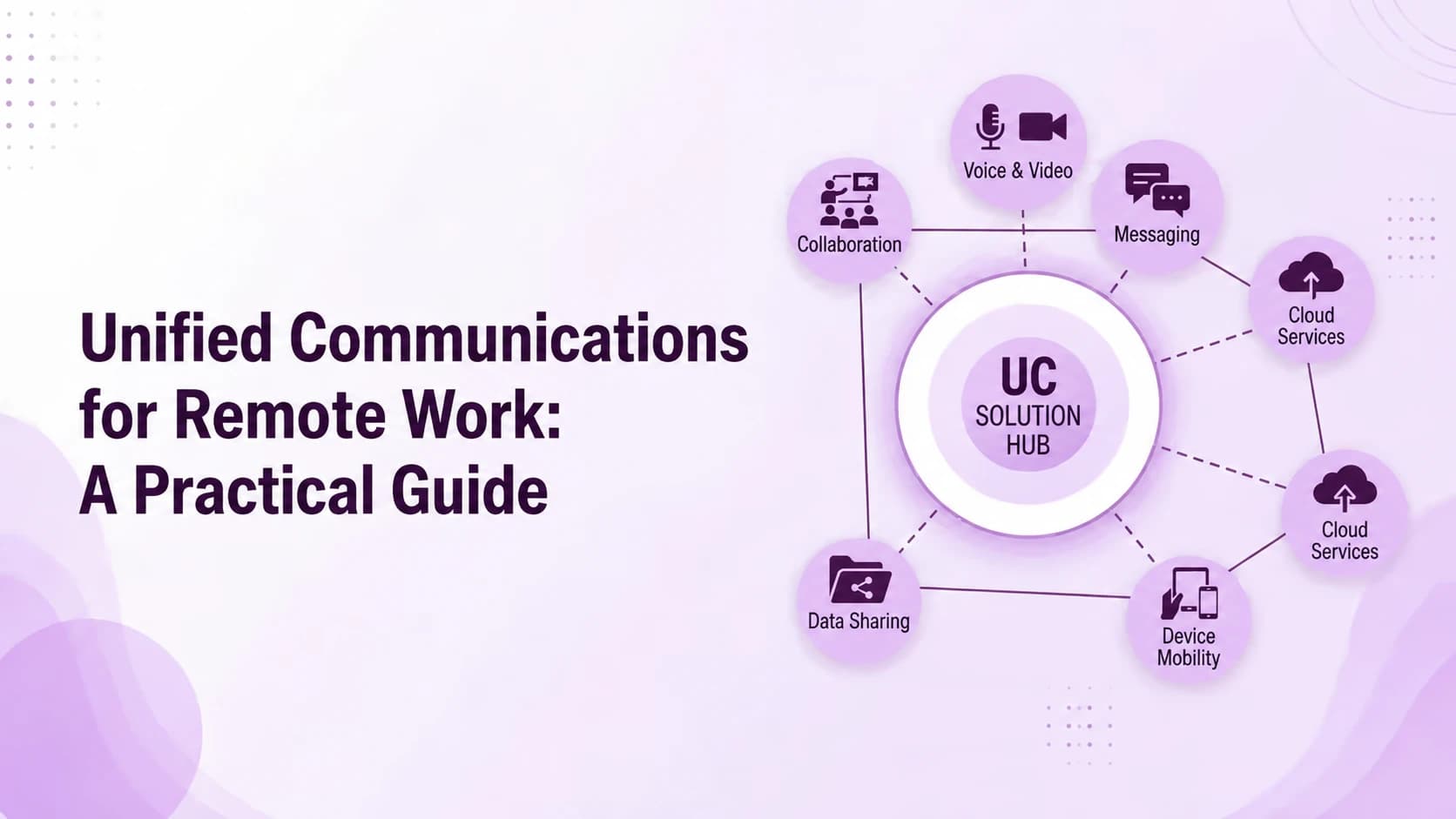
A unified platform makes consistent communication across offices and time zones the default setup rather than something IT engineers separately for every new location. Opening a second office or absorbing a team through an acquisition means extending an existing system, not building a parallel one from scratch.
That advantage compounds for companies with a genuinely distributed workforce. Our guide to remote team communication goes deeper into what changes once a team isn't sharing a building, and why presence and status features start to matter more when nobody can just glance across the room.
- One widely cited case involving a large enterprise reported roughly a 30% productivity jump after rolling out real-time presence across its existing tools — treat that as a strong upper bound rather than a typical outcome, since most companies land well below it in practice
- Time zones create a subtler version of the same problem — presence indicators that show when a colleague is actually online, rather than just guessing based on the clock, cut down on the back-and-forth of messages sent and answered eight hours apart
- Mergers and acquisitions are where this advantage shows up most visibly, if least often — folding an acquired team's phone numbers, extensions, and call routing into an existing platform typically takes days rather than the months a separate hardware rollout at each site would otherwise require
- None of that flexibility requires every office to run identical hardware, either — a cloud-based platform works the same way whether someone is dialing in from a company laptop, a personal phone, or a browser tab
Where the Advantages Actually Fall Short
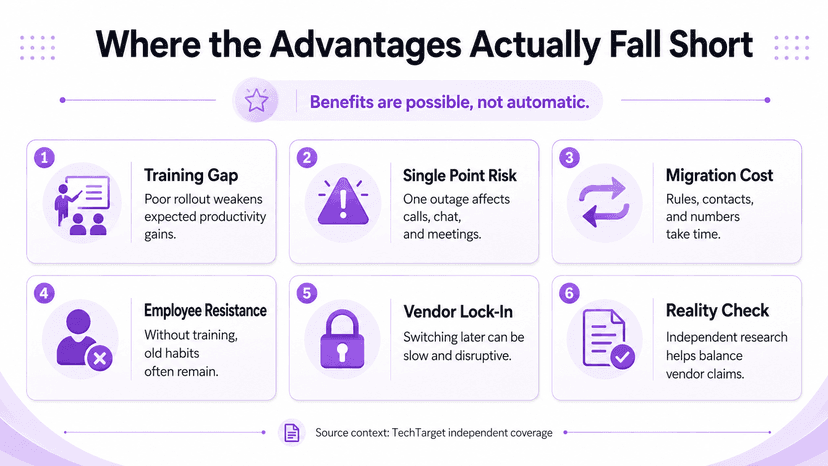
None of this happens automatically. A unified platform rolled out without real training or a clear migration plan tends to underperform every figure cited above, sometimes badly. The tool creates the opportunity for these gains; it doesn't guarantee anyone actually captures them.
Consolidation also trades several independent points of failure for one. An outage now affects phone, video, and messaging simultaneously instead of just a single channel — a real tradeoff worth weighing honestly against the cost and productivity case, not something to gloss over in a sales pitch.
- Migration itself carries a cost that rarely shows up in the ROI projections — moving call routing rules, contact records, and existing phone numbers off a legacy system takes real hours, and rushing that step to hit a launch date is a common way a rollout starts on the wrong foot
- Employee resistance is the quieter version of the same risk — staff who've used the old phone and video setup for years don't automatically welcome a new interface, and a rollout that skips real training tends to see old habits persist for months alongside the new tool
- Vendor lock-in is worth naming plainly too — once call history, contact records, and workflows live inside one platform, switching providers later costs real time and disruption, a fair trade for most businesses but not one to enter without understanding it going in
TechTarget's coverage of unified communications productivity is a useful reality check here too, since it weighs these claims independently rather than repeating whatever a vendor's own case study says.
Conclusion
None of these advantages stand entirely on their own. The cost savings, the recovered time, the coordination gains, and the flexibility for distributed teams all compound once a company actually finishes the switch and manages the rollout with some care.
The honest version of this pitch isn't that unified communications fixes everything on its own. It's that consolidating onto one platform removes enough friction, in enough places, that the advantages tend to show up naturally — provided the rollout gets the attention it actually needs. Ringflow is built for exactly that: one system covering inbound and outbound calling, AI-assisted summaries, and CRM integration, so teams spend less time managing tools and more time using them.
For a business still weighing the switch, the more useful question isn't whether these advantages exist in general — the evidence for that is solid. It's whether the specific team, workload, and current setup actually match the conditions where those numbers hold up in practice.
That's also the right lens for reading every figure in this guide. Treat each one as a range shaped by adoption and rollout discipline, not a guarantee that arrives automatically the moment a contract gets signed and the old system gets switched off.
Ready when you are
Want the ROI Side of Unified Communications for Sales Teams?
See how Ringflow's Cloud Contact Center and AI Sales Platform recovers agent time through AI-driven call optimization and coaching.
FAQ
The core advantages are lower total communication costs, faster internal coordination, easier scaling as a company grows, and consistent communication across distributed teams. Most of these trace back to a single platform replacing several disconnected tools.
Studies consistently show savings of roughly 25% to 40% off total communication costs. For a hundred-person company, that typically works out to $20,000 to $60,000 a year, depending on how outdated the previous setup was.
Some published case studies report ROI well over 1,000% within three years, but those are outliers, not a baseline. A more realistic way to measure it is recovered agent time — often well over a hundred hours a day for a mid-size team.
Independent analyst research points to real gains of roughly 20% to 25% overall, with internal coordination improving by closer to 30% for teams working across departments or locations. The gains are genuine but depend heavily on adoption.
A rollout without proper training tends to underdeliver on every advantage. Consolidation also means an outage affects phone, video, and messaging at once instead of just one channel, which is a real tradeoff against the cost savings.