
Introduction
Every few years a new phone or collaboration tool arrives, and each one promises to replace the last. UCaaS is different because it replaces the pile of separate tools itself: the phone system, the meeting app, and the team chat, all delivered from the cloud on one subscription. That is a big promise, so it helps to know exactly what is UCaaS before you compare vendors or sign anything.
This guide explains what UCaaS is, how it works behind the scenes, and which features come with it. It also compares UCaaS with CCaaS, lists the benefits and drawbacks, and shows how to choose a platform. Whether you are replacing an old phone system or supporting a hybrid team, you will finish with a clear view of what UCaaS can and cannot do for your business, and what to check first.
What Is UCaaS, Exactly?
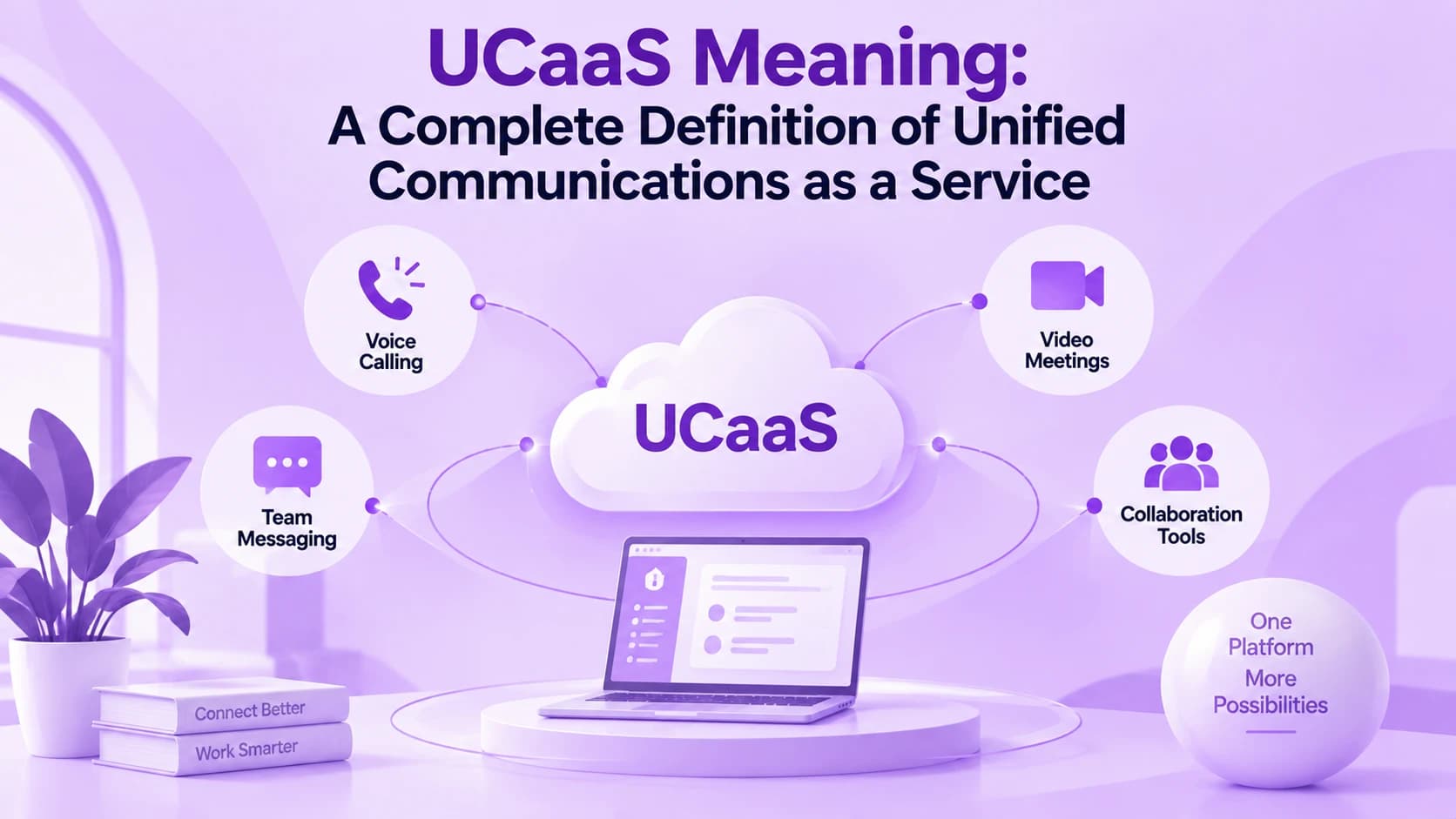
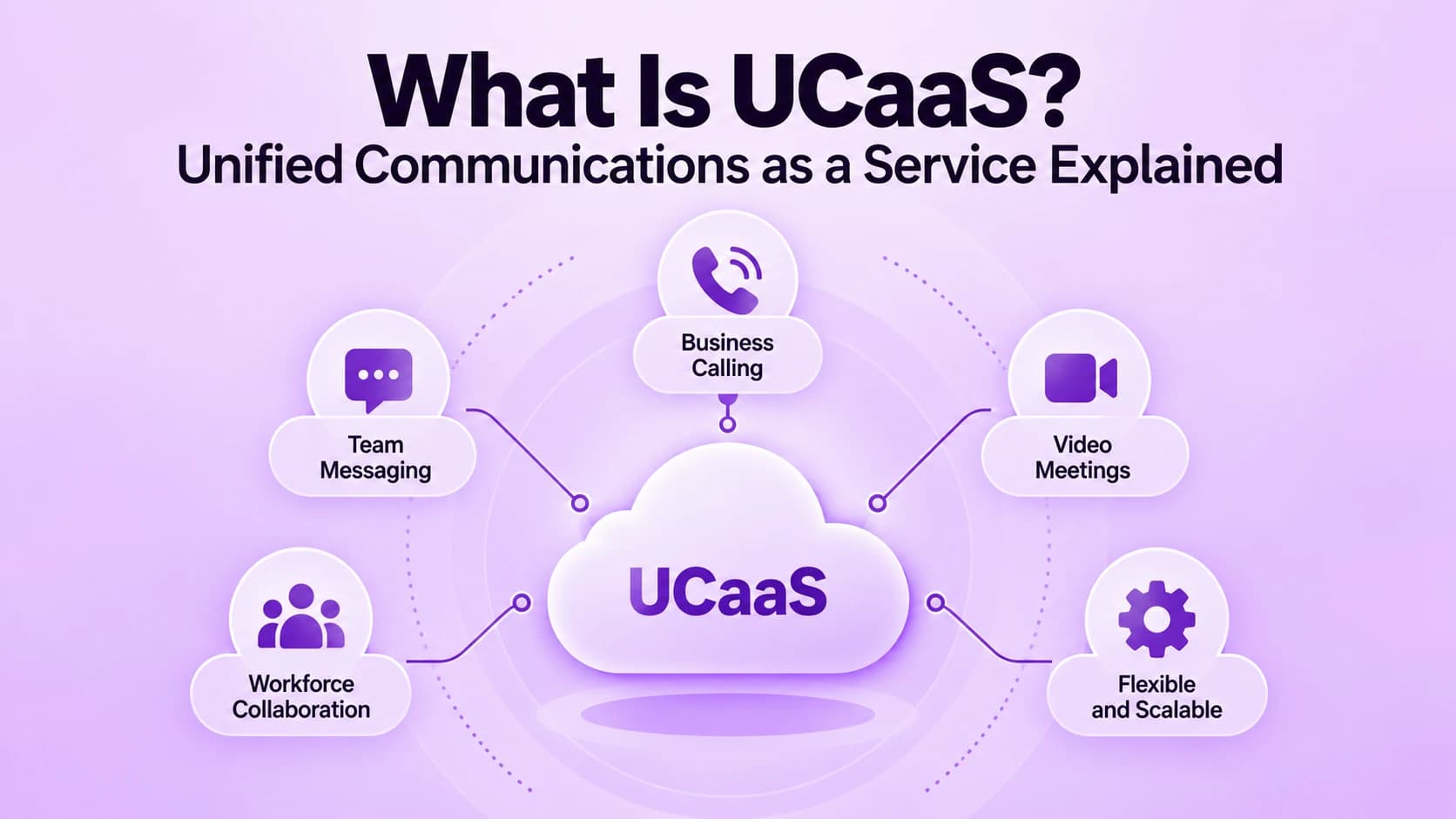
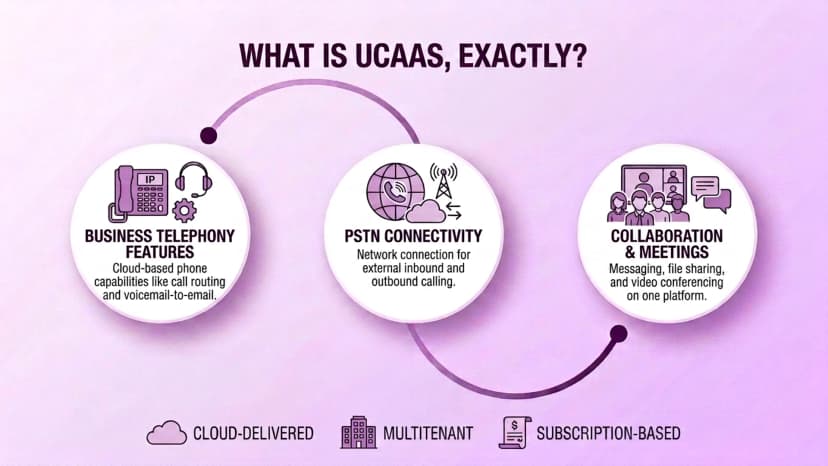
UCaaS stands for Unified Communications as a Service. It is a cloud-delivered subscription that gives every employee business calling, video meetings, team chat, and file sharing inside one application. A provider hosts and maintains the system, so your company does not buy servers or phone hardware, and it simply pays each month for the users and features it needs. Staff only need internet and a device.
Three ideas define it. First, telephony features such as call routing and voicemail to email replace the old office phone system. Second, connectivity to the public phone network lets staff call and receive calls from any number. Third, collaboration tools bring messaging and meetings into the same place. Most providers are multitenant, which means many customers share the same secure cloud platform.
- Delivered from the cloud, with no phone hardware to install in your office
- Sold as a monthly subscription, usually priced per user
- Includes business phone calling with your own company number
- Connects to the public phone network for calls to any number
- Adds video meetings, team chat, and file sharing in the same app
- Runs on a shared multitenant platform that the provider maintains
- Works on desktop, mobile, and desk phones with one login
- Lets employees see each other's availability before they call
How Does UCaaS Actually Work?
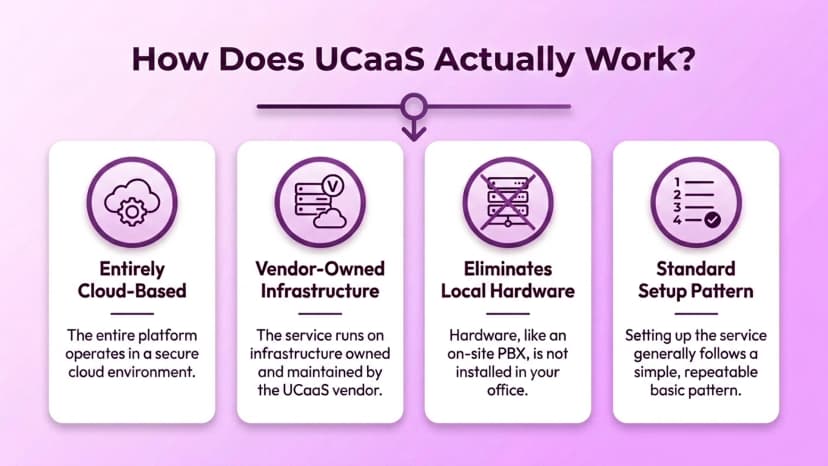
A UCaaS platform runs on servers that the provider owns and maintains, so nothing needs to live in your office except your internet connection. Your company signs up for a plan, and the provider sets up phone numbers, extensions, and user accounts. Employees then install a desktop or mobile app, sign in, and start calling, messaging, and joining meetings from the same screen. The whole process often takes days, not weeks.
Voice and video travel over the internet, which is why call quality depends on your network as much as on the provider. The provider also handles security patches, feature updates, and uptime in the background. Adding a new hire usually means assigning a license and a number, not ordering equipment, and removing a user works the same way in reverse, which makes growth and staff changes far easier to manage.
- Sign up for a plan that sets the users and features you need
- The provider creates numbers, extensions, and user accounts for your team
- Employees install the desktop or mobile app and sign in with one login
- Calls and video travel over the internet using VoIP technology
- The provider manages servers, security patches, and software updates
- Admins manage users, call routing, and settings from a web portal
- Adding or removing a user is a license change, not a hardware order
- Your internet bandwidth and network quality shape the call experience
What Features Come With a UCaaS Platform?
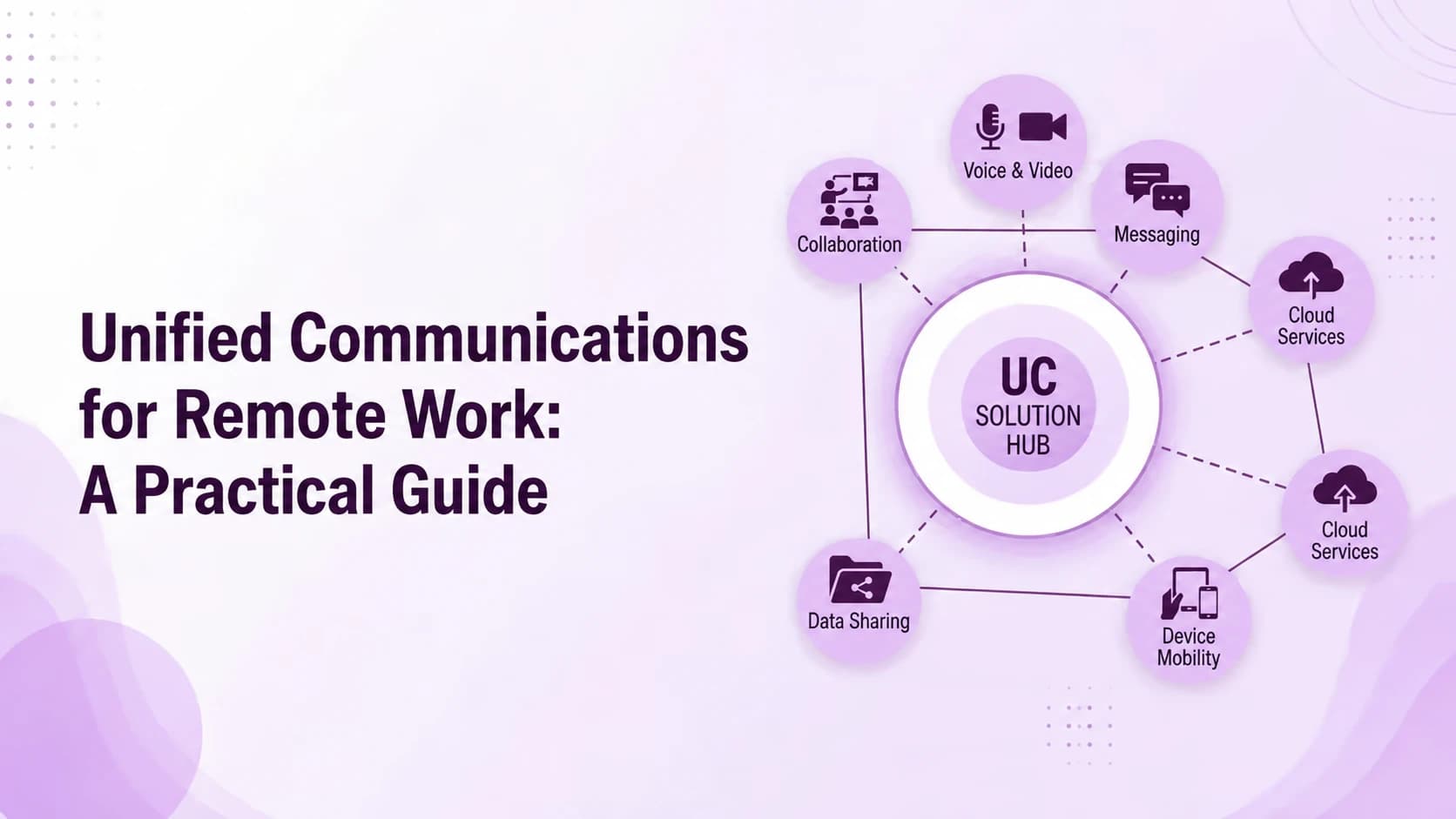
Most platforms share a similar core, even though the exact bundle changes by vendor and plan. Business calling comes with auto attendants, call forwarding, voicemail to email, and ring groups. Video meetings add screen sharing and recording, while team chat handles quick questions and file sharing. Presence indicators tell you who is free, on a call, or away before you reach out. These basics cover most everyday needs.
Calling is where teams often compare apps most closely. Many providers include business softphone apps that turn a laptop or mobile into a full office line, so staff can use the company number from anywhere. Higher plans may add CRM integrations, analytics, and AI tools such as call transcription and meeting summaries. Check which features sit in which plan before you compare prices, and ask for a demo first.
- Auto attendants, call routing, and voicemail to email for business calling
- Video meetings with screen sharing, recording, and built-in chat
- Team messaging with channels, direct messages, and file sharing
- Presence status that shows who is available, busy, or away
- Desktop and mobile apps that keep calling, chat, and meetings together
- Integrations with CRM, calendar, email, and helpdesk tools
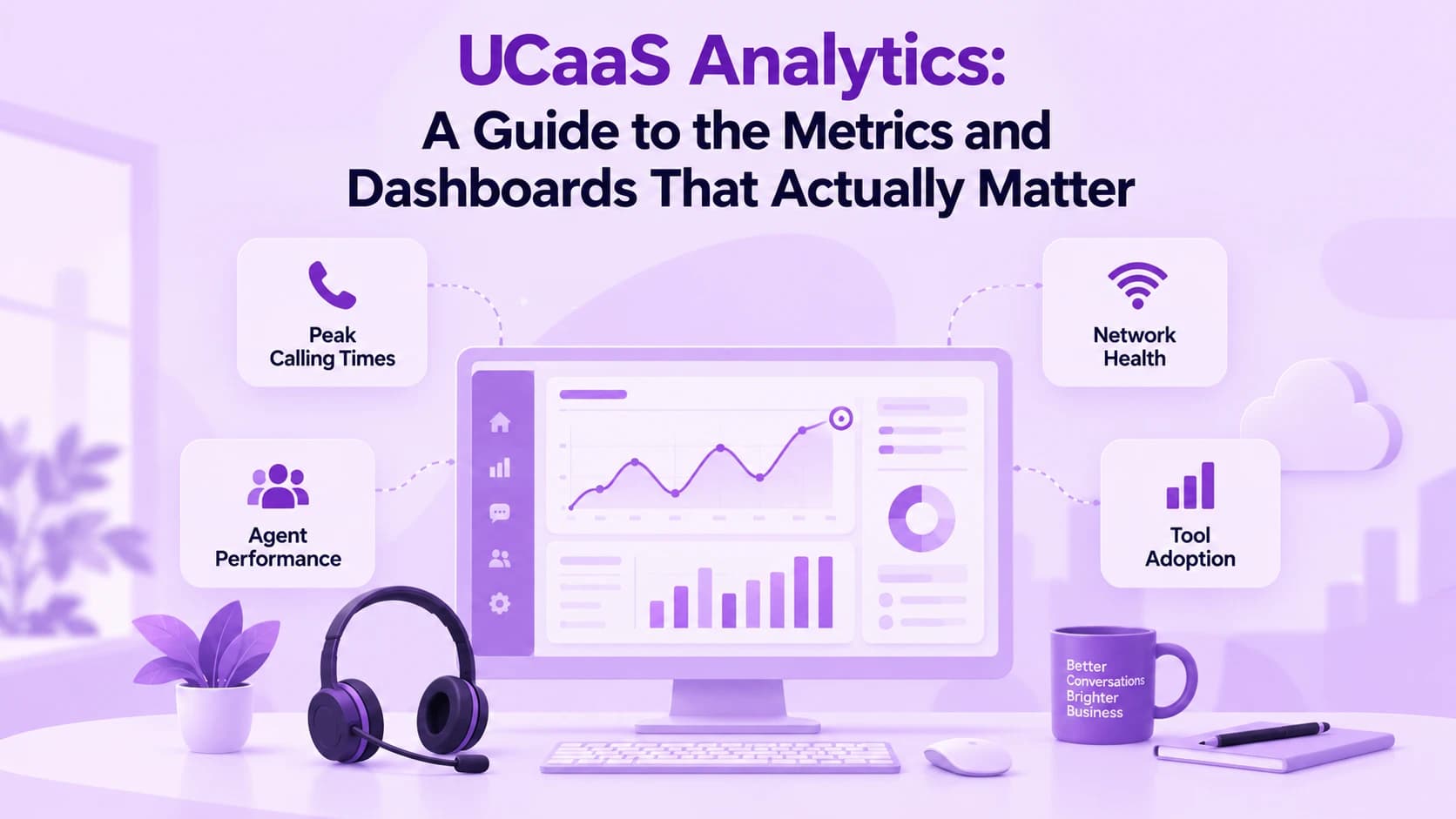
- Admin dashboards with usage reports and call quality data
- Optional AI tools for transcription, summaries, and call insights
UCaaS vs. CCaaS: What's the Actual Difference?
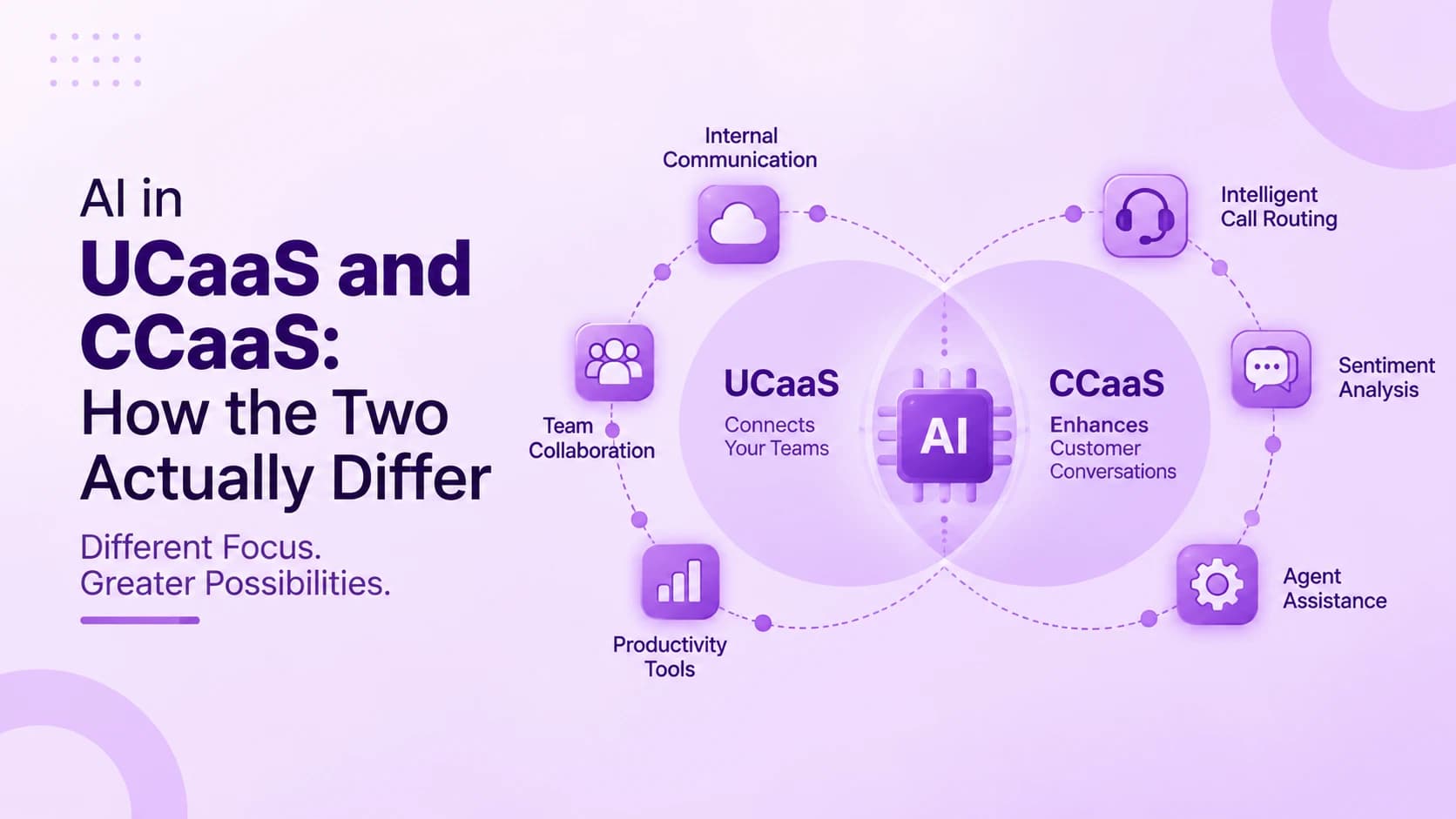
The simplest way to tell them apart is who is on the other end. UCaaS connects employees to each other, with calling, meetings, and chat built for internal teamwork. CCaaS, or Contact Center as a Service, connects employees to customers, with queues, routing, and reporting built for high call volume. Both run in the cloud, but they are designed for different jobs, and choosing the wrong one is a common and costly mistake.
The gap shows under pressure. A team of agents handling hundreds of customer calls needs skills-based routing, live queue views, call recording, and agent scorecards, which most UCaaS tools do not offer in depth. Read about UCaaS and CCaaS differences in more detail, and remember that vendors borrow features from each other, so always try the exact product you plan to buy, because a hands-on trial beats any brochure.
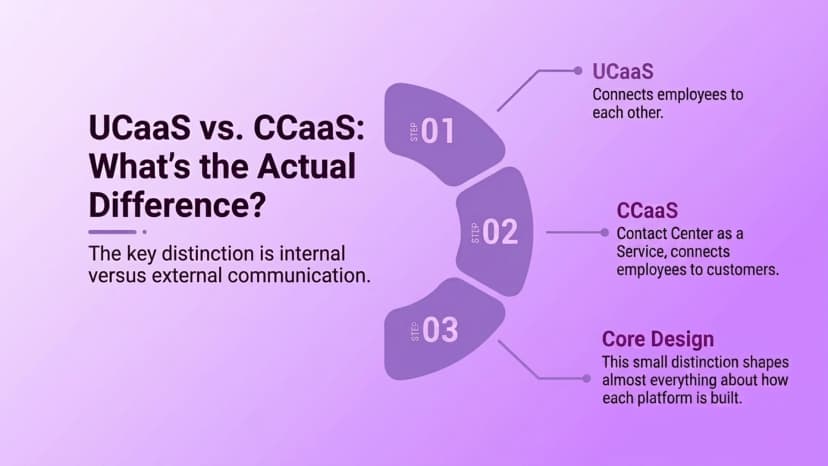
- UCaaS connects employees to each other, and CCaaS connects employees to customers
- UCaaS is built for internal calling, meetings, chat, and presence
- CCaaS is built for queues, skills-based routing, and agent reporting
- CCaaS adds call recording, quality scoring, and workforce management
- UCaaS pricing is usually per user, while CCaaS is often priced per agent
- Small teams with mostly internal calls can start with UCaaS alone
- Sales and support teams often need CCaaS features for customer calls
UCaaS Benefits, Costs, and Drawbacks
The main benefit is simplicity. One subscription replaces a phone system, a meeting tool, and a chat app, and your team learns a single interface. There is no hardware to buy, so upfront costs are low, and scaling up for a new office or a busy season only needs more licenses. Remote and hybrid staff also get the same tools as people in the head office.
There are trade-offs. UCaaS is usually priced per user each month, so costs grow with headcount and with the plan tier you choose. Service depends on your internet connection, and customization can be limited compared with a system you own. Switching providers later also means new contracts, number transfers, and retraining, so compare the total cost over a few years, not only the monthly price, before you sign.
- Lower upfront cost because there is no phone hardware to buy or maintain
- Easy scaling by adding or removing licenses as your team changes
- One app for calling, meetings, and chat instead of three separate tools
- Better support for remote and hybrid staff working from any location
- Automatic updates and security patches handled by the provider
- Per-user pricing can grow quickly for large teams and higher plan tiers
- Call quality and uptime depend on your internet connection and network
- Switching providers later means new contracts, number transfers, and retraining
How to Choose a UCaaS Platform
Start with how your team works, not with a feature list. Count how many people call customers and how many mostly chat and meet, then check whether the plan covers both. Test call quality on your real network, ask for the provider's uptime commitment in writing, and confirm that the apps work well on the devices your staff already use every day, and involve a few real users in the test.
Security deserves a careful look because a cloud provider will hold your calls and messages. The NIST public cloud guidelines explain what to ask about data protection, access control, and incident handling. If most of your calls are with customers, consider a contact center platform such as Ringflow alongside or instead of UCaaS, since that is the job it is built for. Bring the same questions to every vendor.
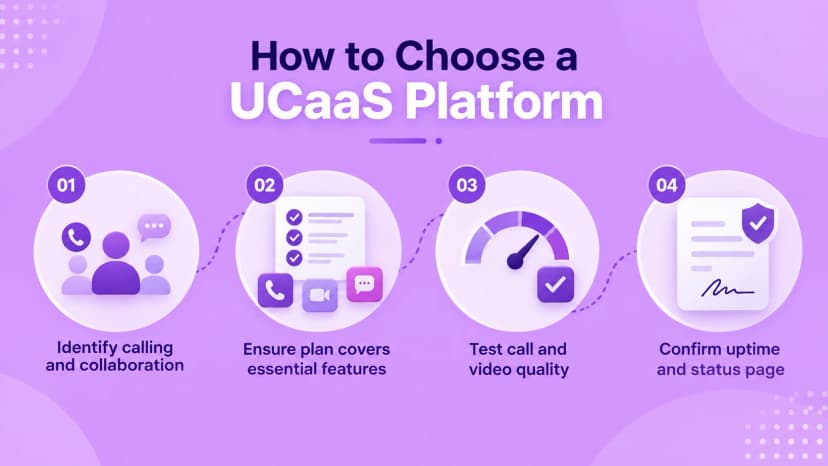
- List who calls customers and who mostly collaborates inside the company
- Check that the plan includes the calling, meeting, and chat features you need
- Test call and video quality on your real office and home networks
- Ask for a written uptime commitment and a public status page
- Confirm encryption, multi-factor sign-in, and role-based admin controls
- Look for integrations with your CRM, calendar, and email tools
- Compare total cost over several years, including add-ons and number porting
- Start with a free trial or pilot group before rolling out to everyone
Conclusion
UCaaS is a cloud subscription that puts business calling, meetings, chat, and file sharing into one app for your team. It removes phone hardware, scales with licenses, and suits companies whose communication happens mostly between colleagues. The trade-offs are per-user costs and a dependence on your internet connection, so it pays to test before you commit. Choose it for the job it does well, and it can grow as the company grows.
If your team also spends its day on customer calls, plan for that separately. Ringflow is built for the customer-facing side, with routing, reporting, and AI tools for sales and support teams, so many companies run a UCaaS tool for internal collaboration alongside it. Start with your real needs, try a pilot group, and expand once the results are clear, then revisit the choice every year as needs change.
Ready when you are
Ready to See What Ringflow Can Do for Customer-Facing Calling?
See how Ringflow's Cloud Contact Center and AI Sales Platform handles the customer-facing side while your team keeps using UCaaS for internal collaboration.
Frequently Asked Questions
UCaaS stands for Unified Communications as a Service. It is a cloud-delivered subscription that combines business calling, video meetings, team chat, and file sharing under one login.
No. VoIP is the technology that carries voice calls over the internet. UCaaS is a broader service that uses VoIP for calling and adds meetings, messaging, and collaboration tools.
UCaaS connects employees to each other for internal calling, chat, and meetings. CCaaS connects employees to customers, with queues, routing, and agent reporting built in.
Most providers charge per user each month, with higher prices for advanced plans and add-ons. Compare the total cost over a few years, including number porting and extra features.
No. The provider hosts the phone system in the cloud, so you do not need an on-site PBX. You only need reliable internet and devices that can run the app.