
Introduction
Remote and hybrid work did not just move the office online; it changed what employees expect from communication. A team that once relied on hallway chats now depends on calls, chat, video, and shared files, often spread across four or five separate apps. When those tools do not work together, messages get lost, meetings run late, and remote colleagues feel left out. Unified communications aims to fix that by putting everything in one place.
This guide explains what unified communications means for remote work, which tools matter most, and how to fix the hybrid meeting gap. It covers asynchronous habits, documentation, burnout, and security, then shows how to choose a platform that fits a distributed team. Whether your people work from home, a co-working space, or a mix of both, the same principles apply. None of this requires a complete overhaul, only clear choices about tools and habits.
What Is Unified Communications for Remote Work?
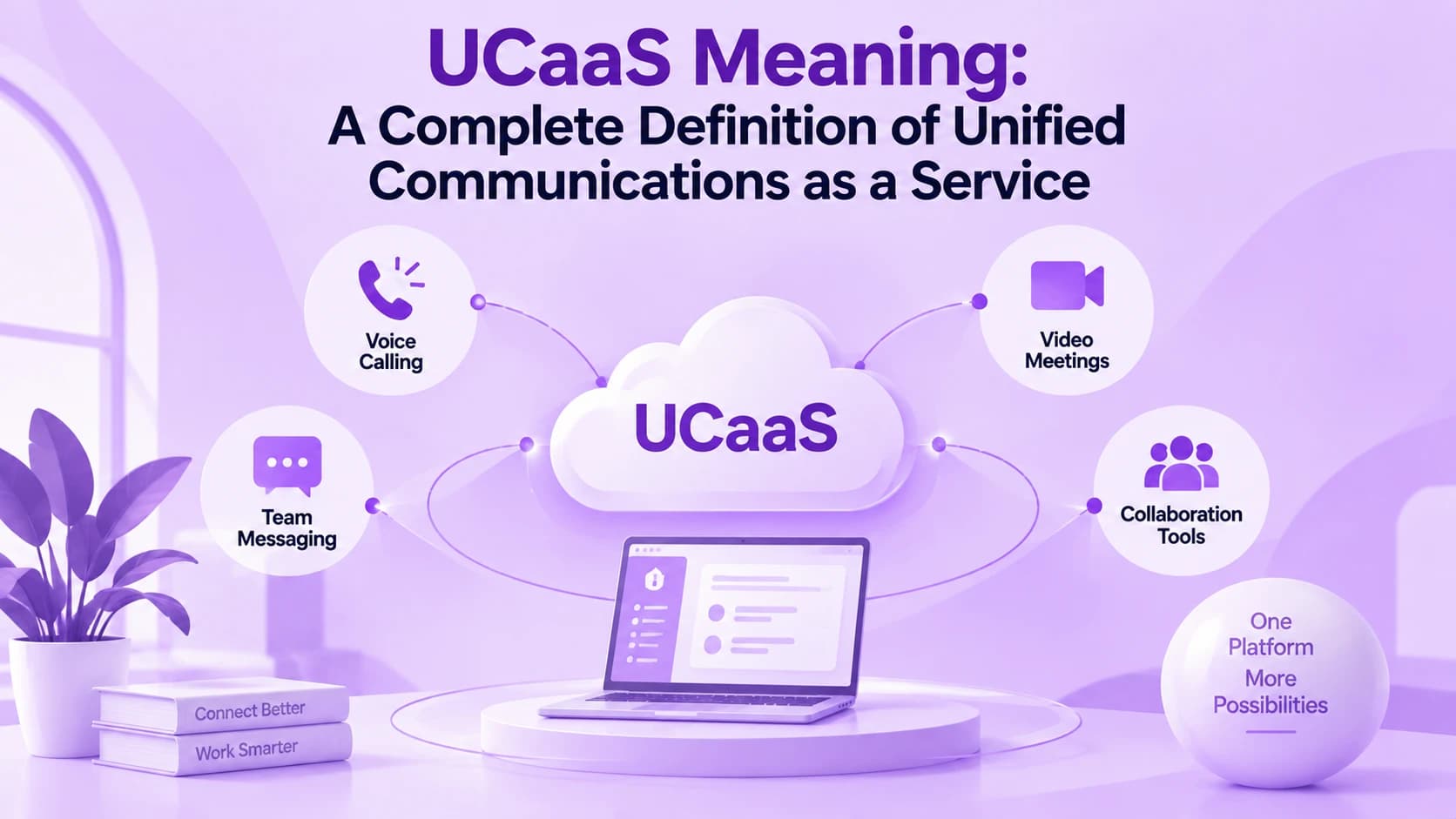
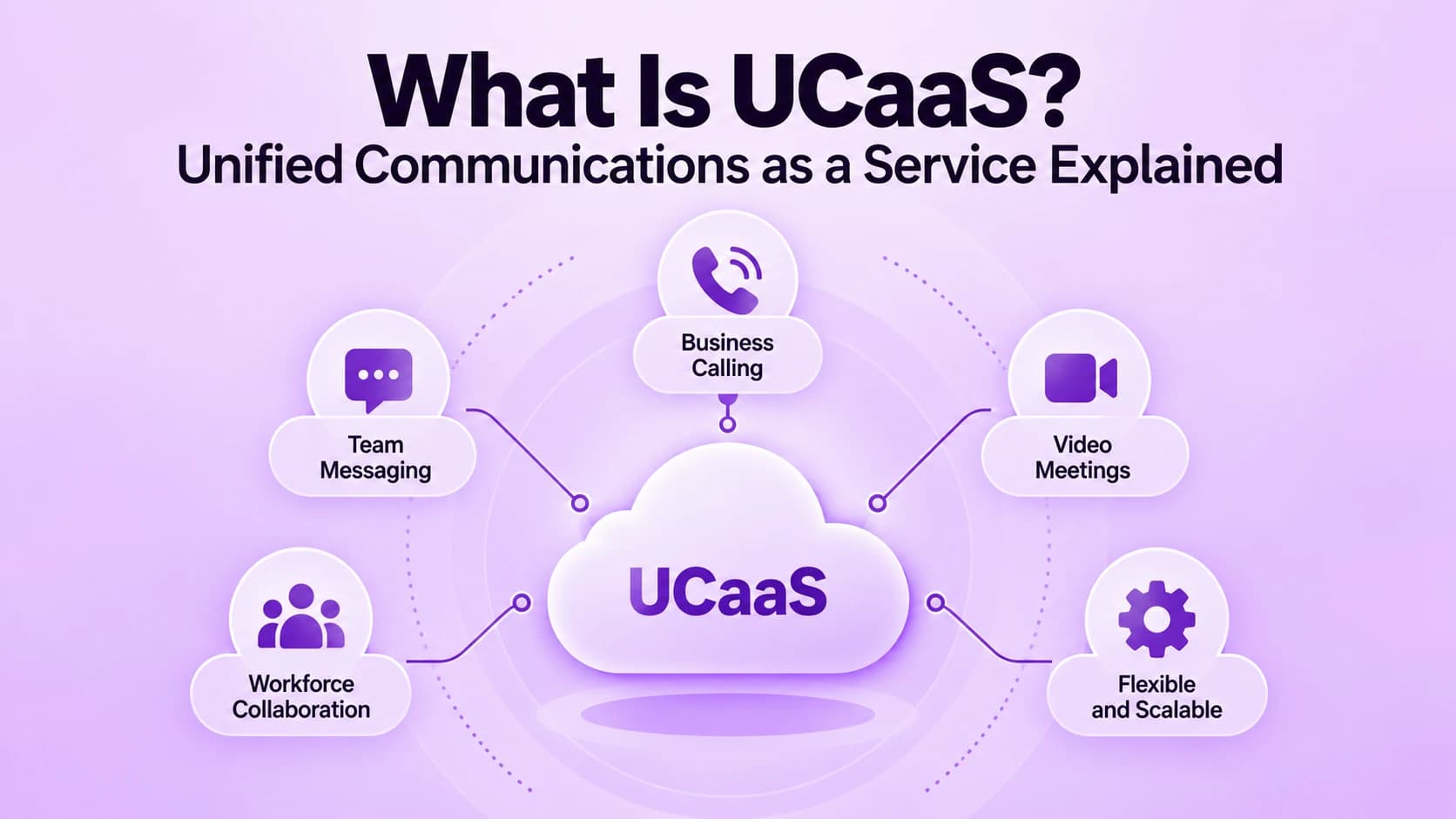
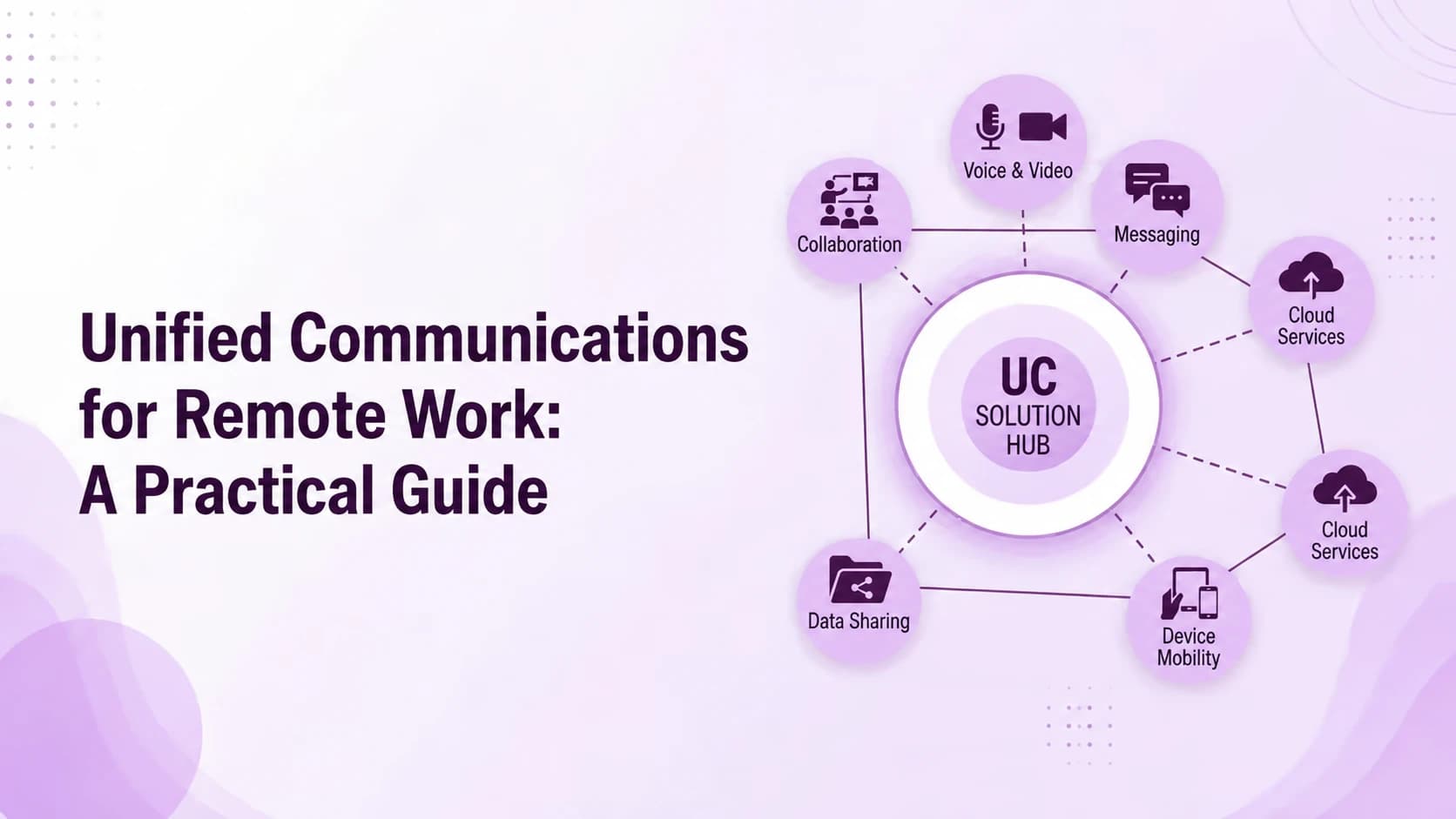
Unified communications, often shortened to UC, brings voice calls, video meetings, team chat, messaging, and file sharing into one connected system. Instead of switching between separate apps, employees see one directory, one set of contacts, and one place to find past conversations. For remote work, that means a person can start a chat, escalate to a call, and share a screen without leaving the conversation.
Most modern UC runs in the cloud, so it works the same from a kitchen table as from a head office. Presence indicators show who is available, calls follow people to their laptop or phone, and everything is logged in one place. The goal is simple: make a distributed team feel like one team, without asking anyone to be online around the clock.
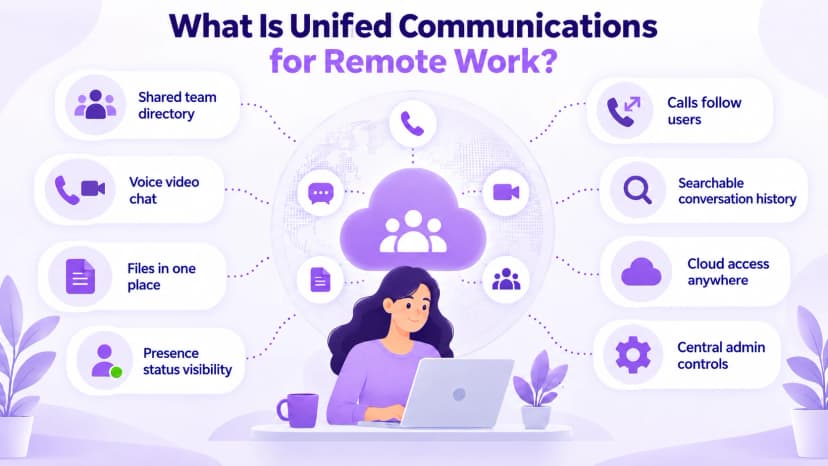
- One directory and one set of contacts across every device and location your team uses
- Voice, video, chat, and file sharing inside a single connected experience for every user
- Presence status that shows who is available before you reach out or interrupt
- Calls and messages that follow employees between laptop, desktop, and phone without missing anything
- A searchable history so past decisions and files are easy to find later
- Cloud delivery that works from home, a co-working space, or an office
- Admin controls that let IT manage users and settings from one place
- Mobile apps that keep travelers and field staff in the same conversation
The Core UC Tools Remote Teams Rely On
A handful of tools do most of the work in a remote team. Video meetings replace the conference room, team chat replaces quick desk-side questions, and shared files replace the printed handout. Business calling still matters too, especially for sales and support, because customers call phone numbers, not chat channels. A good UC setup keeps all of these connected. The value comes from how well they connect.
Calling is where remote setups often break down. Employees without a desk phone can use a business softphone, an app that turns a laptop or mobile into a full office line with the company number, voicemail, and call routing. That keeps customer conversations professional no matter where the employee sits. Pair it with a headset and a stable connection, and the experience matches a desk phone.
- Video meetings with screen sharing, recording, and built-in chat for questions
- Team messaging with channels, threads, and quick file sharing between teammates
- Business calling with the company number, voicemail, and call routing
- A softphone app that turns any laptop or mobile into an office line
- Shared calendars and scheduling that respect different time zones and working hours
- Contact center tools for teams that handle customer calls remotely
- Integrations with CRM and helpdesk software so context follows the call
- Secure file storage with version history and clear sharing permissions
Fixing the Hybrid Meeting Gap
Hybrid meetings often favor the people in the room. Those on camera struggle to hear side conversations, miss whiteboard scribbles, and wait for a pause that never comes. Over time, remote employees speak up less, and the team ends up with two tiers: people who are present and people who are only attending. This gap is a communication problem, and habits and equipment can fix it. These small changes cost little.
Start with a simple rule: everyone joins from their own device, even when several colleagues share a room. That puts every face at the same size and every voice on the same audio channel. Add a good room microphone, a moderator who watches the chat, and a shared notes document, and remote participants can contribute as easily as anyone else.
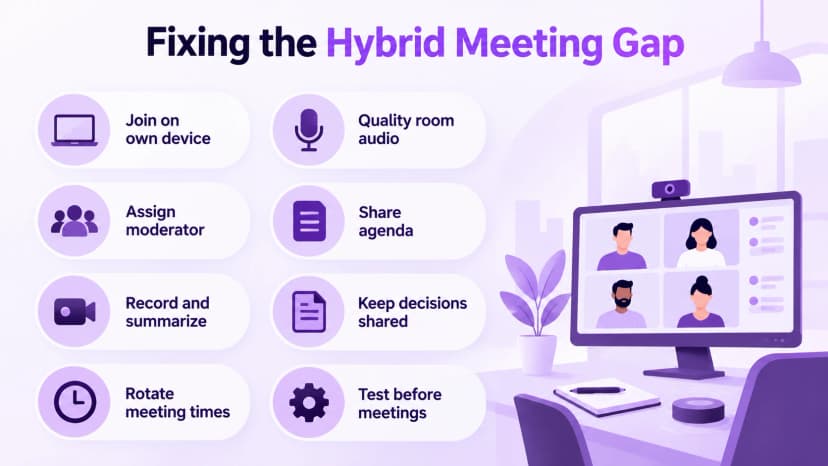
- Have everyone join on their own device, even from the same room, to level the field
- Use a quality room microphone and camera so remote voices are not lost
- Assign a moderator to watch the chat and call on remote participants first
- Share an agenda before the meeting so people can prepare in advance
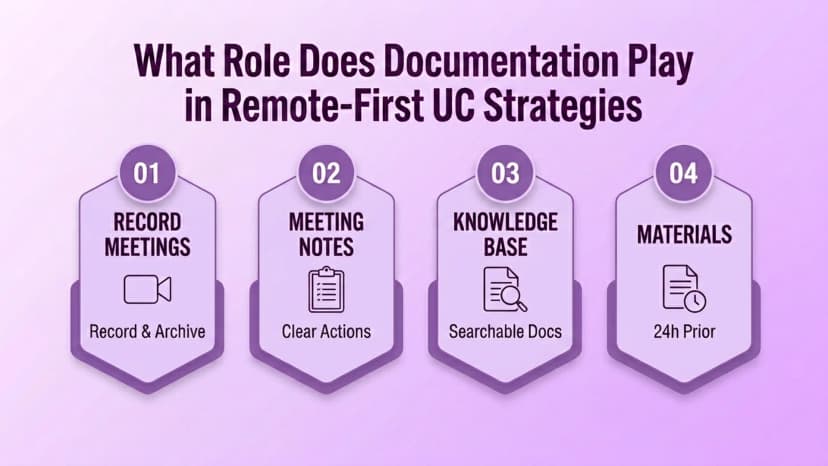
- Record meetings and send a summary for teammates in other time zones or on leave
- Keep decisions in a shared document, not only in the room
- Rotate meeting times so the same time zone does not always lose out
- Test audio and video before important meetings so nothing derails the start
Written Updates and Documentation
Not every conversation needs a live meeting. Asynchronous communication lets people respond when it suits their schedule, which respects time zones and protects focus time. A good rule is that questions and updates go in writing first, and a call is reserved for anything that needs real-time discussion. Most decisions can wait a few hours for thoughtful input from the right people.
Documentation is what keeps async work from becoming an information maze. Meeting notes, decision logs, and short how-to pages give new hires and distant teammates the same context as everyone else. It is the part teams skip first when busy, so make it a habit by naming an owner and a place where each type of document lives. A single searchable home makes the habit easy.
- Send updates in writing first and save live calls for real discussion
- Set expected response times so silence is not mistaken for ignoring a message
- Keep meeting notes and decision logs in one shared, searchable place
- Record short walkthrough videos for tasks that are hard to explain in text
- Write clear handoff notes when work passes between time zones or teammates
- Name an owner for each document so nothing goes stale
- Review and archive old pages regularly so search stays useful
- Use threads and channels to keep each topic in one place, not scattered
Preventing Burnout and Always-On Culture
When work and home share the same laptop, the day never quite ends. Notifications arrive in the evening, and people feel pressure to answer quickly to prove they are working. Unified communications can make this worse if every channel pings at all hours, or better if the tools help teams set boundaries. The difference comes down to how the platform is configured and used.
Presence status, scheduled quiet hours, and do-not-disturb settings help, but they only work when leaders respect them. Reviewing UCaaS analytics reports shows when messages and calls actually happen, which makes after-hours patterns visible. Managers can then adjust norms before overwork turns into burnout or resignations. That data turns a vague feeling of overwork into something a team can discuss and fix together.
- Set working hours in the calendar and status so colleagues can see them
- Use scheduled quiet hours so notifications pause outside the workday
- Treat do-not-disturb as a real boundary, not a suggestion
- Avoid sending late-night messages that imply an immediate reply is needed
- Track after-hours activity and talk about patterns with the team each quarter
- Encourage breaks between back-to-back video meetings to rest and reset
- Model healthy habits at the leadership level so the team follows
- Ask the team regularly how the communication tools are affecting their day
How to Choose a UC Platform for Distributed Teams
Choose the platform around how your team actually works, not around a long feature list. Look for a cloud service that needs no on-site phone hardware, works well on mobile and desktop, and connects to the tools you already use. Ringflow, for example, is a cloud platform built for distributed sales and support teams, with calling, contact center tools, and AI coaching that work from anywhere.
Security deserves its own check, since remote work moves company data onto home networks and personal devices. Ask about encryption, multi-factor sign-in, access controls, and device policies. The NIST telework security guide offers a practical framework for securing remote access and personal devices, and it works as a checklist for vendor conversations. Bring that list to every vendor and ask for written answers.
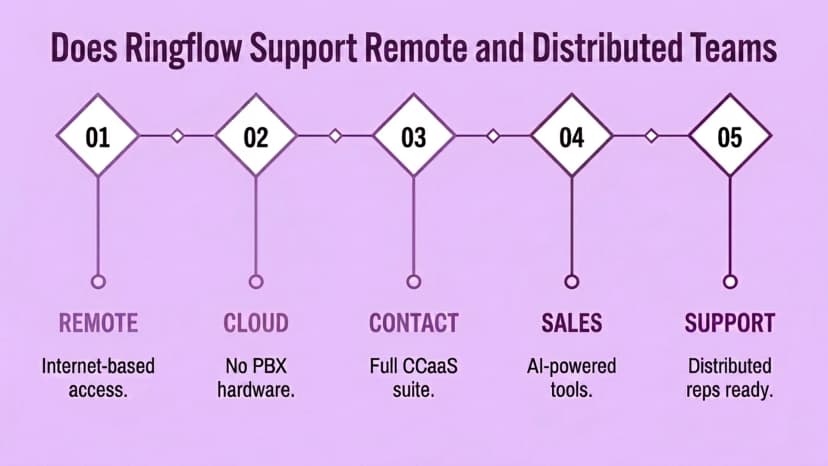
- Cloud delivery with no on-site PBX hardware to buy or maintain over time
- Apps for desktop and mobile with consistent features on every device
- Strong security: encryption, multi-factor sign-in, and role-based access
- Reliable call quality and clear controls for network and audio settings
- Integrations with your CRM, helpdesk, calendar, and email tools
- Reporting that shows usage, response times, and after-hours activity by team
- A free trial so real team members can test it before you commit to a plan
Conclusion
Unified communications does not replace good habits, but it gives distributed teams the foundation to build them. When calls, chat, video, and files live in one connected place, remote colleagues stay included, decisions stay findable, and customers get answered no matter where the team sits. The hybrid gap, the async maze, and the always-on pressure are all easier to manage on a platform designed for them. That is a strong reason to invest early.
Start small: pick one problem, such as hybrid meetings or after-hours messages, and fix it with a clear norm and the right setting. Measure what changes, then expand. Ringflow can help distributed sales and support teams handle calls, routing, and coaching from anywhere, so location stops being a barrier to great service. The teams that do this well treat communication as a system, not an afterthought.
Ready when you are
Supporting Distributed Sales and Support Teams?
See how Ringflow's Cloud Contact Center and AI Sales Platform helps distributed reps handle calls, routing, and coaching from anywhere.
Frequently Asked Questions
It puts calls, video, chat, and files in one connected system so remote and hybrid teams can work together without switching between separate apps.
It gives remote and office staff the same tools, presence, and meeting experience, which reduces the gap between people in the room and people online.
Default to written, asynchronous updates and use live calls for discussion that genuinely needs real-time back and forth.
It can help when you use quiet hours, presence status, and clear norms, but no platform fixes always-on habits on its own.
It can be, with encryption, multi-factor sign-in, and access controls. Check a vendor's security practices before you buy.