Introduction
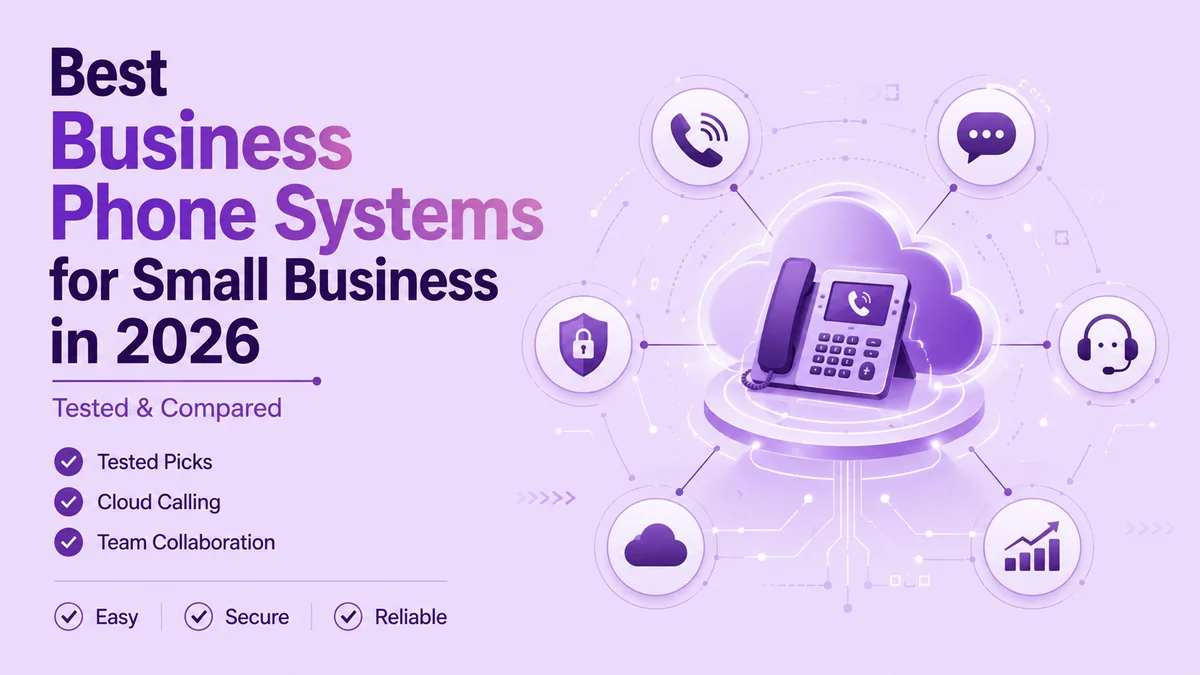
The best business phone system for small business teams fits how you work today, not just next year. Pick wrong, and you get dropped calls and rising costs. This guide covers what to pay for, a framework by team size, and how cloud VoIP compares to a landline. By the end, you'll know exactly which setup fits your stage of growth.
- The best business phone system for small business use pairs cloud VoIP reliability with practical AI features like call routing and voicemail transcription.
- A small business phone plan typically costs $15 to $35 per user each month, depending on features and contract length.
- Your ideal setup changes as you scale — a 3-person startup and a 40-person team need different business phone systems.
- Cloud-based platforms beat traditional landlines on setup time, monthly cost, and support for remote or hybrid staff.
What Is a Business Phone System, and Why Does It Matter?
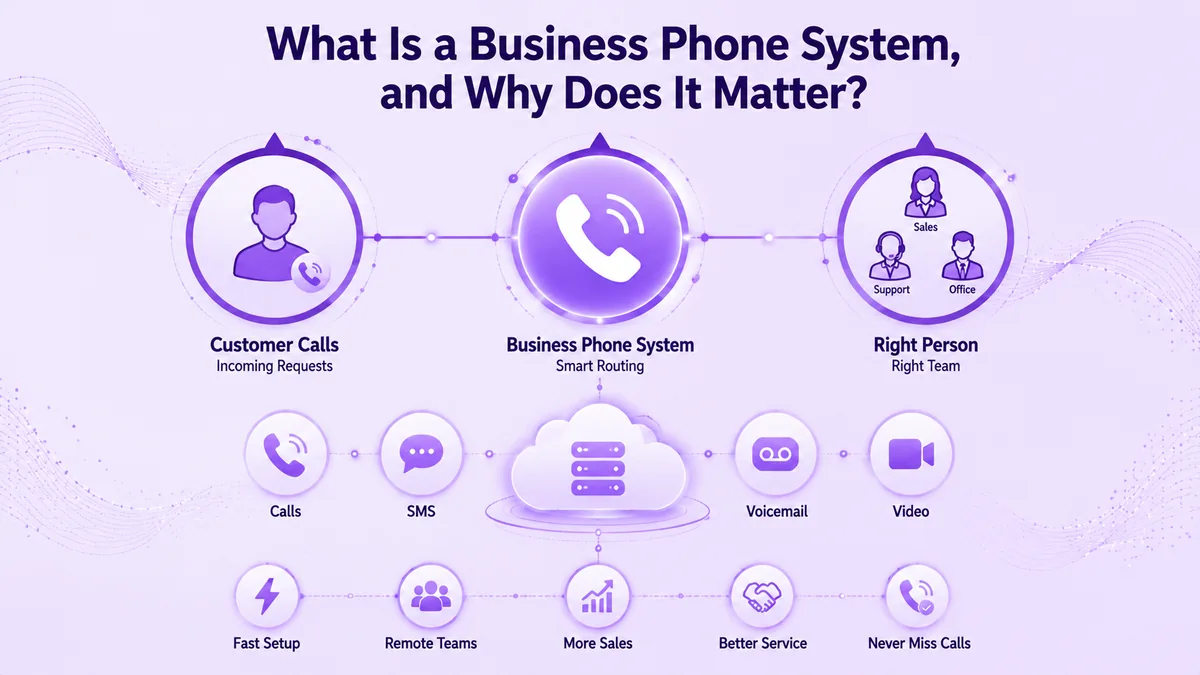
A business phone system is the combination of call routing, voicemail, SMS, and often video that runs over the internet instead of copper phone lines. It automatically sends each call to the right person or team, based on business hours, department, or a simple menu the caller taps through. For a small business, this means a two-person shop can sound as organized as a two-hundred-person call center. A missed call is often a missed sale too, since most callers who hit voicemail simply dial the next business on the list instead of leaving a message.
Business phone systems used to mean a physical PBX system in a closet and a technician on retainer. Today, most run entirely in the cloud as part of a broader unified communications setup, which is why setup takes hours instead of weeks, and why remote staff can take calls from a laptop or phone app anywhere with internet access. That shift is exactly why "best business phone system for small business" searches have grown alongside remote and hybrid work.
What to Look For in the Best Business Phone System for Small Business
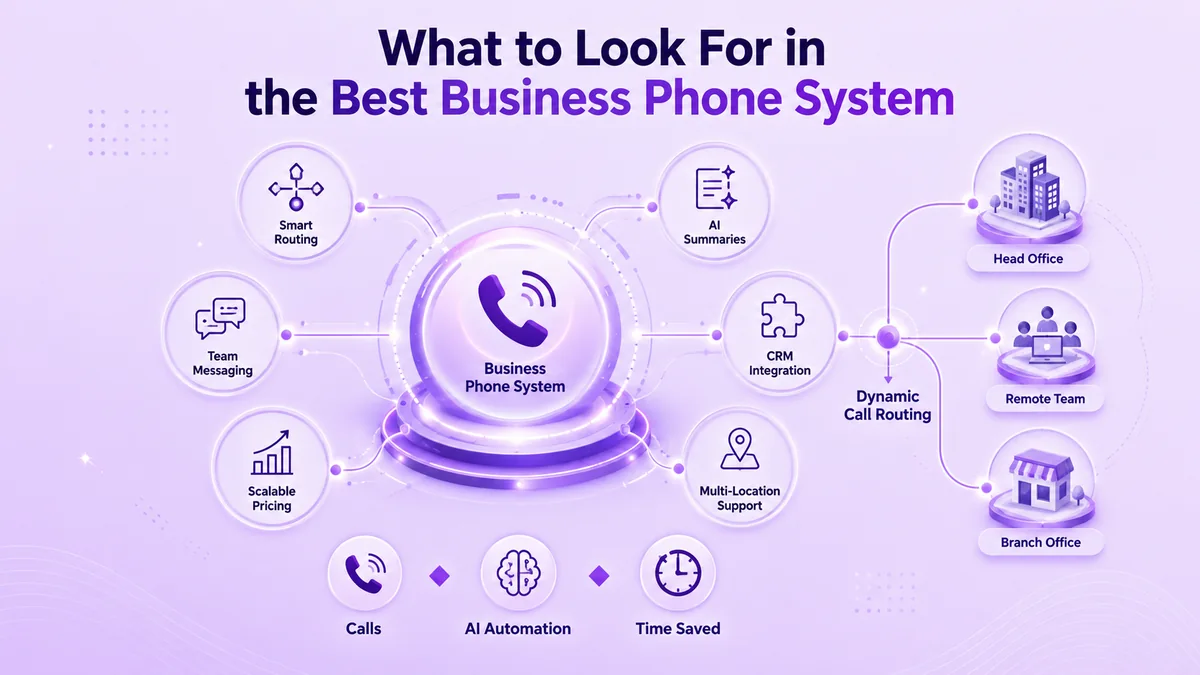
Not every feature matters equally. The real test for the best business phone system for small business use isn't a long features list — it's which ones your team actually opens every day. Focus your evaluation there before you compare price.
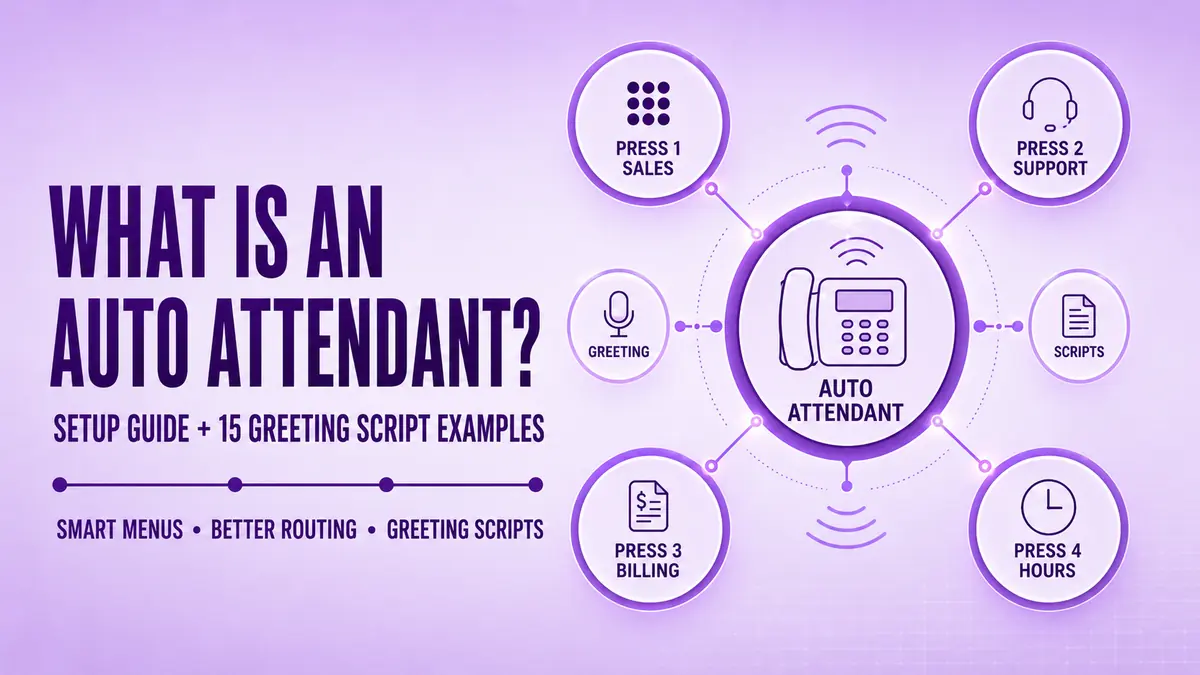
- Call routing and auto-attendants that work like a virtual receptionist, directing callers without a live person on staff
- AI call summaries and voicemail transcription so nobody replays a voicemail twice
- SMS and team messaging inside the same app as calling
- CRM integrations, especially with HubSpot or Zoho, so call notes land where sales already works
- Per-user pricing that scales down, not just up, as your headcount changes
AI Features That Actually Save Time
Look past the marketing term "AI-powered" and ask what the AI actually does for your team. Ringflow's AI Call Optimization, for example, flags missed follow-ups and summarizes calls automatically, cutting the manual note-taking that eats into a small sales team's day. That is a concrete time save, not a buzzword on a features page.
Call Routing and Multi-Location Support
If you run more than one location, or a mix of in-office and remote staff, confirm the system supports dynamic routing between locations, not just a single main line. This becomes the difference between a caller reaching help in ten seconds or bouncing into a dead-end voicemail box that nobody checks until the next morning.
How the Best Business Phone System for Small Business Changes by Growth Stage
This is the step most comparison guides skip, and it matters more than any single feature on the list above.
Startups (1–10 People)
At this size, simplicity wins. You need a shared line, basic voicemail transcription, and a mobile app, without a long-term contract that locks you into seats you don't need in your first year.
Growing Teams (10–50 People)
Here, a platform needs structured call routing, CRM integration, and manager-level call analytics. This stage is where the gap between a generic phone line and the best business phone system for small business growth really starts to show.
Established Small Businesses (50+ People)
At this stage, look for dedicated agent assignment for key accounts, advanced analytics, and multi-location support across every office you open. A platform built to serve enterprise, SMB, and startup segments alike, such as Ringflow, covers this entire range without forcing a switch to a different product every time you grow.
Industry-Specific Needs Most Guides Skip
A generic checklist misses how differently teams actually use their phones day to day. A healthcare front desk needs appointment reminders and HIPAA-aware call handling, a real estate team lives on fast lead follow-up and call tracking, and a legal office needs a searchable call log for every client interaction.
Retail and hospitality teams have their own version of this problem too, since a single missed call during a busy shift often means a lost booking or a customer who calls a competitor instead. The best business phone system for small business owners in these fields isn't the most popular option online — it's the one built around how that specific industry actually answers the phone.
Cloud VoIP vs. Traditional Landlines: Quick Comparison
| Factor | Cloud VoIP | Traditional Landline |
|---|---|---|
| Setup time | Same day | Days to weeks |
| Typical cost per line | $15–$35/month | $50+/month |
| Remote work support | Yes, any device | No |
| Scaling up or down | Add or remove seats instantly | Requires new wiring or hardware |
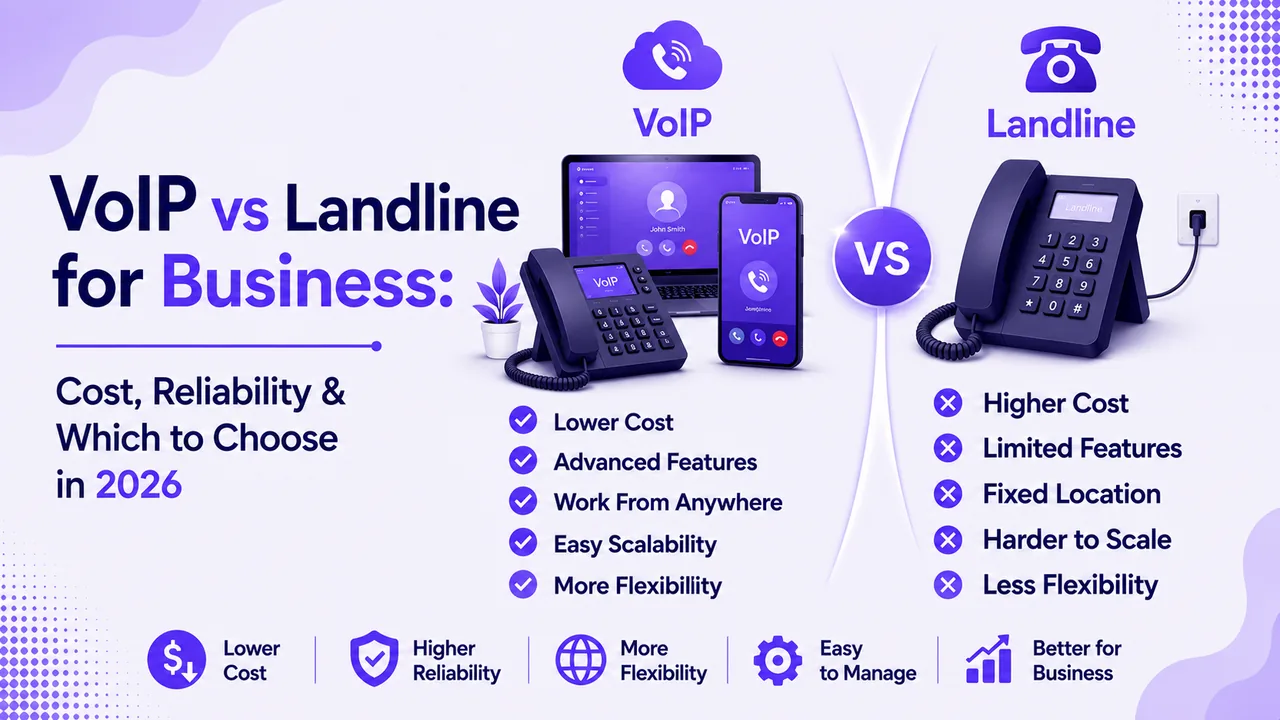
Cost is usually the deciding factor once a shortlist narrows to two or three options, so a side-by-side view of cloud versus landline pricing tends to settle the debate fast. Landlines still work reliably where internet service is unstable, but for most small businesses, cloud VoIP now costs less and does more than a wired setup ever did, especially once you factor in the cost of adding new lines as the team grows. That gap is exactly why cloud options dominate almost every list of the best business phone system for small business owners searching in 2026.
How Much Does Small Business Phone Service Cost?
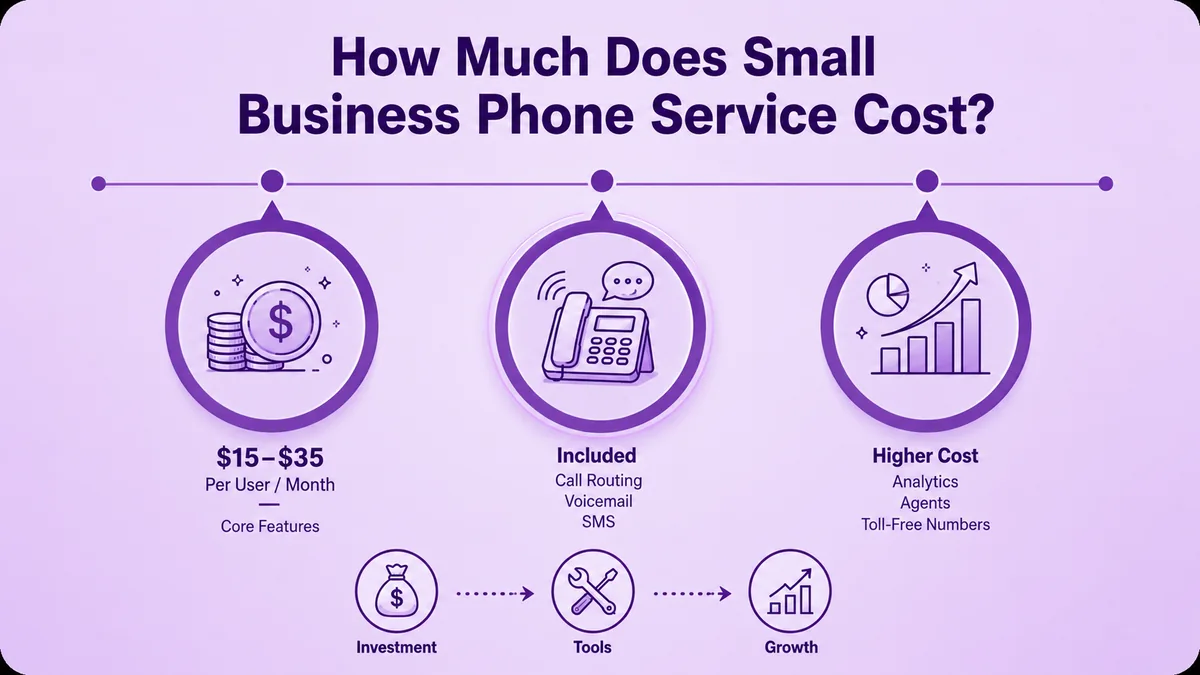
Expect $15 to $35 per user per month for core features like call routing, voicemail transcription, and SMS for business use. Add-ons such as advanced analytics, dedicated agents, or extra toll-free numbers push the price higher. Annual contracts typically run 10 to 20 percent cheaper than month-to-month plans, though month-to-month gives a growing team more room to adjust seats as headcount shifts.
Weigh that flexibility against the discount before you commit to a full year upfront. Because pricing varies so much by feature set, the best business phone system for small business budgets is rarely the cheapest plan on the list — it's the one that avoids paying for tools your team will never open.
How to Switch Without Losing Your Number
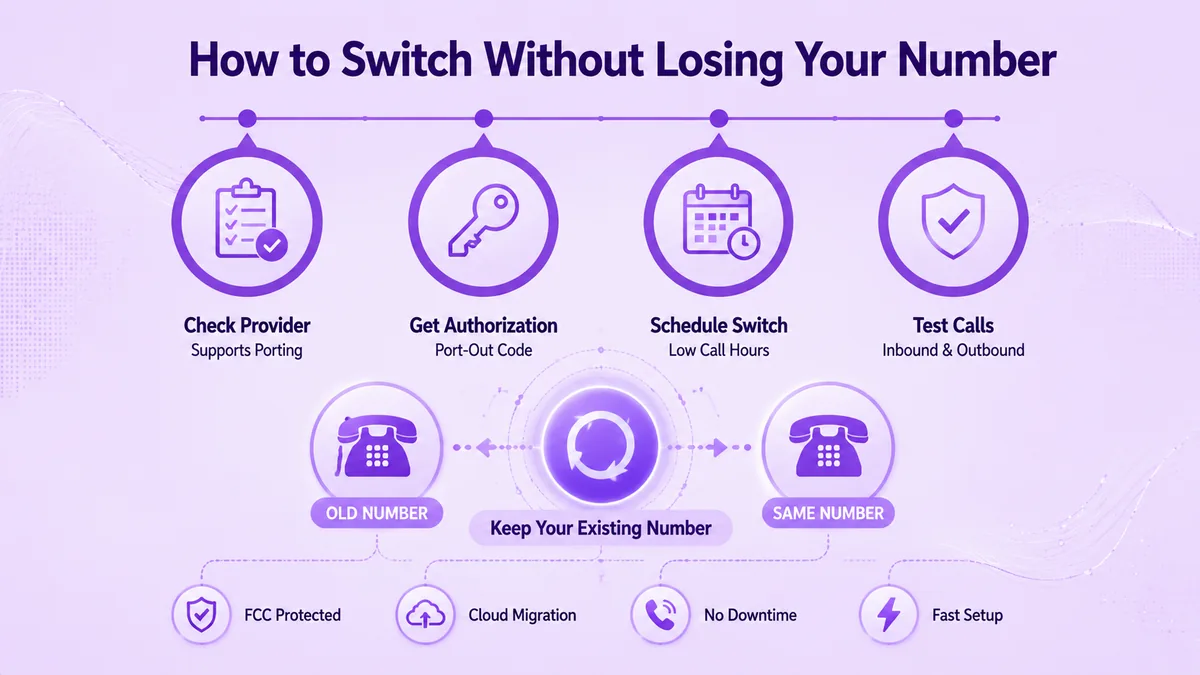
Fear of losing an established number is the top reason small businesses stay on outdated, overpriced landlines far longer than they should. The process is more predictable than most owners expect.
- 1Confirm your new provider supports direct number transfer before you cancel your old service.
- 2Request your port-out authorization from your current carrier.
- 3Schedule the switch for a low-call-volume day or evening.
- 4Test inbound and outbound calls immediately after the port completes.
If you're comparing a VoIP phone service against your current setup, run the numbers from this guide against your actual call volume before signing anything. For a wider look at how carriers and VoIP providers price their services, compare wholesale rates against the per-seat pricing small business platforms charge, since the two markets work differently.
Number porting is protected under FCC guidelines, so a provider cannot block you from keeping your number when you change business phone systems. Many cloud providers now handle direct number transfer as a standard part of onboarding, so a switch doesn't mean publishing a new number to customers mid-move.
Conclusion
The best business phone system for small business use comes down to fit, not features. Match it to your call volume, team size, and growth stage. A three-person startup needs far less than a fifty-person team. Cloud VoIP beats landlines on cost, speed, and remote support. Check any small business phone service against these numbers before you sign.
Your next step is simple. Match your team to a growth stage above. Test a provider with your real call patterns first. Ringflow's cloud contact center and AI sales platform covers every stage here, from a five-person startup to a fifty-agent team. Start a trial and see if the AI features save real time.
Ready when you are
Ready to Stop Guessing and Start Routing Calls the Smart Way?
See how Ringflow's AI-native contact center handles your team's calls, texts, and follow-ups in one place.
Frequently Asked Questions
The best business phone system for small business owners combines cloud VoIP, AI call summaries, and CRM integration at a price that scales with your team. Match the feature set to your growth stage rather than picking the platform with the longest feature list.
Most cloud VoIP providers, including Ringflow, let you set up a phone system entirely online without a technician visit. You create an account, assign numbers, and configure routing rules directly from a web dashboard.
Upgrade when call volume outgrows your current routing, when remote staff need mobile access, or when you keep missing calls during peak hours. Most small businesses reassess their setup every 12 to 24 months as headcount changes.
A cloud phone service routes calls over the internet using VoIP technology instead of copper phone lines. Calls connect through auto-attendants, ring groups, or direct extensions based on rules you configure once.
Yes, reputable providers encrypt call data and store records on secure, access-controlled servers. Confirm your provider follows relevant compliance standards, like HIPAA, if you handle healthcare-related calls.
Yes, most cloud platforms let you set business hours and routing rules per number or department. This lets a distributed team route calls correctly even when staff work across multiple time zones.
Expect $15 to $35 per user each month for core features like routing, voicemail transcription, and SMS. Costs rise with add-ons such as dedicated agents, advanced analytics, or additional toll-free numbers.
The right system scales its pricing and features by stage, not just by seat count alone. Look for platforms that support a five-person startup and a fifty-person team without forcing a full re-platform.