
Introduction
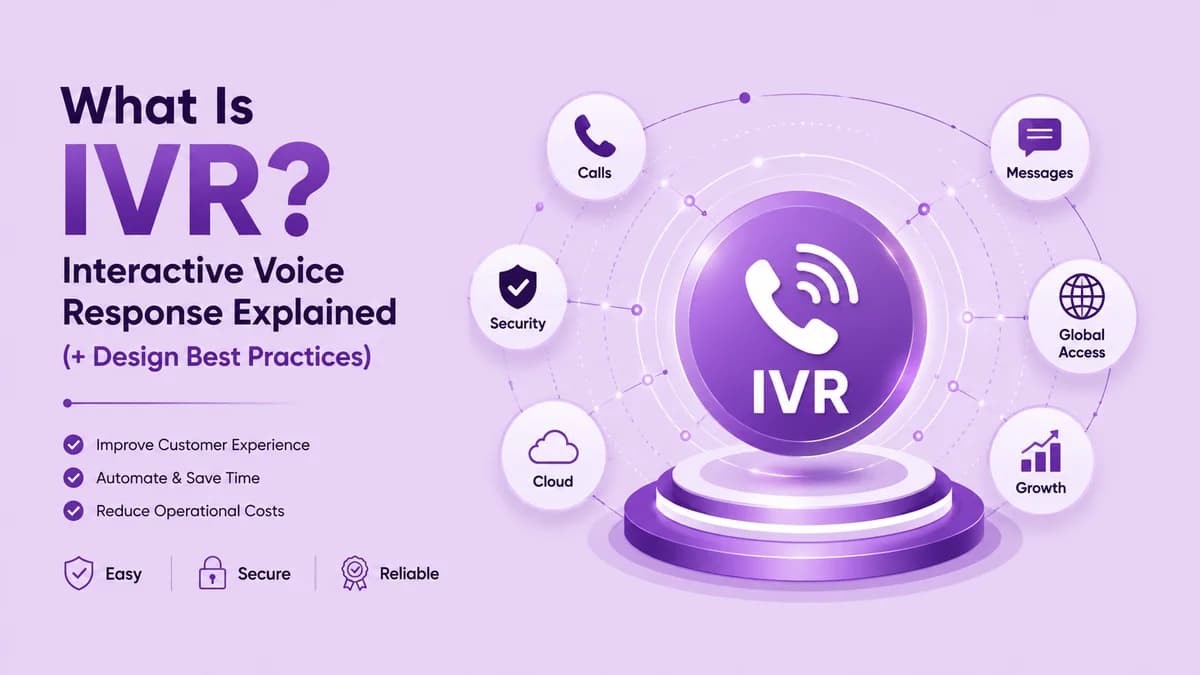
IVR stands for interactive voice response, the automated phone system that greets callers, asks what they need, and then either resolves the request itself or sends the call to the right person. Callers respond by pressing keys or speaking, and the system reacts in real time. Most people have used one to check an account, confirm an appointment, or reach a department. It is one of the most widely used tools in business telephony.
This guide from Ringflow explains what IVR means, how a call moves through the system, and which types exist. You will also find menu examples for common businesses, design rules that stop callers hanging up, and the benefits you can expect. Use it to decide whether an IVR fits your team, and how to build one that callers actually like. Each section ends with a short checklist.
What Is IVR and How Does It Work?
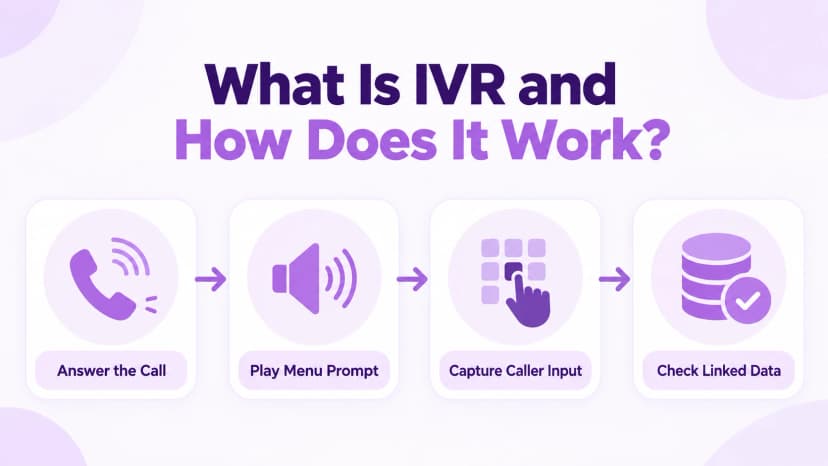
An IVR system answers a call, plays a prompt, and listens for the caller's response. That response can be a key press, known as a DTMF tone, or a spoken phrase that speech recognition turns into a command. The system then follows a set of rules to decide what happens next. The whole exchange takes seconds and needs no person on the line. That speed is what makes IVR so useful at scale.
An IVR often looks like an auto attendant, but it can do more. A basic menu only routes calls, while an IVR can look up an account or confirm an order before connecting anyone. Our auto attendant guide explains where the simpler menu ends. Many businesses start with routing alone and add self-service later, once they know which questions callers ask most.
- Answer: the system picks up the call instantly and plays a greeting that names the business.
- Prompt: a short menu offers a few clear options, such as billing, support, or opening hours.
- Capture: the caller presses a key or speaks, and the system records the choice.
- Check: for self-service tasks, the system looks up data in a connected database or business application.
- Respond: it reads back the answer, such as a balance or an appointment time, in a recorded or synthetic voice.
- Route: if the caller needs a person, the system sends the call to the right agent or queue.
- Log: the interaction is recorded, so the agent can see what the caller already did.
Types of IVR Systems and When to Use Each
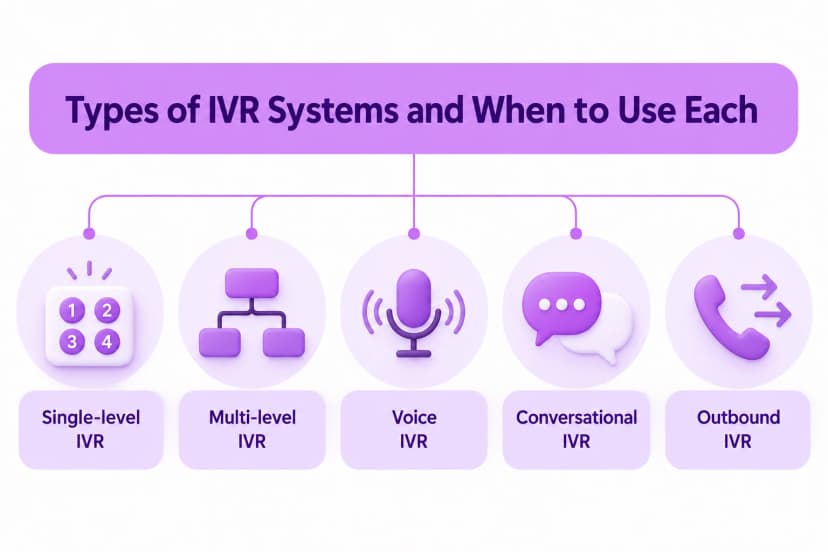
IVR systems fall into three common styles. A single-level IVR offers one short menu, which suits small teams with a few clear call reasons. A multi-level IVR opens further menus after each choice, so a caller can reach a specific department or task. A voice IVR accepts spoken requests, which feels natural but needs good speech recognition to work well. Pick the style that matches your callers rather than the newest technology.
Newer systems add conversational artificial intelligence, so callers can speak in full sentences instead of choosing numbers. Our AI phone agent guide covers that approach in detail. Whichever style you choose, including with Ringflow, start simple. Each extra layer adds another chance for a caller to get lost, so add depth only when your call volume truly demands it. A simpler system is also easier to maintain.
- Single-level IVR: one menu with a few options, best for small teams and simple call reasons.
- Multi-level IVR: nested menus that narrow the request, best for larger organizations with many departments.
- Voice IVR: spoken commands instead of keys, best for callers who are driving or cannot easily use a keypad.
- Conversational IVR: free-form speech with language understanding, best for varied requests that do not fit a menu.
- Outbound IVR: automated calls that deliver reminders or alerts and let the recipient reply with a key press.
- Hybrid setup: a simple menu for common tasks, with a clear path to a person for everything else.
- Visual IVR: a screen-based menu on a phone or website that supports a voice call, best for long or complex lists.
IVR Menu Examples You Can Copy
Menu examples work best when they mirror the reasons people actually call. List the top requests, put the most common first, and keep each label to a few words. Callers decide quickly, and long wording makes them miss the option they wanted. The examples below show how different kinds of business might word a simple first menu. Real call logs are the best guide to what belongs in it.
Treat these as starting points rather than fixed scripts. Replace the labels with your own terms, remove options that do not apply, and add a path to a person on every layer. Test the final wording by asking someone outside your team to call and say which option they would press. Their hesitation will show you exactly what to rewrite. Revise the menu after each round of feedback.
- Dental clinic: press 1 to book or change an appointment, 2 for billing, 3 for hours and directions, or 0 for the front desk.
- Retail store: press 1 for store hours, 2 to check an order, 3 for returns, or 0 to speak with a team member.
- Law firm: press 1 for new clients, 2 for updates on an existing matter, 3 for billing, or 0 for reception.
- Online shop: press 1 to track a delivery, 2 to start a return, 3 for product questions, or 0 for support.
- Property manager: press 1 to report a maintenance issue, 2 for rent questions, 3 for leasing, or 0 for the office.
- Restaurant: press 1 to reserve a table, 2 for takeaway orders, 3 for catering, or 0 to reach the host stand.
- After hours: our office is closed, so press 1 to leave a message, 2 for urgent maintenance, or call back during opening hours.
IVR Design Best Practices That Prevent Hang-Ups
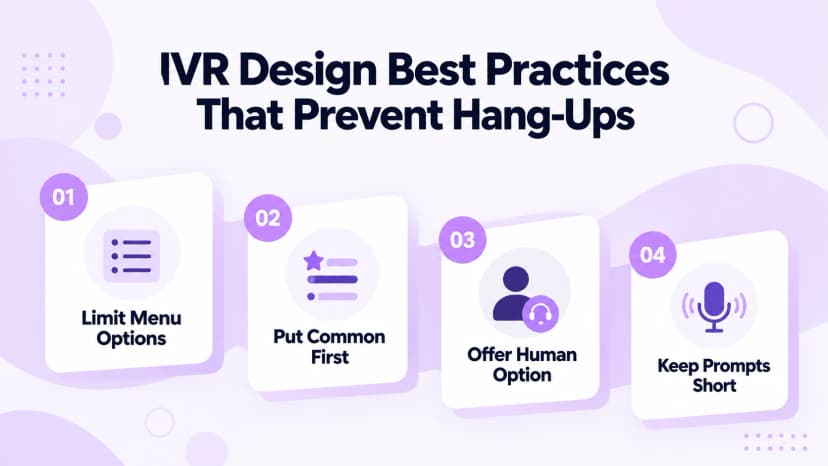
Good IVR design is mostly restraint. Keep the main menu to four or five options, put the most common request first, and let callers press a single digit. Aim to get a caller to a useful result in under thirty seconds. Every extra prompt adds friction, and frustrated callers press zero or hang up, which defeats the purpose of automation. Silence matters too, so leave a short pause after each option.
Accessibility matters too. The FCC relay service guide explains that relay services let people with hearing or speech disabilities place and receive calls, so menus should allow enough time to respond and offer a way to reach a person. Never force callers through a long script before they can ask for help. Accessible menus also tend to be easier for every caller.
- Limit options: offer four or five choices per menu, because callers struggle to remember more.
- Lead with the common: put the request most callers make first, so most calls end quickly.
- Offer a person: let callers press 0 or say agent at any point to reach a human.
- Keep prompts short: trim greetings and promotions so the first option arrives within seconds.
- Use plain words: describe options in everyday language, not internal department names.
- Allow repeats: offer a key to hear the menu again, so a missed option is not a dead end.
- Test regularly: call from different phones and fix any prompt that confuses a listener.
- Plan fallbacks: if speech recognition fails twice, route the caller to a person instead of repeating the same prompt.
Benefits of Using IVR for Businesses
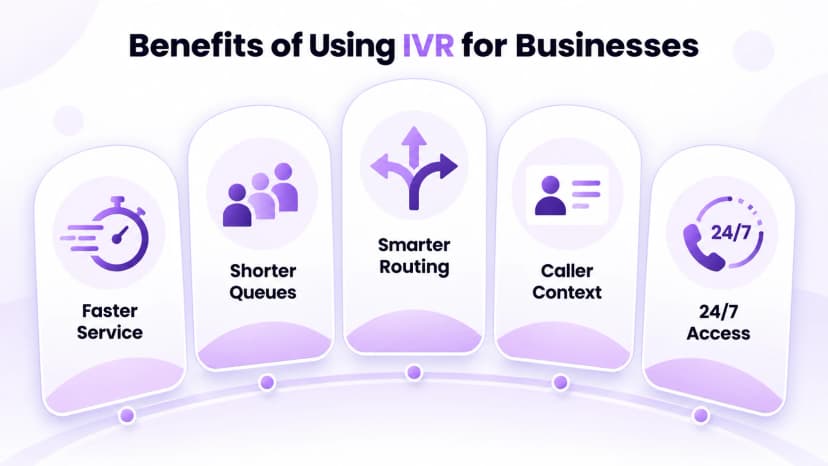
The main benefit of an IVR is speed. Simple requests, such as hours, order status, or a balance, get answered without waiting for an agent, which shortens queues during busy periods. Callers who do need a person reach the right team faster, because the system has already collected the reason for the call. Both sides save time on every conversation. Faster resolution also lifts caller satisfaction.
An IVR also works around the clock, so a small team can answer routine questions overnight and at weekends. The data it collects shows which options callers choose most, which helps you plan staffing and fix confusing steps. Results depend on design, though, so measure how many callers finish self-service and how many ask for a person. Use those figures to refine the menu every quarter.
- Faster service: routine questions are answered instantly instead of waiting in a queue.
- Shorter queues: self-service removes simple calls, which leaves agents free for complex ones.
- Smarter routing: with call routing tools like Ringflow's, callers reach the right team the first time, which avoids repeat transfers.
- Caller data: the system records menu choices, so agents see context before they speak.
- Round-the-clock access: callers get answers outside office hours without extra staff.
- Lower cost: automating routine calls with a platform like Ringflow reduces the workload on a growing team.
- Consistency: every caller hears the same accurate information, whoever is on shift.
- Scalability: the system handles many callers at once, so busy periods do not demand extra staff.
Conclusion
IVR is a simple idea with a large effect on call handling: the system answers, asks, and either helps or routes the caller. The key is design. A short menu, plain wording, and a clear path to a person turn automation into a service callers appreciate instead of a barrier they try to escape. Get those three things right and most callers will finish happily.
Start by listing your top call reasons, sketch a short menu on paper, and test it with a few colleagues. Ringflow offers a free trial, so you can build a menu, preview the prompts, and refine routing before you commit. Review your call data every few months and adjust the options as your customers' needs change. Small, steady improvements usually beat a big redesign.
Ready when you are
Every Second Lost in Your Menu Is a Second Closer to a Hang-Up
Ringflow's call routing tools keep every menu short, smart, and built around real call data.
Frequently Asked Questions
Interactive voice response, an automated system that handles key presses or speech.
They overlap; an IVR can also look up data and finish tasks.
Four or five per menu.
Yes, offer 0 or an agent option.
Free-form speech with language understanding.