
Introduction
Searching for a free virtual number for WhatsApp usually returns pages of "receive SMS online" sites. Most people who use them lose the account within days, and often never understand why. The mechanics are worth knowing before you pick a number.
Whether you want a second line to keep work separate from personal messages, or a dedicated number for WhatsApp Business, the requirement is the same: a number you can receive a code on, and keep control of afterwards. This guide covers what WhatsApp checks, why the free route breaks, and which options hold up.
- WhatsApp verifies by SMS or automated voice call, so the number must reliably receive one of the two.
- Public "receive SMS free" sites display every incoming message, so anyone viewing the page can claim the account.
- Those numbers are shared and recycled, which means the account can vanish without warning.
- WhatsApp Business can verify a landline or fixed number by voice call, which is what most businesses actually need.
- A private number you control is the only version of this that survives past the first week.
What WhatsApp Actually Requires
WhatsApp ties one account to one phone number. During setup it sends a six-digit code by SMS, or places an automated voice call that reads the code aloud. That second option matters more than most guides mention, because it is what allows numbers without SMS capability to work at all.
Verification is not a one-time event either. Reinstalling the app, switching devices, or restoring a backup can all trigger it again. A number that worked once but is no longer reachable leaves the account stranded.
- The number must receive an SMS or an automated voice call at setup.
- You need continued access to it, because verification repeats after a reinstall or device change.
- WhatsApp Business supports fixed and landline numbers through voice verification.
- A two-step verification PIN adds a second factor that a stolen code alone cannot bypass.
Why Free Public Numbers Fail
Public SMS sites work by publishing a handful of numbers and showing every message they receive on an open web page. That is the entire product. It is also precisely why they cannot hold a messaging account.
- Every code is public. The verification code you requested appears on a page anyone can refresh, so a stranger can complete the signup before you do.
- The number is shared. Someone may already have registered WhatsApp on it, which blocks you outright.
- Numbers get recycled. When the site rotates its pool, the account tied to that number becomes unrecoverable.
- Many ranges are already known. Blocks associated with disposable services are widely flagged, so verification frequently just fails.
Anything that lets you read an incoming SMS without logging in lets everyone else read it too. Treat those numbers as throwaway test lines only, never as somewhere real conversations will live.
There is a second cost that surfaces later. Once contacts, groups, and message history accumulate on a number you do not control, losing it means losing all of it at once, with no recovery path.
Options That Actually Work
Genuinely free options exist, but they are narrower than the search results suggest. Each involves a trade-off worth understanding before you commit an account to it.
| Option | Cost | Best for | The catch |
|---|---|---|---|
| Second SIM or eSIM | Low | A personal second number | Needs a spare slot and ties you to one country |
| Carrier secondary number | Sometimes free | Existing subscribers | Availability varies widely by operator |
| Google Voice | Free | Users based in the US | US only, and verification is not guaranteed |
| Existing business landline | Already paid for | WhatsApp Business | Requires voice verification, not SMS |
| Dedicated virtual number | Low monthly | Teams and long-term use | Pick a provider that supports voice verification |
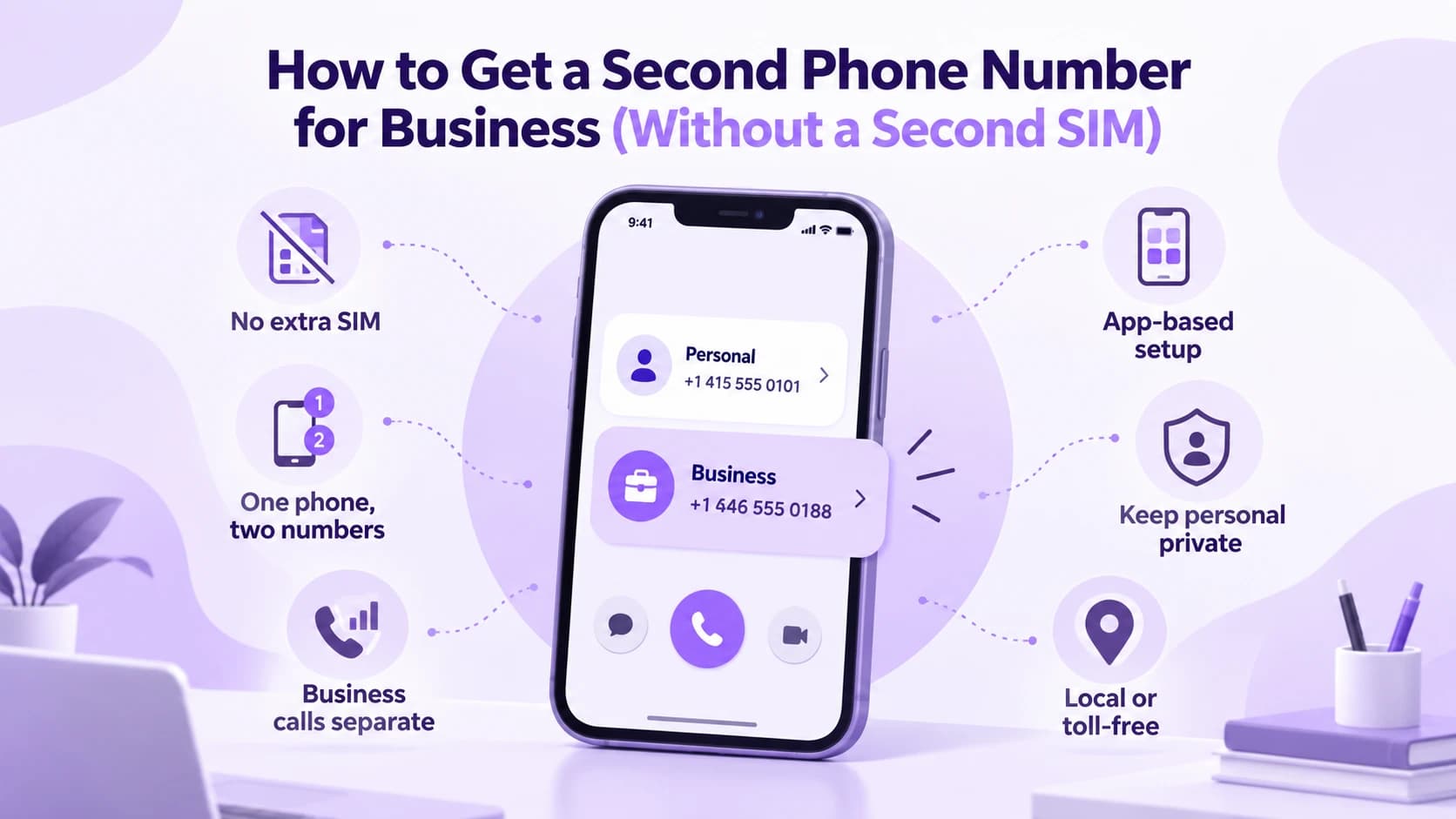
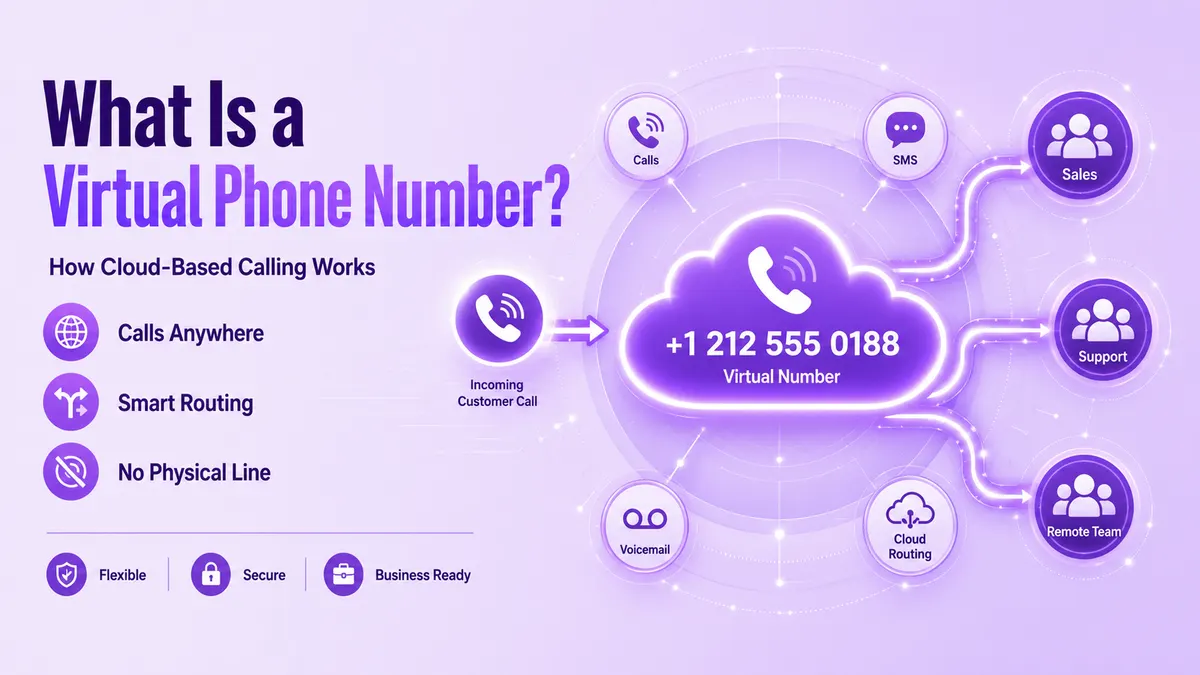
For a business line, the landline route is the one most people overlook. If you already have a fixed number on your storefront or website, WhatsApp Business can verify it by voice call, which keeps the number customers already know. A virtual phone number covers the same need when you want the line independent of any single device or location.
Setting It Up Correctly
- 1Choose the number first and confirm it can receive either an SMS or an automated voice call before installing anything.
- 2Install WhatsApp Business rather than the personal app if this line is for work, since only that version supports fixed numbers and business profiles.
- 3Enter the number in full international format, including the country code, with no leading zero from the local dialing convention.
- 4If the SMS does not arrive, wait for the timer and choose the voice call option instead. This is the step that makes landline and fixed numbers work.
- 5Turn on two-step verification immediately and store the PIN somewhere you will still have it in a year.
- 6Add a recovery email, because without one a forgotten PIN locks the number out for days.
WhatsApp and WhatsApp Business can run side by side on one device, provided each uses its own number. That is the supported way to separate the two, and it avoids migrating a personal account into a business context. A second phone number for business covers the same split across calls and texts.
Keeping the Account Safe
Most accounts are lost through the same handful of mistakes rather than anything sophisticated. Avoiding them costs nothing.
- Register only a number you genuinely control, since account recovery depends on reaching it again later.
- Keep one number to one account, because reusing a number across accounts invalidates the first.
- Avoid bulk unsolicited messaging from a new number, which is the fastest route to a block.
- Keep the underlying number active and paid for, as a lapsed number can be reassigned to someone else.
- If you ever move providers, port the number rather than abandoning it and starting over.
If an account has already been banned, our guide to how to unban a WhatsApp number explains the different ban types and the official steps to request a review.
Frequently Asked Questions
Sometimes, but the genuinely free routes are narrow. Google Voice works for users in the US, and some carriers include a secondary number for existing subscribers. Public receive-SMS websites are technically free but publish every incoming message, which means anyone can claim or hijack the account.
Usually one of three reasons: someone already registered WhatsApp on that shared number, the number range is associated with disposable services and is widely flagged, or the code arrived on a public page and was used by someone else first.
Yes, through WhatsApp Business. Instead of an SMS, WhatsApp places an automated voice call that reads the verification code aloud, which lets fixed and landline numbers register. This is the standard route for businesses that want to keep the number customers already know.
Yes, provided each app uses its own separate number. Running both side by side is the supported way to keep personal and work conversations apart without migrating an existing personal account into a business profile.
Verification repeats whenever you reinstall the app or change devices, so losing the number eventually means losing the account along with its groups and history. Two-step verification and a recovery email reduce the damage but do not replace controlling the number itself.