
Introdução
No papel, um sistema telefônico local para 20 usuários e uma assinatura na nuvem para 20 usuários parecem quase iguais. Ambos oferecem chamadas, correio de voz e videoconferências. Mas os resultados variam rapidamente no dia em que uma sala de servidores inunda ou uma contratação de TI é encerrada sem aviso prévio.
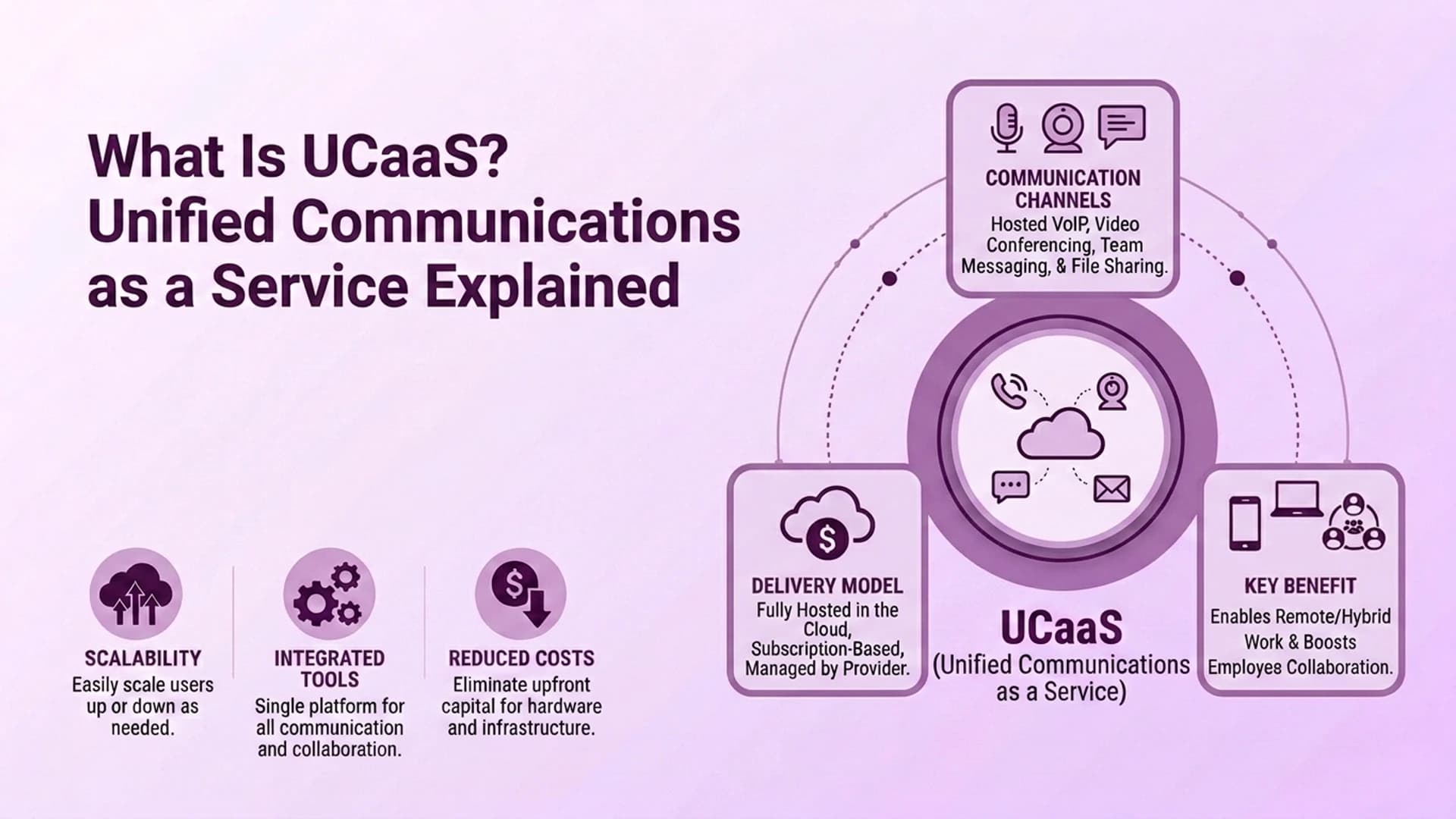
Cloud UCaaS significa que um fornecedor hospeda seu telefone e ferramentas de colaboração em seus próprios data centers.
Você paga uma assinatura e se conecta pela internet. No local significa que a própria empresa compra, hospeda e mantém esse equipamento. Sua própria equipe de TI o mantém funcionando.
Este guia compara quanto custa cada modelo, quem cuida da manutenção, como cada um se comporta em caso de desastre, se o local é realmente mais seguro e que tipo de negócio se adapta a cada opção.
Qual é a diferença real entre Cloud UCaaS e On-Premise?
A principal diferença é propriedade e localização. Quem é o proprietário do equipamento e onde ele fica? Os sistemas locais são executados em hardware dentro do seu próprio prédio ou data center. Você compra imediatamente e sua equipe de TI gerencia.
O Cloud UCaaS é executado na infraestrutura de um provedor, acessada pela Internet. O fornecedor cuida do equipamento, das atualizações de software e do tempo de atividade.
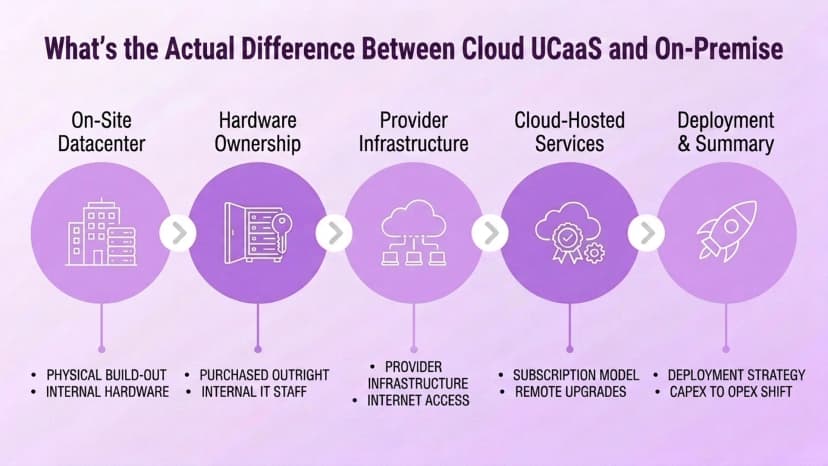
Essa diferença molda quase todas as outras compensações neste guia. Ele define a estrutura de custos, quem cuida da manutenção, como ocorrem os desastres e como as tarefas de segurança são divididas.
Como os custos realmente se comparam?
Os dois modelos gastam dinheiro de formas muito diferentes. No local é uma despesa de capital. Uma configuração típica de 20 usuários custa cerca de US$ 14.500 adiantados. Isso cobre hardware (cerca de US$ 6.500), configuração (cerca de US$ 1.000), aparelhos (cerca de US$ 3.000) e licenças de software (cerca de US$ 4.000).
Os contratos de manutenção contínua acrescentam outros US$ 500 a US$ 2.000 por mês para sistemas de tamanho SMB. As linhas troncais PSTN têm um custo extra.
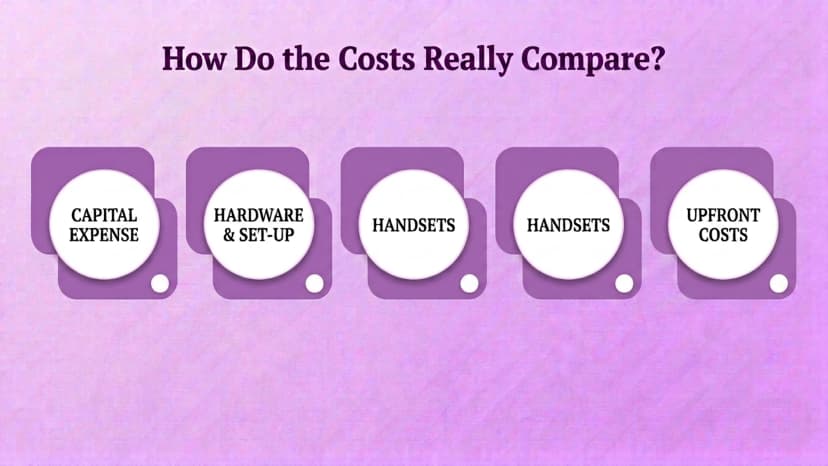
Em vez disso, o Cloud UCaaS é uma despesa operacional. Normalmente custa de US$ 20 a US$ 50 por usuário por mês. Esse preço inclui recursos, atualizações e suporte, sem necessidade de compra de hardware. Há também uma poupança secundária real.
As equipes de TI relatam que evitaram cerca de US$ 5.000 em custos administrativos e de suporte no primeiro ano simplesmente por não gerenciarem os equipamentos por conta própria. Com o tempo, o UCaaS na nuvem tende a ganhar no custo total para organizações em crescimento ou espalhadas.
O local ainda pode fazer sentido financeiro para uma empresa com um número de funcionários estável e equipamentos já pagos.
Quem carrega a manutenção e a carga de TI em cada modelo?
No local, a carga de manutenção recai diretamente sobre a empresa. Atualizações, solução de problemas, patches de segurança e falhas de hardware exigem habilidades de TI internas ou contratadas. Sem essas habilidades disponíveis, o risco aumenta rapidamente. Um patch perdido ou uma peça com falha torna-se seu problema a ser resolvido.
E muitas vezes acontece durante o horário comercial, quando dói mais.
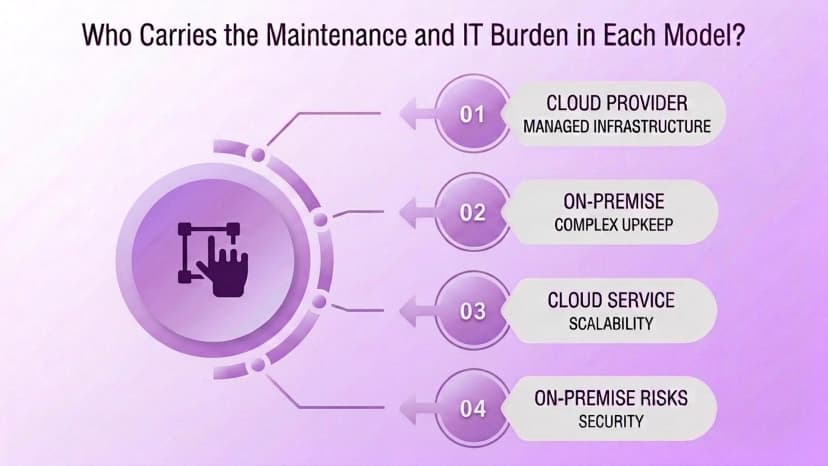
O Cloud UCaaS transfere quase todo esse trabalho para o provedor. As atualizações de software são implementadas centralmente, sem necessidade de ação do usuário. O fornecedor é responsável por manter o sistema disponível. Este é o principal motivo pelo qual as equipes de TI preferem a nuvem.
Os sistemas locais não são confiáveis por design. Sua confiabilidade depende inteiramente de quão bem equipada está a equipe interna que os mantém.
Qual opção lida melhor com a recuperação de desastres?
Esta é uma das diferenças mais marcantes entre os dois modelos. O equipamento local fica em um prédio físico. Isso a torna vulnerável aos mesmos desastres que atingiram os negócios ao seu redor.
Fire, flooding, and long power outages can damage or destroy the phone system at the worst possible time — while everything else is going wrong too.
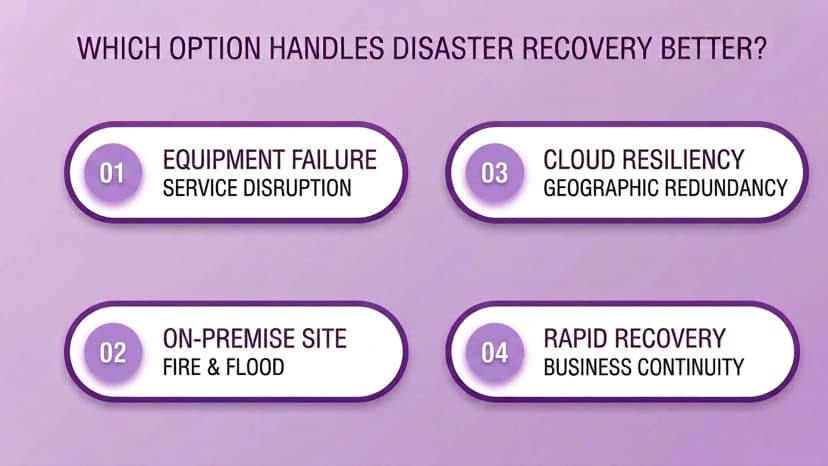
Cloud UCaaS is built around offsite data centers, redundant infrastructure, and automatic backups. Calls and messaging can often keep working even if an office is completely inaccessible. On-premise systems also break more often from routine power or internet failures, not just major disasters.
There is no offsite backup to fall back on when something local goes wrong.
O local é realmente mais seguro que a nuvem?
The honest answer: it depends on who is doing the securing. On-premise gives a business full, direct control over its own security setup. Firewalls, access policies, and data residency are all decided in-house. But that control comes with full responsibility.
Your own IT team must set up and constantly update all of it correctly.
Cloud UCaaS providers bring enterprise-scale security by default. That means encryption, firewalls, DDoS protection, and dedicated security monitoring. Most businesses, especially smaller ones, could not build that on their own.
For most organizations, a well-staffed cloud vendor's security team beats what an internal team can maintain alone. The exception: organizations with strict compliance or data-residency rules.
If you must prove exactly where data lives and who can touch it, on-premise (or a tightly controlled hybrid setup) still has a real case.
Que tipo de negócio se adapta a cada modelo?
On-premise fits a narrower profile than it used to. The best case: a stable headcount, gear the business already paid for, and strict compliance or data-residency rules that call for direct control. Setting it up well still needs an experienced IT technician.
It is also a weak fit when staff often work remote or on the road. On-premise systems are built around being physically in the office.
Cloud UCaaS fits the broader, faster-growing case. That means organizations scaling headcount up or down, running multiple locations, or supporting remote and hybrid staff. Lower costs, easy scaling, and less maintenance make cloud the default pick for most businesses today.
On-premise is now the exception, reserved for cases with a specific reason to choose it. Reliability at Enterprise Scale shows this shift most clearly. Large, spread-out organizations have the most to lose from an on-premise outage.
They also gain the most when a vendor absorbs that risk instead.
Como o Ringflow se adapta à decisão na nuvem versus no local?
For the contact center and sales side of your communications stack, Ringflow settles this decision by design. Ringflow is a Cloud Contact Center and AI Sales Platform, built cloud-native with no on-premise option.
So Call Routing, reporting, and AI features all run on the reliability and disaster-recovery model described above. Nothing depends on your own on-site hardware or IT team.
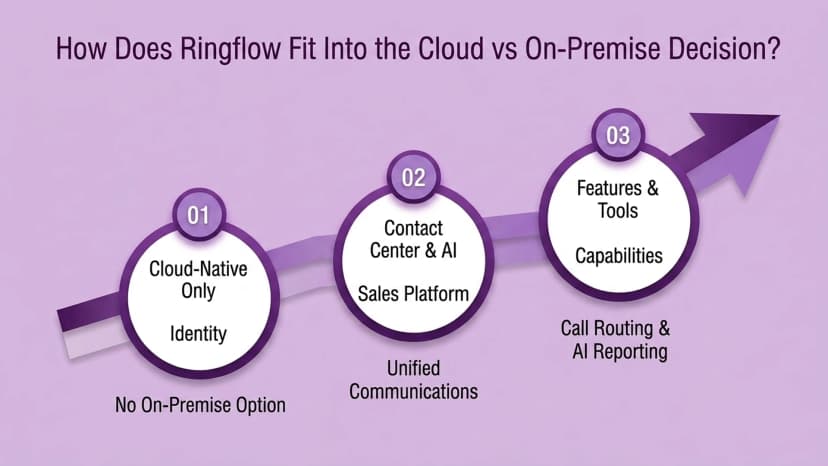
That is a narrower claim than solving cloud-vs-on-premise for your entire communications setup. This guide's comparison applies most to general UCaaS buying decisions. Ringflow covers the customer-facing, sales-and-support part of that broader stack.
Marconet Research makes a related point worth remembering. On-premise systems also fail from routine power or internet problems, not just major disasters. There is no offsite backup to fall back on locally.
Conclusão
The cloud-vs-on-premise decision has narrowed in recent years. Cloud UCaaS now wins on cost, maintenance, and disaster recovery for most growing or spread-out businesses. On-premise's remaining case rests on specific compliance rules or gear a business already paid for.
It is not a general reliability or security advantage.
Pronto quando você estiver
Handling the Customer-Facing Side of Your Communications Stack?
See how Ringflow's Cloud Contact Center and AI Sales Platform runs entirely cloud-native, with no on-premise hardware or IT burden.
Perguntas frequentes
On-premise means a business buys and hosts its own phone system hardware and software. Its own IT team runs it. Cloud UCaaS means a vendor hosts everything in its own data centers. The business pays a subscription and connects over the internet instead of owning the equipment.
For most growing or distributed businesses, yes, over time. A 20-user on-premise setup can run roughly $14,500 upfront in hardware, phones, and licenses, before any ongoing maintenance. Cloud UCaaS typically runs $20 to $50 per user per month with no hardware to buy. On-premise can still be cheaper long-term for a stable headcount with infrastructure already in place.
With on-premise, your own IT staff handles updates, troubleshooting, and security patching. That takes real in-house expertise to do safely. With cloud UCaaS, the provider handles maintenance and updates centrally. That is a major reason IT teams report big admin savings after switching.
Cloud UCaaS generally holds up better. It runs on offsite data centers with backups, so employees can keep working remotely if an office is inaccessible. On-premise equipment sitting in a building during a fire, flood, or long power outage can be damaged or lost completely.
It depends on whether your IT team can match a dedicated provider's security resources. Most smaller organizations cannot. On-premise gives full direct control over security settings. Cloud UCaaS typically comes with enterprise-grade encryption, firewalls, and DDoS protection built in by the vendor.
The strongest remaining case: strict data-residency or compliance rules, a stable headcount, and infrastructure already paid for. Businesses that are growing, distributed, or need remote communication are usually better served by cloud UCaaS.
No. Ringflow is built as a Cloud Contact Center and AI Sales Platform from the ground up, so the cloud-vs-on-premise decision covered in this guide is already resolved by design for that part of a business's communications stack.